Free Shipping on Domestic Orders $75+

LG Dare Logic Board Replacement

What you need

  1. LG Dare Logic Board Replacement, Battery: step 1, image 1 of 2 LG Dare Logic Board Replacement, Battery: step 1, image 2 of 2
    • Remove the back cover by firmly pressing against the raised lip on the back panel. Slide the cover towards the top of the phone.

    Ask FixBot

    Add Comment

  2. LG Dare Logic Board Replacement: step 2, image 1 of 3 LG Dare Logic Board Replacement: step 2, image 2 of 3 LG Dare Logic Board Replacement: step 2, image 3 of 3
    • Remove the battery by placing your fingernail or a opening tool in the recessed edge and lift the battery out.

    Ask FixBot

    Add Comment

  3. LG Dare Logic Board Replacement, Logic Board: step 3, image 1 of 2 LG Dare Logic Board Replacement, Logic Board: step 3, image 2 of 2
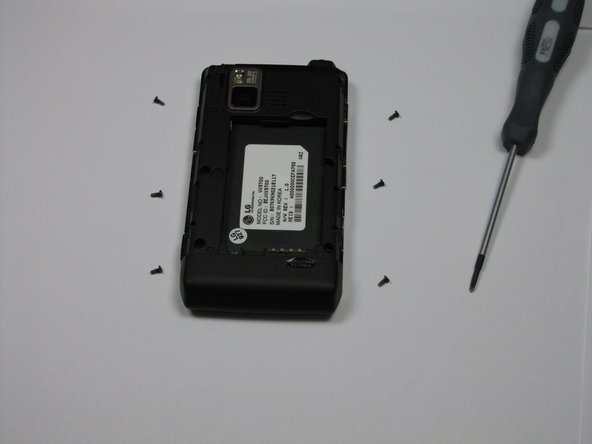
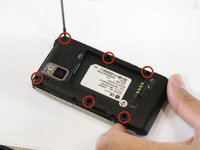
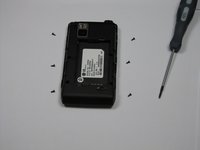
    • Use the #00 screwdriver to remove the six 4mm phillips screws located around the edges of the phone.

    Ask FixBot

    Add Comment

  4. LG Dare Logic Board Replacement: step 4, image 1 of 3 LG Dare Logic Board Replacement: step 4, image 2 of 3 LG Dare Logic Board Replacement: step 4, image 3 of 3
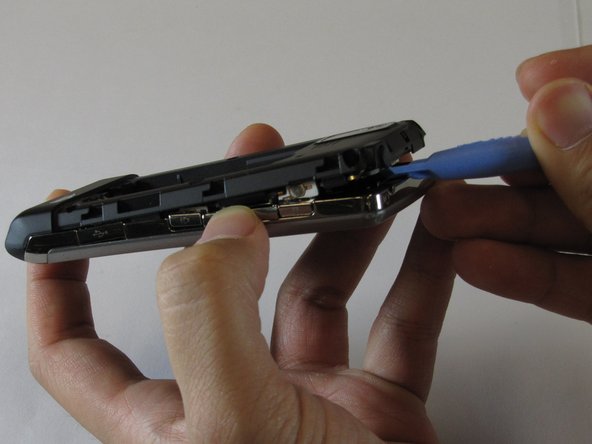
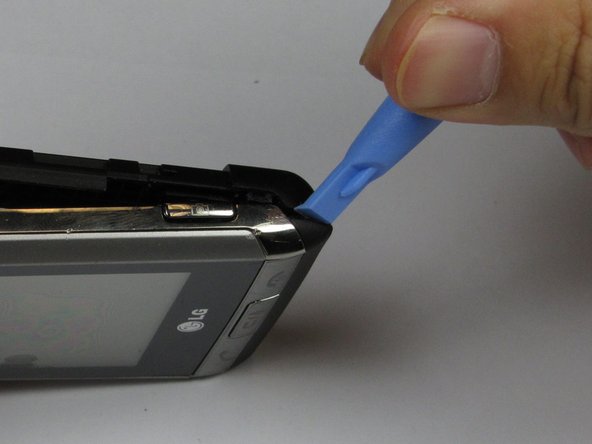
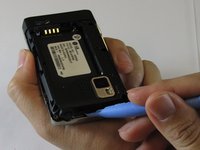
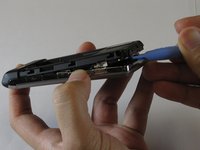
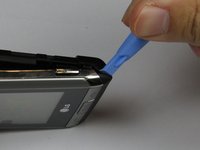
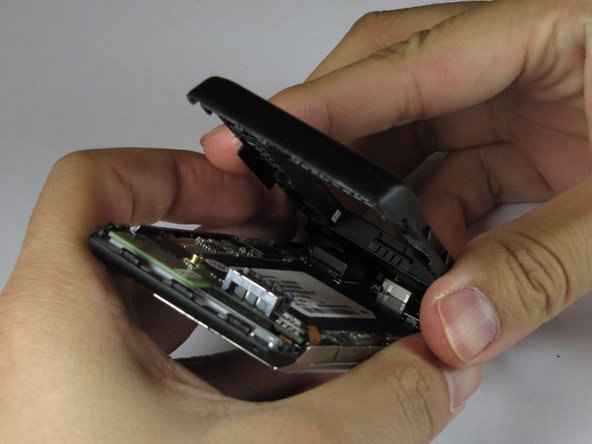
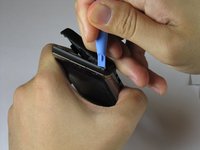
    • Lift the back plastic cover off by moving the opening tool around the edges of the phone.

    • Wedging the opening tool in several places on the bottom of the phone will help release small tabs that hold the back to the front frame.

    • The side buttons may fall out when removing the back plastic.

    Ask FixBot

    Add Comment

  5. LG Dare Logic Board Replacement: step 5, image 1 of 3 LG Dare Logic Board Replacement: step 5, image 2 of 3 LG Dare Logic Board Replacement: step 5, image 3 of 3
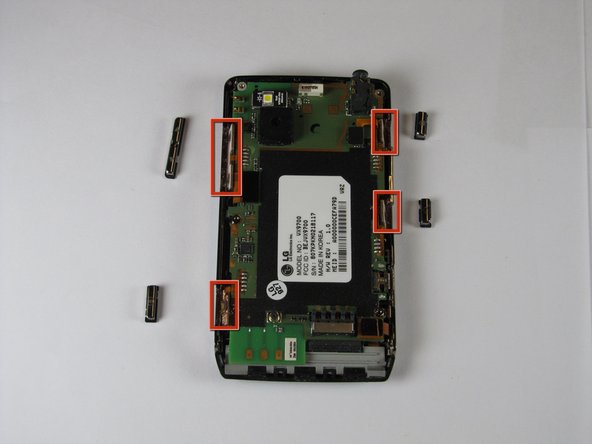
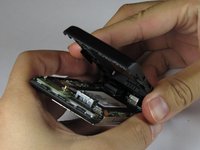
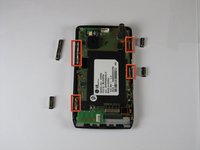
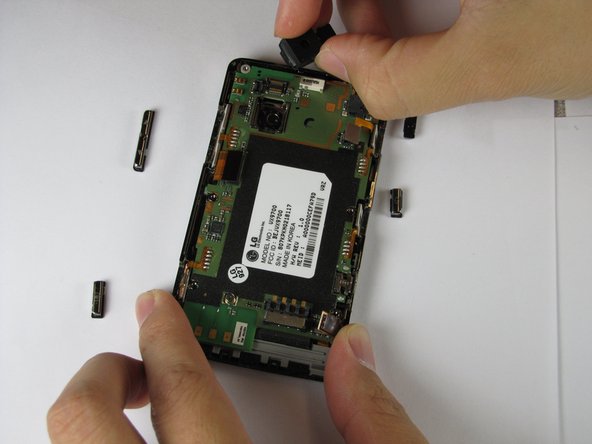
    • Pull off the back plastic panel.

    • Remove the buttons from the edge of the frame. The buttons are [lock], [volume control], [speaker], and [camera].

    Ask FixBot

    Add Comment

  6. LG Dare Logic Board Replacement: step 6, image 1 of 1
    • Disconnect the three ribbon connectors from the motherboard.

    Ask FixBot

    Add Comment

  7. LG Dare Logic Board Replacement: step 7, image 1 of 3 LG Dare Logic Board Replacement: step 7, image 2 of 3 LG Dare Logic Board Replacement: step 7, image 3 of 3
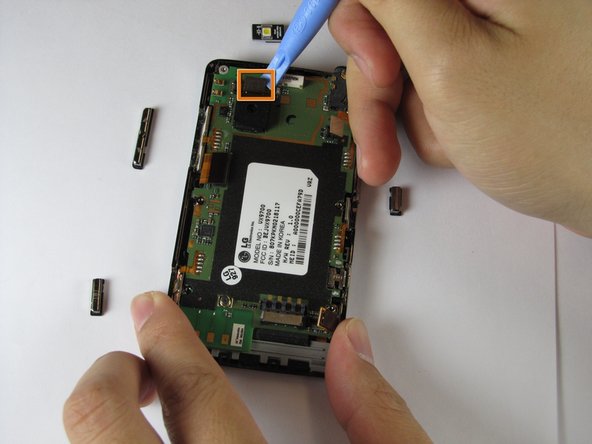
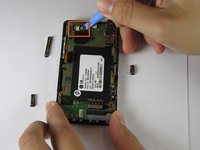
    • Remove the LED.

    • Remove the camera connector.

    • Remove the camera sensor from the logic board. Squeeze the sides of the camera sensor firmly and pull straight up.

    Ask FixBot

    Add Comment

  8. LG Dare Logic Board Replacement: step 8, image 1 of 1
    • Open the USB port cover.

    Ask FixBot

    Add Comment

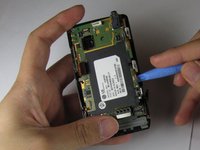
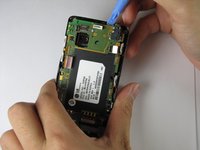
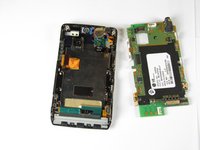
  9. LG Dare Logic Board Replacement: step 9, image 1 of 3 LG Dare Logic Board Replacement: step 9, image 2 of 3 LG Dare Logic Board Replacement: step 9, image 3 of 3
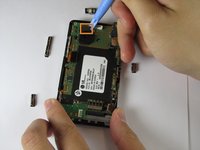
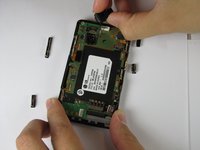
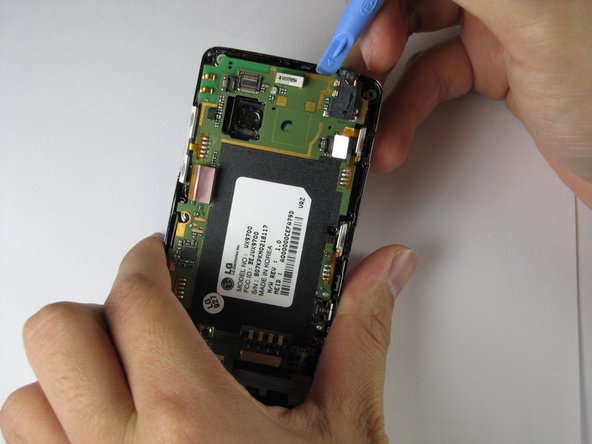
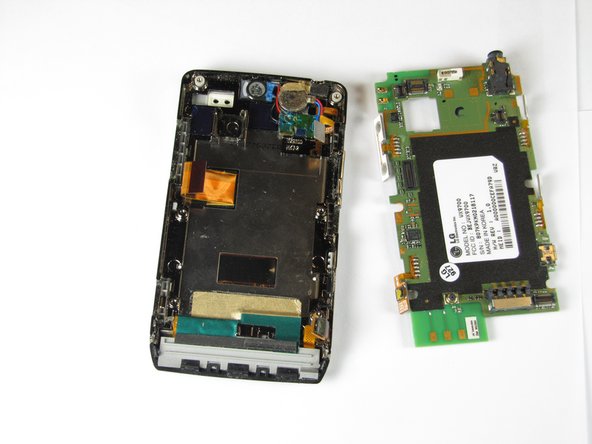
    • Use the opening tool to lift up the green logic board in all areas and remove it.

    • The logic board may require some force to remove because it is taped to the plastic frame.

    • When removing the logic board, be careful not to tear any of the ribbon cables or side buttons.

    Ask FixBot

    Add Comment

Conclusion

To re-assemble your device, follow these instructions in reverse order.

Cancel: I did not complete this guide.

2 other people completed this guide.

Haoyan Huang

Member since: 01/26/12

151 Reputation

4 Guides authored

Team

Cal Poly, Team 9-4, Regan Winter 2012 Member of Cal Poly, Team 9-4, Regan Winter 2012

CPSU-REGAN-W12S9G4

5 Members

16 Guides authored

0 Guide Comments

Add Comment

View Statistics:

Past 24 Hours: 1

Past 7 Days: 7

Past 30 Days: 35

All Time: 2,570