
LG Cosmos 2 Front Keyboard Replacement

Nick White and 4 other contributors
Last updated on Oct 10, 2017
Views: 1.1K
View statistics:
- Past 24 Hours:
- 2
- Past 7 Days:
- 13
- Past 30 Days:
- 85
- All Time:
- 1,093
Comments: 2
2 comments on steps.
Completed: 0 1
No one has marked this guide "completed." Will you be the first?
1 person has marked this guide "completed." It's you — great job!
Favorites: 0 1
No one has favorited (and subscribed to) this guide. Will you be the first?
1 person has favorited (and subscribed to) this guide — and that's you!
Inconsistent Images
Updating the images on this guide to be more consistent with the prerequisites would increase its awesomeness.
Incorrect Tools
Help make this guide better by using the correct tools in images and/or text.
Better Introduction
Improve this guide by completing or revising its introduction.
What you need
Tools
-
-
-
Spudger4.9


-
-
-
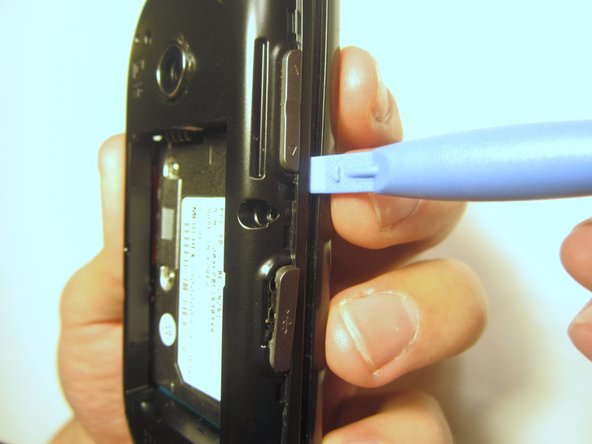
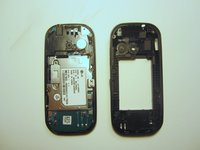
Insert the plastic opener into the slot at the top of the device.
-
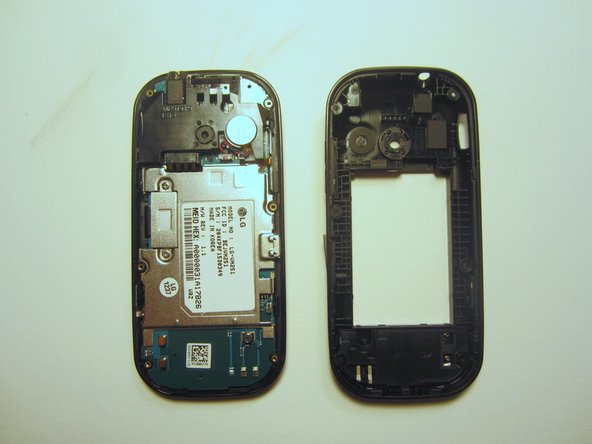
Apply gentle pressure with the plastic tool to pop the back case off.
 Ask FixBot
-
-
-
-
-
Use a screwdriver and corresponding bit to remove the six 2mm screws that are located along the edge of the rear case. Set the screws aside.
-
-
-
-
-
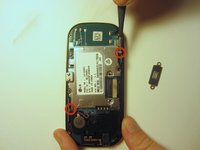
Use a screwdriver and corresponding bit to remove the two 3mm screws that attach the motherboard to the front case. Set the screws aside
-
-
-
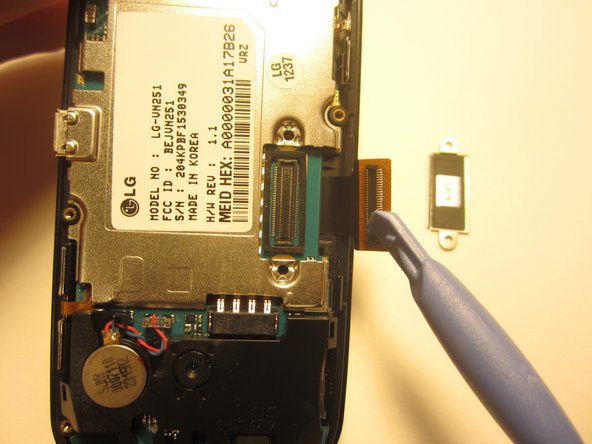
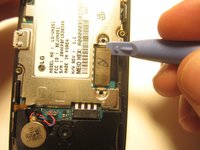
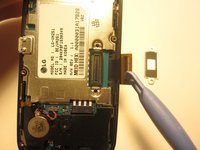
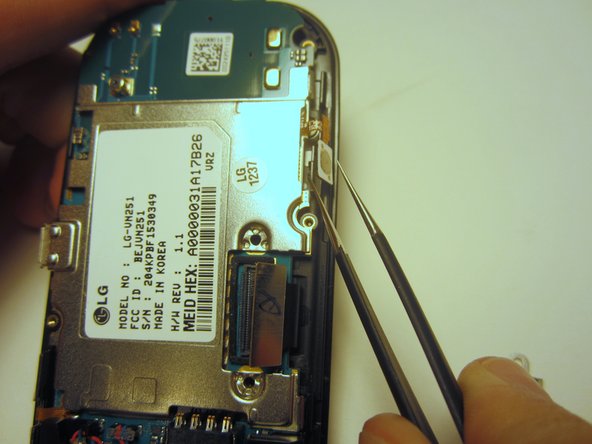
Rotate the phone 180 degrees and use the plastic opener to lift the metal piece that covers the ribbon cable.
-
-
Tool used on this step:Tweezers$4.99
-
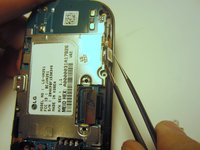
Use tweezers to disconnect the two cables that attach the motherboard to the case.
-
-
-
-
-
Use a screwdriver and corresponding bit to remove the four 1mm screws. Set the screws aside.
-
-
-
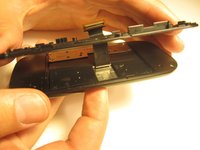
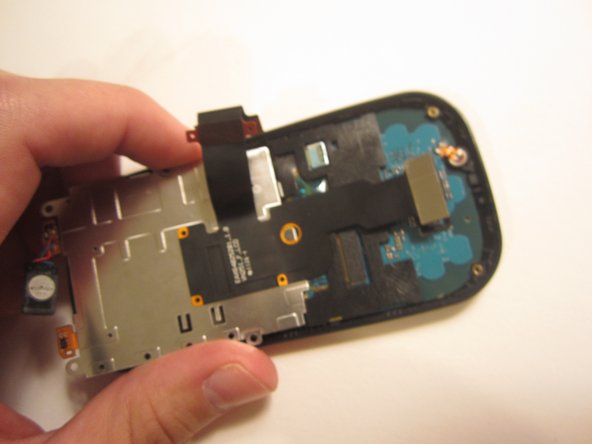
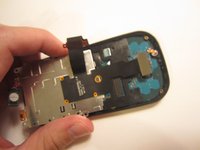
Pull the ribbon cable through the slit in the keyboard case to separate it from the sliding mechanism.
-
-
-
Use a screwdriver and corresponding bit to remove the four 3mm screws. Set the screws aside.
-
-
-
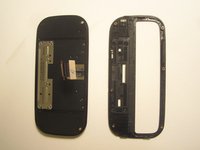
Use the plastic opener to pry open the front of the phone.
-
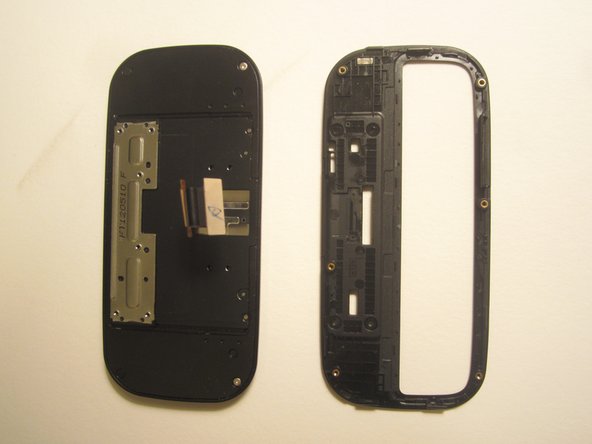
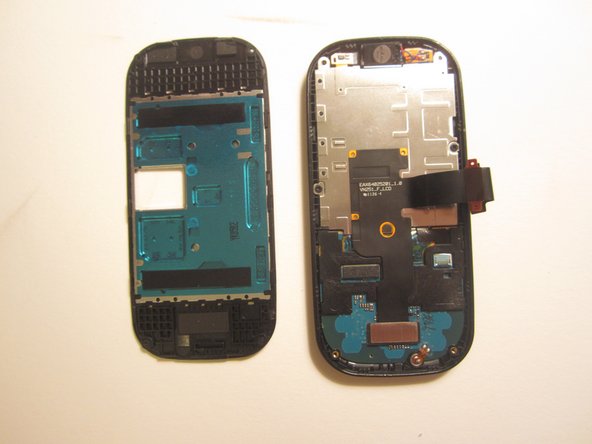
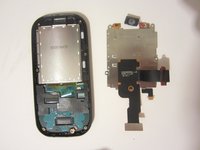
Slip the ribbon cable through the slit to fully separate the two pieces.
-
-
-
-
Use a screwdriver and corresponding bit to remove the two 1mm screws. Set the screws aside.
-
-
-
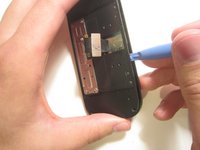
Use the spudger to pry the metal piece loose.
-
Remove the metal piece along with the two ribbon cables.
-
-
-
Flip the front of the phone over and the old option buttons will fall out.
-
Insert new option buttons.
-
-
-
-
-
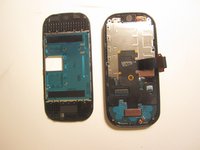
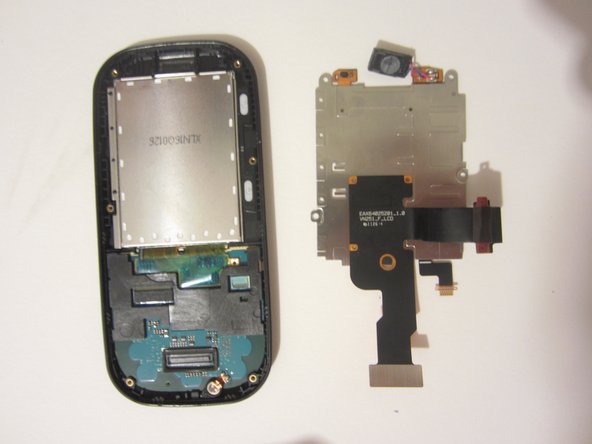
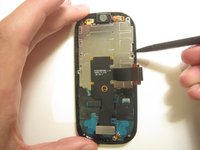
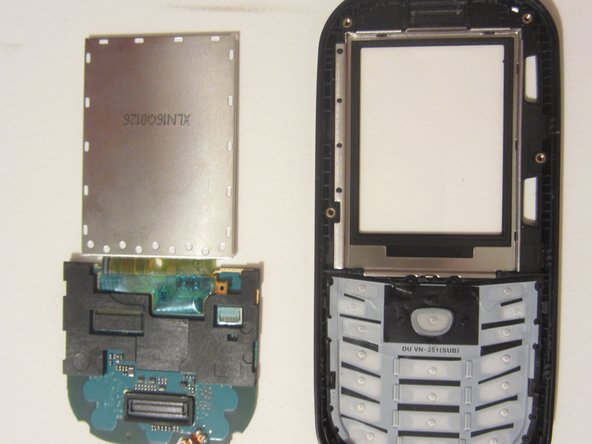
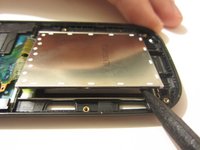
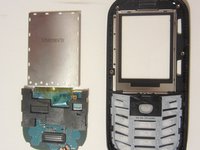
Use a tool to pry open the LCD display. Remove the display and the motherboard-looking device that it's connected to.
-
-














To reassemble your device, follow these instructions in reverse order.

Team

Clemson, Team 13-1, Benson Fall 2013 Member of Clemson, Team 13-1, Benson Fall 2013
CLEM-BENSON-F13S13G1
3 Members
96 Guides authored
