Free Shipping on Domestic Orders $75+

LG Aristo Screen Replacement

What you need

    1. LG Aristo Screen Replacement, Screen: step 1, image 1 of 1
      • Turn off the device and make sure you are working on a flat, lit surface.

      Ask FixBot

      Add Comment

    2. LG Aristo Screen Replacement: step 2, image 1 of 2 LG Aristo Screen Replacement: step 2, image 2 of 2
      • Use an iFixit opening tool to pry off the back case.

      Ask FixBot

      Add Comment

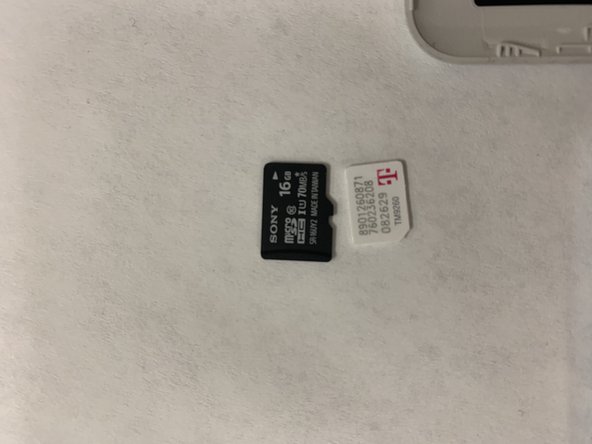
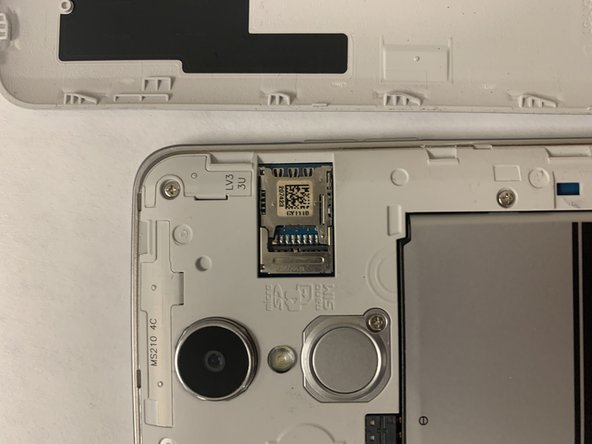
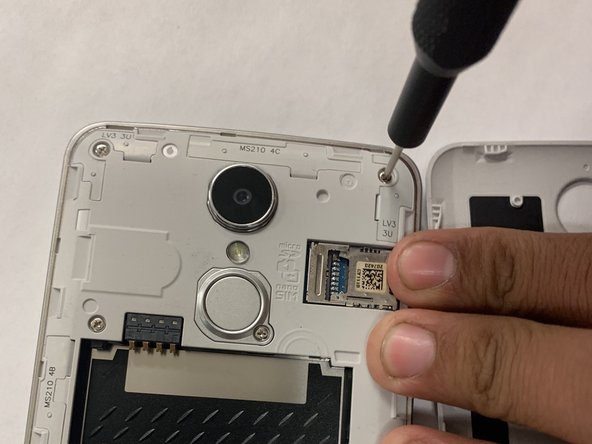
    3. LG Aristo Screen Replacement: step 3, image 1 of 3 LG Aristo Screen Replacement: step 3, image 2 of 3 LG Aristo Screen Replacement: step 3, image 3 of 3
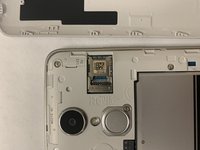
      • Remove the SD and SIM cards by sliding the cards out with your finger.

      Ask FixBot

      Add Comment

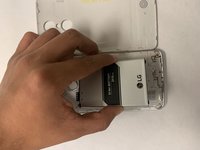
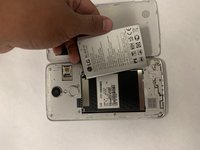
    4. LG Aristo Screen Replacement: step 4, image 1 of 3 LG Aristo Screen Replacement: step 4, image 2 of 3 LG Aristo Screen Replacement: step 4, image 3 of 3
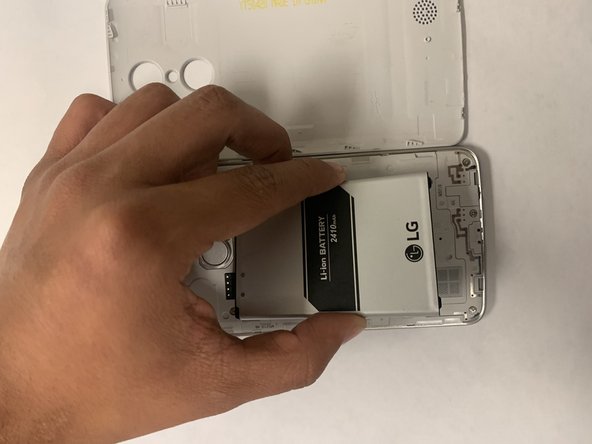
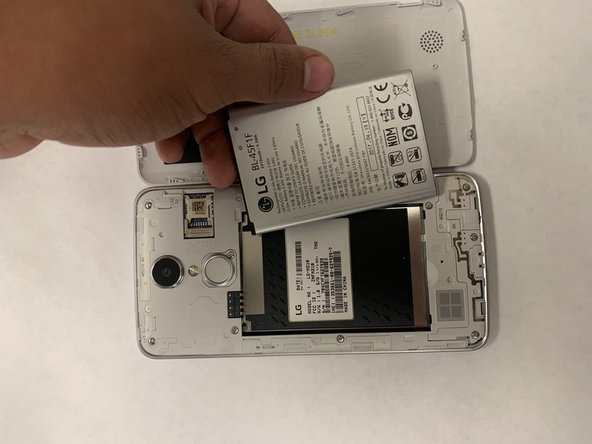
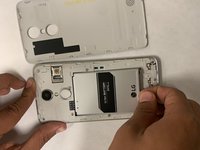
      • Remove the battery by prying it up with a fingernail or opening tool from the bottom edge.

      Ask FixBot

      Add Comment

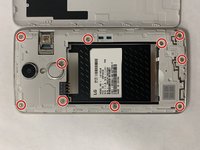
    5. LG Aristo Screen Replacement: step 5, image 1 of 2 LG Aristo Screen Replacement: step 5, image 2 of 2
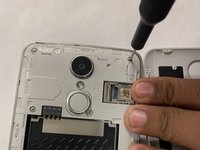
      • Remove the ten screws from the midframe with a Phillips #000 screwdriver.

      Ask FixBot

      Add Comment

    6. LG Aristo Screen Replacement: step 6, image 1 of 2 LG Aristo Screen Replacement: step 6, image 2 of 2
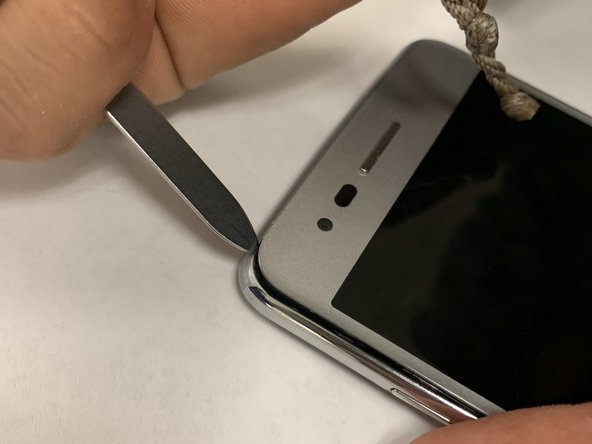
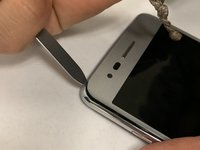
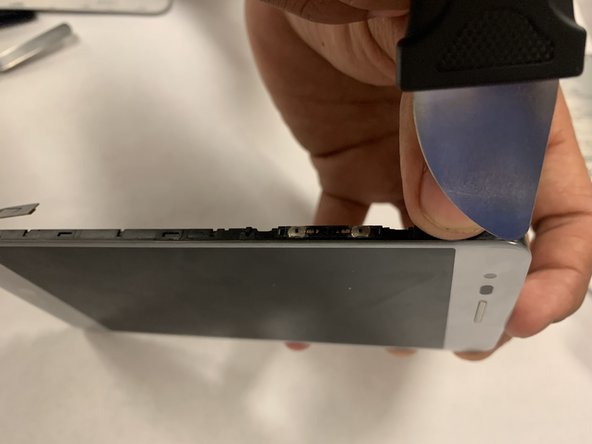
      • Pry up on the screen with a plastic opening tool.

      • Try to avoid using a metal spudger as shown in the images as it has the possibility to damage the screen.

      Ask FixBot

      Add Comment

    7. LG Aristo Screen Replacement: step 7, image 1 of 2 LG Aristo Screen Replacement: step 7, image 2 of 2
      Tool used on this step:
      Tweezers
      $4.99
      Buy
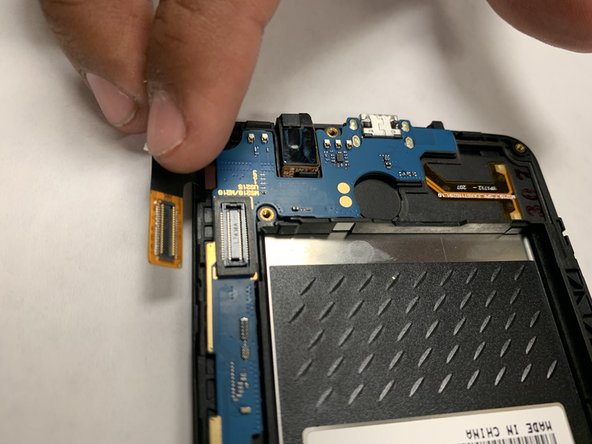
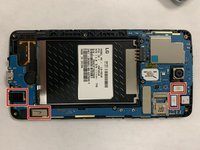
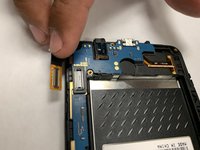
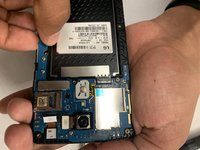
      • Detach the cables from the press fit connectors.

      • There are four connectors in total, they consist of two on the cameras, one on the ear jack, and the one attached to the motherboard.

      • You can lift them up with you finger or you can use tweezers (optional).

      Ask FixBot

      Add Comment

    8. LG Aristo Screen Replacement: step 8, image 1 of 2 LG Aristo Screen Replacement: step 8, image 2 of 2
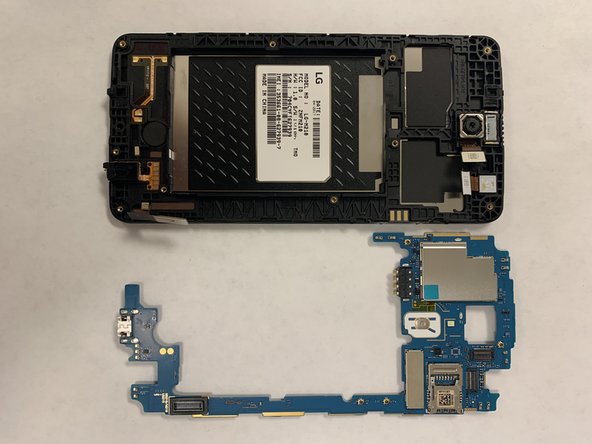
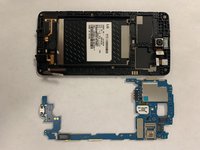
      • Gently remove the motherboard.

      Ask FixBot

      Add Comment

    9. LG Aristo Screen Replacement: step 9, image 1 of 1
      • Replace the screen.

      Ask FixBot

      Add Comment

Conclusion

To reassemble your device, follow these instructions in reverse order. I hope that these steps have helped you with your issue.

Cancel: I did not complete this guide.

3 other people completed this guide.

Geobanny Cardenas

Member since: 08/26/19

199 Reputation

1 Guide authored

Team

Gateway, Team S1-G5, Saknee Fall 2019 Member of Gateway, Team S1-G5, Saknee Fall 2019

GCC-SAKNEE-F19S1G5

4 Members

11 Guides authored

1 Guide Comment

Do i need Loca Glue to replace the outer Glass?

chuck - Reply Share

Add Comment

View Statistics:

Past 24 Hours: 2

Past 7 Days: 5

Past 30 Days: 56

All Time: 1,912