Introduction
Use this guide if you need to replace the camera in your Kyocera Echo smartphone. This guide should be taken slowly, as the general circuit board is glued to the screen. Removing this with the opening tool is easy to do without destroying it, as long as the user is careful.
What you need
-
-
-
Orient the phone so that the screen is face down.
-
Place one or both thumbs near the small arrow at the bottom of the phone and firmly push the cover up.
 Ask FixBot
-
-
-
Pull the battery out of the device with a thin object such as your nail or credit card.
-
-
-
-
-
-
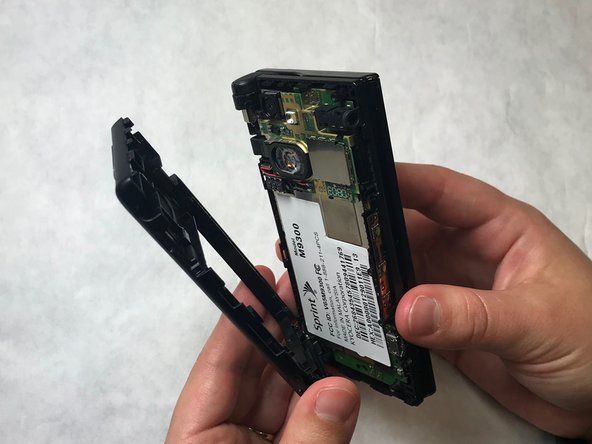
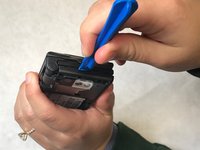
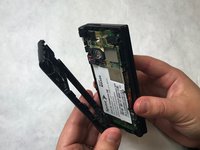
Wedge a plastic opening tool under the black outer casing of the phone. Push the plastic opening tool down and outward while rotating the phone to pry the black outer casing off.
-
-
-
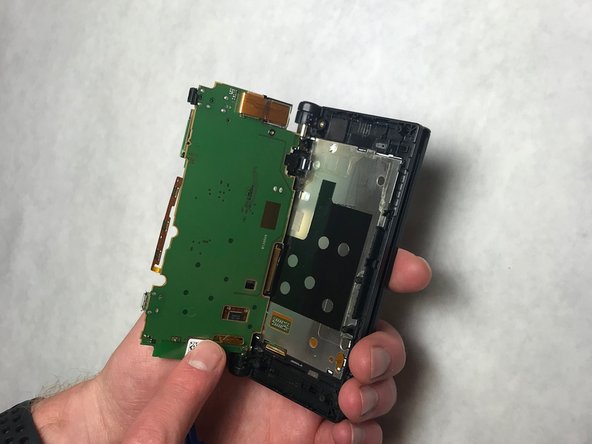
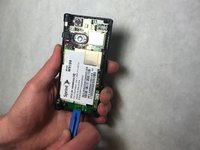
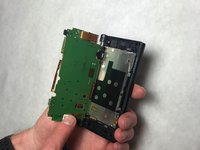
Wedge a plastic opening tool under the bottom of the circuit board and push upward to separate the circuit board from the back of the phone.
-
-
-
Push the camera gently out of its housing towards the side of the circuit board it is connected at to dislodge it.
-
-
-
Grasp and pull up on the 32 pin connector attached to the circuit board to remove the camera.
-





To reassemble your device, follow these instructions in reverse order.

Team

IUPUI, Team S2-G6, Baechle Fall 2018 Member of IUPUI, Team S2-G6, Baechle Fall 2018
IUPUI-BAECHLE-F18S2G6
3 Members
48 Guides authored
