
Kyocera DuraForce Pro Battery Replacement

Dylan Ulbricht and 3 other contributors
Last updated on May 7, 2024
Views: 5.5K
View statistics:
- Past 24 Hours:
- 1
- Past 7 Days:
- 14
- Past 30 Days:
- 76
- All Time:
- 5,500
Comments: 1
1 comment on steps.
Completed: 7 8
7 people have marked this guide "completed." Will you be next?
8 people have marked this guide "completed." Including you — great job!
Favorites: 0 1
No one has favorited (and subscribed to) this guide. Will you be the first?
1 person has favorited (and subscribed to) this guide — and that's you!
Better Introduction
Improve this guide by completing or revising its introduction.
What you need
Tools


-
-
-
Be sure the device is turned off.
-
Flip the phone onto its backside.
-
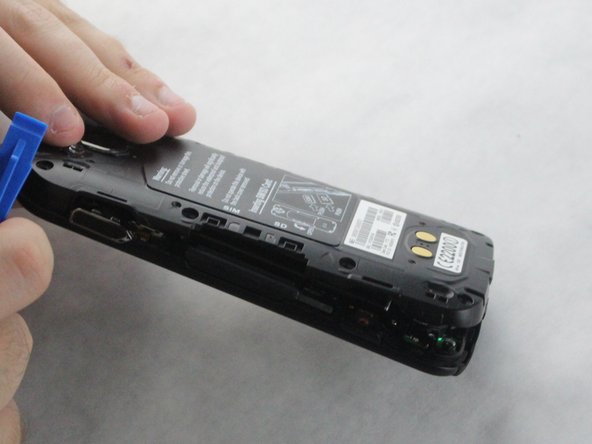
Remove the back cover by using a plastic opening tool.
 Ask FixBot
-
-
-
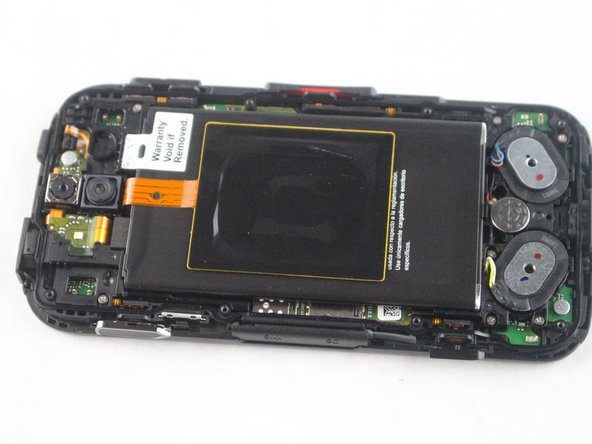
Once the back cover is removed, the (6) buttons along the side are going to fall out of place.
-
-
-
Tool used on this step:Tweezers$4.99
-
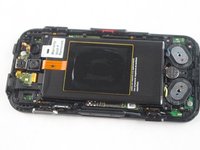
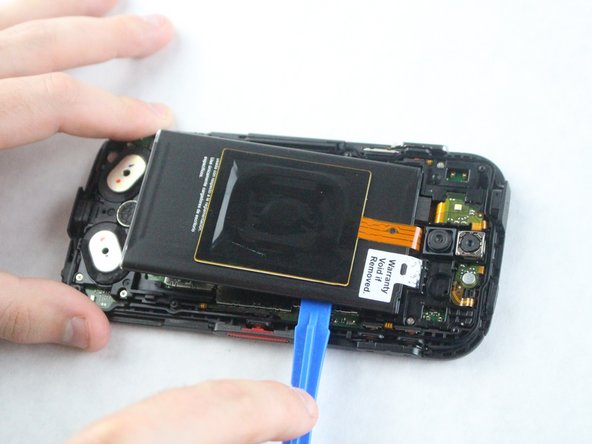
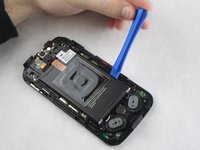
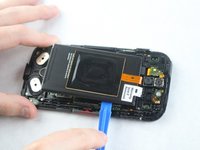
Using the plastic opening tool from earlier, lift the battery out by wedging it along the edge.
-
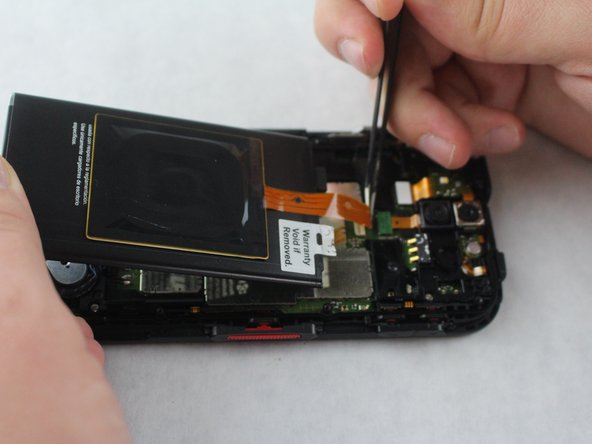
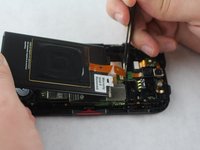
Using tweezers, unlock the ribbon cable port and lightly pull the cable upwards until it becomes unplugged.
-
-



To reassemble your device, follow these instructions in reverse order.
Cancel: I did not complete this guide.
7 other people completed this guide.

Team

Sam Houston State, Team S15-G4, Blackburne Fall 2018 Member of Sam Houston State, Team S15-G4, Blackburne Fall 2018
SHSU-BLACKBURNE-F18S15G4
3 Members
60 Guides authored
