Introduction
Is the audio for your headphones distorted or not working? You will have to replace it. This will require you to solder so please refer to this guide to do so.
What you need
-
-
-
-
Remove the tape from the edges of the battery and the small piece on the motherboard.
-
-
-
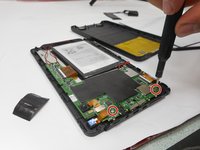
Remove the two 5mm screws from the mother board.
-
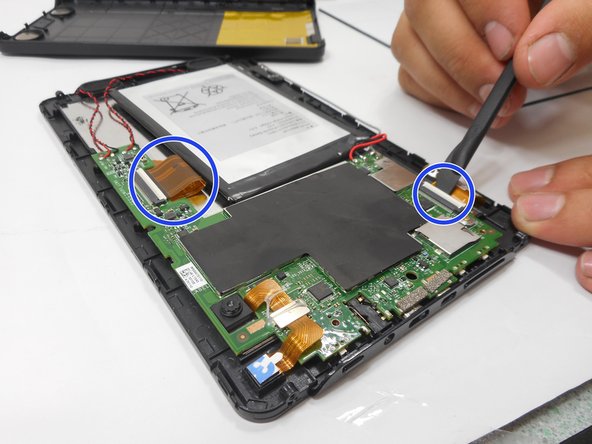
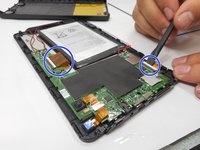
Remove the connectors by lifting the tabs and pulling gently.
-
-
-
Desolder the connections holding the audio jack. To do so, refer to this guide.
-


 Ask FixBot


Conclusion
To reassemble your device, follow these instructions in reverse order.

Team

University of New Orleans, Team 3-7, McDonald Fall 2023 Member of University of New Orleans, Team 3-7, McDonald Fall 2023
UNO-MCDONALD-F23S3G7
3 Members
48 Guides authored
