Introduction
To get to the speaker you're going to have to go in past the motherboard and do some soldering work, which will require a little bit of finesse. Replacing the speaker should fix any issue of sound coming out of the Kurio 7.
What you need
-
-
-
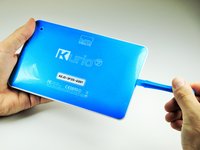
Insert the plastic opening tool in the gap between the front cover and the back cover of the device.
-
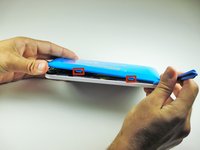
Slide the plastic opening tool around the edge of the device. Gently pry apart the tabs that hold the front cover and the back cover together.
-
-
-
-
-
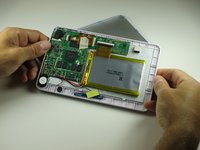
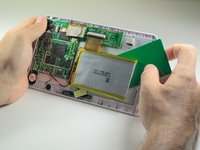
Use a plastic credit card, or other thin object, to separate the battery from the screen.
-
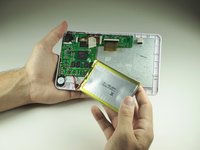
Carefully set the battery aside.
-
-
-
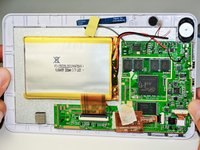
Use a Phillips #00 screwdriver to remove the eight 40mm screws holding the motherboard in place.
-
-
-
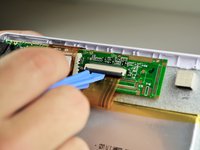
Place the plastic opening tool on the base of the black ribbon clip and pull up, like a lever, to release the mount. This should release the clip holding the ribbon to the mount.
-
Pull the ribbon out of the mount.
-
-
-
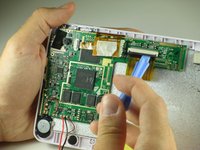
There should be masking tape on the yellow ribbon. Pull the tape off of the motherboard and wrap it around the yellow ribbon.
-
To remove the ribbon from the mount, follow the same steps in Step 3.
-
-
-
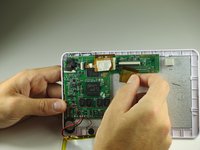
Pull back the ribbons and put the battery near the bottom of the Kurio.
-
The motherboard is now removed so that other components can be worked on.
-
-
-
-
Tool used on this step:Tweezers$4.99
-
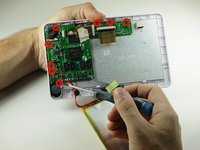
Pull the wires off of the motherboard using the tweezers. The wires aren't soldered on well.
-
-
-
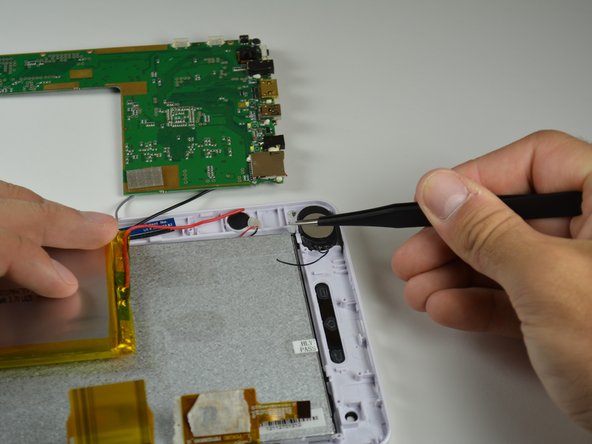
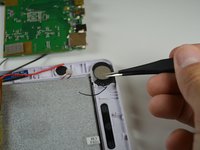
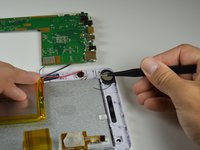
Remove any hot glue residue holding the speaker in place by peeling it off using tweezers.
-
-
-
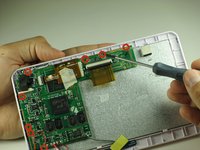
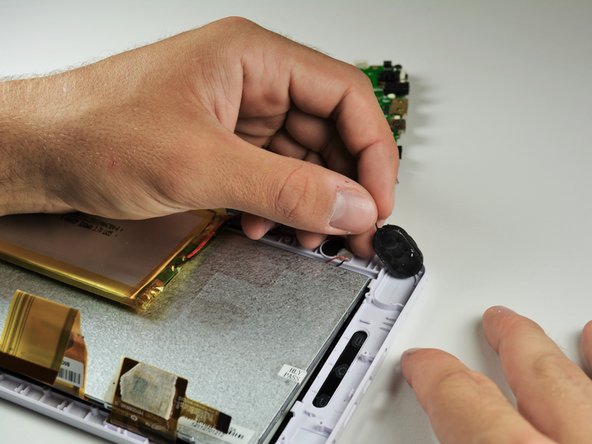
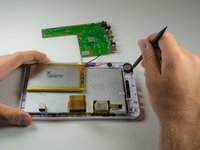
Use the spudger to pry out the old speaker.
-
You have successfully removed the speaker!
-
-


 Ask FixBot














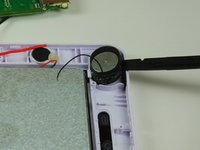
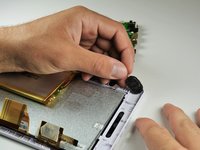
Solder in the new speaker. Refer to the soldering guide if you're unsure on how to solder. To reassemble your device, follow these instructions in reverse order.
Cancel: I did not complete this guide.
One other person completed this guide.

Team

Cal Poly, Team 12-36, Maness Spring 2014 Member of Cal Poly, Team 12-36, Maness Spring 2014
CPSU-MANESS-S14S12G36
4 Members
84 Guides authored
