What you need
-
-
-
Start by unplugging, then remove all the faders and knobs, by lifting them up gently.
 Ask FixBot
-
-
-
Remove the 8 screws on the bottom. Ensure that you have the right screwdriver bit, and that you go slowly and use enough force to turn the screw without stripping it.
-
(Serial numbers and personal info removed from picture)
-
-
-
-
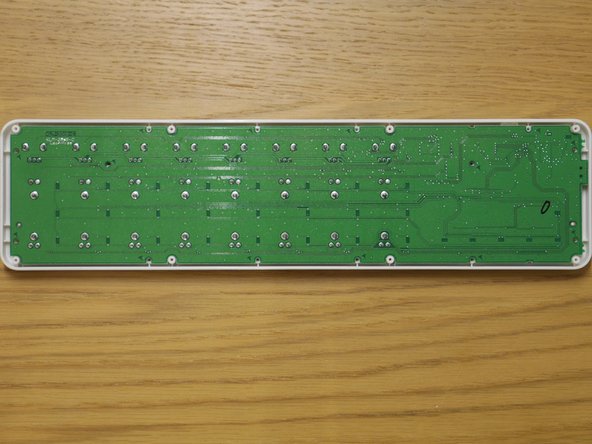
You can now remove the main circuit board, lifting out the left side first. (as the mini-USB port may hold the right side in.)
-
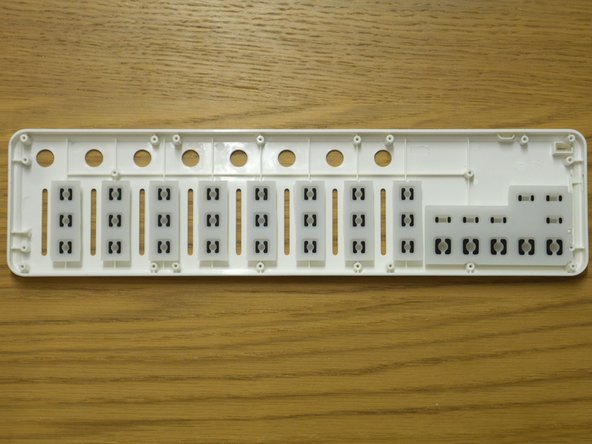
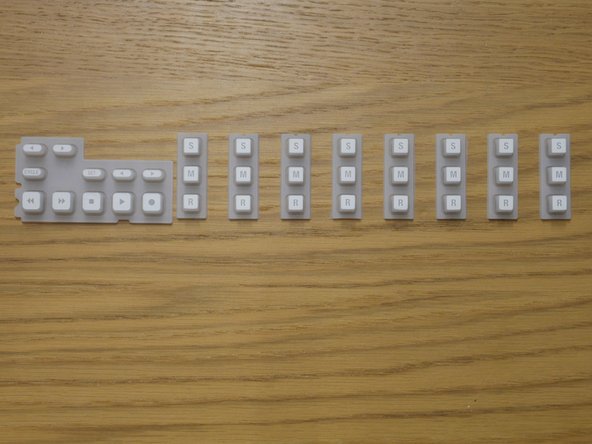
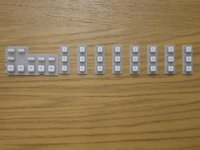
The rubber buttons can now easily come out.
-
-
-
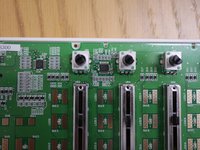
Features: (first picture)
-
8 faders
-
8 potentiometers
-
8 x Solo, Mute, Record buttons
-
5 + 4 transport buttons
-
2 track buttons
-
-
-
Chips
-
Labelled with: 2210CFP24V H8S/2210C TH30140 1325
-
ROSON Crystal oscillator, labelled with 24.000F20 HO
-
LW051A 58A04 P256 Texas Instruments Analog multiplexer
-
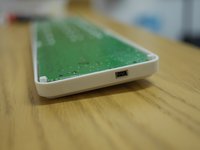
Mini-usb port
-
Power indicator LED
-
-







To reassemble your device, follow these instructions in reverse order.
Cancel: I did not complete this guide.
2 other people completed this guide.

9 Guide Comments
Hi do you think it’s possible to replace the mini usb port on this, with a usb c connector bought online? I actually have a Korg Nanokey 2 but I think it’s the same setup.
Technically yes, but it won’t be easy as the pins are probably in different locations. There are only 4 pins on a USB micro B connector (not in order: Ground, 5V, D+, D-) and there are 24 on a USB C connector (12 different x2). If you have a way of connecting the right pins up then you can use a Dremel or another tool to make the connector fit through the hole if needed.
Yeah maybe I can solder it via some wires if it doesn’t fit directly. Actually I have zero experience in soldering, but I can get the stuff online, and then bring it to a shop to solder it for me I think. How about this, do you think it’s okay? https://www.aliexpress.com/item/10050014...
Also do you think that connector on this page is configured correctly as “host” if I buy the female port? Or I might need a resistor to change the mode similar to what he’s doing on this video? https://www.youtube.com/watch?v=V-vFtiDY...
