Free Shipping on Domestic Orders $75+

Kodak Easyshare Z981 Top Shutter Button Replacement

What you need

  1. Kodak Easyshare Z981 Top Shutter Button Replacement, Top Shutter Button: step 1, image 1 of 2 Kodak Easyshare Z981 Top Shutter Button Replacement, Top Shutter Button: step 1, image 2 of 2
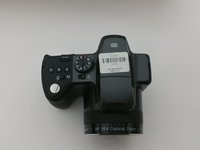
    • Open the battery cover and remove the AA batteries from the camera if any are inserted.

    Ask FixBot

    Add Comment

  2. Kodak Easyshare Z981 Top Shutter Button Replacement: step 2, image 1 of 2 Kodak Easyshare Z981 Top Shutter Button Replacement: step 2, image 2 of 2
    Tool used on this step:
    Phillips #00 Screwdriver
    $5.49
    Buy
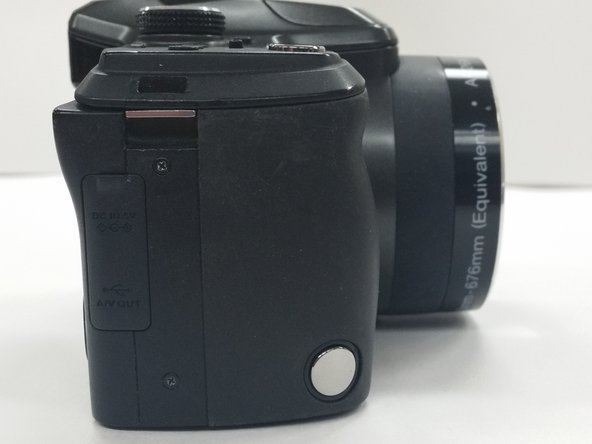
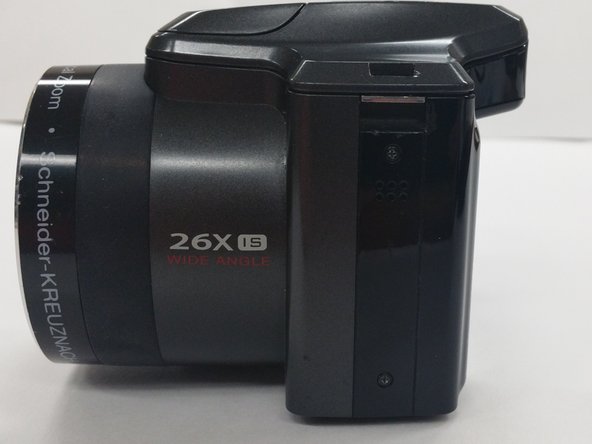
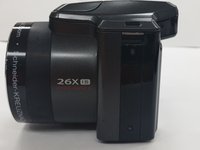
    • Remove all screws on the outside of the camera with a 00 Phillips-Head screwdriver

    • Eight (8) 3mm screws on the lower portion of the camera

    • Four (4) screws on the bottom of the camera

    • Four (4) screws inside the battery cover

    Ask FixBot

    Add Comment

  3. Kodak Easyshare Z981 Top Shutter Button Replacement: step 3, image 1 of 3 Kodak Easyshare Z981 Top Shutter Button Replacement: step 3, image 2 of 3 Kodak Easyshare Z981 Top Shutter Button Replacement: step 3, image 3 of 3
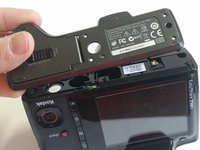
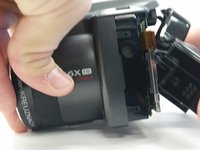
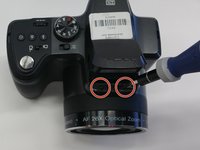
    • Detach the bottom part of the camera by removing four (4) 3mm screws

    • Two (2) screws are located in the left side of the device

    • Two (2) screws are locatecd in the right side of the device

    Ask FixBot

    Add Comment

  4. Kodak Easyshare Z981 Top Shutter Button Replacement: step 4, image 1 of 2 Kodak Easyshare Z981 Top Shutter Button Replacement: step 4, image 2 of 2
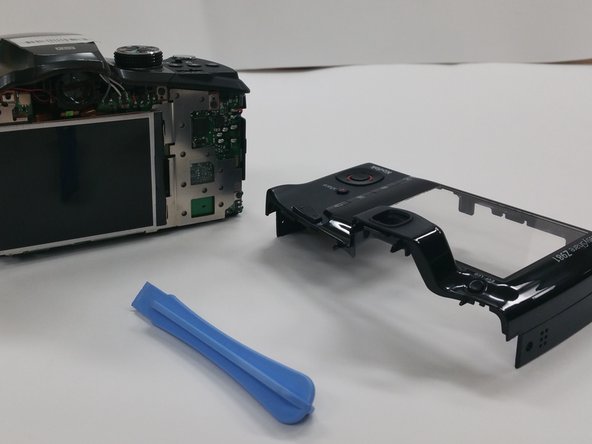
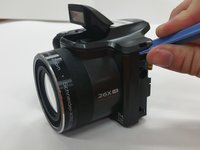
    • Use the Plastic Opening Tool to put light pressure and remove the back cover of the camera

    • Be gentle when removing the back cover

    Ask FixBot

    Add Comment

  5. Kodak Easyshare Z981 Top Shutter Button Replacement: step 5, image 1 of 3 Kodak Easyshare Z981 Top Shutter Button Replacement: step 5, image 2 of 3 Kodak Easyshare Z981 Top Shutter Button Replacement: step 5, image 3 of 3
    Tool used on this step:
    Tweezers
    $4.99
    Buy
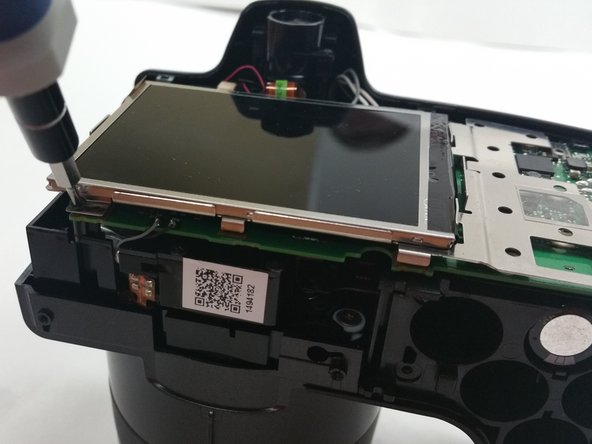
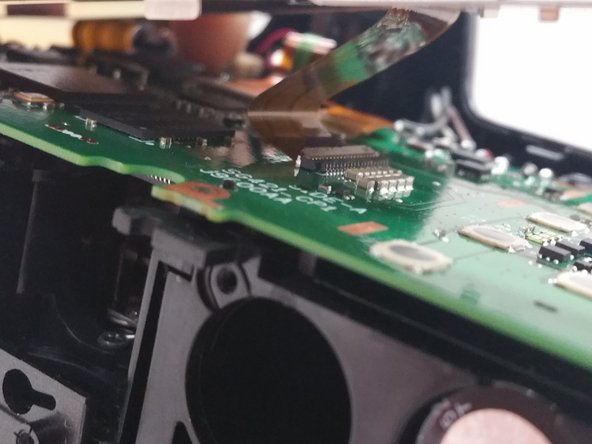
    • Unscrew the four (4) 3mm screws to remove the screen from the circuit board

    • Use Tweezers to delicately detach the ribbon cable

    • Carefully remove the screen brace from the circuit board

    Ask FixBot

    Add Comment

  6. Kodak Easyshare Z981 Top Shutter Button Replacement: step 6, image 1 of 3 Kodak Easyshare Z981 Top Shutter Button Replacement: step 6, image 2 of 3 Kodak Easyshare Z981 Top Shutter Button Replacement: step 6, image 3 of 3
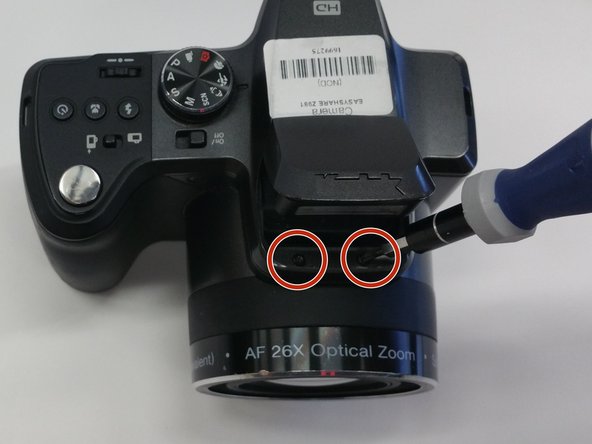
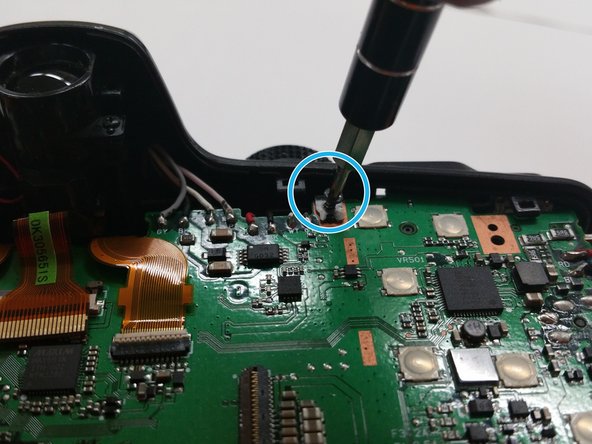
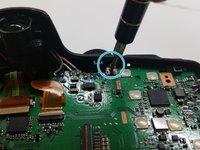
    • Remove the two (2) 3mm screws from inside flash compartment

    • Remove one (1) 3mm screw from the circuit board

    Ask FixBot

    Add Comment

  7. Kodak Easyshare Z981 Top Shutter Button Replacement: step 7, image 1 of 2 Kodak Easyshare Z981 Top Shutter Button Replacement: step 7, image 2 of 2
    Tool used on this step:
    Tweezers
    $4.99
    Buy
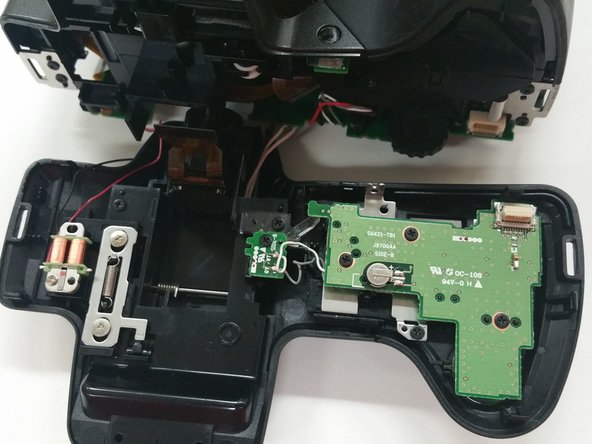
    • Use the Tweezers to detach the ribbon cable connecter from the circuit board

    • Use the Plastic Opening Tool to gently apply pressure on the top of the camera and remove the upper portion

    Ask FixBot

    Add Comment

  8. Kodak Easyshare Z981 Top Shutter Button Replacement: step 8, image 1 of 3 Kodak Easyshare Z981 Top Shutter Button Replacement: step 8, image 2 of 3 Kodak Easyshare Z981 Top Shutter Button Replacement: step 8, image 3 of 3
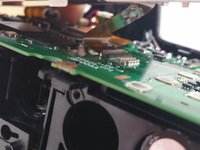
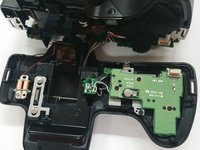
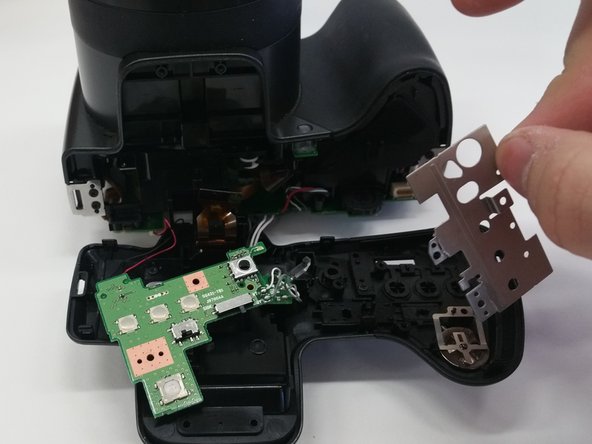
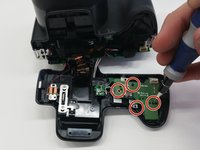
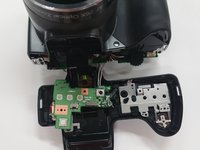
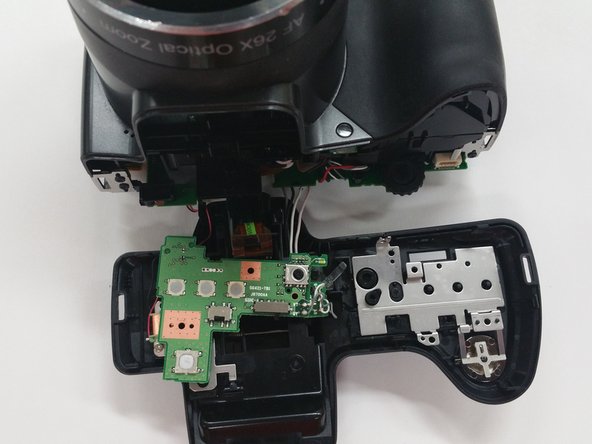
    • Remove the four (4) 3mm screws from the circuit board directly underneath the shutter button and gently move the circuit board aside

    • Lift up the metal clamp

    • Use caution when removing the circuit board to avoid tearing the wires connected

    Ask FixBot

    Add Comment

  9. Kodak Easyshare Z981 Top Shutter Button Replacement: step 9, image 1 of 3 Kodak Easyshare Z981 Top Shutter Button Replacement: step 9, image 2 of 3 Kodak Easyshare Z981 Top Shutter Button Replacement: step 9, image 3 of 3
    Tool used on this step:
    Tweezers
    $4.99
    Buy
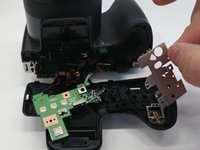
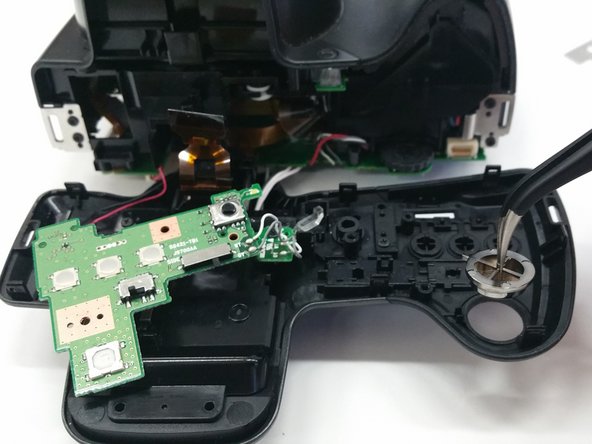
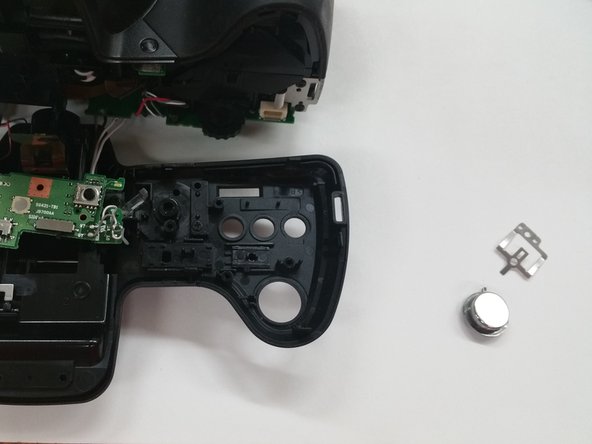
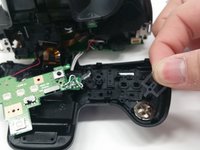
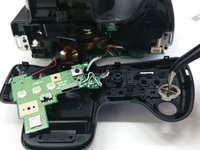
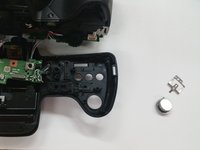
    • Pull the small brace on top of the shutter button

    • Using the Tweezers, gently remove the shutter button

    Ask FixBot

    Add Comment

Conclusion

To reassemble your device, follow these instructions in reverse order.

Cancel: I did not complete this guide.

Matthew Myers

Member since: 03/03/15

219 Reputation

1 Guide authored

1 Guide Comment

looking for z981 bottom wrist grip jwkcm1978@hotmail.com

jwkcm1978 - Reply Share
Add Comment

View Statistics:

Past 24 Hours: 0

Past 7 Days: 3

Past 30 Days: 22

All Time: 991