Introduction
Is the screen on your Kodak Easyshare Z981 camera malfunctioning, or not working at all? Need to replace the LCD screen entirely? LCD screens often need replacing when they contain visible cracks, exhibit display issues, or are generally unresponsive. Utilize this guide to save the trouble of a repair shop or new camera altogether, no special skills required.
What you need
-
-
Open the battery cover and remove batteries from the camera if any are inserted.
 Ask FixBot
-
-
Tool used on this step:Phillips #00 Screwdriver$5.49
-
Use a 00 Phillips-Head screwdriver to remove screws:
-
Remove the 3 mm screws from the camera
-
Four (4) screws are in the bottom of the device
-
Four (4) screws are inside the battery cover
-
-
-
Tool used on this step:Phillips #00 Screwdriver$5.49
-
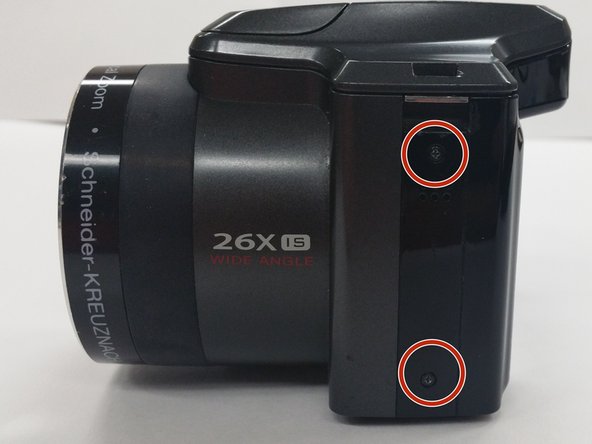
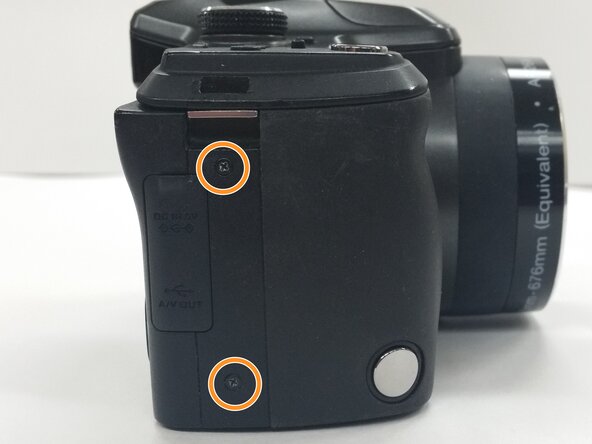
Use a Phillips #00 Screwdriver to remove the 4 mm screws from each side of the back cover of the camera.
-
Two (2) screws are located in the left side of the device
-
Two (2) screws are locatecd in the right side of the device
-
-
-
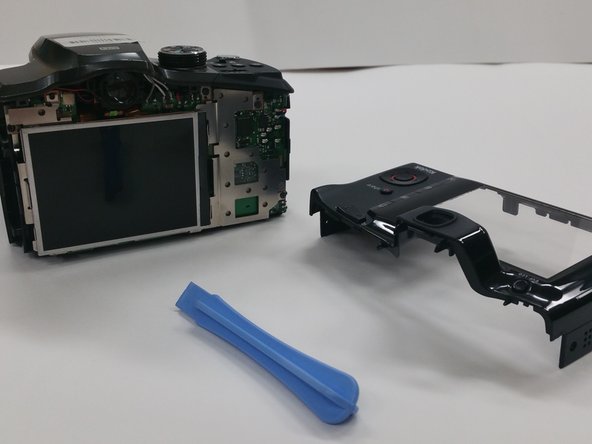
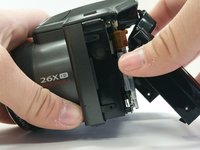
Insert the Plastic Opening Tool in to the crevices of back cover and gently apply pressure
-
-
-
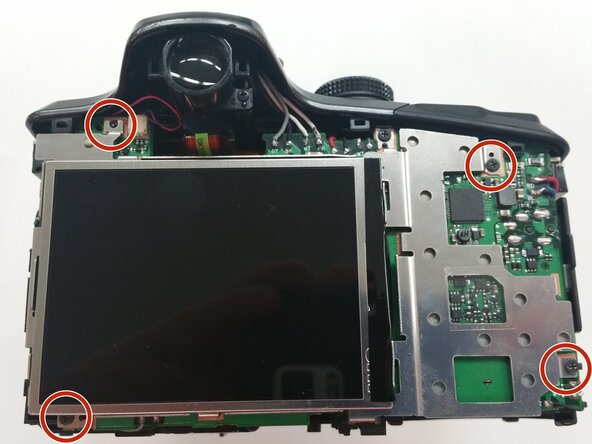
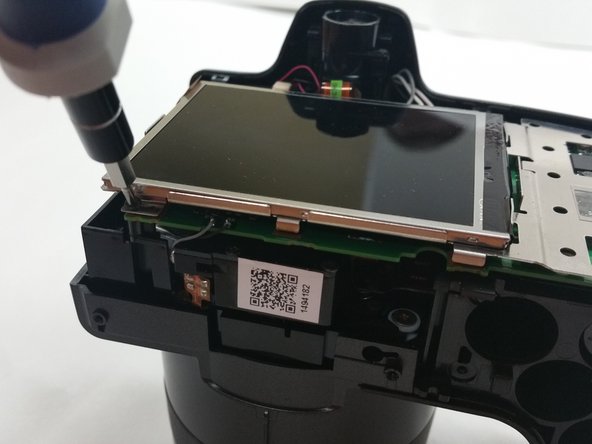
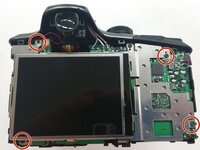
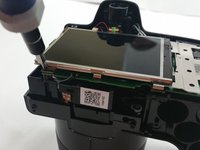
Once the back cover is removed locate the four 3mm screws holding the screen and the metal brace to the circuit board
-
-
-
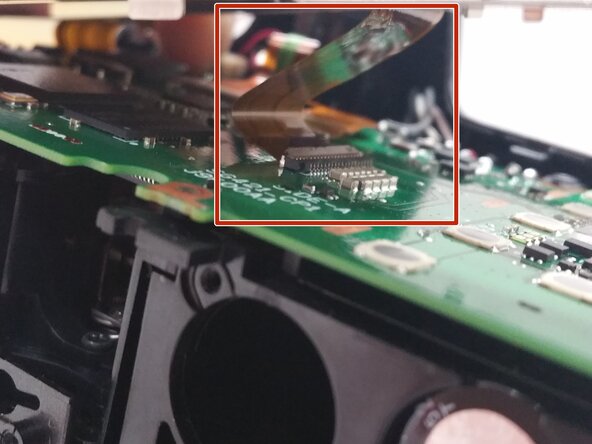
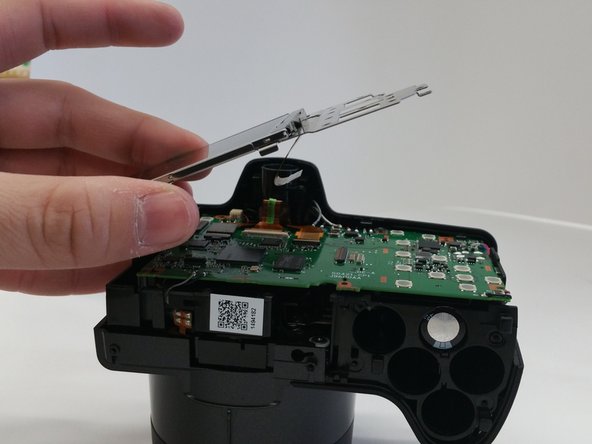
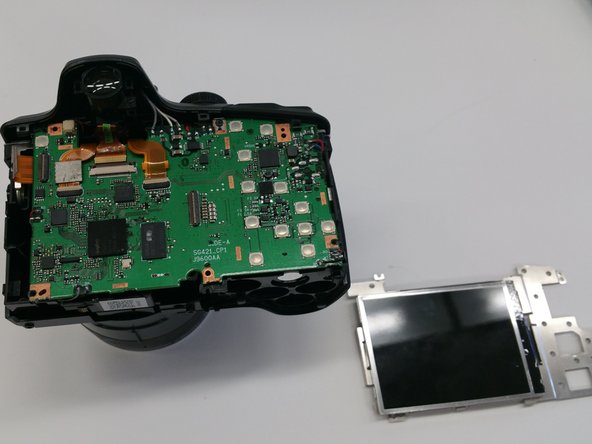
Gently lift up the metal brace and use a pair of tweezers to disconnect the ribbon cable connector.
-
Remove the screen brace from the circuit board.
-



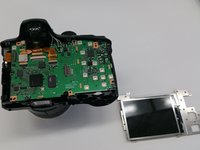
To reassemble your device, follow these instructions in reverse order.
Cancel: I did not complete this guide.
One other person completed this guide.

Team

Sam Houston State, Team 13-6, Blackburne Winter 2015 Member of Sam Houston State, Team 13-6, Blackburne Winter 2015
SHSU-BLACKBURNE-W15S13G6
3 Members
10 Guides authored
