Free Shipping on Domestic Orders $75+

Kodak Easyshare Z981 Flash Button Replacement

Views: 1.3K

View statistics:

Past 24 Hours:
4
Past 7 Days:
19
Past 30 Days:
98
All Time:
1,302
Comments: 0

No one has left comments on this guide. Will you be first?

Go to guide comments
Completed: 0

No one has marked this guide "completed." Will you be the first?

Favorites: 0

No one has favorited (and subscribed to) this guide. Will you be the first?

Time Required: 15 minutes
Difficulty: Moderate
Slice and Dice

The steps in this guide should be split up and made into a series of prerequisite guides.

Better Introduction

Improve this guide by completing or revising its introduction.

Kodak Easyshare Z981 Flash Button Replacement

What you need

Parts

Tools

    1. Kodak Easyshare Z981 Flash Button Replacement, Flash Button: step 1, image 1 of 2 Kodak Easyshare Z981 Flash Button Replacement, Flash Button: step 1, image 2 of 2
      • Open the battery cover and remove the AA batteries from the camera if any are inserted.

      Ask FixBot

      Add Comment

    2. Kodak Easyshare Z981 Flash Button Replacement: step 2, image 1 of 3 Kodak Easyshare Z981 Flash Button Replacement: step 2, image 2 of 3 Kodak Easyshare Z981 Flash Button Replacement: step 2, image 3 of 3
      Tool used on this step:
      Phillips #00 Screwdriver
      $5.49
      Buy
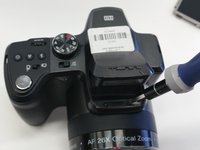
      • Remove screws using a 00 Phillips-Head screwdriver:

      • Eight (8) 3mm screws on the lower portion of the camera

      • Four (4) on the bottom of the camera

      • Four (4) on the inside of the battery cover

      • Four (4) 6mm screws on the sides of the camera (two on each side)

      Ask FixBot

      Add Comment

    3. Kodak Easyshare Z981 Flash Button Replacement: step 3, image 1 of 1
      • Start from a corner and gently remove the bottom of the camera.

      • The cover will easily lift off, so not much pressure is required.

      Ask FixBot

      Add Comment

    4. Kodak Easyshare Z981 Flash Button Replacement: step 4, image 1 of 2 Kodak Easyshare Z981 Flash Button Replacement: step 4, image 2 of 2
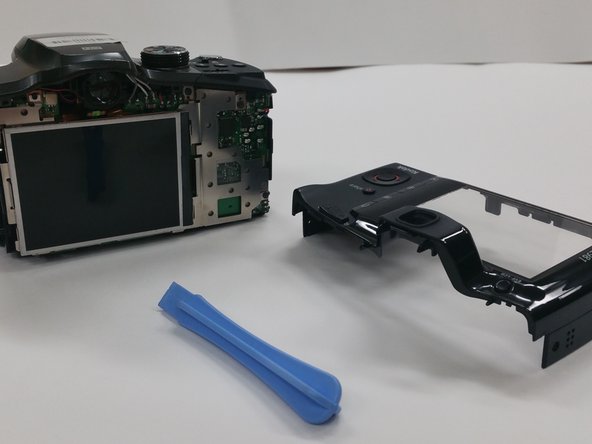
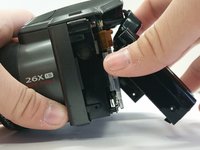
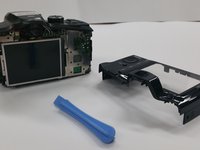
      • Use a Plastic Opening Tool to remove the back of the camera

      Ask FixBot

      Add Comment

    5. Kodak Easyshare Z981 Flash Button Replacement: step 5, image 1 of 3 Kodak Easyshare Z981 Flash Button Replacement: step 5, image 2 of 3 Kodak Easyshare Z981 Flash Button Replacement: step 5, image 3 of 3
      Tool used on this step:
      Tweezers
      $4.99
      Buy
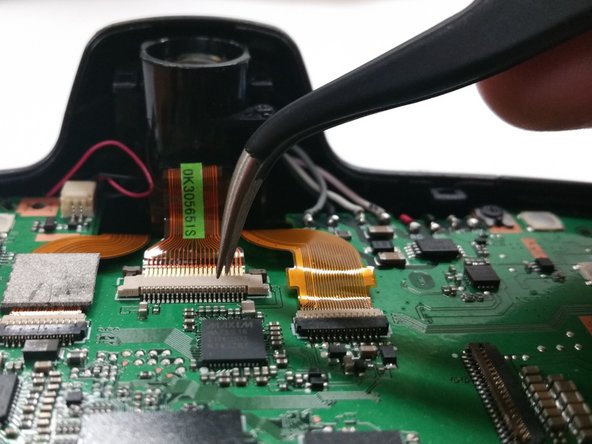
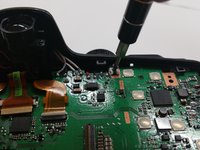
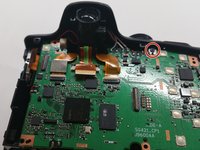
      • Remove the four (4) 3mm screws attaching the LCD screen to the circuit board.

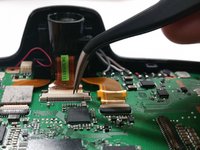
      • Use Tweezers to carefully detach the ribbon cable

      • Use extreme caution on this step, as the ribbon cable is very fragile and can rip very easily.

      Ask FixBot

      Add Comment

    6. Kodak Easyshare Z981 Flash Button Replacement: step 6, image 1 of 3 Kodak Easyshare Z981 Flash Button Replacement: step 6, image 2 of 3 Kodak Easyshare Z981 Flash Button Replacement: step 6, image 3 of 3
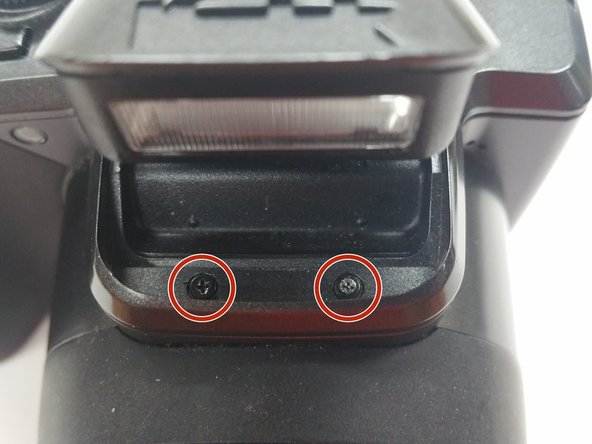
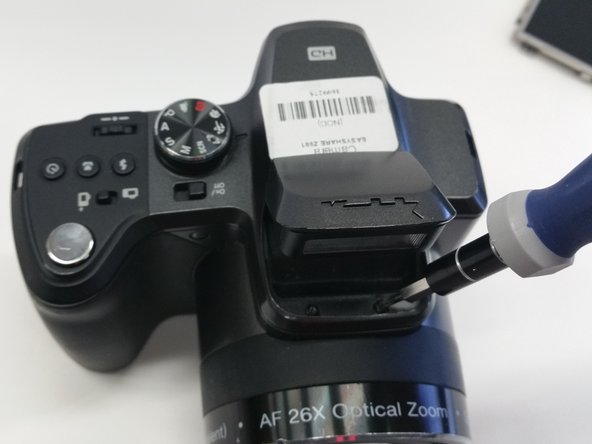
      • Open the flash compartment and remove two (2) 3mm screws.

      Ask FixBot

      Add Comment

    7. Kodak Easyshare Z981 Flash Button Replacement: step 7, image 1 of 2 Kodak Easyshare Z981 Flash Button Replacement: step 7, image 2 of 2
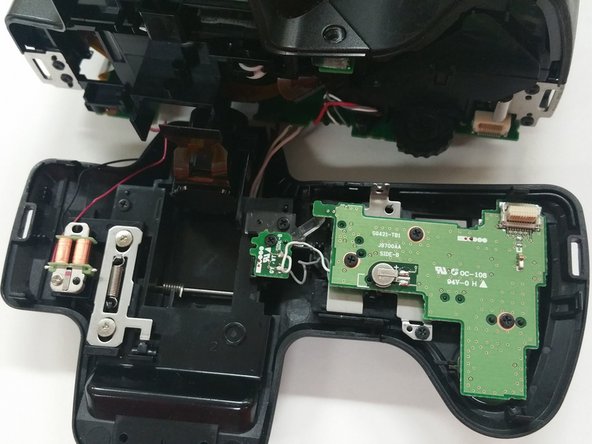
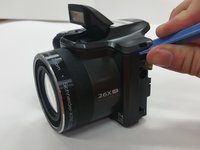
      • Use a Plastic Opening Tool to carefully remove the top of the camera.

      • Use caution when removing the top of the camera

      Ask FixBot

      Add Comment

    8. Kodak Easyshare Z981 Flash Button Replacement: step 8, image 1 of 3 Kodak Easyshare Z981 Flash Button Replacement: step 8, image 2 of 3 Kodak Easyshare Z981 Flash Button Replacement: step 8, image 3 of 3
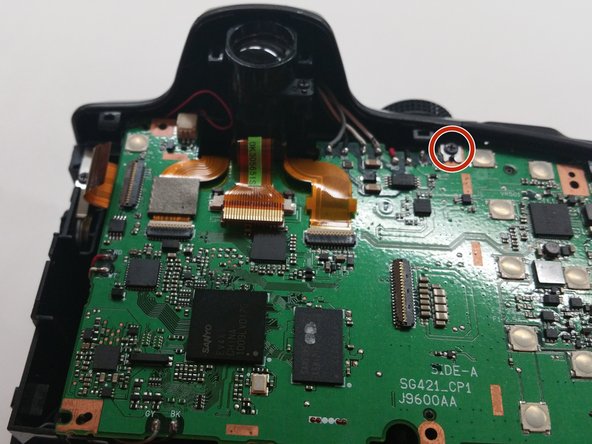
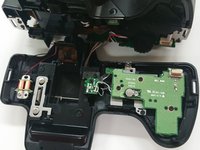
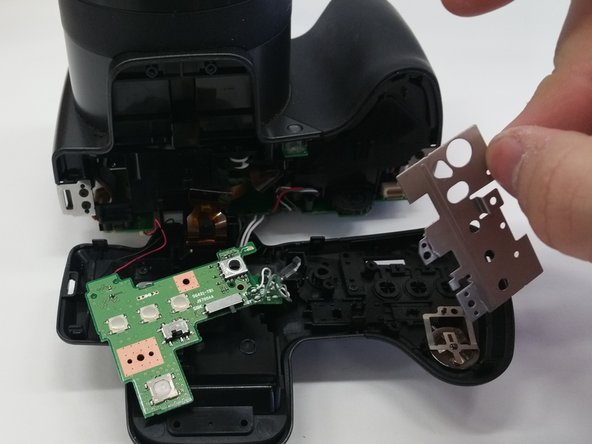
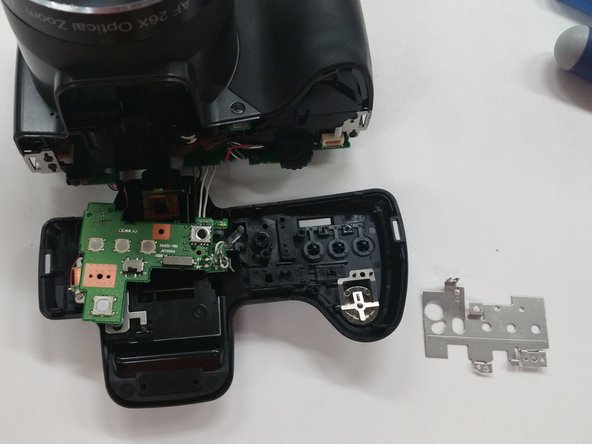
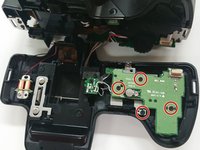
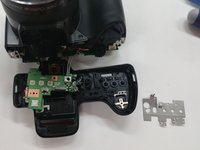
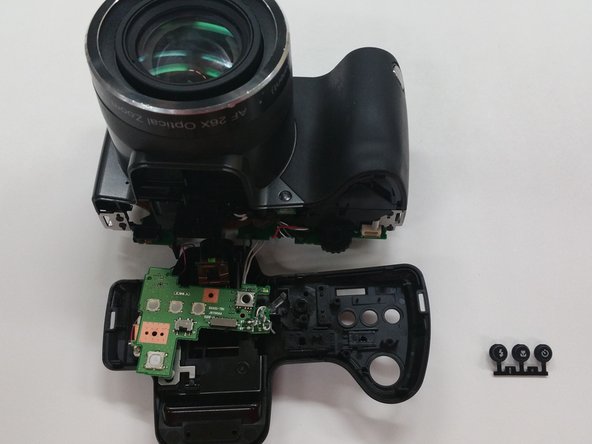
      • Remove four (4) 3mm screws from the circuit board underneath the button set.

      • Gently move the circuit board aside.

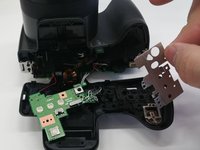
      • Gently move aside the metal sheet.

      Ask FixBot

      Add Comment

    9. Kodak Easyshare Z981 Flash Button Replacement: step 9, image 1 of 2 Kodak Easyshare Z981 Flash Button Replacement: step 9, image 2 of 2
      Tool used on this step:
      Tweezers
      $4.99
      Buy
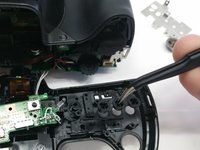
      • Use Tweezers to carefully remove the flash button.

      • The button should simply pop out when light pressure is applied.

      Ask FixBot

      Add Comment

Conclusion

To reassemble your device, follow these instructions in reverse order.

Cancel: I did not complete this guide.

Olivia Boyna

Member since: 03/03/15

509 Reputation

3 Guides authored

0 Guide Comments

Add Comment

View Statistics:

Past 24 Hours: 4

Past 7 Days: 19

Past 30 Days: 98

All Time: 1,302