Introduction
This guide provides step-by-step instructions for removing and replacing the memory card. There are no tools required and no safety precautions needed.
-
-
-
Turn off camera by firmly pressing the power button that is located on the top of the camera.
 Ask FixBot
-
-
-
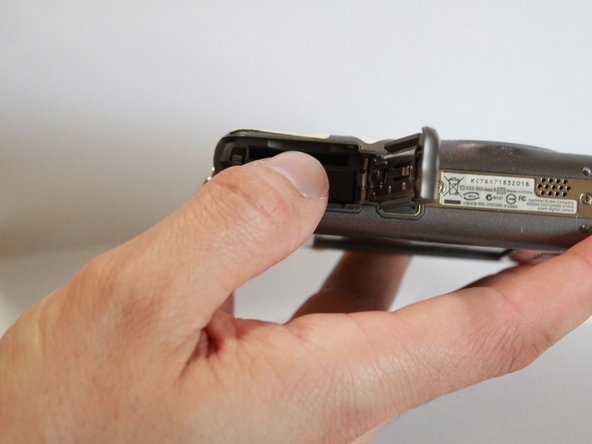
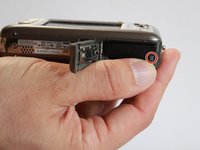
With your finger, slide the battery cover in the direction of the open arrow.
-
-
-
-
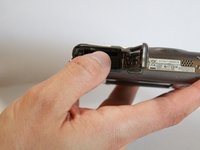
Locate memory card slot and insert memory card by inserting the gold terminals first.
-
Push memory card into memory card slot, until it clicks into place.
-
-



To reassemble your device, follow these instructions in reverse order.

Team

UMass Dartmouth, Team S9-G4, Martin Spring 2017 Member of UMass Dartmouth, Team S9-G4, Martin Spring 2017
UMASSD-MARTIN-S17S9G4
4 Members
60 Guides authored
