Free Shipping on Domestic Orders $75+

Kodak Easyshare V1003 LCD Display Replacement

What you need

    1. Kodak Easyshare V1003  LCD Display Replacement, Battery: step 1, image 1 of 1
      • Turn off camera by firmly pressing the power button that is located on the top of the camera.

      Ask FixBot

      Add Comment

    2. Kodak Easyshare V1003  LCD Display Replacement: step 2, image 1 of 1
      • Position camera with the bottom facing up.

      Ask FixBot

      Add Comment

    3. Kodak Easyshare V1003  LCD Display Replacement: step 3, image 1 of 1
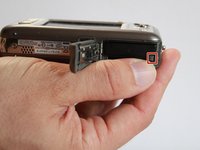
      • With your finger, slide the battery cover in the direction of the open arrow.

      Ask FixBot

      Add Comment

    4. Kodak Easyshare V1003  LCD Display Replacement: step 4, image 1 of 1
      • Lift the battery cover up gently.

      Ask FixBot

      Add Comment

    5. Kodak Easyshare V1003  LCD Display Replacement: step 5, image 1 of 2 Kodak Easyshare V1003  LCD Display Replacement: step 5, image 2 of 2
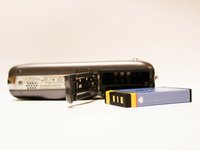
      • Gently push the battery down until a click is heard. Battery should release and be lifted out of slot.

      Ask FixBot

      Add Comment

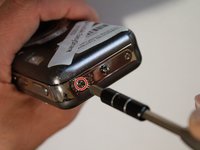
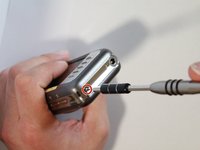
    1. Kodak Easyshare V1003  LCD Display Replacement, Buttons: step 6, image 1 of 3 Kodak Easyshare V1003  LCD Display Replacement, Buttons: step 6, image 2 of 3 Kodak Easyshare V1003  LCD Display Replacement, Buttons: step 6, image 3 of 3
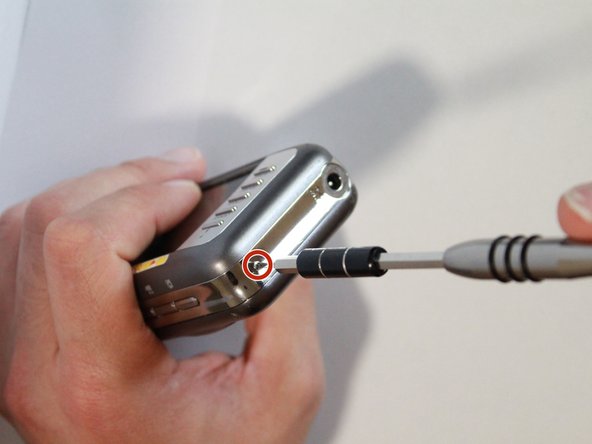
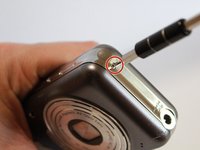
      • Use a J00 screwdriver to remove the five exterior screws.

      Ask FixBot

      Add Comment

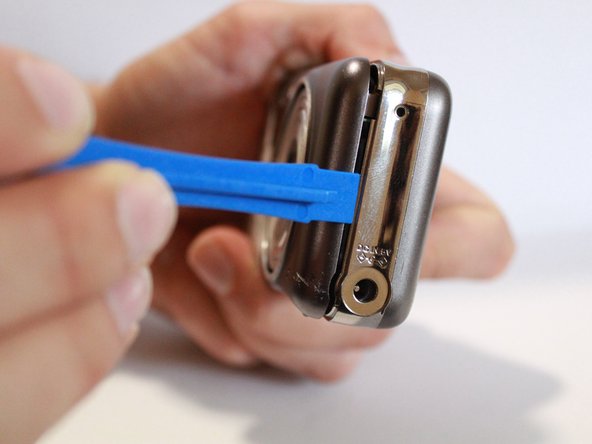
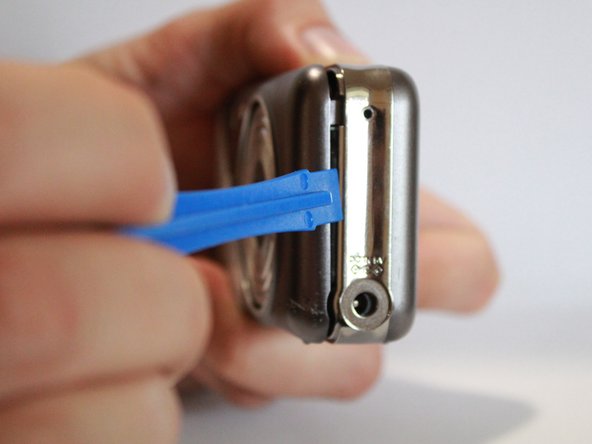
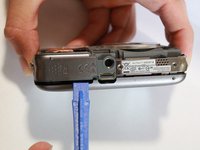
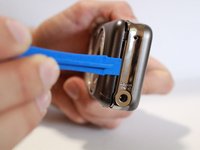
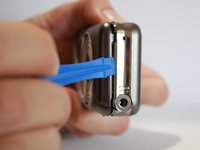
    2. Kodak Easyshare V1003  LCD Display Replacement: step 7, image 1 of 3 Kodak Easyshare V1003  LCD Display Replacement: step 7, image 2 of 3 Kodak Easyshare V1003  LCD Display Replacement: step 7, image 3 of 3
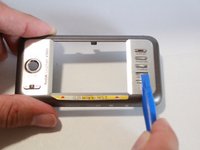
      • Use a plastic opening tool to pry off the back casing.

      Ask FixBot

      Add Comment

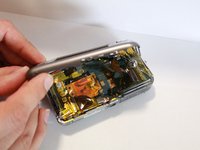
    3. Kodak Easyshare V1003  LCD Display Replacement: step 8, image 1 of 3 Kodak Easyshare V1003  LCD Display Replacement: step 8, image 2 of 3 Kodak Easyshare V1003  LCD Display Replacement: step 8, image 3 of 3
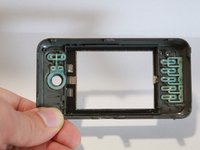
      • Completely remove the back casing from the device.

      • Using a plastic tool to remove the bottom.

      Ask FixBot

      Add Comment

    1. Kodak Easyshare V1003  LCD Display Replacement, LCD Display: step 9, image 1 of 1
      • Remove the LCD display by unplugging the connector.

      Ask FixBot

      Add Comment

    2. Kodak Easyshare V1003  LCD Display Replacement: step 10, image 1 of 1
      • Take apart the LCD display from the back case.

      Ask FixBot

      Add Comment

Conclusion

To reassemble your device, follow these instructions in reverse order.

Cancel: I did not complete this guide.

2 other people completed this guide.

Vanessa Soares

Member since: 03/15/17

246 Reputation

2 Guides authored

Team

1 Guide Comment

Hi Vanessa

Where in South Africa (Gauteng) can I buy a lcd display replacement screen for this Kodak easyshare v1003 camera?

Wickus: +27725966377/ vwickus@ymail.com

vwickus - Reply Share

Add Comment

View Statistics:

Past 24 Hours: 3

Past 7 Days: 12

Past 30 Days: 40

All Time: 1,567