Introduction
The lens cover protects the lens from being scratched or damaged. Follow these simple steps to remove and replace a cracked or damaged lens cover.
-
-
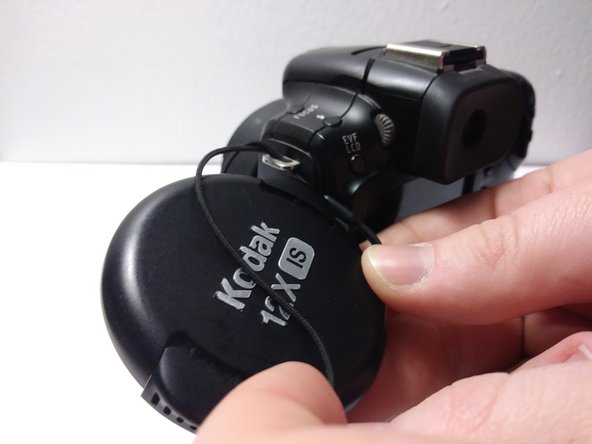
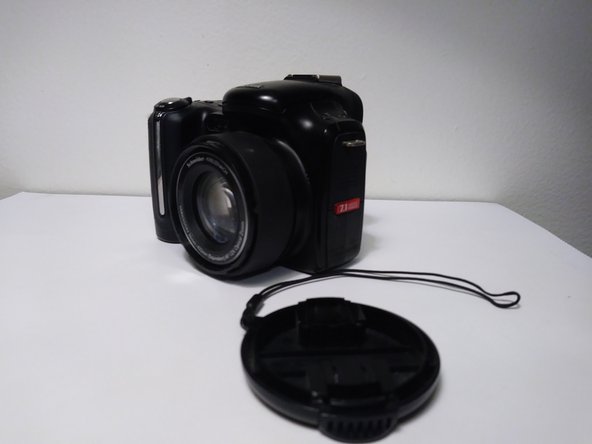
Squeeze the buttons on the sides of the lens cap and remove from lens.
 Ask FixBot
-
-
-
-
Pull the lens cover string down so that the loop underneath the bracket sits on top of the cover string. Push up so that the string starts to come out of the top loop.
-
Grab the string from above the loop and pull up.
-
-
-
Thread the lens cover through the loop and pull the string out of the metal bracket.
-


Conclusion
To reassemble your device, follow these instructions in reverse order.

