Introduction
This guide demonstrates how to install a memory card.
-
-
-
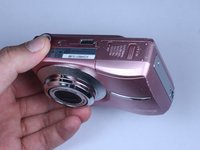
Turn off camera by firmly pressing the power button that is located on the top of the camera near the mode selector dial.
 Ask FixBot
-
-
-
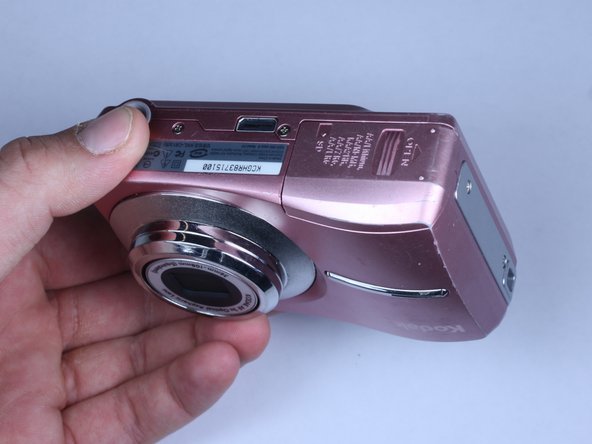
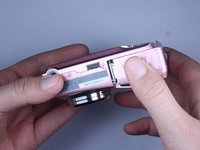
Locate battery compartment on bottom of camera and slide open by applying pressure in the direction of the arrow.
-
-
-
-
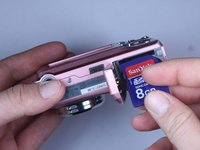
Locate memory card slot and insert memory card by inserting the gold terminals first.
-
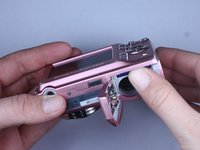
Apply pressure into you feel it lock into place.
-
Note: To remove a memory card, apply pressure down until you feel it click. Then it should pop up and you can just pull it up.
-
-
-
Turn on camera.
-
If you encounter a problem refer to your memory card, reference: Camera Memory Problems
-
-




To reassemble your device, follow these instructions in reverse order.
Cancel: I did not complete this guide.
One other person completed this guide.

Team

Cal Poly, Team 24-22, Regan Spring 2010 Member of Cal Poly, Team 24-22, Regan Spring 2010
CPSU-REGAN-S10S24G22
4 Members
120 Guides authored
