Free Shipping on Domestic Orders $75+

Kodak EasyShare M2008 Lens Replacement

What you need

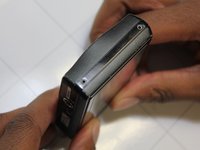
  1. Kodak EasyShare M2008 Lens Replacement, Battery: step 1, image 1 of 2 Kodak EasyShare M2008 Lens Replacement, Battery: step 1, image 2 of 2
    • Place thumb firmly on batter cover.

    • Slide thumb right, the cover should follow and pop up.

    Ask FixBot

    Add Comment

  2. Kodak EasyShare M2008 Lens Replacement: step 2, image 1 of 2 Kodak EasyShare M2008 Lens Replacement: step 2, image 2 of 2
    • Place thumb on orange tab and pull back towards screen.

    • The battery should pop up.

    • Gently lift battery out.

    Ask FixBot

    Add Comment

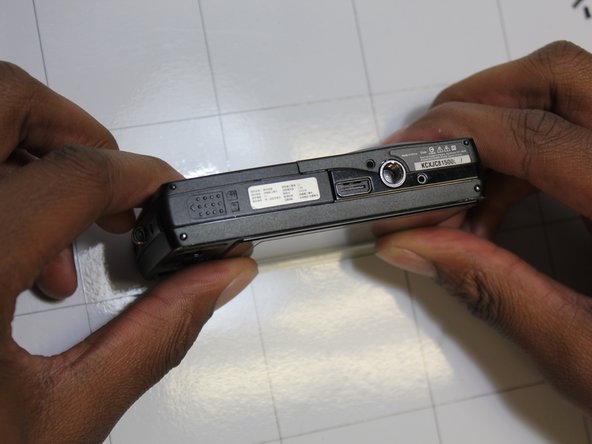
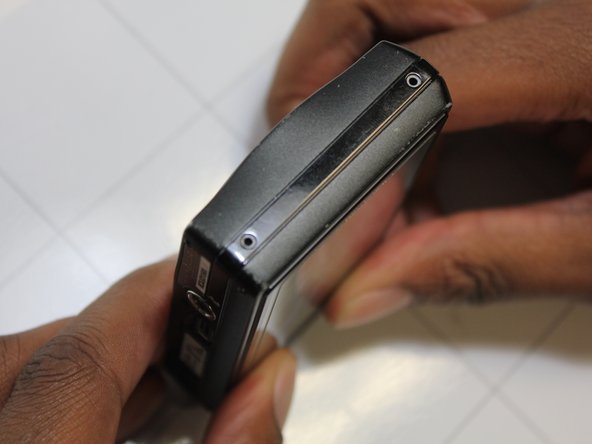
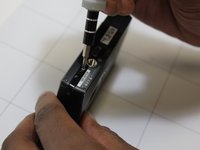
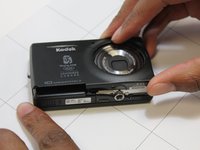
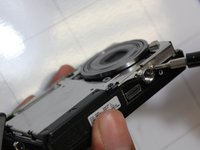
  3. Kodak EasyShare M2008 Lens Replacement, Device Casing: step 3, image 1 of 3 Kodak EasyShare M2008 Lens Replacement, Device Casing: step 3, image 2 of 3 Kodak EasyShare M2008 Lens Replacement, Device Casing: step 3, image 3 of 3
    • Remove screws from along outer edge of casing.

    • There are 6 screws in total.

    • Righty tighty, lefty loosey!

    Ask FixBot

    Add Comment

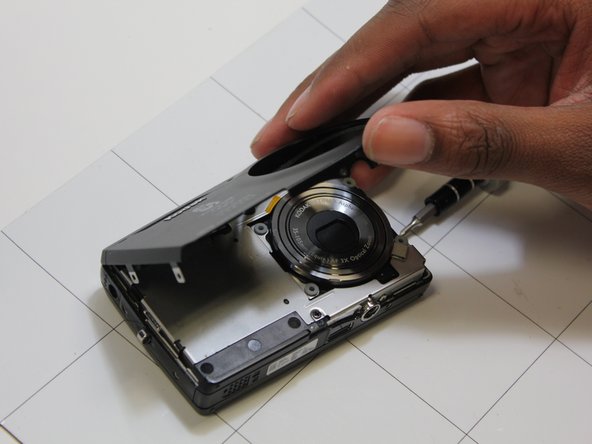
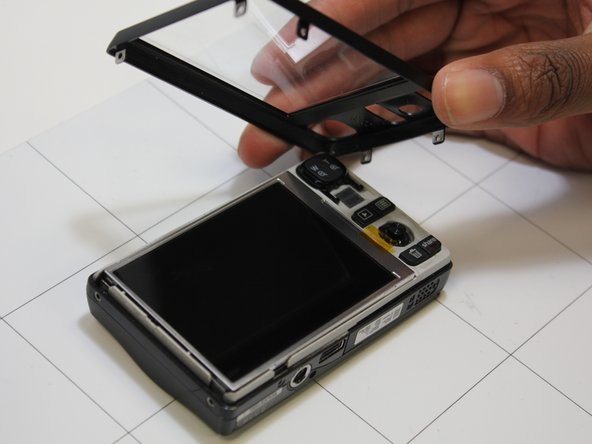
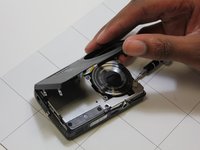
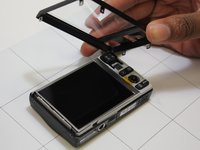
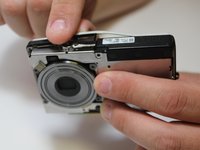
  4. Kodak EasyShare M2008 Lens Replacement: step 4, image 1 of 3 Kodak EasyShare M2008 Lens Replacement: step 4, image 2 of 3 Kodak EasyShare M2008 Lens Replacement: step 4, image 3 of 3
    • Gently lift off front and back casing.

    Ask FixBot

    Add Comment

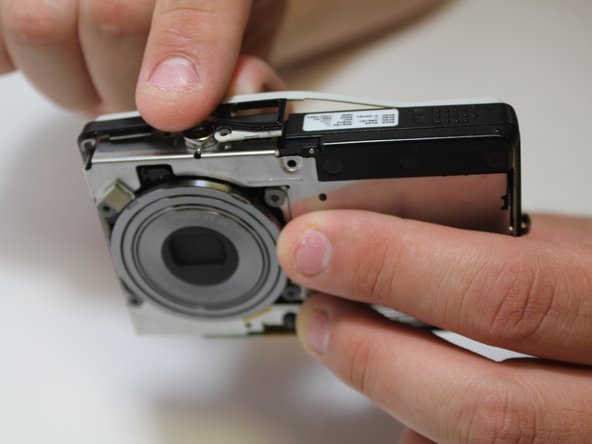
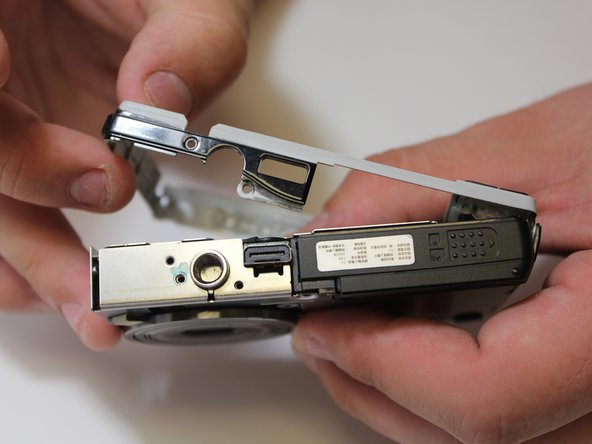
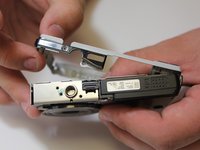
  5. Kodak EasyShare M2008 Lens Replacement: step 5, image 1 of 3 Kodak EasyShare M2008 Lens Replacement: step 5, image 2 of 3 Kodak EasyShare M2008 Lens Replacement: step 5, image 3 of 3
    • Remove screws along side.

    • Gently peel off side casing.

    Ask FixBot

    Add Comment

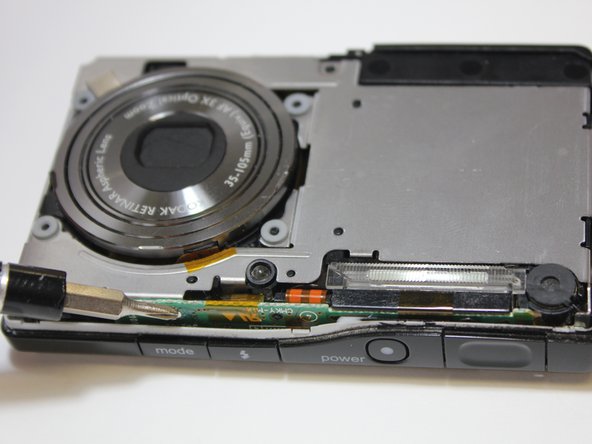
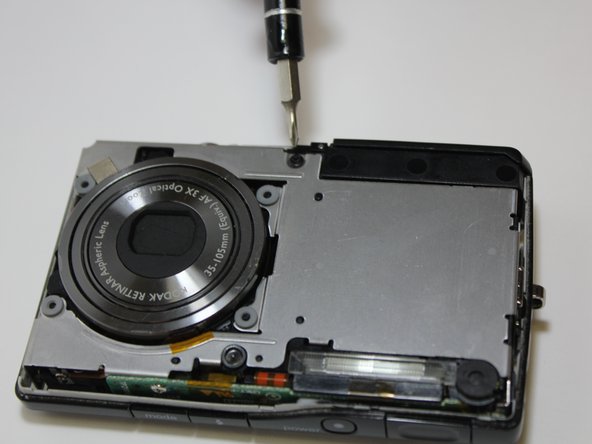
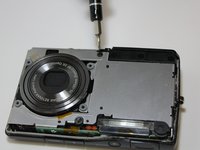
  6. Kodak EasyShare M2008 Lens Replacement, Lens: step 6, image 1 of 3 Kodak EasyShare M2008 Lens Replacement, Lens: step 6, image 2 of 3 Kodak EasyShare M2008 Lens Replacement, Lens: step 6, image 3 of 3
    • Remove screws from front silver panel.

    Ask FixBot

    Add Comment

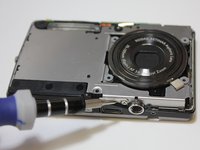
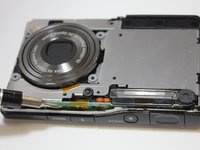
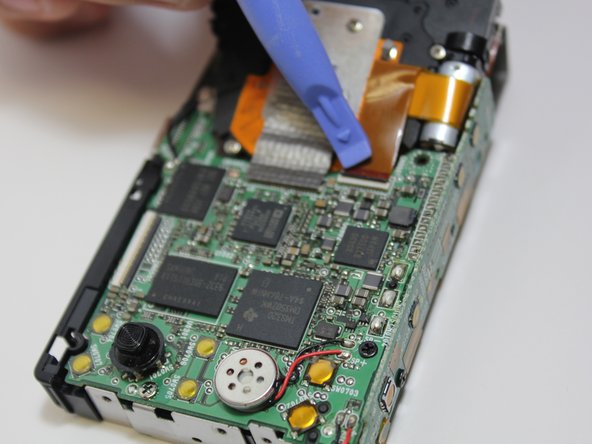
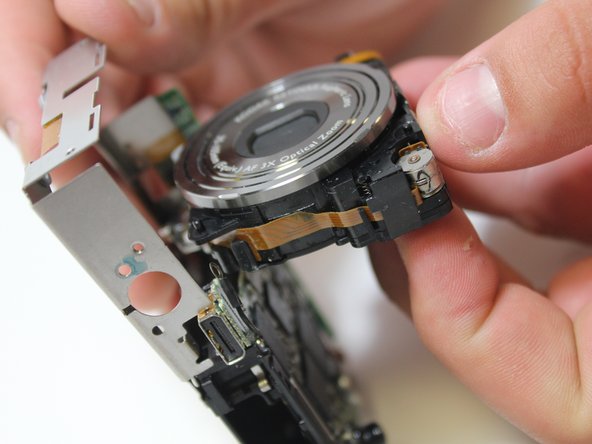
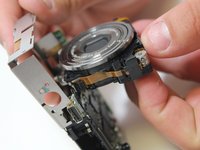
  7. Kodak EasyShare M2008 Lens Replacement: step 7, image 1 of 3 Kodak EasyShare M2008 Lens Replacement: step 7, image 2 of 3 Kodak EasyShare M2008 Lens Replacement: step 7, image 3 of 3
    • Lift up ribbon cable fastener with blue plastic opening tool.

    • Gently pull out lens.

    Ask FixBot

    Add Comment

  8. Kodak EasyShare M2008 Lens Replacement: step 8, image 1 of 1
    • To place new lens, peel off silver tape before inserting ribbon cable into proper slot.

    Ask FixBot

    Add Comment

Conclusion

To reassemble your device, follow these instructions in reverse order.

Cancel: I did not complete this guide.

One other person completed this guide.

Brian

Member since: 03/13/14

252 Reputation

2 Guides authored

Team

0 Guide Comments

Add Comment

View Statistics:

Past 24 Hours: 1

Past 7 Days: 8

Past 30 Days: 40

All Time: 672