
Kodak EasyShare CD82 Lens Assembly Replacement

oldturkey03 and 6 other contributors
Last updated on May 7, 2024
Views: 2.5K
View statistics:
- Past 24 Hours:
- 2
- Past 7 Days:
- 17
- Past 30 Days:
- 113
- All Time:
- 2,530
Comments: 1
1 guide comment.
Go to guide commentsCompleted: 1 2
1 person has marked this guide "completed." Will you be next?
2 people have marked this guide "completed." Including you — great job!
Favorites: 5 6
5 people have favorited (and subscribed to) this guide. Will you be next?
6 people have favorited (and subscribed to) this guide — including you!
Action Shots
Be an action hero! This guide needs images that better demonstrate how to perform specific actions.
Needs More Images
A few more images would make this guide's procedures crystal clear.
Slice and Dice
The steps in this guide should be split up and made into a series of prerequisite guides.
Community-Contributed Guide
An awesome member of our community made this guide. It was not created by iFixit staff.
Introduction
Go to step 1 ↓Use this guide to remove and replace a dysfunctional lens on the Kodak EasyShare CD82 digital camera.
What you need
Parts
Tools


-
-
-
Remove the batteries and the memory card from the device.
-
Remove the two screws located at the bottom of the camera.
 Ask FixBot
-
-
-
Remove the two screws on the side of the device, to left of the camera lens.
-
Remove the two screws on side of the device, to the right of the camera lens.
-
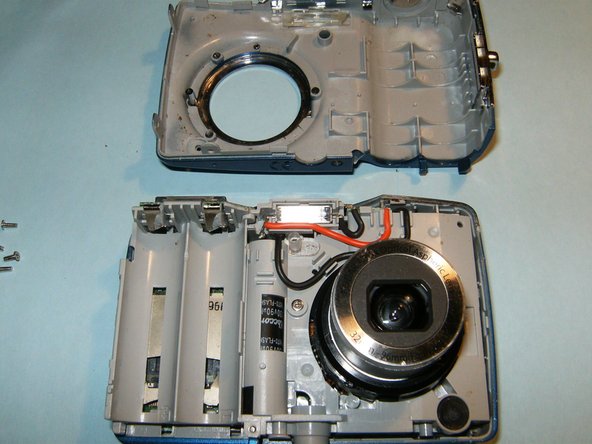
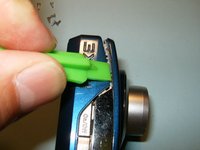
Pry the casing apart at the seems, starting at the battery compartment.
-
-
-
Remove the front casing from the mid-frame, first.
-
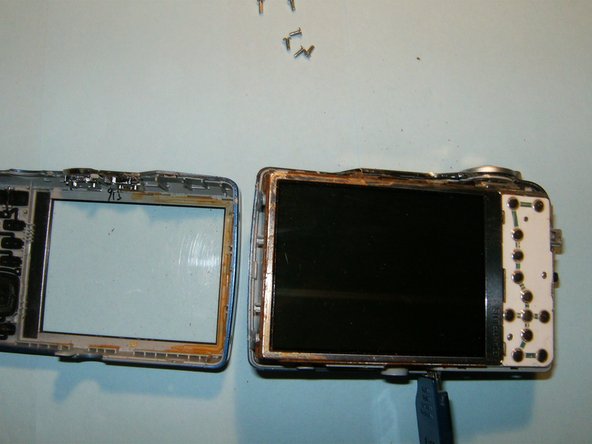
Continue to remove the back casing from the mid-frame.
-
Do not remove the LCD screen from the device once it becomes visible.
-
-
-
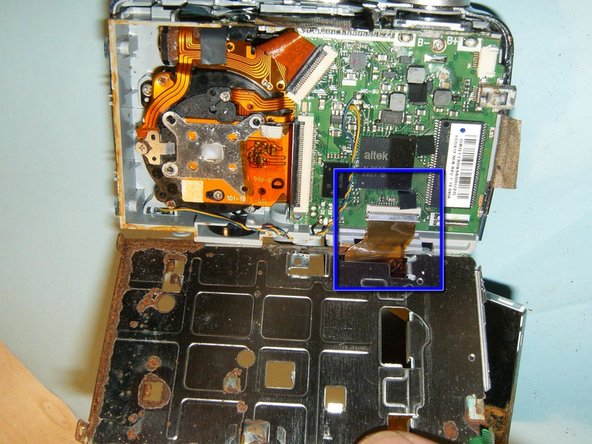
Flip the LCD screen out of the holder from the top to reveal ribbon cable.
-
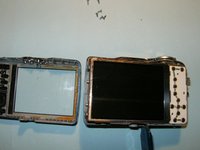
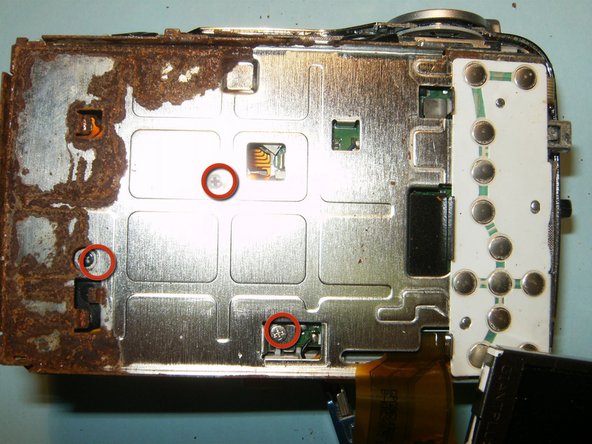
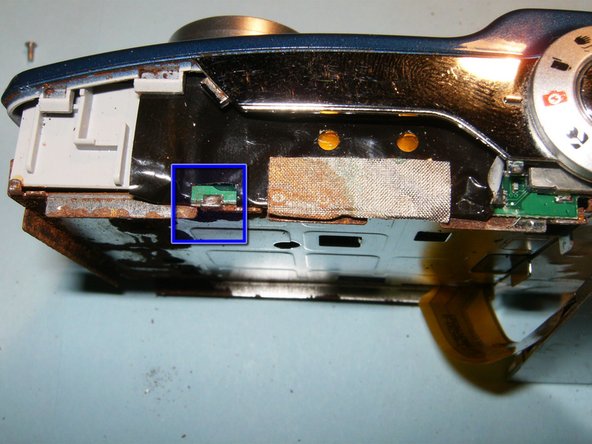
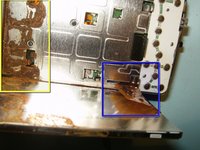
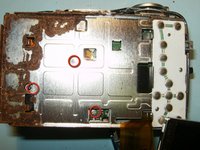
This camera had some obvious water damage..
-
Remove the three screws from the LCD holder
-
Dislodge the LCD screen holder from the circuit board connector.
-
-
Tool used on this step:Tweezers$4.99
-
Disconnect the logic board from the frame on the right side of the device.
-
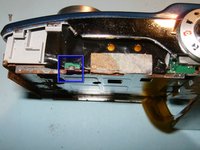
Remove the small ribbon cable, connecting the button board to the logic board, with small pair of tweezers or hemostat.
-
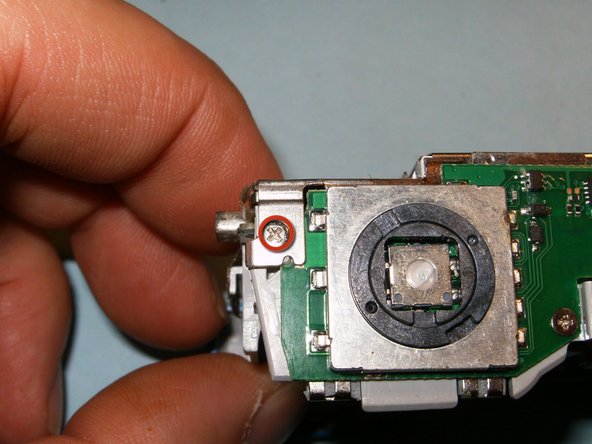
Remove the screw on the top right side of the device connecting the LCD screen holder to the midframe.
-
Move the black clip into the upward position to disconnect the cable.
-
You will now be able to remove the LCD screen and its holder from the device.
-
-
-
-
Flip the black clips of the connectors into the opposite direction. Remove the lens and CCD cable.
-
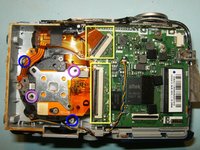
Remove the two screws securing the lens to the midframe.
-
These are missing screws for the CCD sensor, lost in a previous dismantling.
-
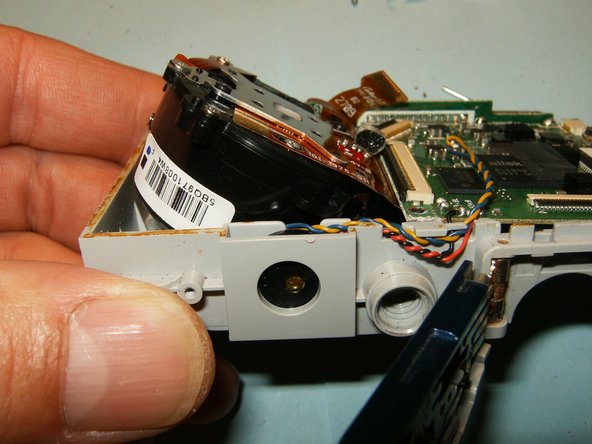
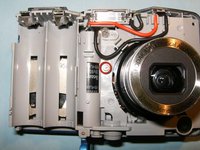
Remove the single screw securing the lens to the mid-frame. The lens will now be loose.
-
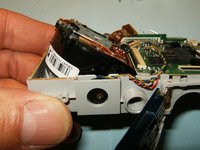
Push the lens out of the frame in an angular direction, and remove.
-
-
-
Insert the new lens the same way it was removed.
-
Clean and reassemble the camera.
-
-





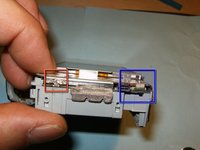
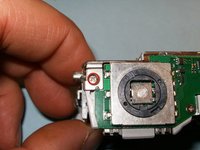
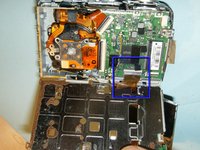

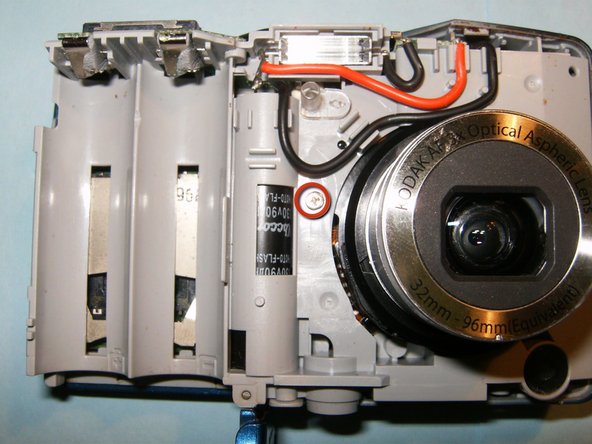

To reassemble your device, follow these instructions in reverse order.
Cancel: I did not complete this guide.
One other person completed this guide.

