Free Shipping on Domestic Orders $75+

Kodak EasyShare CD82 LCD Display Screen Replacement

What you need

  1. Kodak EasyShare CD82 LCD Display Screen Replacement, LCD Screen: step 1, image 1 of 3 Kodak EasyShare CD82 LCD Display Screen Replacement, LCD Screen: step 1, image 2 of 3 Kodak EasyShare CD82 LCD Display Screen Replacement, LCD Screen: step 1, image 3 of 3
    • Remove the batteries and the memory card from the device.

    • Remove the 2 screws located at the bottom of the device.

    Ask FixBot

    Add Comment

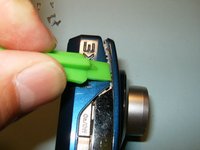
  2. Kodak EasyShare CD82 LCD Display Screen Replacement: step 2, image 1 of 3 Kodak EasyShare CD82 LCD Display Screen Replacement: step 2, image 2 of 3 Kodak EasyShare CD82 LCD Display Screen Replacement: step 2, image 3 of 3
    • Remove the 2 screws on the side, to the left of the camera lens.

    • Remove the 2 screws on the side, to the right of the camera lens.

    • Pry the casing from the device starting at the battery compartment and following the seem around the camera.

    Ask FixBot

    Add Comment

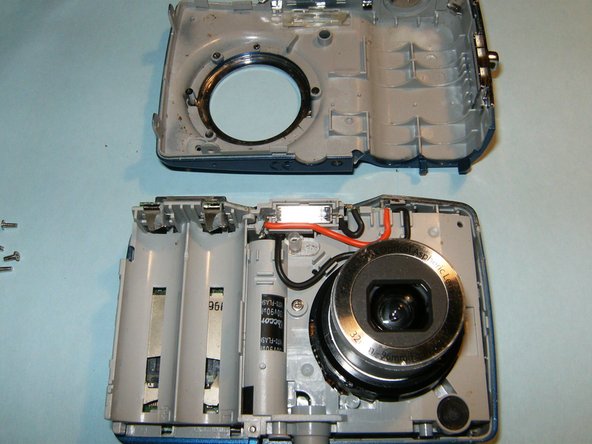
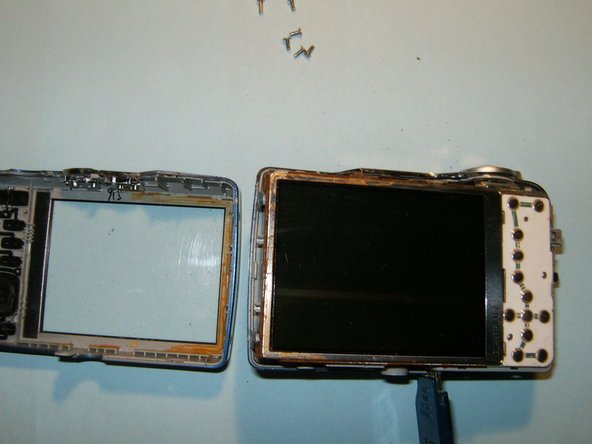
  3. Kodak EasyShare CD82 LCD Display Screen Replacement: step 3, image 1 of 3 Kodak EasyShare CD82 LCD Display Screen Replacement: step 3, image 2 of 3 Kodak EasyShare CD82 LCD Display Screen Replacement: step 3, image 3 of 3
    • Remove the front panel from the device first, then remove the back panel.

    • Do not remove the LCD screen from the device once it becomes visible.

    Ask FixBot

    Add Comment

  4. Kodak EasyShare CD82 LCD Display Screen Replacement: step 4, image 1 of 3 Kodak EasyShare CD82 LCD Display Screen Replacement: step 4, image 2 of 3 Kodak EasyShare CD82 LCD Display Screen Replacement: step 4, image 3 of 3
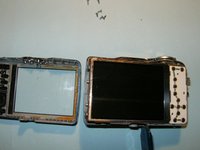
    • Flip the LCD screen away from the top of the device to reveal the ribbon cable.

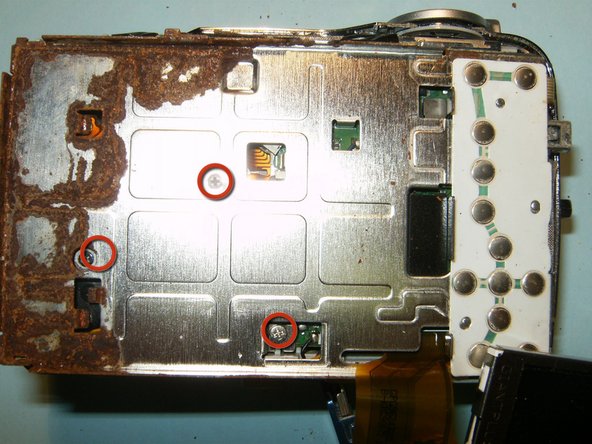
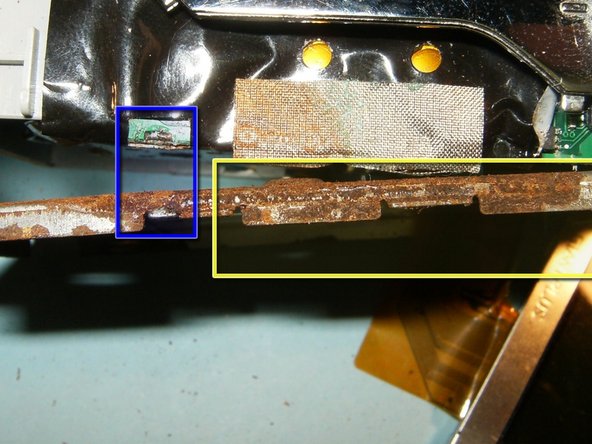
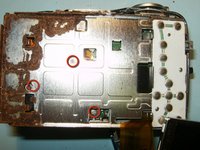
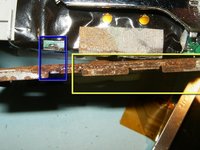
    • This is water damage the has afflicted the camera.

    • Remove the 3 screws from the LCD screen holder.

    • Pry the screen holder from the circuit board connector.

    Ask FixBot

    Add Comment

  5. Kodak EasyShare CD82 LCD Display Screen Replacement: step 5, image 1 of 2 Kodak EasyShare CD82 LCD Display Screen Replacement: step 5, image 2 of 2
    Tool used on this step:
    Tweezers
    $4.99
    Buy
    • Disconnect the logic board from the right side of the frame.

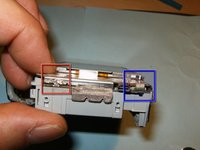
    • Remove the small ribbon cable that is connecting the button panel to the logic board, using a small pair of tweezers or hemostat.

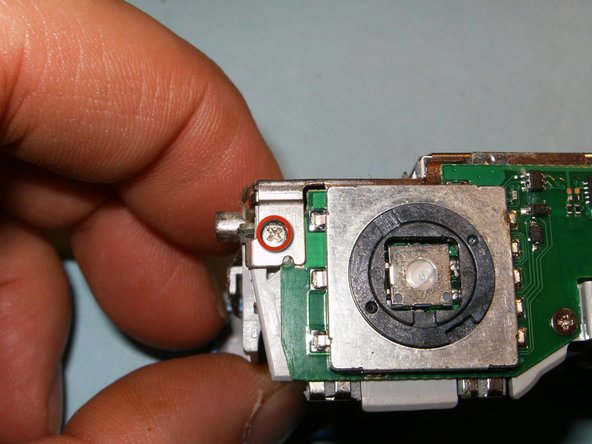
    • Remove the screw on the top right side of the device.

    Ask FixBot

    Add Comment

  6. Kodak EasyShare CD82 LCD Display Screen Replacement: step 6, image 1 of 2 Kodak EasyShare CD82 LCD Display Screen Replacement: step 6, image 2 of 2
    • Open the connector and move the black clip into the upward position, freeing the cable. Remove the LCD screen and the holder.

    • While the camera is disassembled, use isopropyl alcohol to remove rust and clean the device.

    • Follow these steps in reverse order to reassemble. The device should be fully functional upon completion.

    Ask FixBot

    Add Comment

Conclusion

To reassemble your device, follow these instructions in reverse order.

Cancel: I did not complete this guide.

2 other people completed this guide.

oldturkey03

Member since: 09/29/10

856,062 Reputation

123 Guides authored

1 Guide Comment

Is there any repair for Kodak CD80 easy share camera…..as my camera is not working

Januchowdary - Reply Share

Add Comment

View Statistics:

Past 24 Hours: 3

Past 7 Days: 8

Past 30 Days: 57

All Time: 2,069