
Kindle Fire HD 10 Sound and Power Button Replacement

William Hess and 5 other contributors
Last updated on May 7, 2024
Views: 9.9K
View statistics:
- Past 24 Hours:
- 2
- Past 7 Days:
- 34
- Past 30 Days:
- 132
- All Time:
- 9,908
Comments: 4
4 comments on steps.
Completed: 5 6
5 people have marked this guide "completed." Will you be next?
6 people have marked this guide "completed." Including you — great job!
Favorites: 0 1
No one has favorited (and subscribed to) this guide. Will you be the first?
1 person has favorited (and subscribed to) this guide — and that's you!
Introduction
Go to step 1 ↓This is a guide on how to replace the sound and the power buttons on a 7th generation Amazon Kindle Fire HD 10.
These buttons often break through normal use. These buttons are used for changing the volume of your 7th generation Amazon Kindle Fire HD 10 and turning the screen on and off.
What you need
Tools


-
-
-
Use an iFixit opening tool to pry open the back case.
-
Make sure to go around the whole case before removing the whole case.
 Ask FixBot
-
-
Tool used on this step:Tweezers$4.99
-
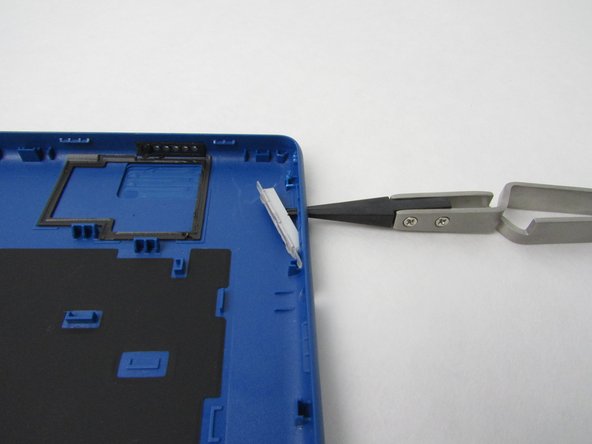
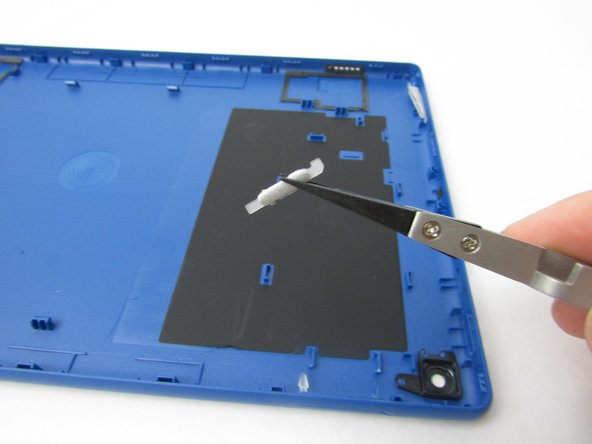
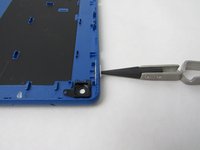
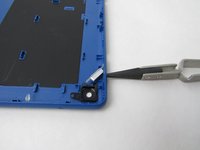
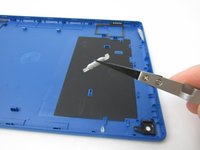
Push out the sound button with the tweezers gently.
-
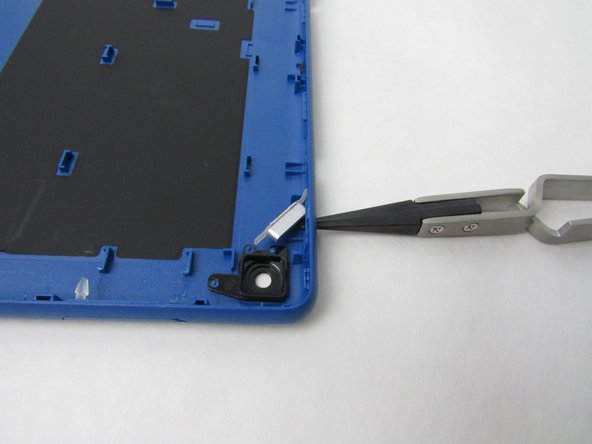
Use tweezers to then remove the button.
-
-
-



To reassemble your device, follow these instructions in reverse order.
Cancel: I did not complete this guide.
5 other people completed this guide.

Team

Embry-Riddle Aeronautical University, Team S1-G5, Watkins Fall 2019 Member of Embry-Riddle Aeronautical University, Team S1-G5, Watkins Fall 2019
ERAU-WATKINS-F19S1G5
4 Members
60 Guides authored
