
Kindle 7th Generation Battery Replacement

Abby Roulier and
Last updated on Nov 17, 2026
Views: 71K
View statistics:
- Past 24 Hours:
- 46
- Past 7 Days:
- 342
- Past 30 Days:
- 1,444
- All Time:
- 71,213
Comments: 38
10 comments on steps, 28 guide comments.
Go to guide commentsCompleted: 39 40
39 people have marked this guide "completed." Will you be next?
40 people have marked this guide "completed." Including you — great job!
Favorites: 10 11
10 people have favorited (and subscribed to) this guide. Will you be next?
11 people have favorited (and subscribed to) this guide — including you!
Featured Student Guide
This guide has been the hard work of our awesome students and is found to be exceptionally cool by the iFixit staff.
What you need
Parts

Tools


Introduction
Go to step 1 ↓Having battery issues that require replacement? Well you're in the right place. You're also in luck: the battery is the easiest internal component of the Kindle 7th generation to replace. Follow this guide and your Kindle should be working in no time.
Note: this guide is a for a standard Kindle 7th Gen. This is NOT the same as Kindle Paperwhite 7th Gen, or Kindle Voyage 2014!
-
-
-
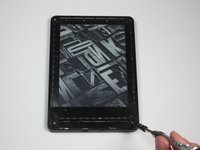
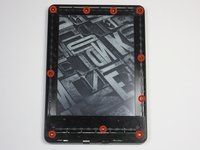
At each corner, use the blue plastic opening tool to unhook and separate the front panel from the adhesive.
-
Run the tool along the seams to pry open the front panel.
 Ask FixBot
-
-
-
Peel the front panel off to remove it from the Kindle.
-
To prevent damaging the front panel, peel the panel from the corners towards the middle of the Kindle.
-
-
-
-
-
-
Working evenly along the corners and edges, separate the internal contents from the back panel.
-
-
-
Tool used on this step:Tweezers$4.99
-
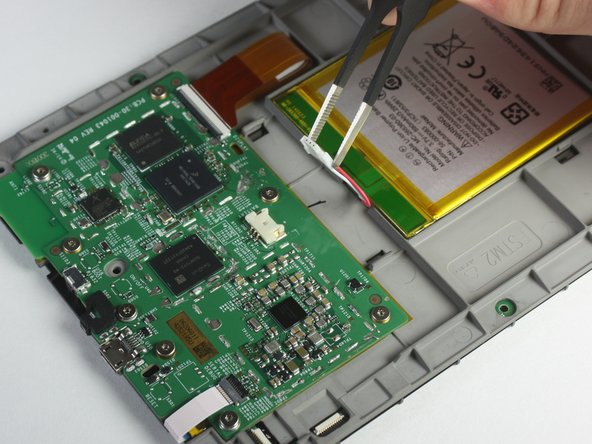
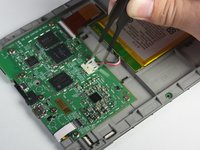
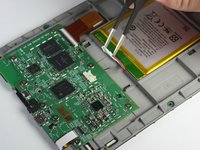
Use the blunted precision tweezers to pinch the ends of the clip securing the battery cord to the motherboard.
-
Gently slide the cord from the motherboard connection.
-
-
-
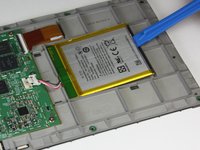
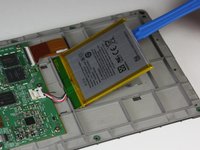
Use the plastic opening tool to pry the battery from the backside of the screen.
-
Set the battery aside.
-







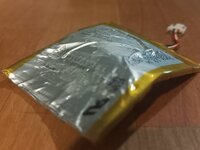
To reassemble your device, follow these instructions in reverse order.
Cancel: I did not complete this guide.
39 other people completed this guide.

Team

Cal Poly, Team 6-28, Amido Winter 2015 Member of Cal Poly, Team 6-28, Amido Winter 2015
CPSU-AMIDO-W15S6G28
4 Members
72 Guides authored
28 Guide Comments
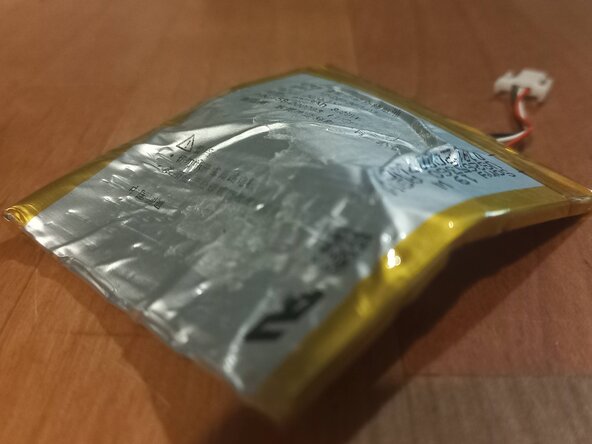
Fairly easy to do. Saves a lot of money compared to buying a whole new Kindle :) Thank you for this! A note: I've never seen batteries as...soft as these. Take care when using the removal tool. I could be easy to puncture the battery which could cause a big mess and possibly injury.
Where do I get a new battery from please?
