Introduction
Replacing the mop pad on your Kilgone G20 is a simple yet essential maintenance task to keep your device performing at its best. Over time, mop pads can wear out or accumulate dirt that’s tough to clean, reducing cleaning efficiency. This guide will walk you through the steps to swap out the old pad for a fresh one, ensuring your floors stay spotless with every use. Let’s get started!
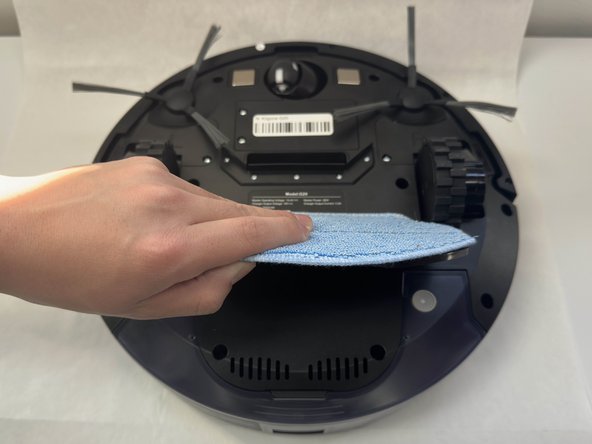
-
-
-
-
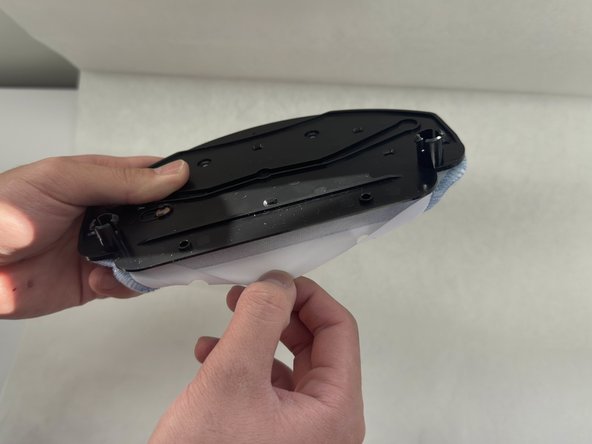
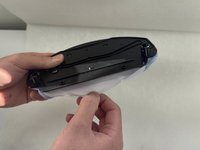
Flip the mop pad over so that the pad is facing down.
-
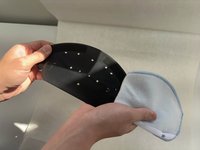
Peel the white cloth away, so that it's no longer hugging the plastic.
-
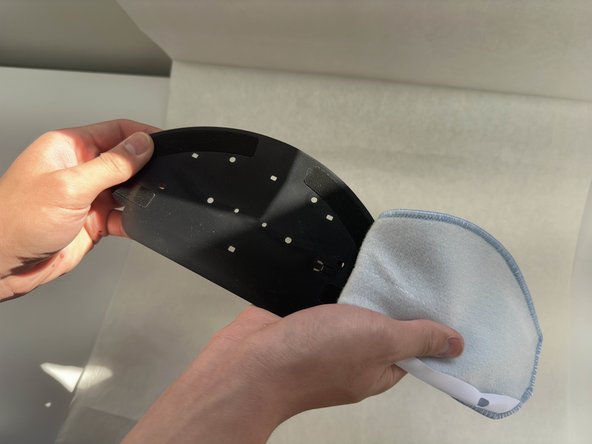
Flip the plastic around, and simply peel the mop pad off of the velcro.
-

 Ask FixBot



To reassemble your device, follow these instructions in reverse order.

Team

University of North Texas, Team 6-3, Kilpatrick Fall 2024 Member of University of North Texas, Team 6-3, Kilpatrick Fall 2024
UNT-KILPATRICK-F24S6G3
4 Members
60 Guides authored
