Introduction
Over time, the G20 dust bin will accumulate lots of debris and dust. Use this guide to replace the dust bin filter inside the G20. You can also use this guide to clean out the dust bin.
Before you start the guide make sure the G20 is power off.
-
-
-
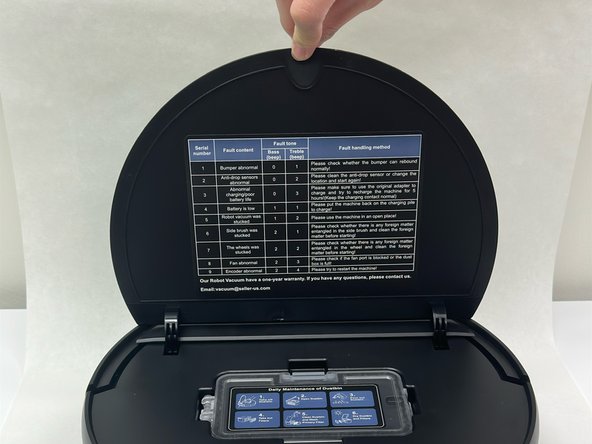
At the front of the G20, there should be a “PULL” label; pull it up to open the vacuum lid.
-
-
-
-
Use your hands to pinch the tab located on the top of the dustbin.
-
Lift up to remove the dustbin from the G20.
-
-
-
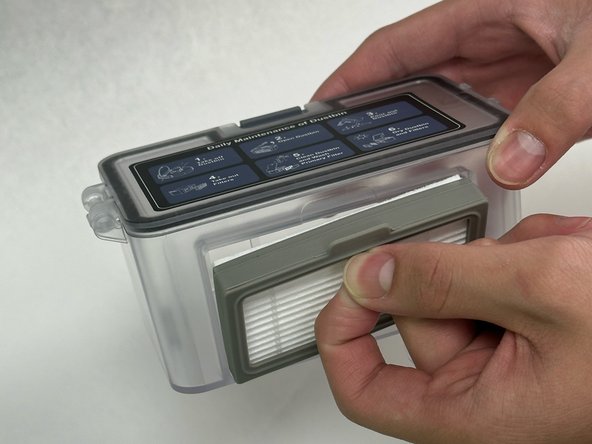
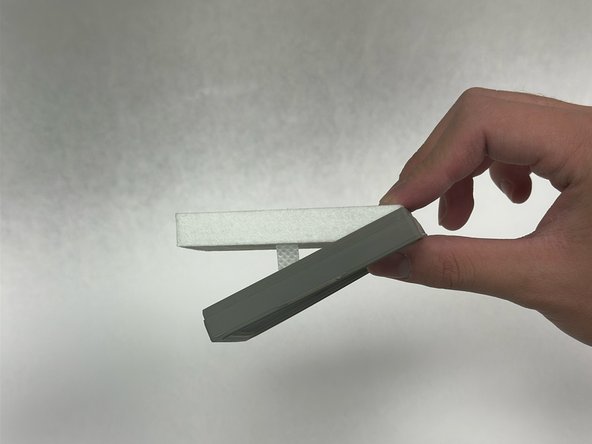
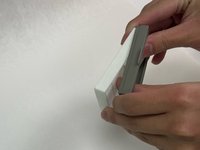
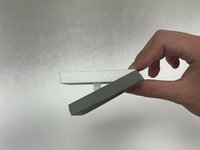
Remove the dust filter from the dust bin by locating the filter at the side of the bin.
-
Pull it out using the tab.
-

 Ask FixBot




To reassemble your device, follow these instructions in reverse order.
Cancel: I did not complete this guide.
2 other people completed this guide.

Team

University of North Texas, Team 6-3, Kilpatrick Fall 2024 Member of University of North Texas, Team 6-3, Kilpatrick Fall 2024
UNT-KILPATRICK-F24S6G3
4 Members
60 Guides authored
