Free Shipping on Domestic Orders $75+

Kilgone G20 Bumper Replacement

What you need

  1. Kilgone G20 Bumper Replacement, Side Brushes: step 1, image 1 of 1
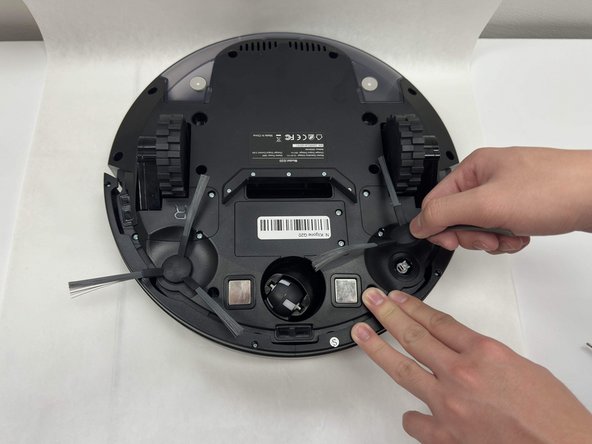
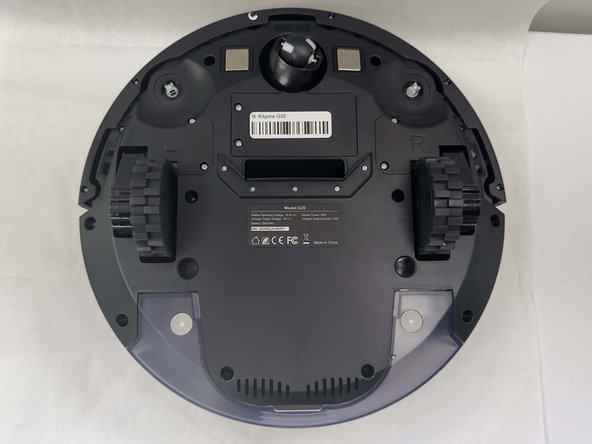
    • Flip the vacuum upside down.

    Ask FixBot

    Add Comment

  2. Kilgone G20 Bumper Replacement: step 2, image 1 of 2 Kilgone G20 Bumper Replacement: step 2, image 2 of 2
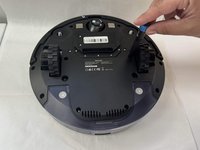
    • Grip the brush firmly.

    • Pull up on the brush with force, and it will pop out of place.

    • Repeat for the other side.

    Ask FixBot
    Add Comment

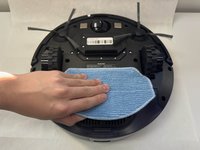
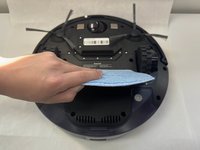
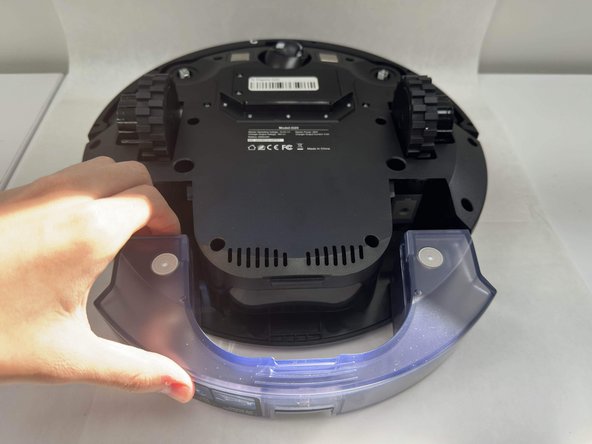
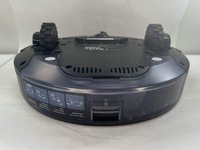
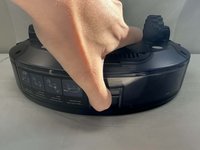
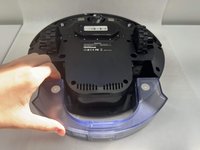
  3. Kilgone G20 Bumper Replacement, Bumper: step 3, image 1 of 3 Kilgone G20 Bumper Replacement, Bumper: step 3, image 2 of 3 Kilgone G20 Bumper Replacement, Bumper: step 3, image 3 of 3
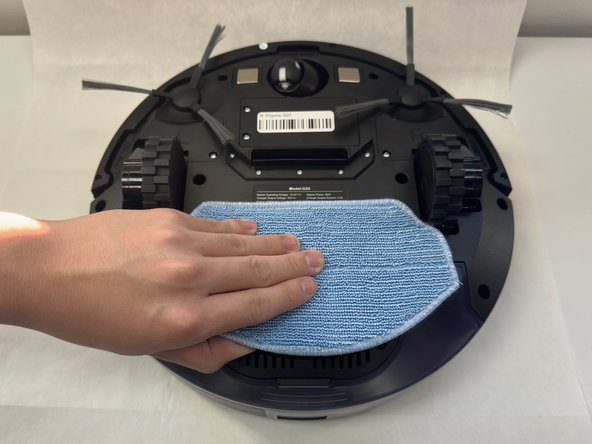
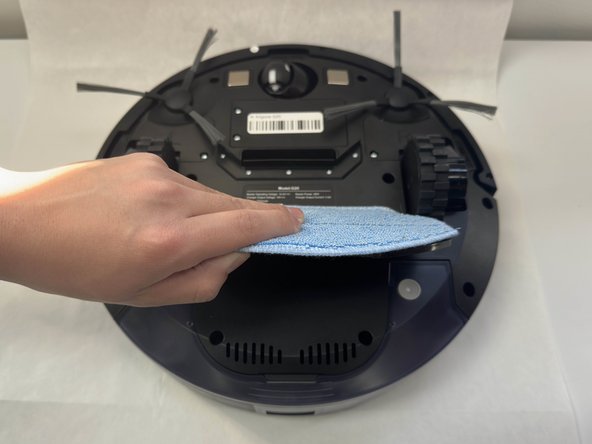
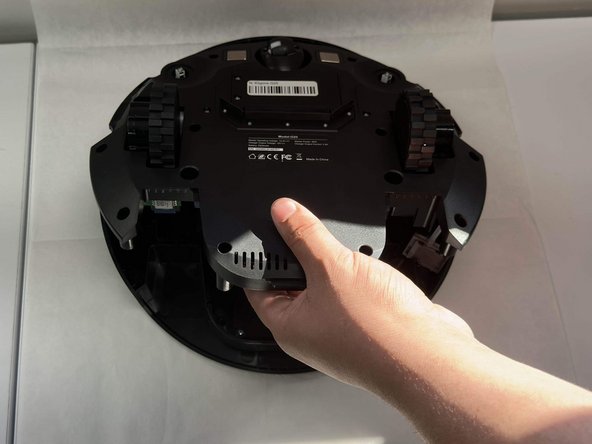
    • Remove the mop pad.

    Ask FixBot
    Add Comment

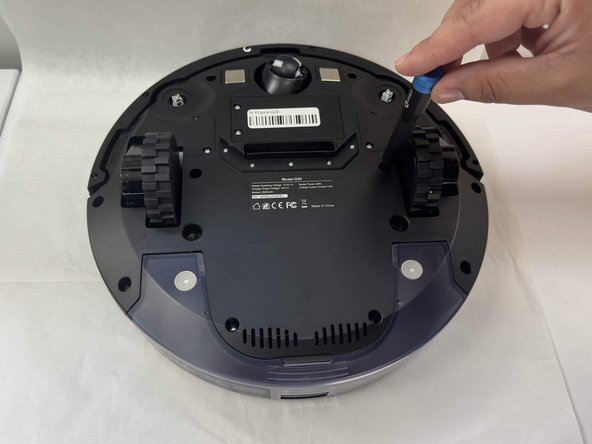
  4. Kilgone G20 Bumper Replacement: step 4, image 1 of 3 Kilgone G20 Bumper Replacement: step 4, image 2 of 3 Kilgone G20 Bumper Replacement: step 4, image 3 of 3
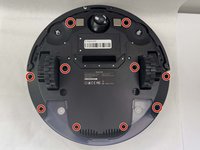
    • Remove all ten of the 3.8 x 12.2 mm screws using a Phillips #1 screwdriver.

    Ask FixBot
    Add Comment

  5. Kilgone G20 Bumper Replacement: step 5, image 1 of 3 Kilgone G20 Bumper Replacement: step 5, image 2 of 3 Kilgone G20 Bumper Replacement: step 5, image 3 of 3
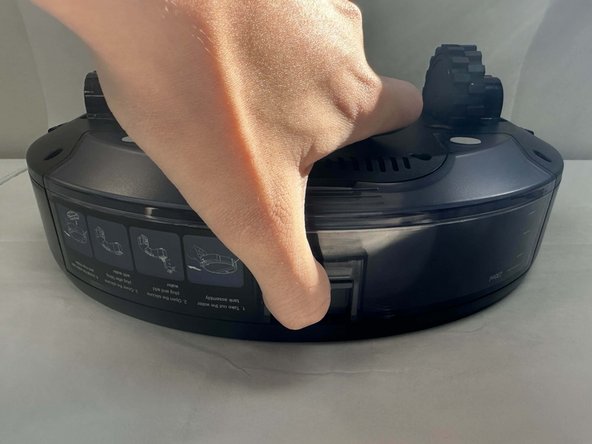
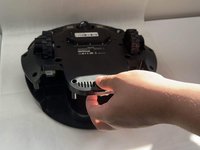
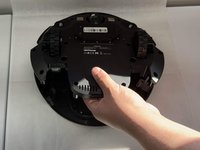
    • Pull up on the tab that's on the mop solution container. Lift and pull up simultaneously in order to remove the bin.

    • Set aside the bin.

    Ask FixBot
    Add Comment

  6. Kilgone G20 Bumper Replacement: step 6, image 1 of 3 Kilgone G20 Bumper Replacement: step 6, image 2 of 3 Kilgone G20 Bumper Replacement: step 6, image 3 of 3
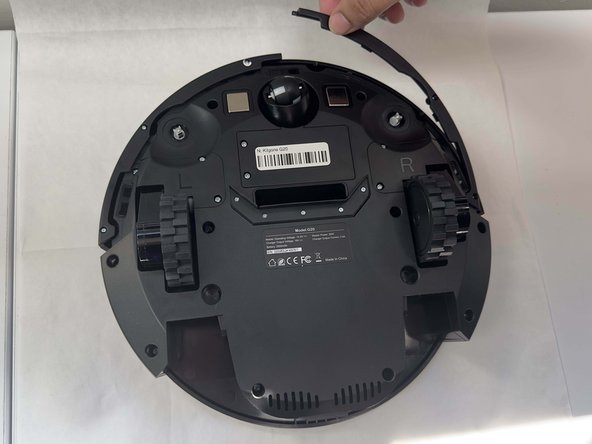
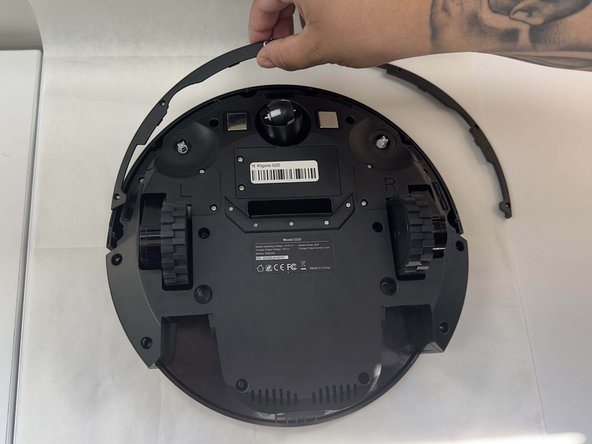
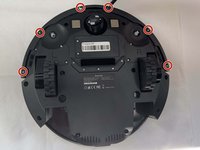
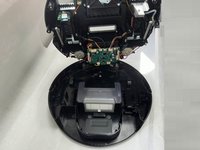
    • Remove the six 2.3 x 7.3 mm screws that secure the bottom of the bumper with a Phillips #1 screwdriver.

    • Pull up on both sides of the bumper, and set them aside somewhere along with the screws.

    Ask FixBot
    Add Comment

  7. Kilgone G20 Bumper Replacement: step 7, image 1 of 3 Kilgone G20 Bumper Replacement: step 7, image 2 of 3 Kilgone G20 Bumper Replacement: step 7, image 3 of 3
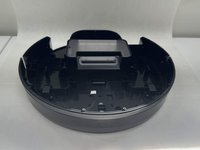
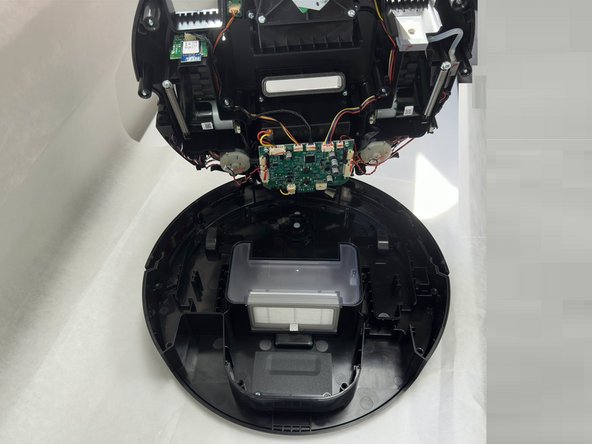
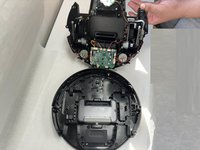
    • Gently lift up in order to seperate the bottom of the vacuum from the top.

    • Take care not to strain the cables, as the bumper is attached to the motherboard/main circuit via wire.

    Ask FixBot

    Add Comment

  8. Kilgone G20 Bumper Replacement: step 8, image 1 of 3 Kilgone G20 Bumper Replacement: step 8, image 2 of 3 Kilgone G20 Bumper Replacement: step 8, image 3 of 3
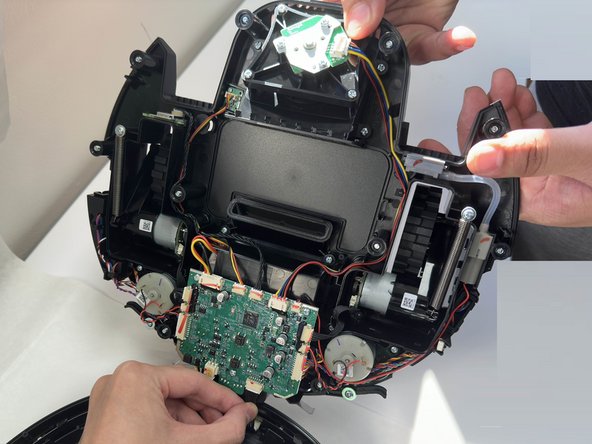
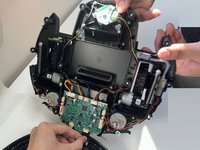
    • Find the cable that connects from the bumper to the motherboard.

    • Cautiously wiggle out and remove the cable from port that the cable is connected to, as seen in the second image.

    Ask FixBot
    Add Comment

  9. Kilgone G20 Bumper Replacement: step 9, image 1 of 2 Kilgone G20 Bumper Replacement: step 9, image 2 of 2
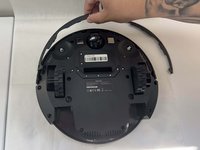
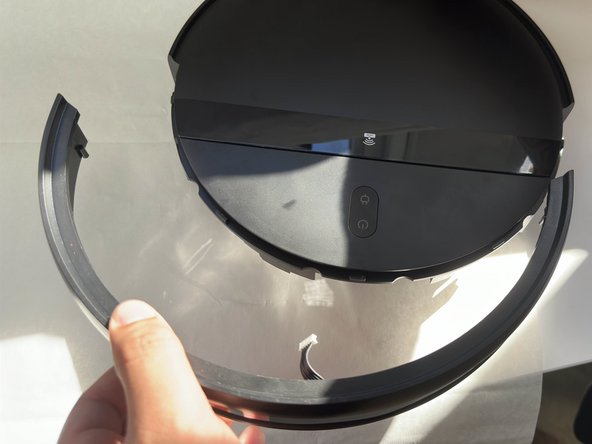
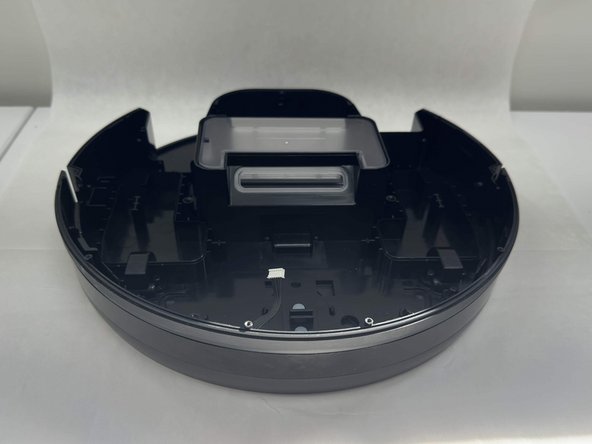
    • Using both hands, pick up the G20.

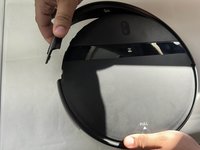
    • Now gently wiggle the bumper out from its place, and it should pop out. Use one hand to hold the G20 steadily, and one to take the bumper out of place.

    Ask FixBot
    Add Comment

Conclusion

To reassemble your device, follow these instructions in reverse order.

Cancel: I did not complete this guide.
0 Guide Comments

Add Comment
View Statistics:

Past 24 Hours: 1

Past 7 Days: 7

Past 30 Days: 20

All Time: 234