Introduction
You will need to use solder device in order to be able to replace the power button.
What you need
-
-
-
Slowly separate the cases of the device. Try not to damage the wires connecting the two pieces.
-
Keep the two pieces away from each other so you can follow the next step accordingly.
-
-
-
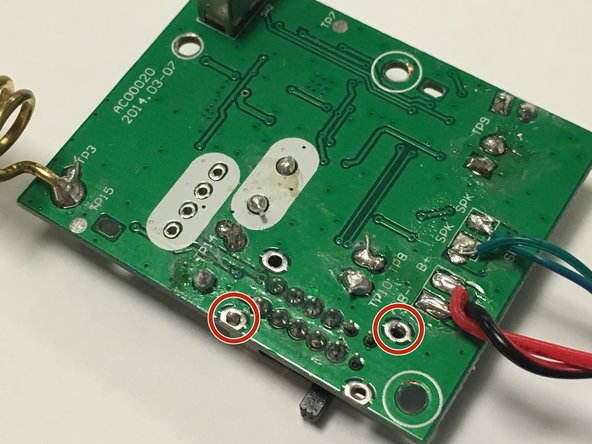
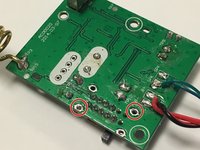
Use the soldering iron to remove the broken switch.
-
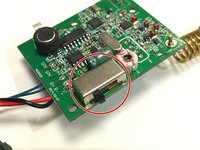
Push down on the metal locks to separate the switch from the motherboard.
-


 Ask FixBot


To reassemble your device, follow these instructions in reverse order.
Cancel: I did not complete this guide.
2 other people completed this guide.

Team

IUPUI, Team 1-1, Wilson Spring 2016 Member of IUPUI, Team 1-1, Wilson Spring 2016
IUPUI-WILSON-S16S1G1
4 Members
5 Guides authored
