Free Shipping on Domestic Orders $75+

Kenwood KDC-BT362U Button Replacement

What you need

    1. Kenwood KDC-BT362U Button  Replacement, Front Panel: step 1, image 1 of 1
      • Locate the face-plate eject button.

      Ask FixBot

      Add Comment

    2. Kenwood KDC-BT362U Button  Replacement: step 2, image 1 of 2 Kenwood KDC-BT362U Button  Replacement: step 2, image 2 of 2
      • Press the eject button with your forefinger.

      • Remove the face-plate.

      Ask FixBot

      Add Comment

    3. Kenwood KDC-BT362U Button  Replacement: step 3, image 1 of 2 Kenwood KDC-BT362U Button  Replacement: step 3, image 2 of 2
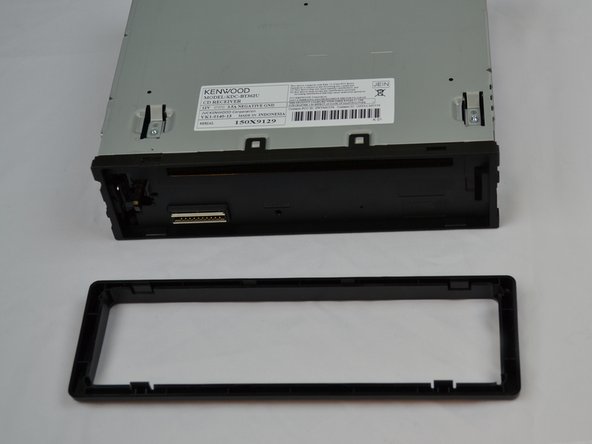
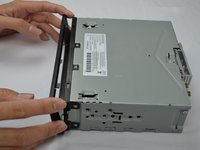
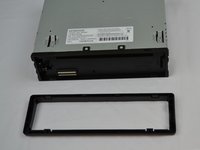
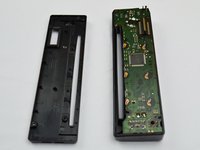
      • Starting on the top side, pop the front panel frame out.

      • Remove the face-plate frame.

      Ask FixBot

      Add Comment

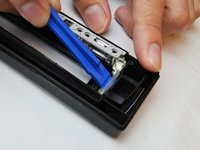
    4. Kenwood KDC-BT362U Button  Replacement: step 4, image 1 of 2 Kenwood KDC-BT362U Button  Replacement: step 4, image 2 of 2
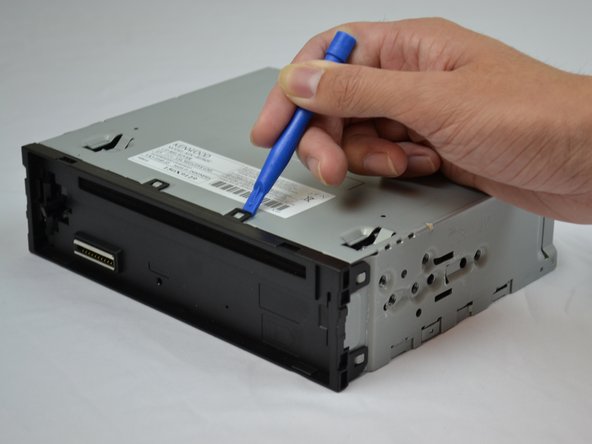
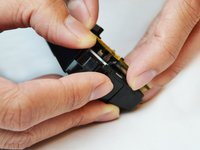
      • Use the plastic opening tool to pry open the tabs.

      • Repeat on the opposite side.

      Ask FixBot

      Add Comment

    5. Kenwood KDC-BT362U Button  Replacement: step 5, image 1 of 1
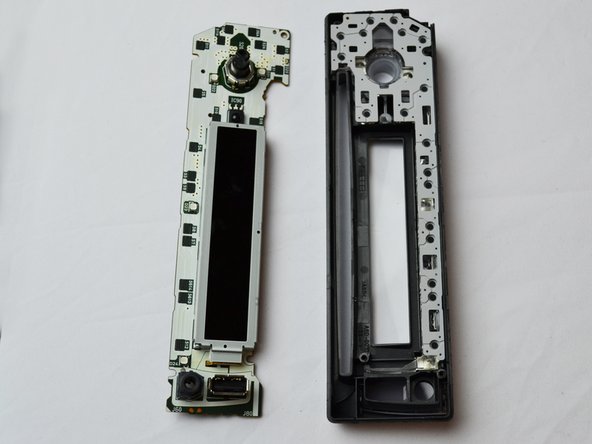
      • Remove the front panel.

      Ask FixBot

      Add Comment

    1. Kenwood KDC-BT362U Button  Replacement, Button: step 6, image 1 of 1
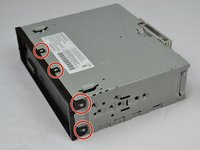
      • Use the Phillips #0 Screwdriver to remove the four screws.

      Ask FixBot

      Add Comment

    2. Kenwood KDC-BT362U Button  Replacement: step 7, image 1 of 2 Kenwood KDC-BT362U Button  Replacement: step 7, image 2 of 2
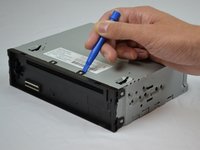
      • Use the plastic opening tool to pry it open.

      Ask FixBot

      Add Comment

    3. Kenwood KDC-BT362U Button  Replacement: step 8, image 1 of 2 Kenwood KDC-BT362U Button  Replacement: step 8, image 2 of 2
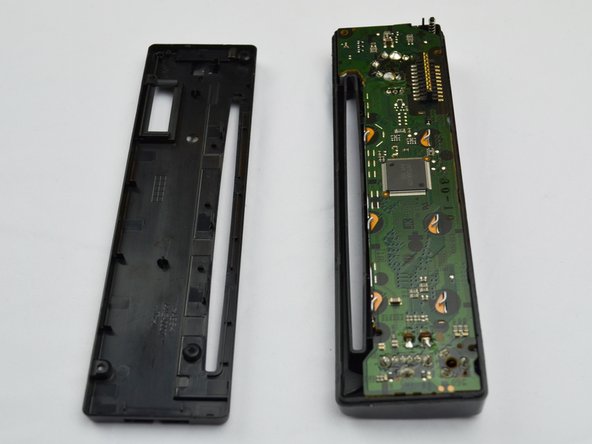
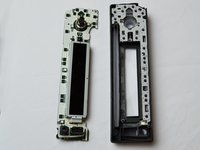
      • Lift and remove the motherboard to reveal the inside of the front panel.

      Ask FixBot

      Add Comment

    4. Kenwood KDC-BT362U Button  Replacement: step 9, image 1 of 2 Kenwood KDC-BT362U Button  Replacement: step 9, image 2 of 2
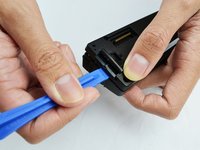
      • Use the plastic opening tool to lift up and remove the cover.

      Ask FixBot

      Add Comment

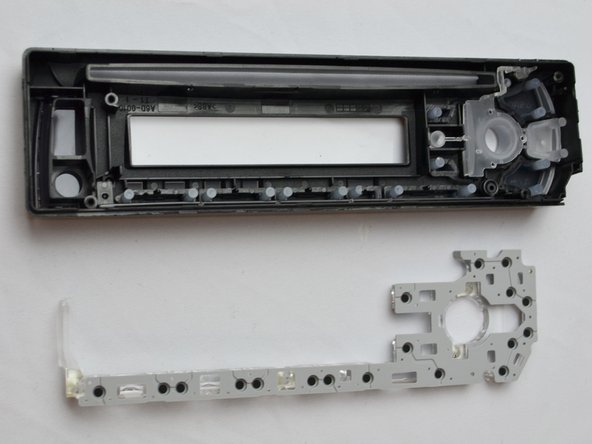
    5. Kenwood KDC-BT362U Button  Replacement: step 10, image 1 of 1
      • The buttons are now able to be removed and replaced if damaged or missing.

      Ask FixBot

      Add Comment

Conclusion

To reassemble your device, follow these instructions in reverse order.

Cancel: I did not complete this guide.

2 other people completed this guide.

Steven Chov

Member since: 10/04/16

349 Reputation

3 Guides authored

Team

USF Tampa, Team 2-5, Cagle Fall 2016 Member of USF Tampa, Team 2-5, Cagle Fall 2016

USFT-CAGLE-F16S2G5

4 Members

60 Guides authored

0 Guide Comments

Add Comment

View Statistics:

Past 24 Hours: 1

Past 7 Days: 7

Past 30 Days: 31

All Time: 1,246