
Kenmore 73035 Water Filter Replacement

Beion Poly and 3 other contributors
Last updated on Jan 29, 2024
Views: 3.6K
View statistics:
- Past 24 Hours:
- 3
- Past 7 Days:
- 18
- Past 30 Days:
- 70
- All Time:
- 3,607
Comments: 3
3 guide comments.
Go to guide commentsCompleted: 3 4
3 people have marked this guide "completed." Will you be next?
4 people have marked this guide "completed." Including you — great job!
Favorites: 0 1
No one has favorited (and subscribed to) this guide. Will you be the first?
1 person has favorited (and subscribed to) this guide — and that's you!
Featured Student Guide
This guide has been the hard work of our awesome students and is found to be exceptionally cool by the iFixit staff.
Introduction
Go to step 1 ↓Have you ever dispensed water from your refrigerator and spit it out immediately due to its poor taste? The better question is, “Who has not swallowed bad tasting water due to an expired water filter?” Replacing a water filter is not only easy and quick to complete, but it is also inexpensive. There is absolutely NO reason anybody should be drinking anything less than clean, purified water.
Water filters do not have an endless shelf life. Having a bad water filter can cause the water in your fridge to be contaminated. It can also lead to your drinking water having a bad taste or odor. The water filter that we will be using to replace the old one is the AQUACREST DW2042FR-09. This product is NSF certified and efficient in filtering out lead, chlorine, odor, and bad taste from your drinking water. We have found the official guide from Kenmore on how to replace the water filter for this specific model. The Kenmore instruction manual has three main issues:
- Kenmore only provides a telephone number to call for filter replacement. There is no link to a website for ordering a replacement. There is no model number for the water filter provided either. There are many options that may not be proprietary, but are cheaper and possibly more environmentally friendly.
- The step for resetting the indicator light for the water filter is located on another page describing the control panel for the refrigerator. Resetting the indicator light should be completed each time the water filter is replaced. Completing this step allows the refrigerator to properly gauge the water filter. This step should be included with water filter replacement.
- The pictures do not supplement the instructions very well. The pictures need more context.
The following instructions will address all of these issues.
-
-
-
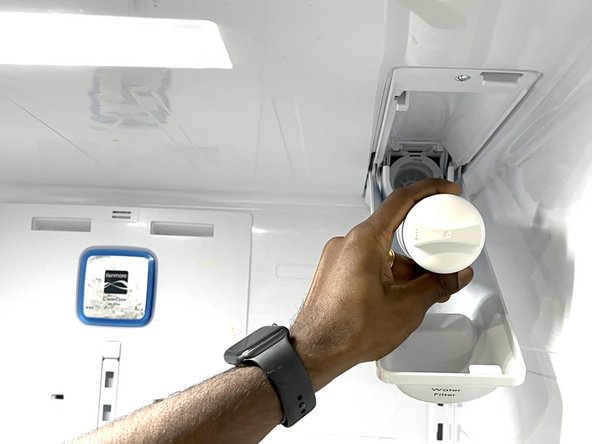
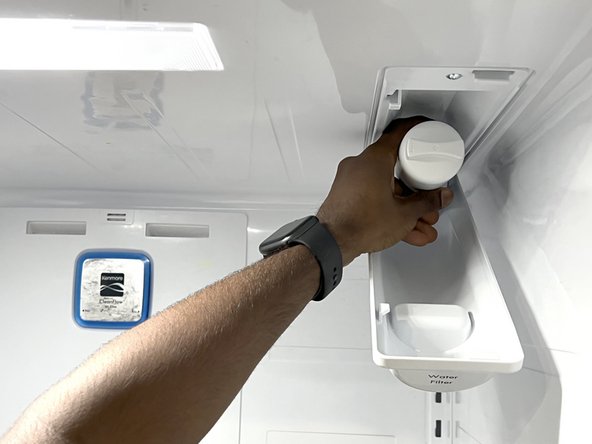
Open the side of the refrigerator with the water filter.
-
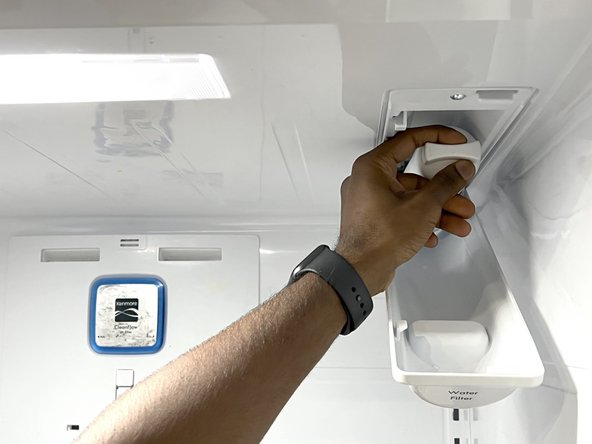
Pull the water filter cover out.
-
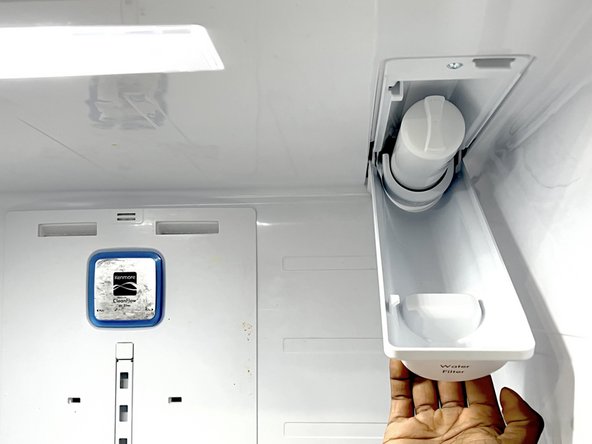
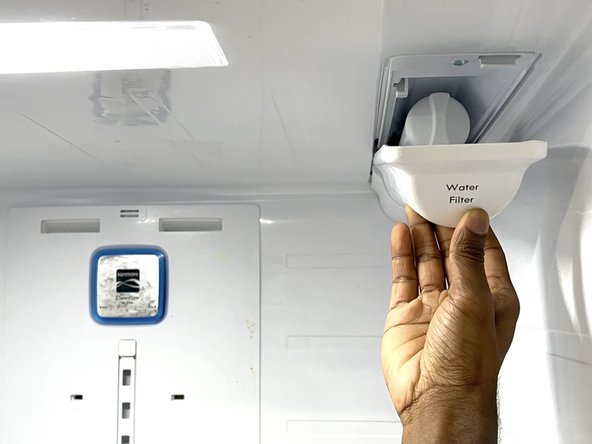
Pull the water filter cover down.
 Ask FixBot
-
-
-
-
Raise the water filter cover up.
-
Slide the water filter cover back into place.
-
-
-
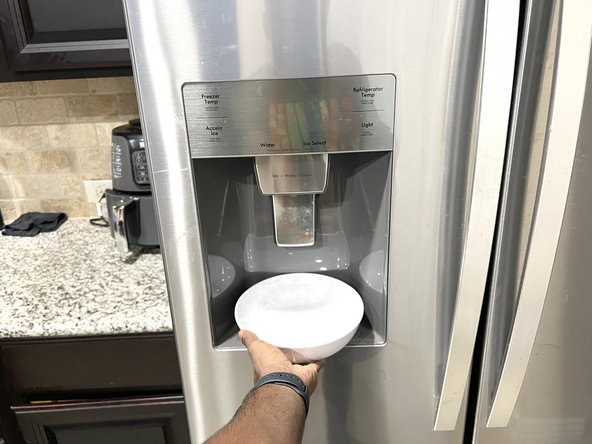
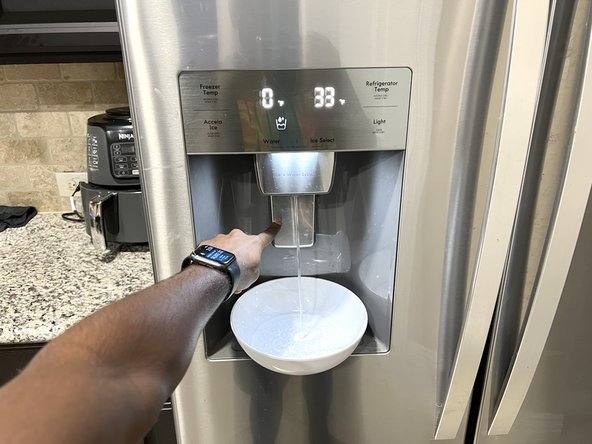
Dispense water over the course of five minutes in cycles of 30 seconds ON and 60 seconds OFF.
-
-
-
Press and hold the Accela Ice button icon for three seconds to turn the indicator light off.
-
-












Cancel: I did not complete this guide.
3 other people completed this guide.

Team

University of North Texas, Team 1-4, Raign Fall 2021 Member of University of North Texas, Team 1-4, Raign Fall 2021
UNT-RAIGN-F21S1G4
2 Members
12 Guides authored
3 Guide Comments
It says filters are inexpensive. I don’t think $50 to $75 is inexpensive. In my opinion that’s price gouging.
Press the button for several seconds to turn the indicator light off : it may extend the life of your filter. The manufacturer may have the cycle end earlier to have you buy more filters. That works with ink in copy machines. Water filters may be less forgiving.
Do you know where to find the air filters? I cannot for the life of me seem to find them.
