
Kano Computer Kit Complete Speaker Replacement

Julia Sherrill and 5 other contributors
Last updated on Jan 10, 2025
Views: 1.3K
View statistics:
- Past 24 Hours:
- 3
- Past 7 Days:
- 10
- Past 30 Days:
- 64
- All Time:
- 1,276
Comments: 5
5 comments on steps.
Completed: 0 1
No one has marked this guide "completed." Will you be the first?
1 person has marked this guide "completed." It's you — great job!
Favorites: 0 1
No one has favorited (and subscribed to) this guide. Will you be the first?
1 person has favorited (and subscribed to) this guide — and that's you!
Introduction
Go to step 1 ↓If your Kano Computer Kit Complete (model 1000K-02) is having trouble producing sound through the speaker, use this guide to complete the speaker replacement. Signs of a faulty speaker include muffled, distorted crackling sounds, or possibly hearing nothing. Make sure you have a new speaker and your tools ready. After following these steps, the replacement is complete and your speaker should be loud and clear.
-
-
-
Take off the clear backing of the computer and set it aside.
-
Locate the Speaker.
 Ask FixBot
-
-
-


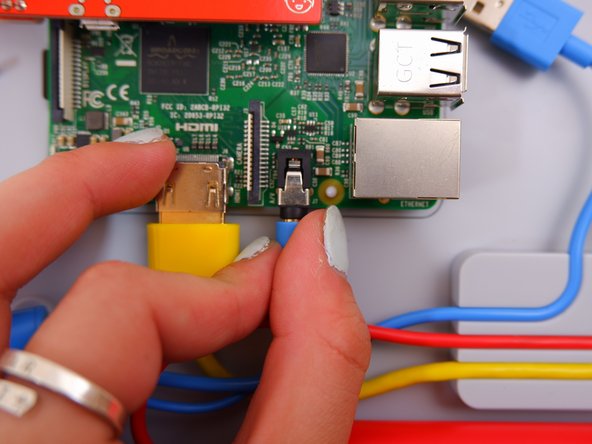
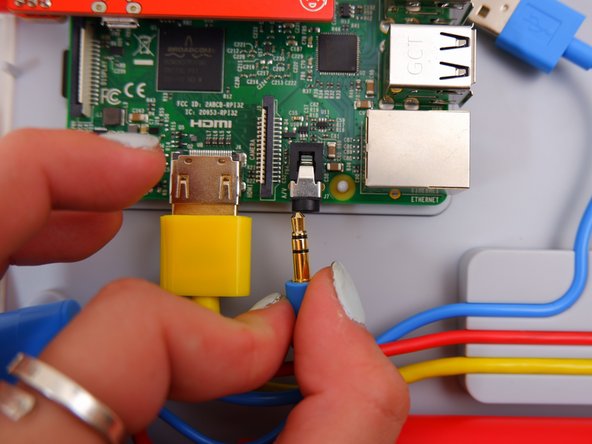
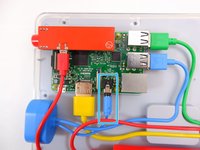
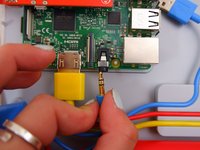

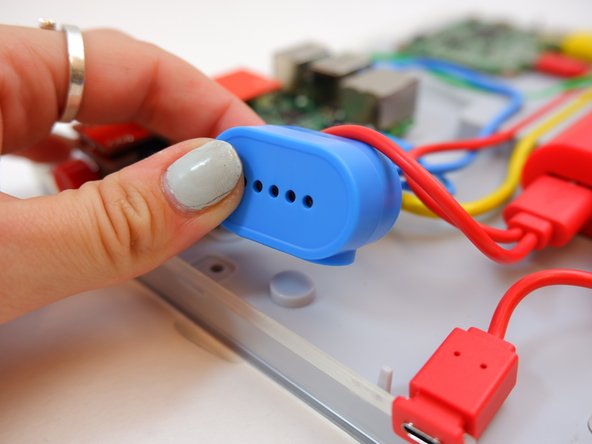

To reassemble your device, follow these instructions in reverse order using the new speaker.

Team

Embry-Riddle Aeronautical University, Team S1-G4, Watkins Fall 2019 Member of Embry-Riddle Aeronautical University, Team S1-G4, Watkins Fall 2019
ERAU-WATKINS-F19S1G4
4 Members
60 Guides authored
