Free Shipping on Domestic Orders $75+

Kano Computer Kit Complete Raspberry Pi Replacement

Views: 2.1K

View statistics:

Past 24 Hours:
2
Past 7 Days:
18
Past 30 Days:
72
All Time:
2,094
Comments: 0

No one has left comments on this guide. Will you be first?

Go to guide comments
Completed: 1

1 person has marked this guide "completed." Will you be next?

Favorites: 0

No one has favorited (and subscribed to) this guide. Will you be the first?

Time Required: 2 minutes
Difficulty: Very easy
Kano Computer Kit Complete Raspberry Pi Replacement

Introduction

Go to step 1 ↓

Use this guide to replace the Raspberry Pi in your Kano Computer Kit.

The Raspberry Pi is the brain of your Kano Computer, which is crucial for its operation.

If you notice frequent crashes or freezes, overheating despite proper ventilation, inconsistent power such as the device not powering on, unexpected shutdowns, or issues with the keyboard or mouse, these could be signs that your Raspberry Pi is failing and needs replacement.

Replacing the Raspberry Pi can resolve these issues and restore your Kano Computer to normal functionality.

Before starting the repair process, ensure your Kano Computer is powered off and disconnected from any external power source.

    1. Kano Computer Kit Complete Raspberry Pi Replacement, Raspberry Pi: step 1, image 1 of 2 Kano Computer Kit Complete Raspberry Pi Replacement, Raspberry Pi: step 1, image 2 of 2
      • Take off the clear backing of the computer and set it aside.

      • The Raspberry Pi is located in the top right corner of the case.

      Ask FixBot

      Add Comment

    2. Kano Computer Kit Complete Raspberry Pi Replacement: step 2, image 1 of 3 Kano Computer Kit Complete Raspberry Pi Replacement: step 2, image 2 of 3 Kano Computer Kit Complete Raspberry Pi Replacement: step 2, image 3 of 3
      • Unplug the battery from the power button.

      Ask FixBot

      Add Comment

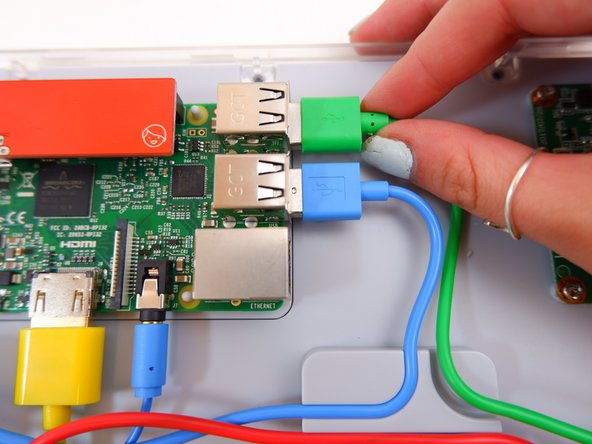
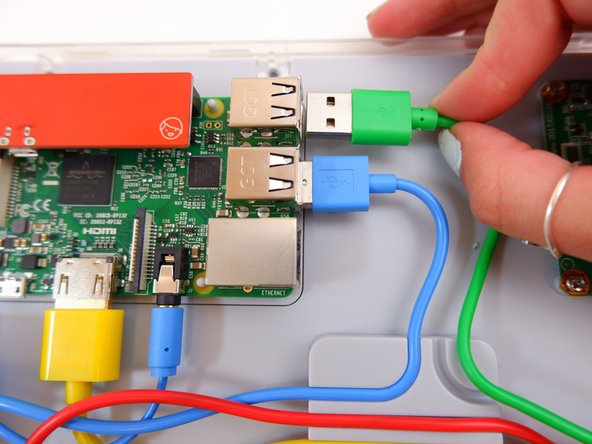
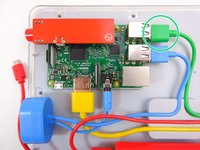
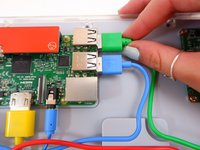
    3. Kano Computer Kit Complete Raspberry Pi Replacement: step 3, image 1 of 3 Kano Computer Kit Complete Raspberry Pi Replacement: step 3, image 2 of 3 Kano Computer Kit Complete Raspberry Pi Replacement: step 3, image 3 of 3
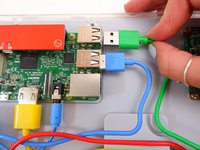
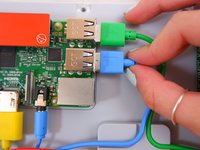
      • Unplug the green cable

      Ask FixBot

      Add Comment

    4. Kano Computer Kit Complete Raspberry Pi Replacement: step 4, image 1 of 3 Kano Computer Kit Complete Raspberry Pi Replacement: step 4, image 2 of 3 Kano Computer Kit Complete Raspberry Pi Replacement: step 4, image 3 of 3
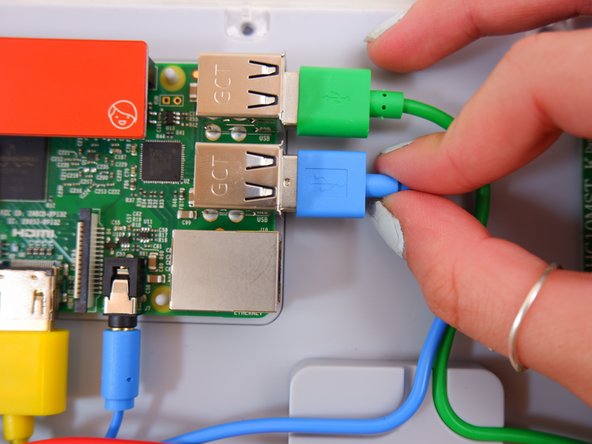
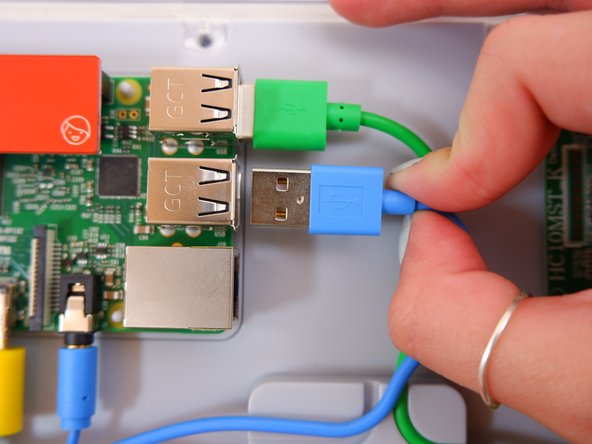
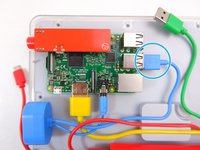
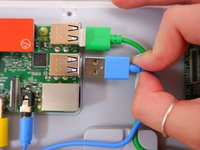
      • Unplug the blue USB cable.

      Ask FixBot

      Add Comment

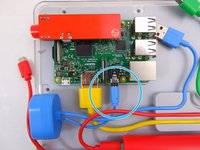
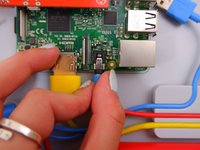
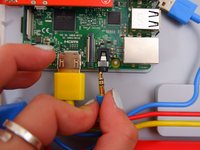
    5. Kano Computer Kit Complete Raspberry Pi Replacement: step 5, image 1 of 3 Kano Computer Kit Complete Raspberry Pi Replacement: step 5, image 2 of 3 Kano Computer Kit Complete Raspberry Pi Replacement: step 5, image 3 of 3
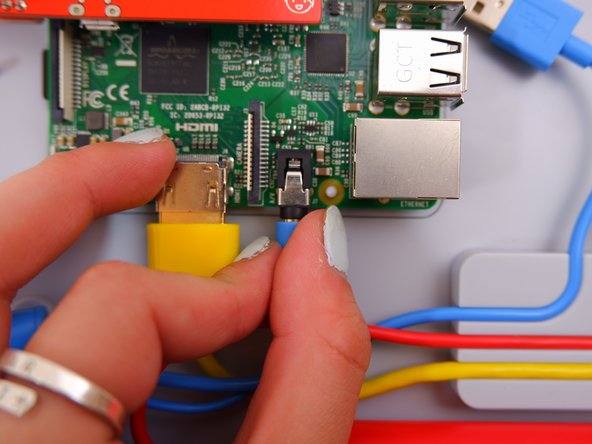
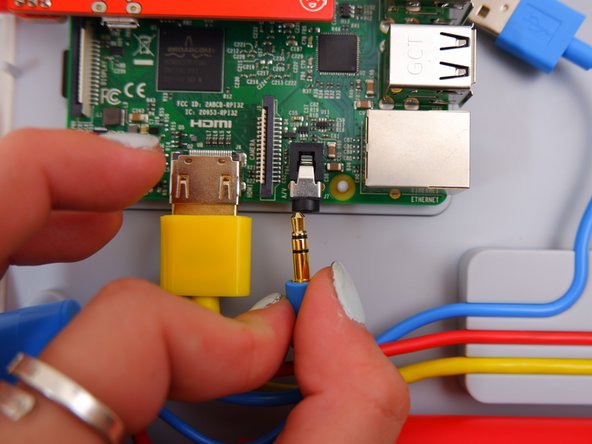
      • Unplug the blue audio jack.

      Ask FixBot

      Add Comment

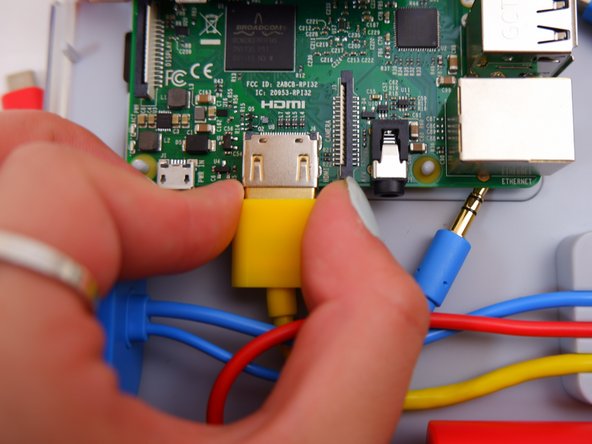
    6. Kano Computer Kit Complete Raspberry Pi Replacement: step 6, image 1 of 3 Kano Computer Kit Complete Raspberry Pi Replacement: step 6, image 2 of 3 Kano Computer Kit Complete Raspberry Pi Replacement: step 6, image 3 of 3
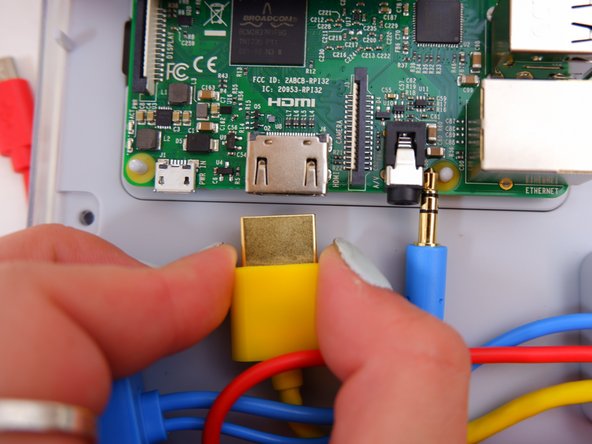
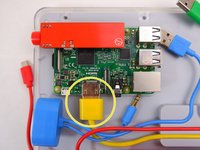
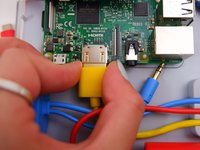
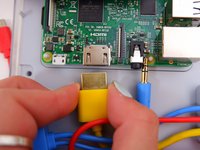
      • Unplug the yellow cable.

      Ask FixBot

      Add Comment

    7. Kano Computer Kit Complete Raspberry Pi Replacement: step 7, image 1 of 2 Kano Computer Kit Complete Raspberry Pi Replacement: step 7, image 2 of 2
      • Pop off the entire board from of the back of the screen.

      Ask FixBot

      Add Comment

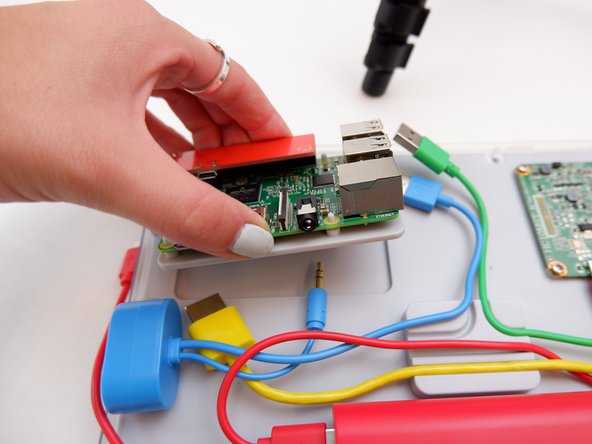
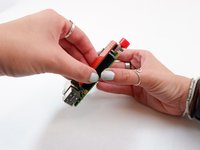
    8. Kano Computer Kit Complete Raspberry Pi Replacement: step 8, image 1 of 1
      • Remove the backing off the Raspberry Pi.

      Ask FixBot

      Add Comment

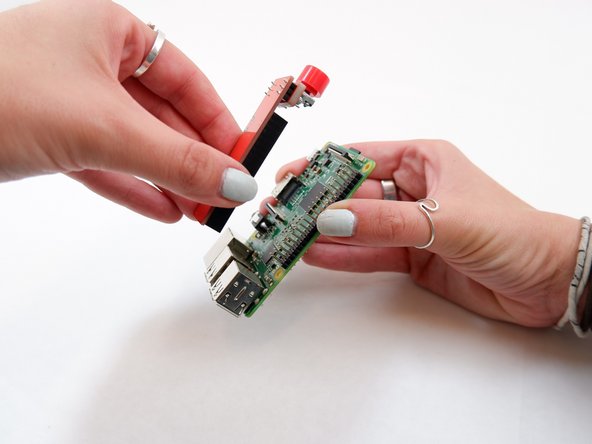
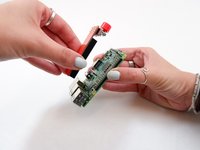
    9. Kano Computer Kit Complete Raspberry Pi Replacement: step 9, image 1 of 2 Kano Computer Kit Complete Raspberry Pi Replacement: step 9, image 2 of 2
      • Remove the power button from the Raspberry Pi.

      Ask FixBot

      Add Comment

Conclusion

To reassemble your device, follow these instructions in reverse order with the new Raspberry Pi.

Cancel: I did not complete this guide.

One other person completed this guide.

0 Guide Comments

Add Comment

View Statistics:

Past 24 Hours: 2

Past 7 Days: 18

Past 30 Days: 72

All Time: 2,094