
Jazz Digi-Stix JDC11 Lens Replacement

Katelyn Fry and 4 other contributors
Last updated on May 7, 2024
Views: 631
View statistics:
- Past 24 Hours:
- 1
- Past 7 Days:
- 4
- Past 30 Days:
- 40
- All Time:
- 631
Comments: 0
No one has left comments on this guide. Will you be first?
Go to guide commentsCompleted: 0 1
No one has marked this guide "completed." Will you be the first?
1 person has marked this guide "completed." It's you — great job!
Favorites: 0 1
No one has favorited (and subscribed to) this guide. Will you be the first?
1 person has favorited (and subscribed to) this guide — and that's you!
Introduction
Go to step 1 ↓This guide will aid the user in the replacement of the lens for this device. The lens will need to be replaced if it is scratched or cracked. It is important to be careful not to touch the glass of the new lens during installation in order to avoid damaging it.
What you need
Tools
-
Spudger4.9
-


-
-
-
Flip the device so that the bottom is facing upwards. Using thumb, push the tab on the bottom in the direction indicated by the arrow and then lift the unhinged part of the tab.
 Ask FixBot
-
-
-
-
-
Carefully insert the flat end of the spudger into the seam on the top side of the device. Carefully twist the spudger to open the device. Repeat this step at incremental locations around the seam of the device until the two case halves separate.
-
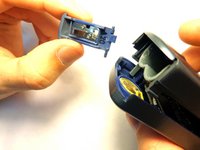
Before completely separating the two halves, separate the case from the battery compartment cover, pulling the case apart. Take care not to break the plastic hinge as the battery compartment cover is removed.
-
-
Tool used on this step:Tweezers$4.99
-
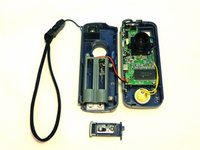
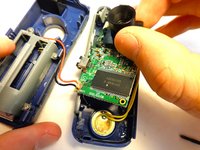
Gently seperate the two halves of the device.
-
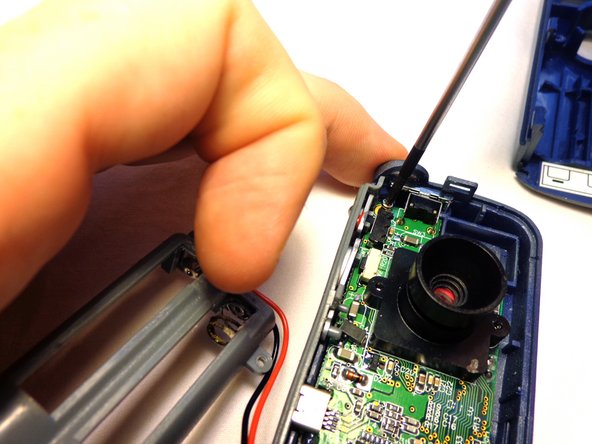
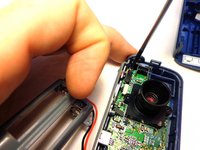
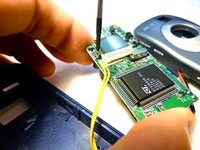
To remove the circuit board from the right section of the device, unscrew the two 5.6 mm Phillips #00 screws.
-
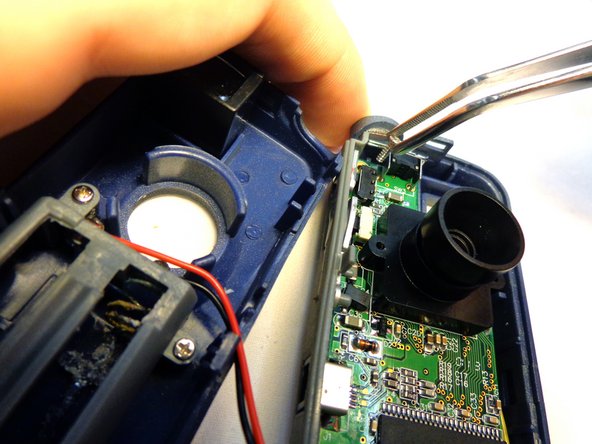
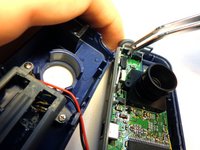
When the screws have been fully unscrewed, use the tweezers to remove them from the device.
-
-
-
-
Turn the device over so that the lens is facing downward. Take care not to detach any wires during this step.
-
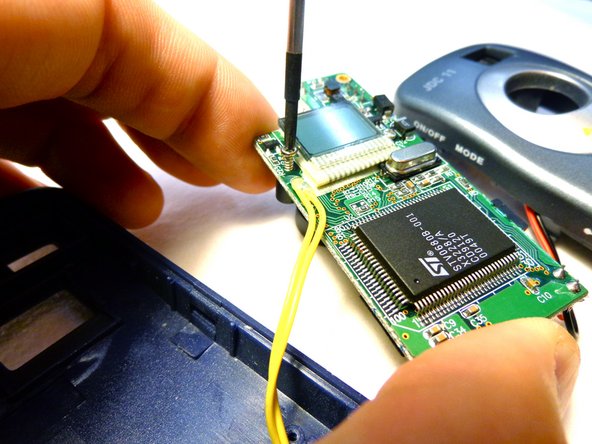
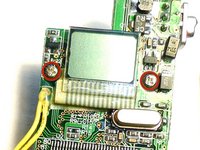
Locate and unscrew the two 5.6 mm Phillips #00 screws holding the lens to the board.
-
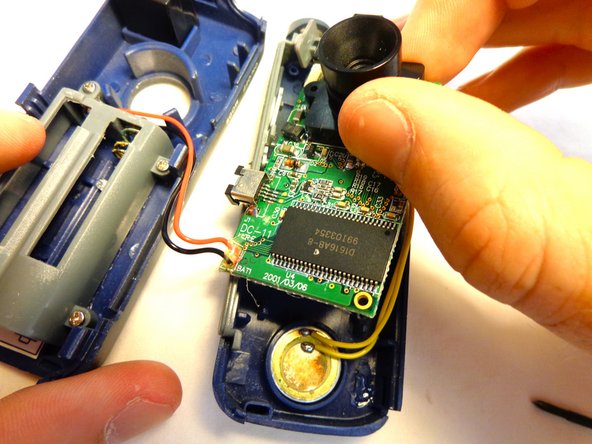
Turn the device back over so that the lens faces upward, and carefully remove the lens from the board.
-
-


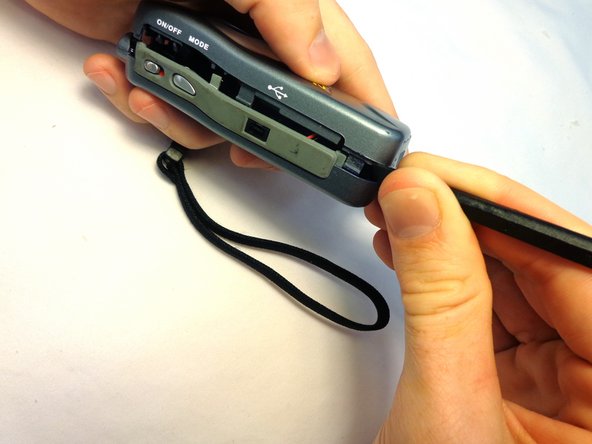
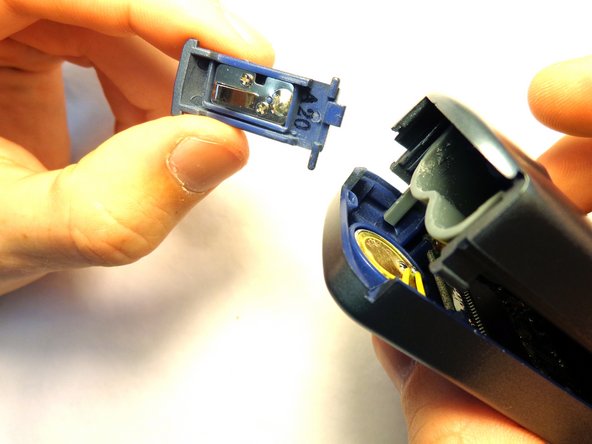


To reassemble your device, follow these instructions in reverse order.

Team

Clemson, Team 12-3, Benson Spring 2013 Member of Clemson, Team 12-3, Benson Spring 2013
CLEM-BENSON-S13S12G3
3 Members
84 Guides authored
