
Jam Voice Battery Replacement

Hope Bukhamseen and 4 other contributors
Last updated on May 7, 2024
Views: 1.2K
View statistics:
- Past 24 Hours:
- 1
- Past 7 Days:
- 16
- Past 30 Days:
- 69
- All Time:
- 1,194
Comments: 1
1 comment on steps.
Completed: 1 2
1 person has marked this guide "completed." Will you be next?
2 people have marked this guide "completed." Including you — great job!
Favorites: 0 1
No one has favorited (and subscribed to) this guide. Will you be the first?
1 person has favorited (and subscribed to) this guide — and that's you!
Introduction
Go to step 1 ↓The battery will be replaced by dismantling the device, disconnecting the current battery and connecting a new battery.
What you need
Tools


-
-
-
Insert the plastic opening tool underneath the mesh top.
-
Pry the cover open.
 Ask FixBot
-
-
-
-
-
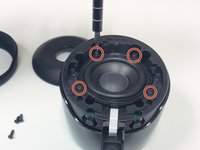
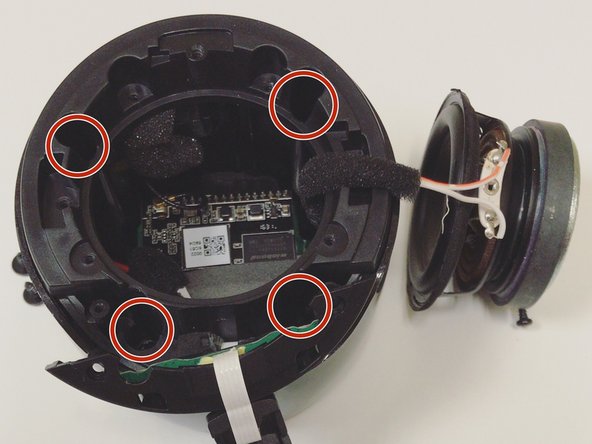
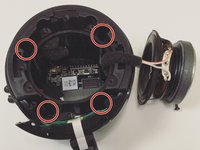
Remove the four 5mm Phillips screws that hold down the speaker in place.
-
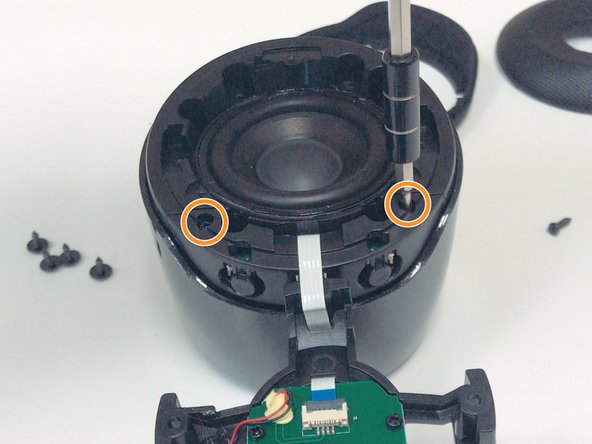
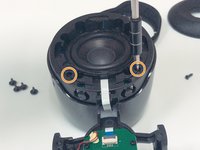
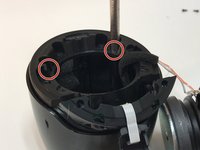
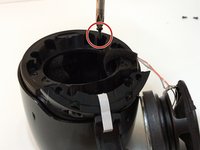
Remove the two 6mm Phillips screws that hold down the plastic casing.
-
-
Tool used on this step:Halberd Spudger$2.99
-
Once all six screws are removed, use a Halberd Spudger or similar tool to lift up the speaker.
-
Pull the speaker up and out.
-
-
-
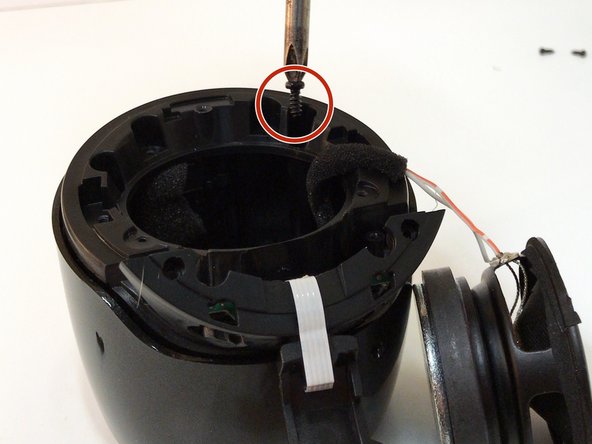
After removing all of the screws from the plastic cover, remove it by pulling up and out.
-
-
-
-
Remove the three 5mm Phillips screws that hold the motherboard in place.
-
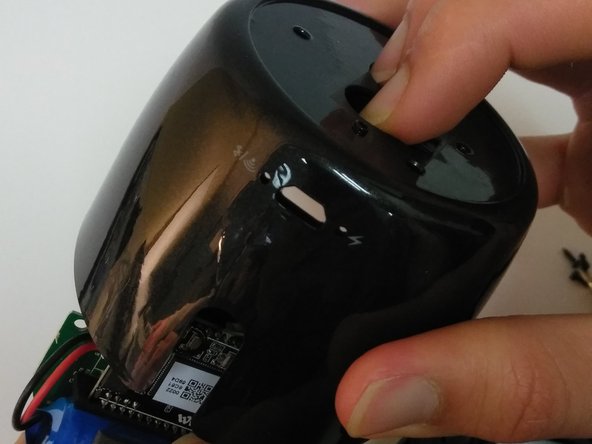
After the screws are removed, place two fingers on the power button and Bluetooth button to push the motherboard out.
-
-
-
Tool used on this step:Tweezers$4.99
-
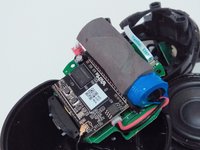
Expose the motherboard and battery and place in a position that will be easy to access and work with.
-
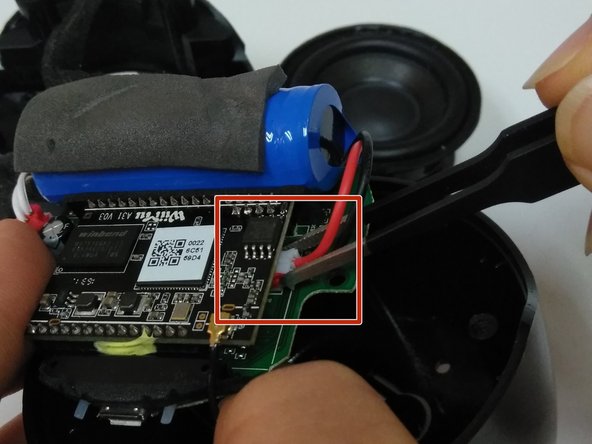
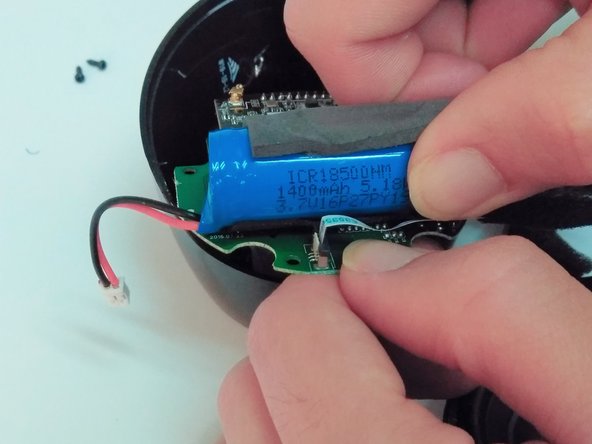
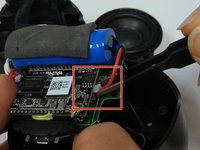
Use tweezers to remove the battery's wire from the motherboard at the connection point.
-
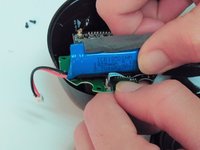
Pull the battery from the motherboard.
-
-







To reassemble your device, follow these instructions in reverse order.
Cancel: I did not complete this guide.
One other person completed this guide.

Team

Linn Benton Community College, Team S1-G1, Johnson Spring 2018 Member of Linn Benton Community College, Team S1-G1, Johnson Spring 2018
LBCC-JOHNSON-S18S1G1
4 Members
36 Guides authored
