Introduction
The speaker is the most important part of a headphone. If you've followed the audio quality troubleshooting page and your Jabra Evolve2 65 headphones still sound bad, you may want to consider replacing the speakers.
The disassembly itself is fairly straightforward, and the main challenge is soldering the new speaker on. Luckily, all the steps are covered in the guide below, and by the end you will be able to repair your own Jabra Evolve2 65 headphones.
This guide requires soldering. If you're unfamiliar with soldering, review the How to Solder and Desolder Connections guide and take appropriate precautions before beginning.
What you need
-
-
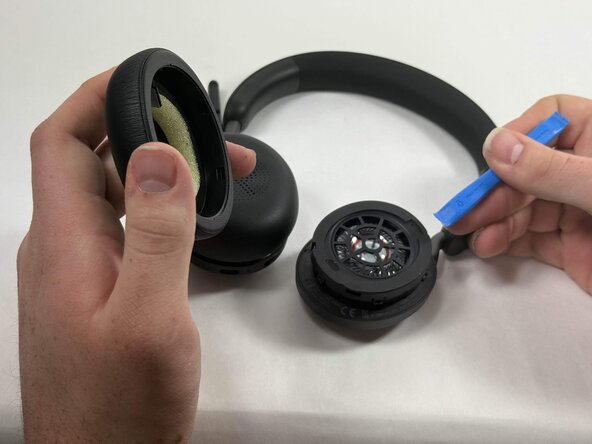
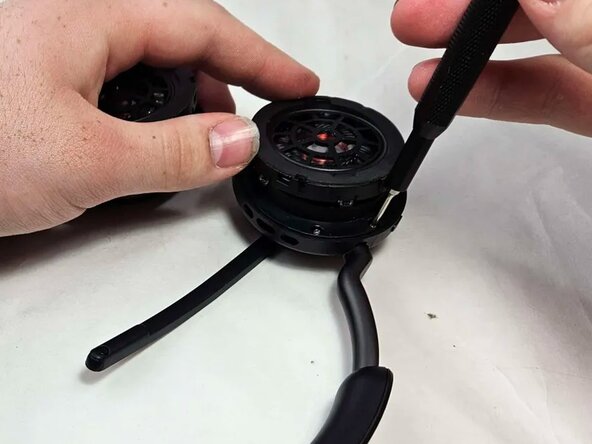
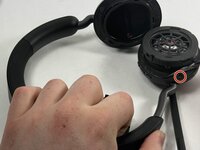
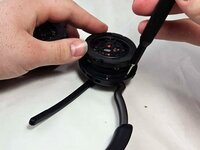
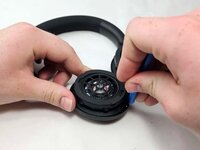
Insert an opening tool into the seam between the ear pad and driver housing, near the hinge.
-
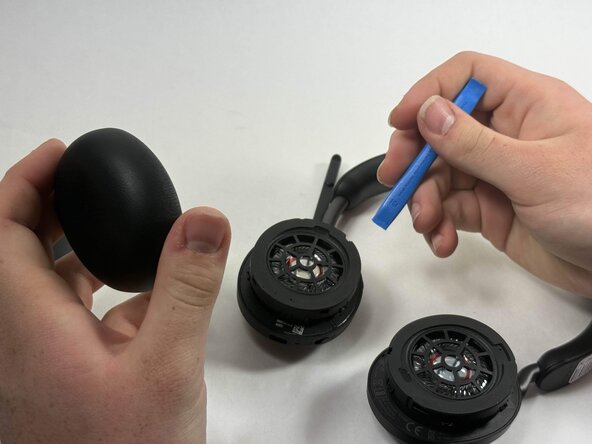
Gently pry the ear pad away from the driver housing until it releases.
-
-
-
Peel back the tape where the microphone's base connects to the headband.
-
Use a T6 Torx screwdriver to remove the single 2 mm screw.
-
-
-
-
Go about a third of the way around the first screw and peel back the tape to locate the second screw.
-
Use T6 Torx screwdriver to remove the single 2 mm screw.
-
-
-
Locate the third screw after peeling the tape off entirely after removing the second screw.
-
Use a T6 Torx screwdriver to remove the final 2 mm screw.
-
-
-
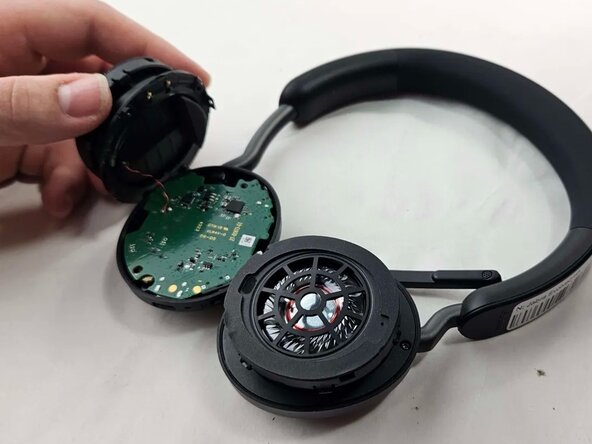
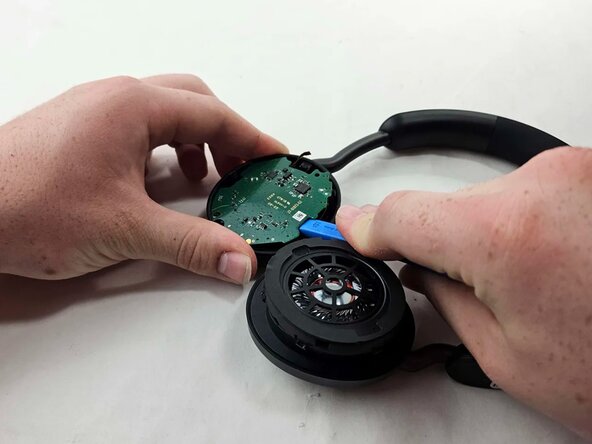
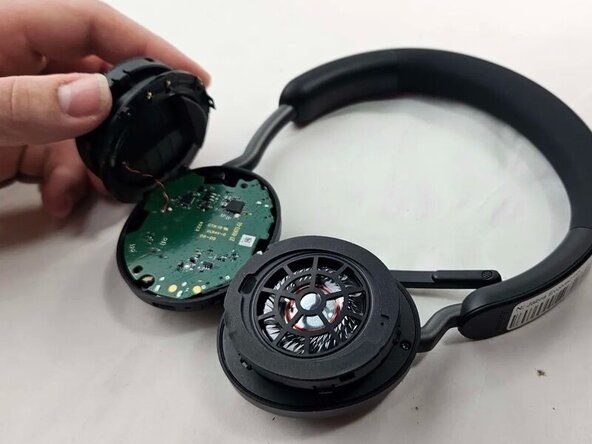
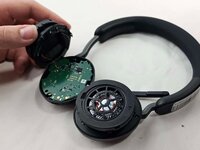
Use an opening tool to pry up and set aside the driver housing.
-
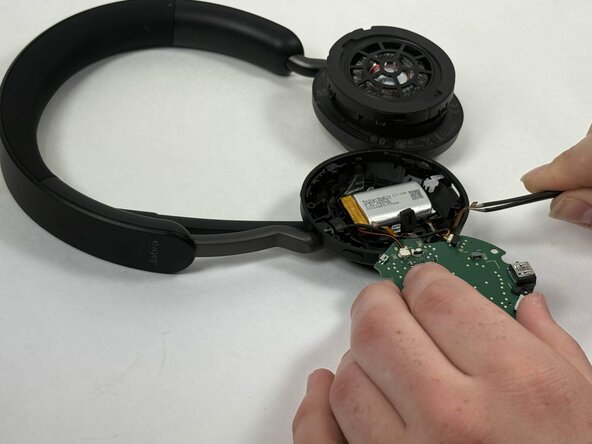
Gently remove the motherboard from the housing..
-
-
-
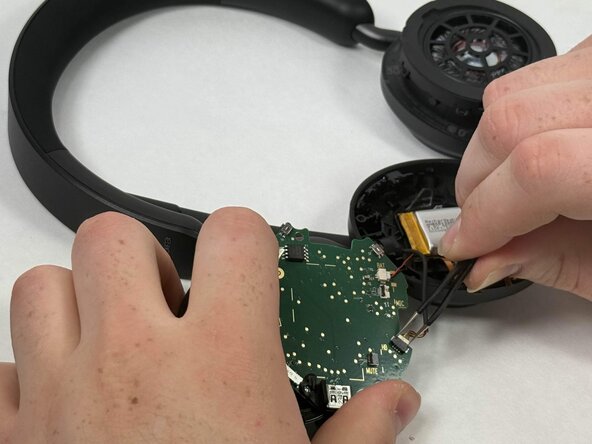
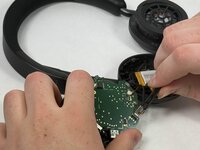
After locating the battery underneath, use a pair of tweezers to disconnect all connected cables.
-
-
-
Using a soldering iron, desolder the driver connections from the motherboard.
-

 Ask FixBot









To reassemble your device, follow the above steps in reverse order.
Take your e-waste to an R2 or e-Stewards certified recycler.
Repair didn’t go as planned? Try some basic troubleshooting or ask our Answers community for help.

Team

UMass Dartmouth, Team 3-2, Botvin Spring 2025 Member of UMass Dartmouth, Team 3-2, Botvin Spring 2025
UMASSD-BOTVIN-S25S3G2
4 Members
20 Guides authored
