
Jabra Evolve2 65 Battery Replacement

JPittsley and 3 other contributors
Last updated on Jun 23, 2025
Views: 3.7K
View statistics:
- Past 24 Hours:
- 11
- Past 7 Days:
- 107
- Past 30 Days:
- 447
- All Time:
- 3,728
Comments: 3
2 comments on steps, 1 guide comment.
Go to guide commentsCompleted: 2 3
2 people have marked this guide "completed." Will you be next?
3 people have marked this guide "completed." Including you — great job!
Favorites: 0 1
No one has favorited (and subscribed to) this guide. Will you be the first?
1 person has favorited (and subscribed to) this guide — and that's you!
Missing Steps
Oops! This guide is currently missing one or more important steps.
Introduction
Go to step 1 ↓If your Jabra Evolve2 65 headphones battery is not holding a charge then the battery then the battery may be dead, which requires replacement.
The battery is an essential component that provides power to your headphones and allows them to turn on. Over time the battery will drain more quickly and not be able to hold a charge as effectively. If you notice that your devices battery does not last as long as it used to, you should replace your battery.
Make sure you power down your device before you begin.
What you need
Tools


-
-
-
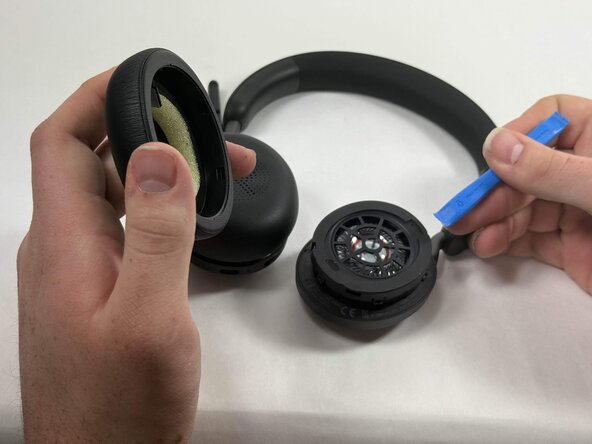
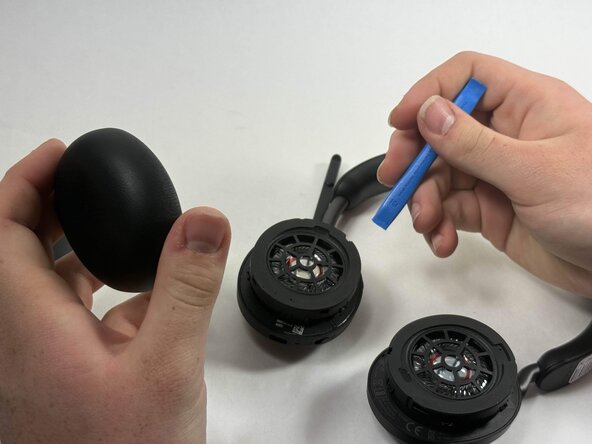
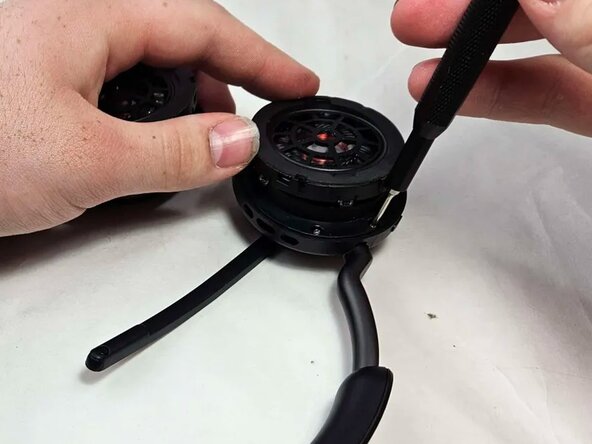
Insert an opening tool into the seam between the ear pad and driver housing, near the hinge.
-
Gently pry the ear pad away from the driver housing until it releases.
-
-
-
-
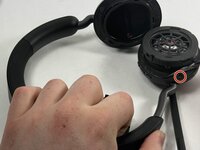
Peel back the tape where the microphone's base connects to the headband.
-
Use a T6 Torx screwdriver to remove the single 2 mm screw.
-
-
-
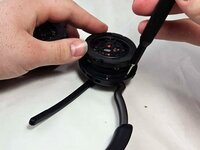
Go about a third of the way around the first screw and peel back the tape to locate the second screw.
-
Use T6 Torx screwdriver to remove the single 2 mm screw.
-
-
-
Locate the third screw after peeling the tape off entirely after removing the second screw.
-
Use a T6 Torx screwdriver to remove the final 2 mm screw.
-
-
-
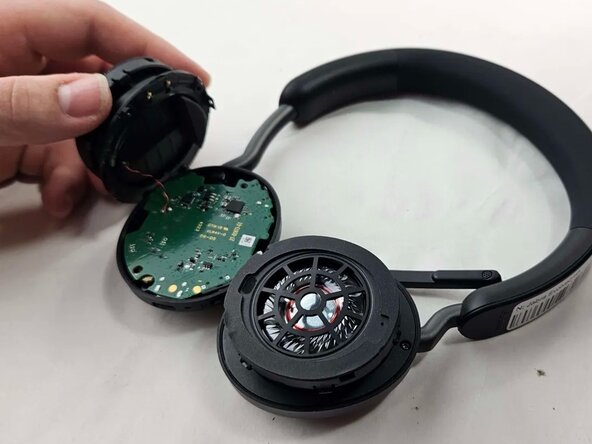
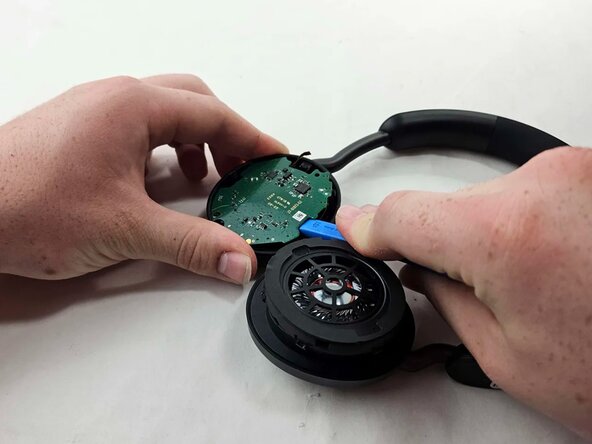
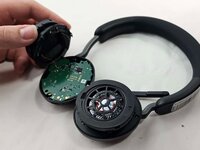
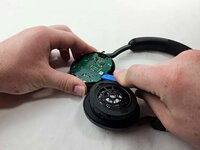
Use an opening tool to pry up and set aside the driver housing.
-
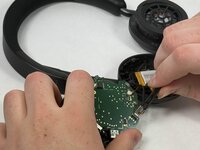
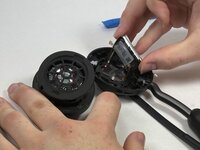
Gently remove the motherboard from the housing..
-
-
-
-
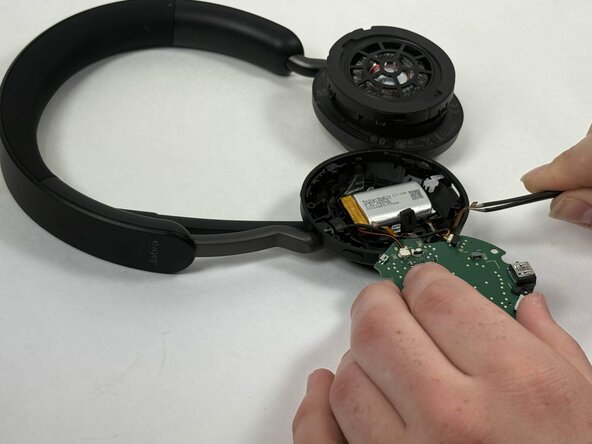
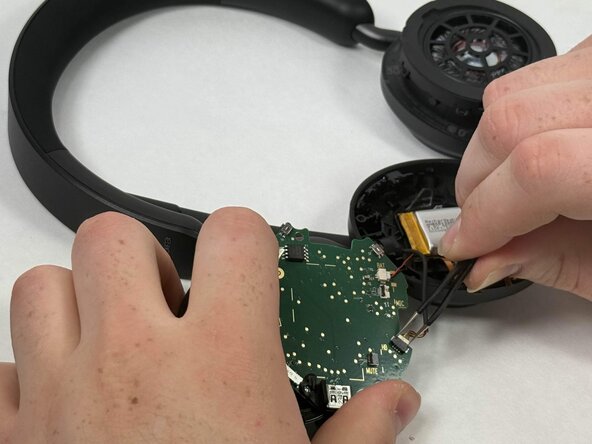
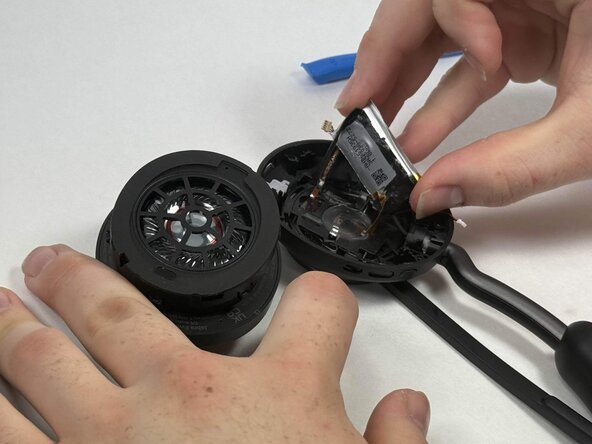
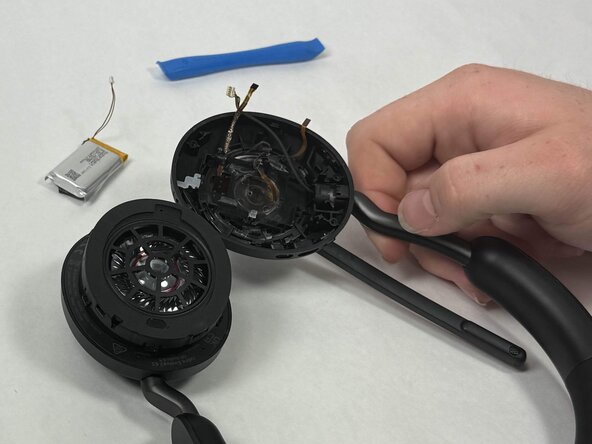
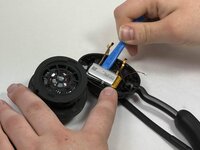
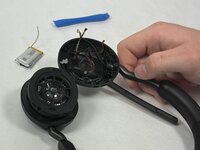
After locating the battery underneath, use a pair of tweezers to disconnect all connected cables.
-
-
-
Using a soldering iron, desolder the driver connections from the motherboard.
-
-
-

 Ask FixBot









To reassemble your device, follow these instructions in reverse order.
Cancel: I did not complete this guide.
2 other people completed this guide.

Team

UMass Dartmouth, Team 3-2, Botvin Spring 2025 Member of UMass Dartmouth, Team 3-2, Botvin Spring 2025
UMASSD-BOTVIN-S25S3G2
4 Members
60 Guides authored
