
JVC KW-V820BT Front Panel Assembly Replacement

Marshall Andersen and 3 other contributors
Last updated on Jan 2, 2019
Views: 1.1K
View statistics:
- Past 24 Hours:
- 2
- Past 7 Days:
- 17
- Past 30 Days:
- 63
- All Time:
- 1,145
Comments: 0
No one has left comments on this guide. Will you be first?
Go to guide commentsCompleted: 0 1
No one has marked this guide "completed." Will you be the first?
1 person has marked this guide "completed." It's you — great job!
Favorites: 0 1
No one has favorited (and subscribed to) this guide. Will you be the first?
1 person has favorited (and subscribed to) this guide — and that's you!
Introduction
Go to step 1 ↓The first step in the service of this device begins with the removal of the front panel assembly. This will allow access to other serviceable components within the device.
What you need
Tools
-
Spudger4.9
-


-
-
-
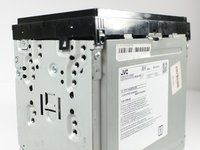
Remove the four 1/8-inch black machine screws using a Phillips #00 screwdriver.
 Ask FixBot
-
-
-
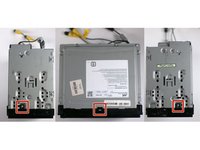
Remove three steel-finish, pan-head, 1/64 x 3/16" machine screws identified in the photograph, using the Phillips #0 screwdriver.
-
-
-
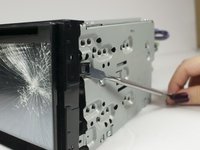
Using your fingers and/or a metal spudger, gently release the plastic locking tabs of the front panel assembly from the steel enclosure while prying the front panel assembly away from the steel enclosure with your fingers.
-
-
-
-
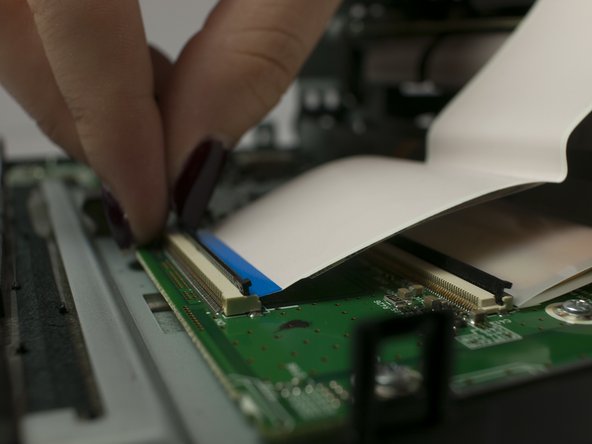
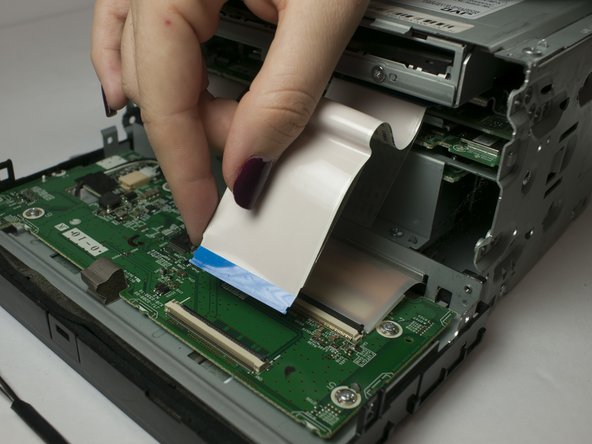
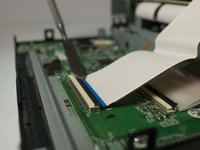
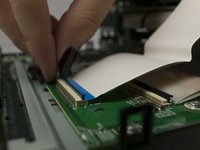
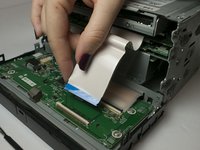
Gently separate the ribbon cable from from ZIF connector on the circuit board using a metal smudger.
-
-




To reassemble your device, follow these instructions in reverse order.

Team

Linn Benton Community College, Team S1-G6, Johnson Fall 2018 Member of Linn Benton Community College, Team S1-G6, Johnson Fall 2018
LBCC-JOHNSON-F18S1G6
3 Members
96 Guides authored
