Introduction
If your JBL Tune 760NC headphones are acting up, like experiencing connectivity problems, sound glitches, or delayed audio it could be due to outdated firmware. This guide will walk you through how to check for and install the latest firmware update using the JBL Headphones app.
Before you begin:
Make sure you have stable Bluetooth connection between your headphones and your device. Also, make sure your headphone is charged to at least 50%.
Tools Required:
- Smartphone or tablet
- JBL Headphones app
- Wi-Fi connection
- Bluetooth connection
What you need
-
-
Go to the App Store (iOS) or Google Play Store (Android).
-
Search for "JBL Headphones" and download the app.
-
Open the app once installed.
 Ask FixBot
-
-
-
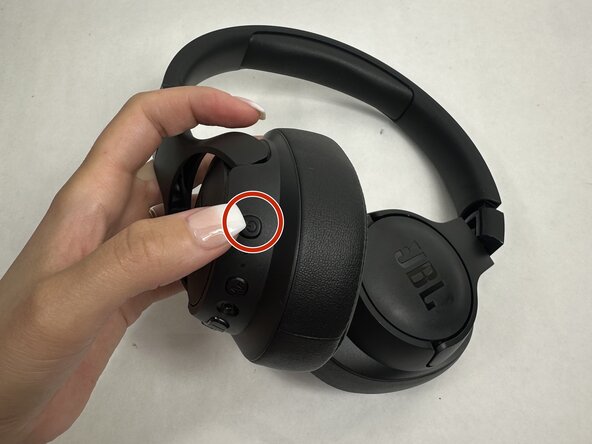
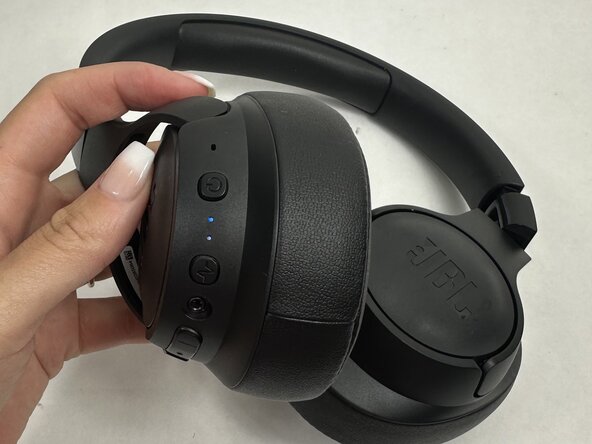
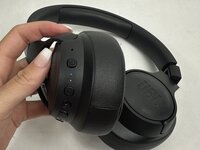
Hold the power button on your JBL Tune 760NC to turn them on.
-
Enable Bluetooth on your device.
-
In the JBL Headphones app, select your headphones from the list.
-
-
-
-
Once connected, the app should automatically check for firmware updates.
-
If an update is available, a pop-up will appear prompting you to update.
-
Tap “Update” to begin.
-
-
-
Stay close to your device during the update process.
-
Do not power off or disconnect the headphones or app.
-
The update might take a few minutes, be patient.
-
To reassemble your device, follow these instructions in reverse order.