Introduction
Before diving into the repair process, let's take a moment to understand why you might need to fix your Pulse 4. Perhaps you've noticed a decrease in sound quality, a malfunctioning LED light show, or even a complete loss of power. Whatever the case, fear not! With the right tools, a bit of patience, and this comprehensive guide, you'll be well-equipped to tackle any issues head-on.
Repairing your JBL Pulse 4 may require careful handling and attention to detail. As with any electronic repair, there are inherent risks involved, such as damaging delicate components or encountering electrical hazards. It's crucial to work in a well-lit and organized workspace, free from distractions. Additionally, be sure to power off the device and disconnect it from any power sources before proceeding with the repair.
Throughout this guide, we'll provide step-by-step instructions, accompanied by detailed images, to walk you through each stage of the repair process. Whether you're replacing a faulty speaker driver, troubleshooting LED issues, or addressing battery concerns, we've got you covered.
Remember, patience is key. Take your time, and follow each step carefully. Together, let's breathe new life into your JBL Pulse 4 speaker and get the music flowing once again!
What you need
-
-
-
Power off the device before doing any repairs.
-
Hold the power button for 3+ seconds to power down the device.
 Ask FixBot
-
-
-
Remove each rubber end cap using a plastic pry tool.
-
Go around each end of the speaker slowly popping up a small section of the rubber cap until there is a gap on all sides.
-
Remove the top by hand.
-
-
-
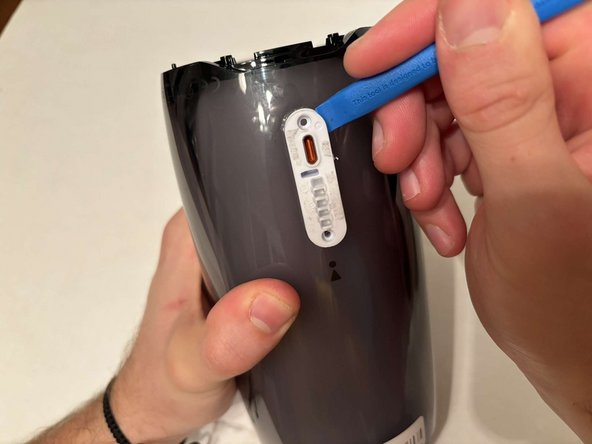
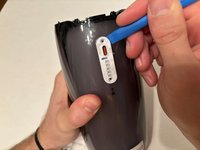
Remove the charging port cover using a plastic pry tool.
-
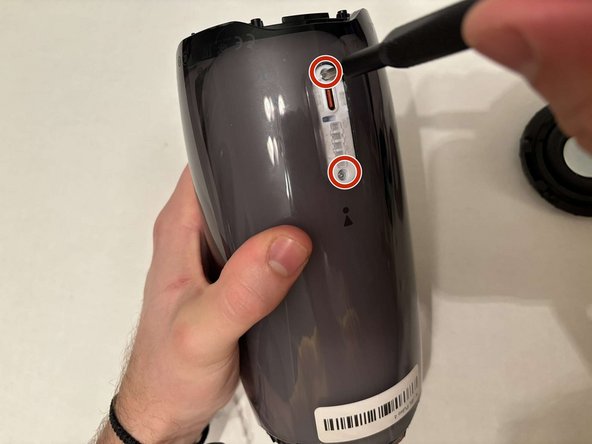
Remove the two 12.7 mm Phillips #1 screws.
-
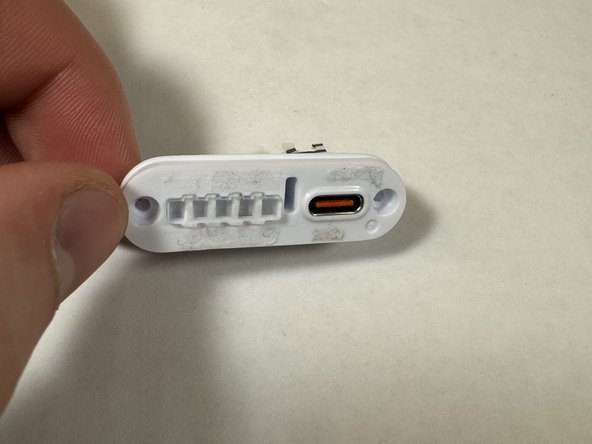
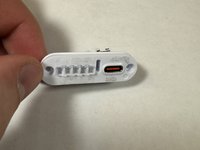
Remove the charging port housing from the casing.
-
-
-
-
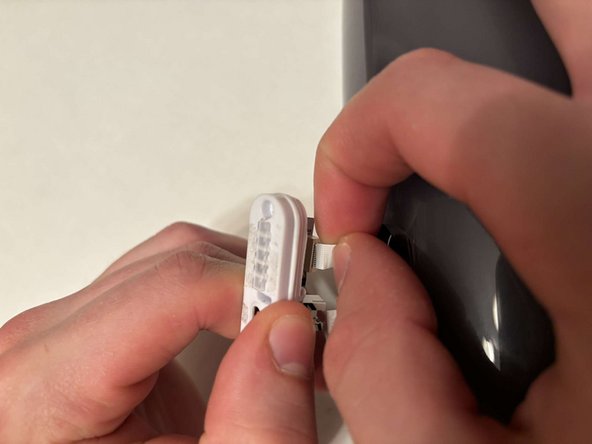
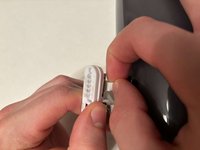
Disconnect the charging port connector by pulling the connector away from the port.
-
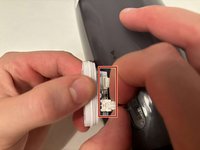
Disconnect the battery level indicator light by pulling the wire away from the lights.
-
-
-
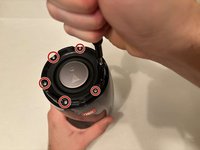
Remove the six 8 mm Phillips #1 screws from the end of the speaker with the grill that says "JBL."
-
Remove the plastic piece where the 6 screws came out of.
-
-
-
Flip the speaker to the other end.
-
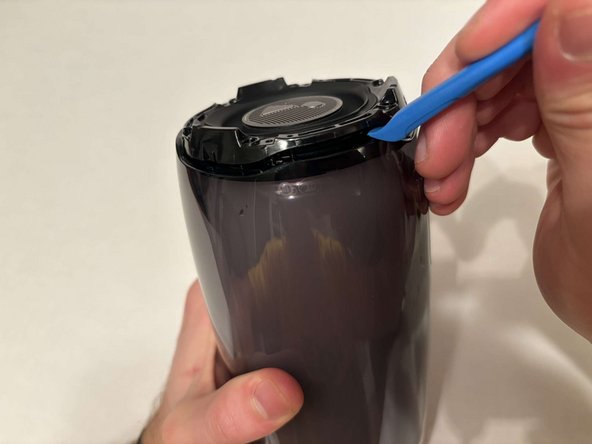
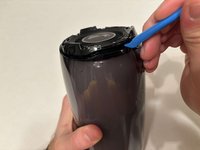
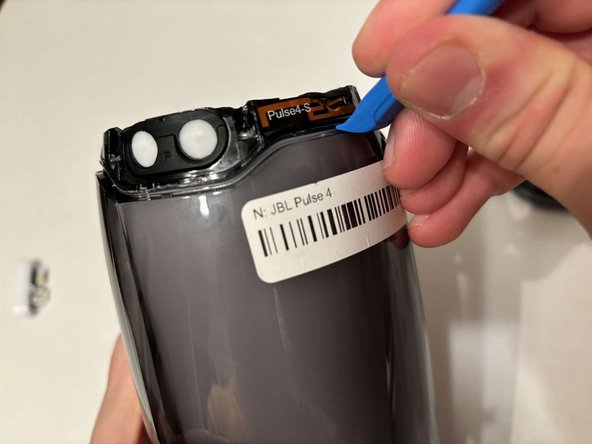
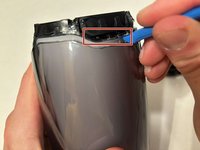
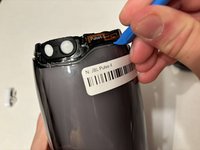
Use a pry tool to pry between the casing of the speaker and the internals.
-
Go around the entirety of this end of the speaker slowly prying apart the two pieces.
-
-
-
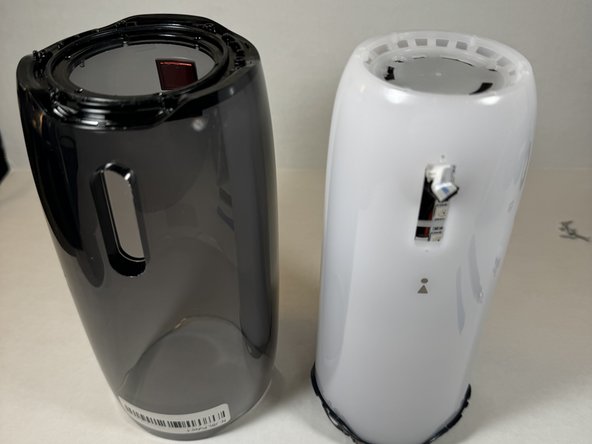
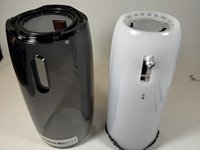
The casing is now fully detached from the internal components.
-
You can now replace the outer casing of the speaker.
-
-







To reassemble your device, follow these instructions in reverse order.

Team

UMass Dartmouth, Team 2-2, Konn Spring 2024 Member of UMass Dartmouth, Team 2-2, Konn Spring 2024
UMASSD-KONN-S24S2G2
4 Members
24 Guides authored
