Introduction
Your favorite tunes suddenly silenced? That telltale flicker and fade from your JBL Pulse 4 likely signals a dying battery. Before relegating it to the electronics graveyard, consider a simple battery replacement. This guide will walk you through the process, step-by-step, enabling you to revive your speaker and get the music flowing again. With a few basic tools and a little patience, you can extend the life of your device and save yourself the cost of a replacement.
What you need
-
-
-
Power off the device before doing any repairs.
-
Hold the power button for 3+ seconds to power down the device.
 Ask FixBot
-
-
-
Remove each rubber end cap using a plastic pry tool.
-
Go around each end of the speaker slowly popping up a small section of the rubber cap until there is a gap on all sides.
-
Remove the top by hand.
-
-
-
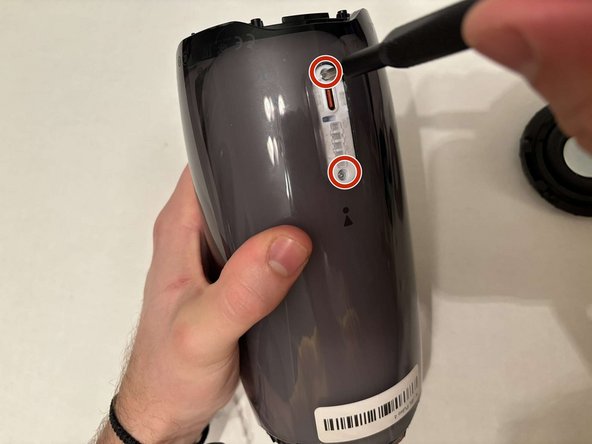
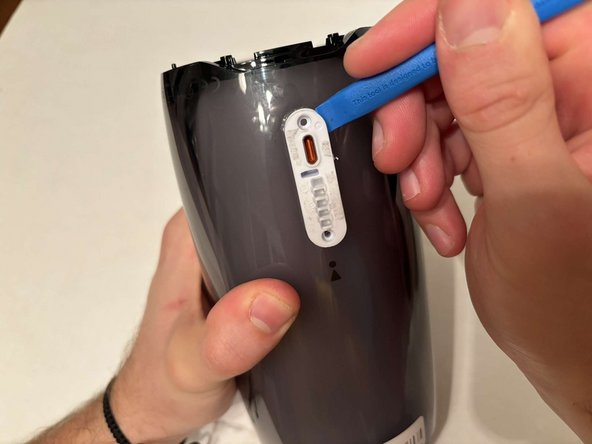
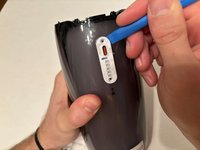
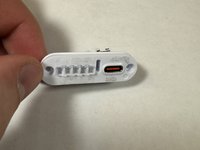
Remove the charging port cover using a plastic pry tool.
-
Remove the two 12.7 mm Phillips #1 screws.
-
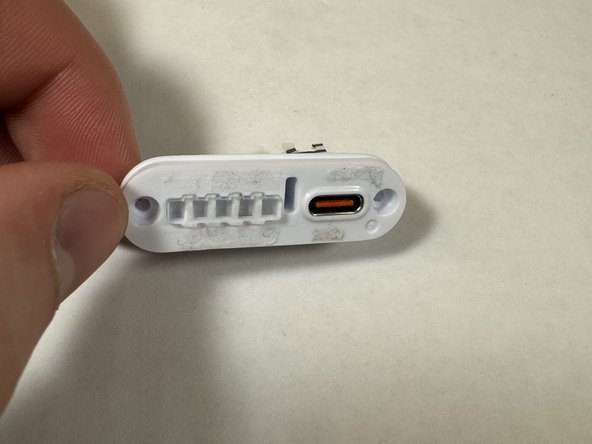
Remove the charging port housing from the casing.
-
-
-
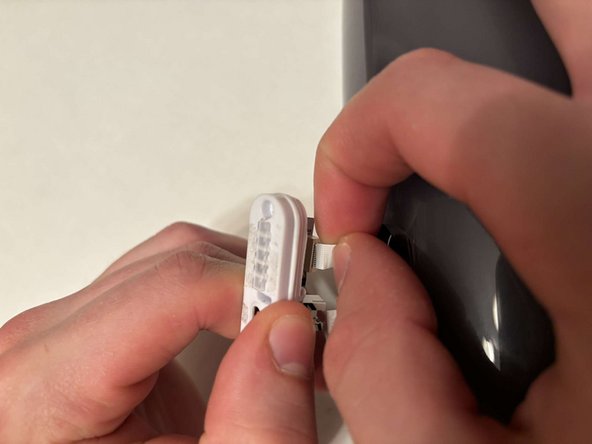
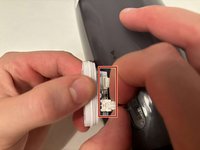
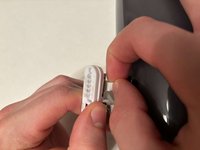
Disconnect the charging port connector by pulling the connector away from the port.
-
Disconnect the battery level indicator light by pulling the wire away from the lights.
-
-
-
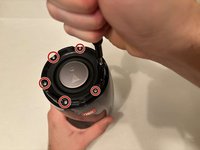
Remove the six 8 mm Phillips #1 screws from the end of the speaker with the grill that says "JBL."
-
Remove the plastic piece where the 6 screws came out of.
-
-
-
-
Flip the speaker to the other end.
-
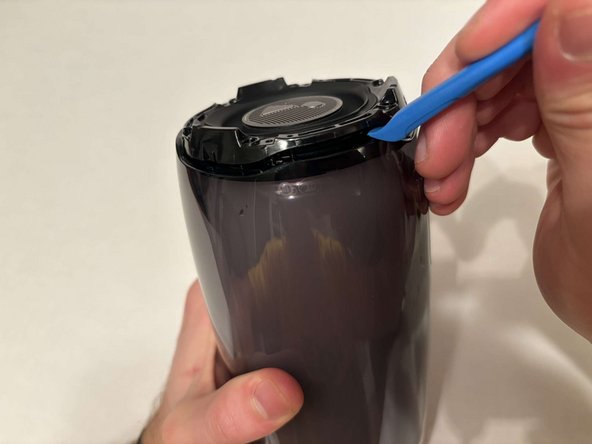
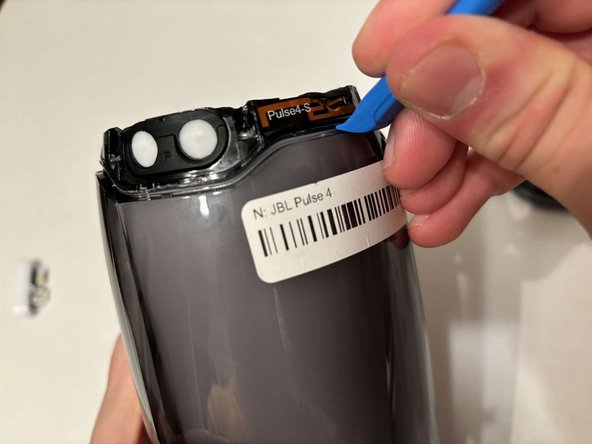
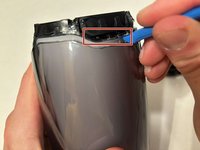
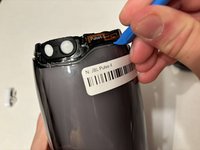
Use a pry tool to pry between the casing of the speaker and the internals.
-
Go around the entirety of this end of the speaker slowly prying apart the two pieces.
-
-
-
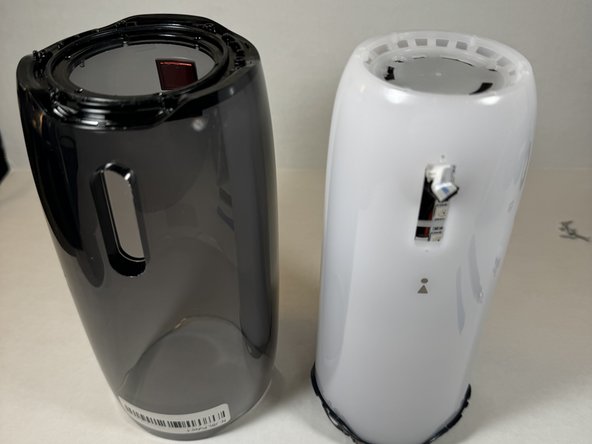
The casing is now fully detached from the internal components.
-
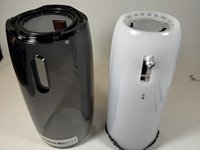
You can now replace the outer casing of the speaker.
-
-
-
-
-
Place the speaker on the table with the button board side down.
-
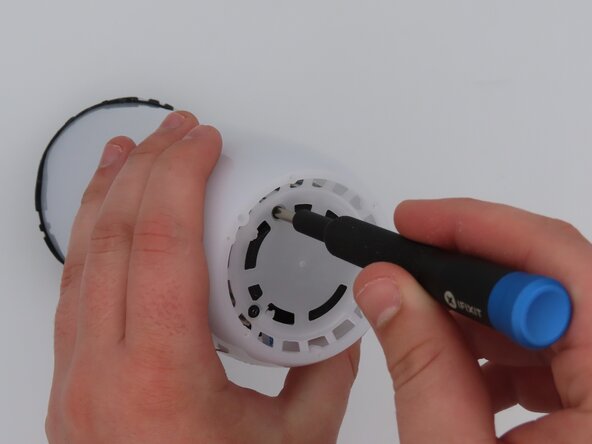
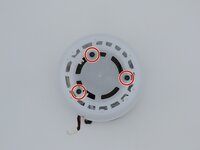
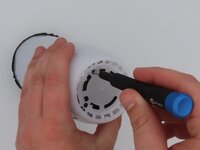
Remove the three black 5 mm screws using a Phillips #1 screwdriver.
-
Remove the white casing by pulling it away from the button board.
-
-
-
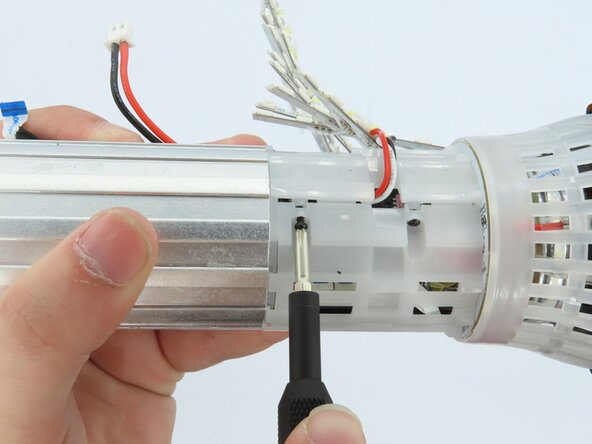
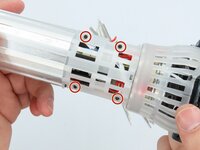
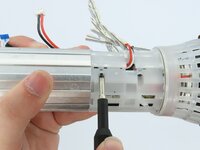
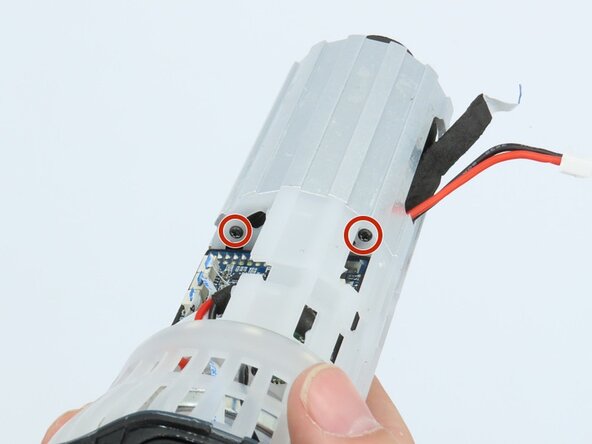
Remove the four black 5 mm screws using a Phillips #1 screwdriver.
-
Remove the white plastic piece that is held in place by the screws.
-
-
-
-
-
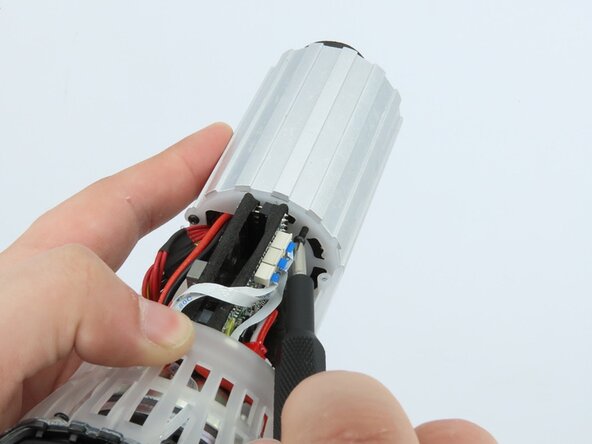
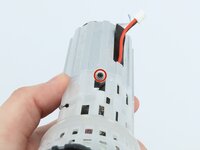
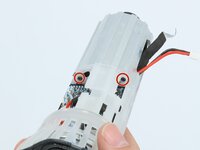
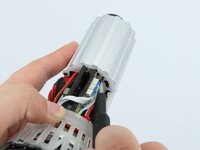
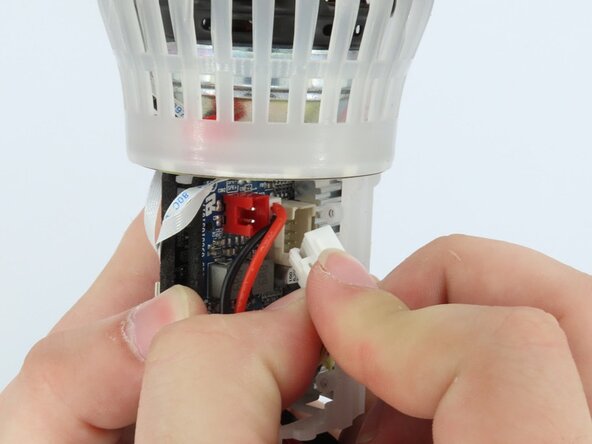
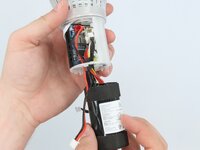
Feed the wire out of the central housing unit.
-
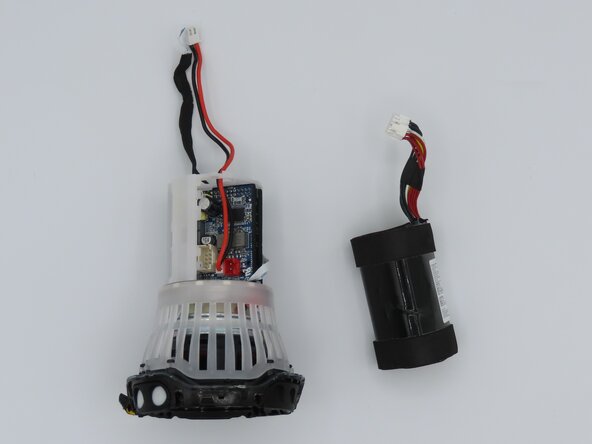
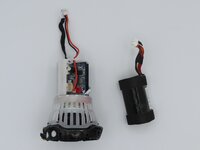
Pull the battery out of the central housing unit.
-















To reassemble your device, follow these instructions in reverse order.
Cancel: I did not complete this guide.
One other person completed this guide.

Team

University of Kentucky, Team 1-6, Frey Spring 2025 Member of University of Kentucky, Team 1-6, Frey Spring 2025
UKY-FREY-S25S1G6
5 Members
60 Guides authored
