Introduction
The JBL Live 660NC may require earpad replacement due to poor upkeep, becoming flimsy, dirty, uncomfortable, peeling, torn, or malfunctioning/broken earpads. This guide provides you step by step instructions on how to safely and successfully remove the earpads and install new ones.
Use a plastic spudger or opening tool to avoid scratching your headphones or breaking the delicate plastic hooks. Once you have your new earpads and your tool, you are ready to begin the removal and installation process.
Before you begin, turn off your headphones and unplug the charging cable.
What you need
-
-
Slide the opening tool into the seam between the earpad and earcup.
-
Pry it slightly toward the headphone, then angle the tool upward to release the clip.
-
-

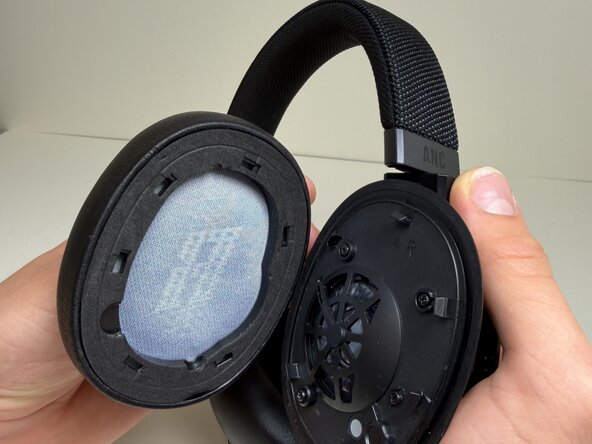
To reassemble your device, follow these instructions in reverse order.

Team

Austin Community College, Team 10-4, Watkins Fall 2025 Member of Austin Community College, Team 10-4, Watkins Fall 2025
AUSTINCC-WATKINS-F25S10G4
4 Members
5 Guides authored
