Introduction
This guide will walk you through safely removing and replacing the charging port on your JBL Grip speaker. Replacing the charging port may be necessary if the speaker no longer charges consistently, only charges when the cable is held at a certain angle, charges very slowly, or if the port is visibly bent, loose, corroded, or damaged.
Before beginning, make sure the speaker is completely powered off and disconnected from any charger or power source.
What you need
-
-
-
-
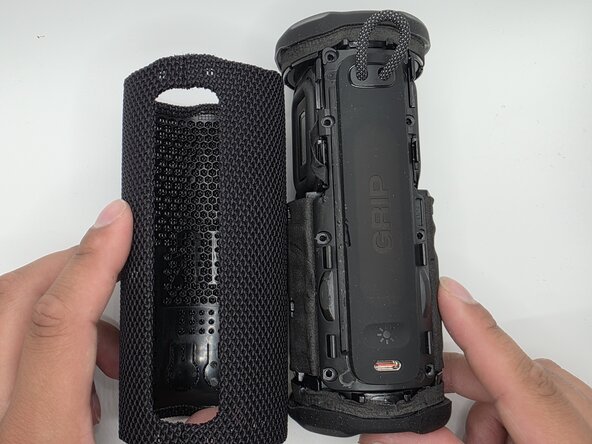
Remove the eight 6mm screws securing the panel with a Phillips #2 screwdriver.
-
-
-
Flip up the black latches securing the two blue cables connected to the panel.
-
-
-


 Ask FixBot



To reassemble your device, follow these instructions in reverse order.

Team

University of North Texas, Team 1-4, Kilpatrick Spring 2026 Member of University of North Texas, Team 1-4, Kilpatrick Spring 2026
UNT-KILPATRICK-S26S1G4
5 Members
96 Guides authored
