
JBL Go 3 Charging Port Replacement

Kasey Oliver and 2 other contributors
Last updated on Oct 30, 2025
Views: 1.1K
View statistics:
- Past 24 Hours:
- 3
- Past 7 Days:
- 31
- Past 30 Days:
- 147
- All Time:
- 1,052
Comments: 0
No one has left comments on this guide. Will you be first?
Go to guide commentsCompleted: 0 1
No one has marked this guide "completed." Will you be the first?
1 person has marked this guide "completed." It's you — great job!
Favorites: 0 1
No one has favorited (and subscribed to) this guide. Will you be the first?
1 person has favorited (and subscribed to) this guide — and that's you!
Action Shots
Be an action hero! This guide needs images that better demonstrate how to perform specific actions.
Needs More Images
A few more images would make this guide's procedures crystal clear.
Missing Steps
Oops! This guide is currently missing one or more important steps.
Missing Details
Some of this guide's details are missing. Help users by adding tools, difficulty, or time.
Introduction
Go to step 1 ↓If the charging port on your JBL Go 3 speaker becomes loose, damaged, or stops working, you can use this guide to remove and replace it.
What you need
Tools


-
-
-
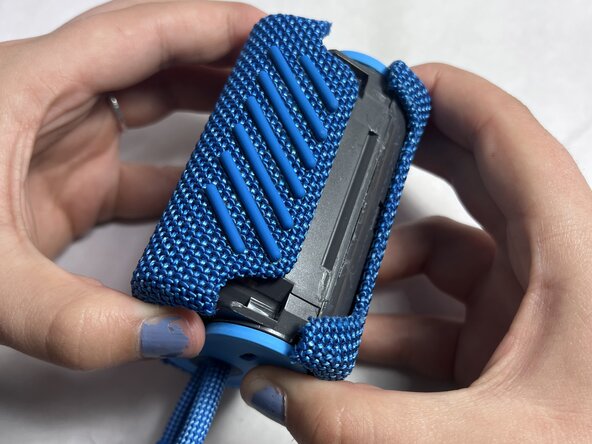
Use a Jimmy to remove the hard shell, working around the sides of the mesh cover.
-
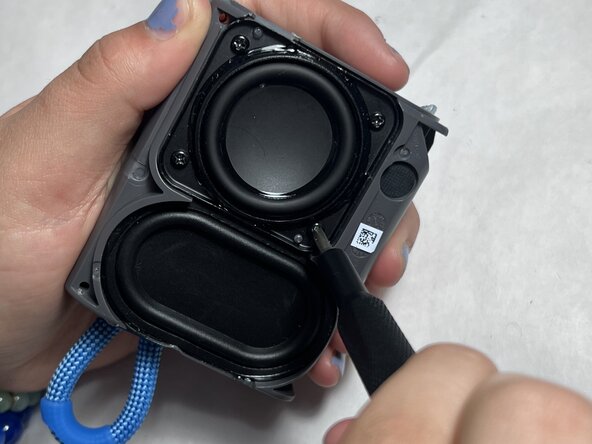
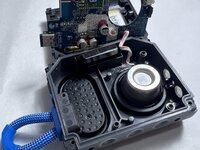
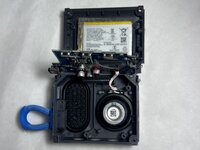
Finally, unscrew the internal screws and gently lift off the back panel.
 Ask FixBot
-
-
-
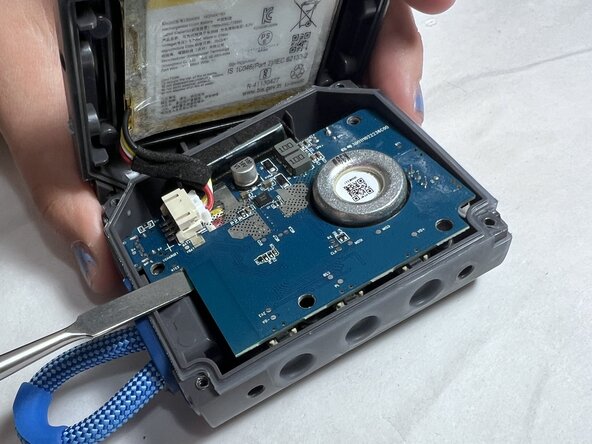
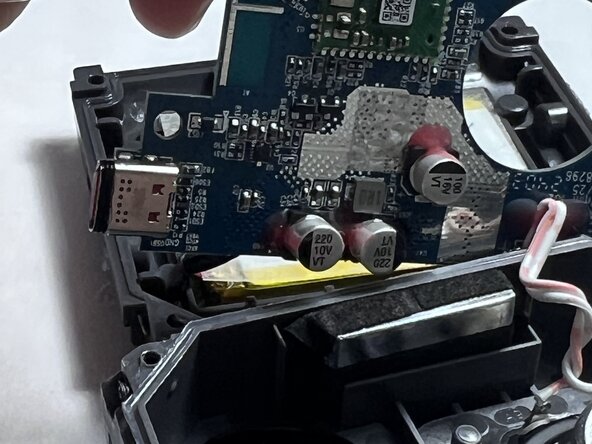
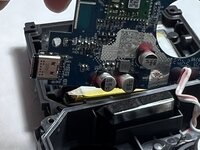
Locate the charger port on the circuit board.
-
Carefully desolder the old port. If necessary, use an iFixit Opening Tool to gently dislodge and remove it.
-
-
-
-
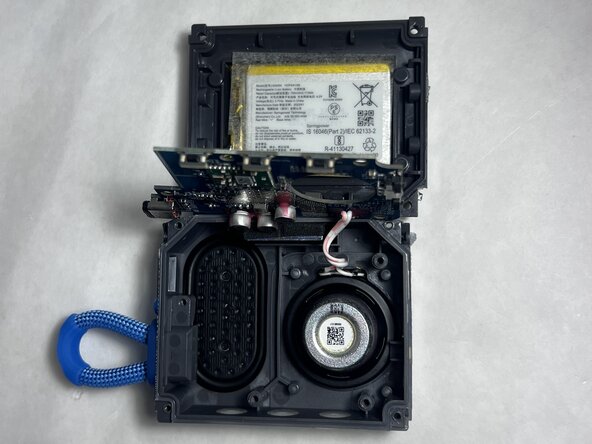
Locate the charging port, typically mounted on a small PCB (printed circuit board).
-
Take a picture and make a detailed note of all connections.
-
Carefully remove the charging port using an iFixit Opening Tool if Necessary.
-
Test the charging functionality before fully reassembling the device.
-
-





To reassemble your device, carefully place the new charging port and follow the instructions in reverse order.

Team

UMass Dartmouth, Team 4-5, Konn Spring 2025 Member of UMass Dartmouth, Team 4-5, Konn Spring 2025
UMASSD-KONN-S25S4G5
4 Members
60 Guides authored
