Introduction
If your JBL Go 3 battery stops holding a charge over time, you may need to replace it. It's a common issue with many speakers. Follow the guide below to replace the battery yourself.
What you need
-
-
-
Use a Jimmy or opening tool to gently lift one corner of the fabric mesh, then carefully remove the entire fabric and shell.
-
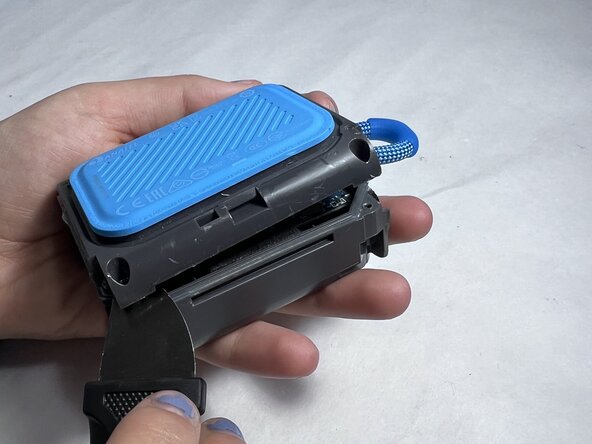
Insert the Jimmy along the seam and gently pry open the housing.
-
Work your way around the speaker, unclipping the internal latches as you go.
 Ask FixBot
-
-
-
-
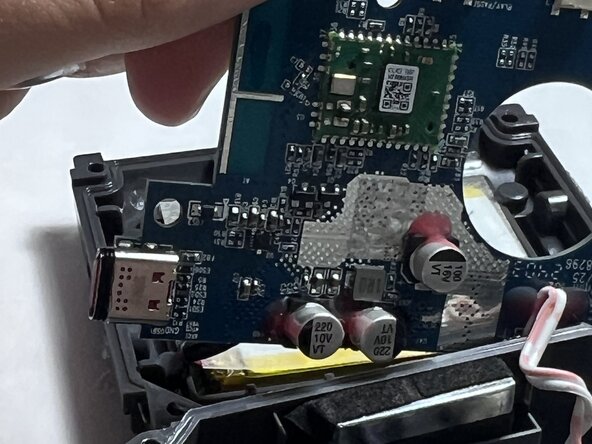
Use a screwdriver to remove the screws securing the motherboard to the device.
-
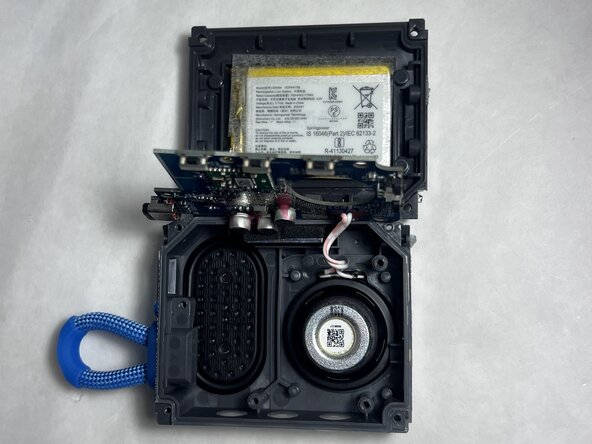
Locate the battery, it’s usually wrapped in black or silver and connected to the mainboard by a small cable.
-
Carefully disconnect the battery connector from the circuit board.
-
Remove the old battery, replace it with the new one and reconnect the cable securely.
-
Close the housing, screw everything back in place, and reattach the fabric mesh.
-
-



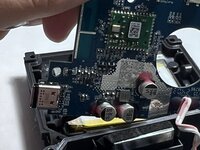
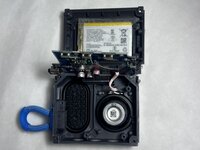
To reassemble your device, follow these instructions in reverse order. Take your e-waste to an R2 or e-Stewards certified recycler.

Team

UMass Dartmouth, Team 4-5, Konn Spring 2025 Member of UMass Dartmouth, Team 4-5, Konn Spring 2025
UMASSD-KONN-S25S4G5
4 Members
60 Guides authored
