
JBL Flip Speaker Replacement

Dillon and 3 other contributors
Last updated on Jun 19, 2015
Views: 44K
View statistics:
- Past 24 Hours:
- 5
- Past 7 Days:
- 31
- Past 30 Days:
- 169
- All Time:
- 44,052
Comments: 11
2 comments on steps, 9 guide comments.
Go to guide commentsCompleted: 9 10
9 people have marked this guide "completed." Will you be next?
10 people have marked this guide "completed." Including you — great job!
Favorites: 3 4
3 people have favorited (and subscribed to) this guide. Will you be next?
4 people have favorited (and subscribed to) this guide — including you!
Introduction
Go to step 1 ↓Within this guide the user will learn and follow the steps to replace the internal speakers of the JBL Flip. A soldering iron will be used to unsolder some wired connections. To safely use the soldering iron please visit this desoldering guide How To Solder and Desolder Connections.
What you need
Tools


-
-
-
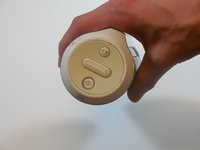
On the end with the buttons, remove the end cap using the flat head screwdriver to get between the rubber lining and the plastic.
-
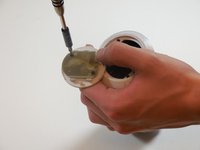
After the cap is removed, unscrew the two 3.3mm screws using a size 1 ph screw driver.
 Ask FixBot
-
-
-
Unscrew four 3.3mm screws on each end of the JBL using a size 1 ph screw driver (8 screws total).
-
-
-
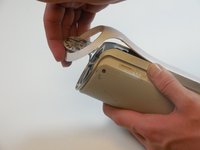
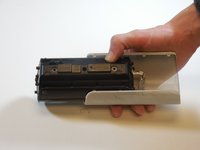
Remove outermost white casing by gently lifting up on one side.
-
Remove two 5mm screws holding the silver back plate in place with a size 2 ph screw driver.
-
Gently lift up and remove the silver casing.
-
-
-
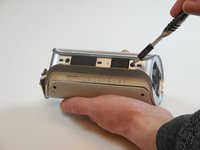
Pry the four tabs on each side of the speaker cover (8 tabs total).
-
Pry the two tabs on each end to remove the cover (4 tabs total).
-
Slide speaker out of metal speaker cover.
-
-
-
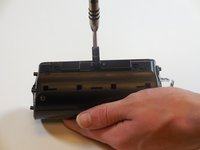
Remove 5mm screw in the middle of the back of the device with a size 2 ph screw driver.
-
Unscrew the two 5mm screws on each side using a size 2 ph screwdriver.
-
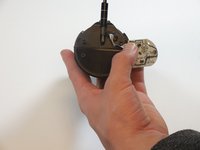
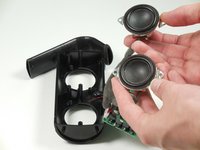
Open the speaker.
-
-
-
-
-
-
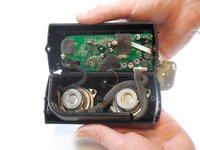
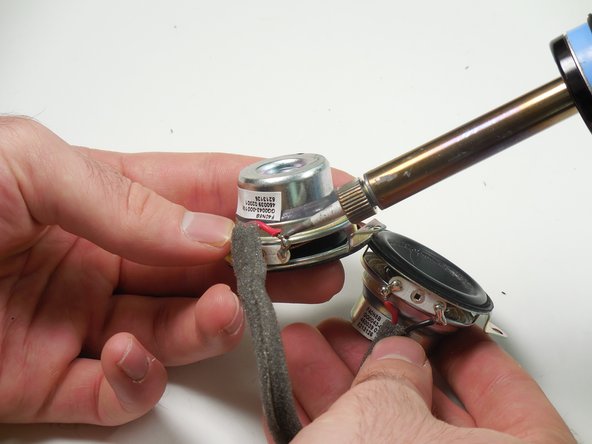
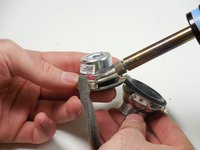
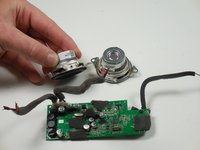
Take a soldering iron to the two solders, one for each cable.
-
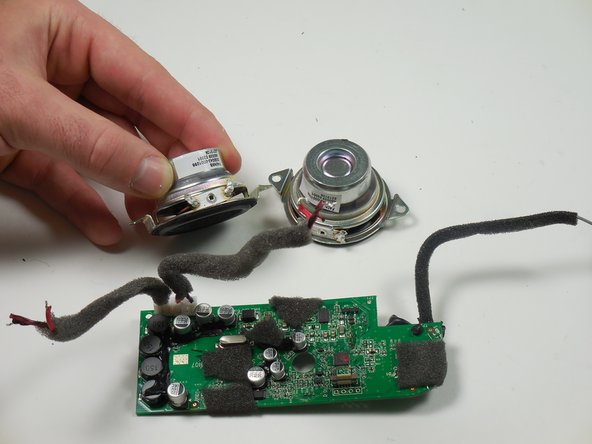
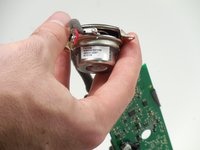
Once the soldering has melted, remove each wire from the speaker.
-





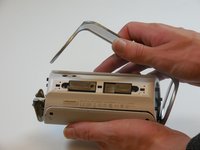


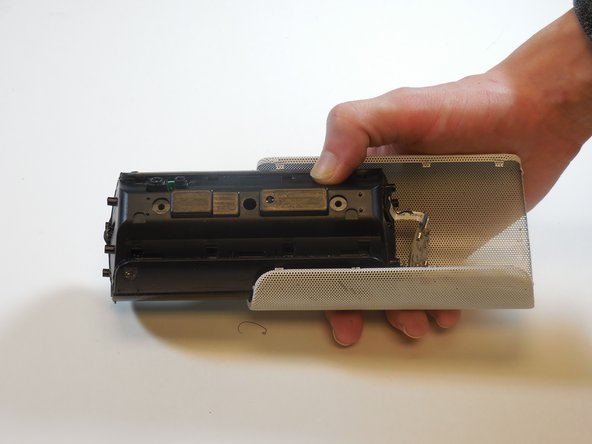
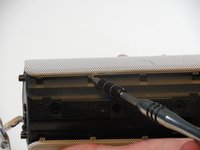
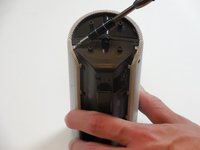




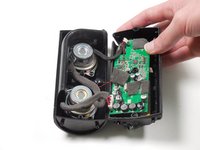
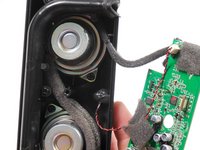
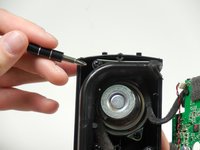


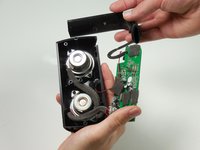

To reassemble your device, follow these instructions in reverse order.
Cancel: I did not complete this guide.
9 other people completed this guide.

Team

Colorado Springs, Team 9-5, Panko Spring 2015 Member of Colorado Springs, Team 9-5, Panko Spring 2015
UCCS-PANKO-S15S9G5
3 Members
60 Guides authored
9 Guide Comments
I want JBL flip 2 charging commector board.
Where can i buy ??
Plz help me
Where do you buy the replacement speakers?
I have a problem with the bluetooth of my speaker goes off after 10 minutes of running I have checked with several smart and it always repeats that I can do
Where I can get schematic diagram and plans of this equipment
I want to buy 2pcs replacement speaker for my JBL flip bluetooth speaker. Ho can I buy .and from
