
JBL Flip Battery Replacement

Dillon and 3 other contributors
Last updated on Sep 5, 2018
Views: 106K
View statistics:
- Past 24 Hours:
- 3
- Past 7 Days:
- 55
- Past 30 Days:
- 223
- All Time:
- 106,366
Comments: 58
6 comments on steps, 52 guide comments.
Go to guide commentsCompleted: 24 25
24 people have marked this guide "completed." Will you be next?
25 people have marked this guide "completed." Including you — great job!
Favorites: 8 9
8 people have favorited (and subscribed to) this guide. Will you be next?
9 people have favorited (and subscribed to) this guide — including you!
Inconsistent Images
Updating the images on this guide to be more consistent with the prerequisites would increase its awesomeness.
What you need


-
-
-
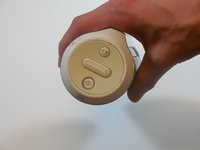
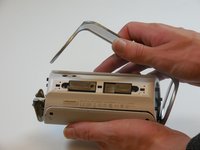
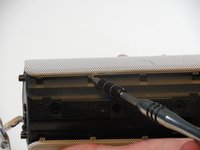
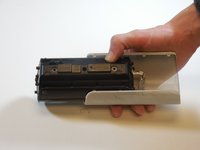
On the end with the buttons, remove the end cap using the flat head screwdriver to get between the rubber lining and the plastic.
-
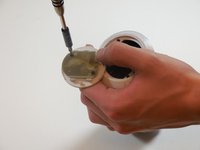
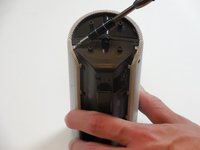
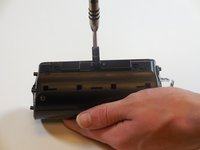
After the cap is removed, unscrew the two 3.3mm screws using a size 1 ph screw driver.
 Ask FixBot
-
-
-
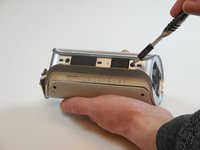
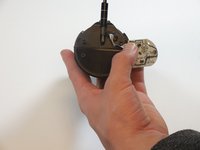
Unscrew four 3.3mm screws on each end of the JBL using a size 1 ph screw driver (8 screws total).
-
-
-
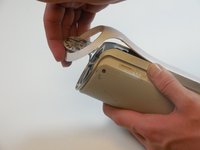
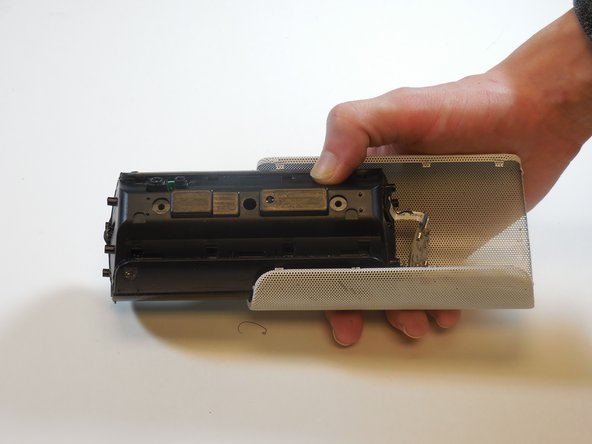
Remove outermost white casing by gently lifting up on one side.
-
Remove two 5mm screws holding the silver back plate in place with a size 2 ph screw driver.
-
Gently lift up and remove the silver casing.
-
-
-
Pry the four tabs on each side of the speaker cover (8 tabs total).
-
Pry the two tabs on each end to remove the cover (4 tabs total).
-
Slide speaker out of metal speaker cover.
-
-
-
Remove 5mm screw in the middle of the back of the device with a size 2 ph screw driver.
-
Unscrew the two 5mm screws on each side using a size 2 ph screwdriver.
-
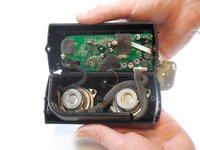
Open the speaker.
-
-
-
-
-
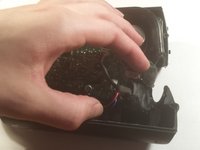
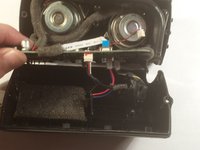
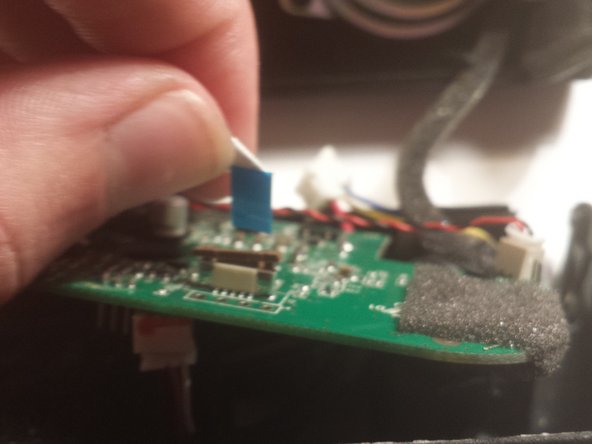
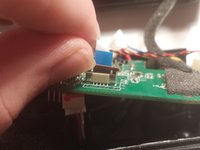
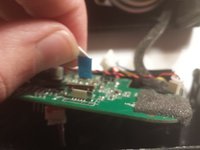
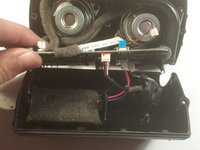
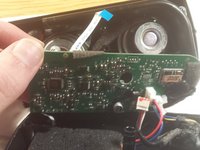
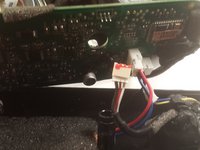
Slowly peel the motherboard away from the black glue on the underside.
-
-
-
















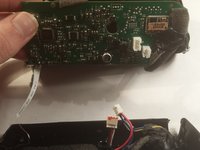
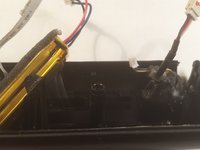
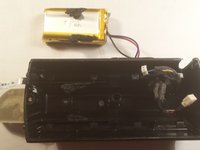
To reassemble your device, follow these instructions in reverse order.
Cancel: I did not complete this guide.
24 other people completed this guide.

Team

Colorado Springs, Team 9-5, Panko Spring 2015 Member of Colorado Springs, Team 9-5, Panko Spring 2015
UCCS-PANKO-S15S9G5
3 Members
60 Guides authored
52 Guide Comments
I also want to know about the battery specs
https://www.youtube.com/watch?v=apF4qT3e...
Follow this video tutorial. this will help you definitely
Mine is not working anymore and I suspect that the battery is not charging. I´ve checked the battery and its code is AEC653055-2Pwith rating 3,7V 2000 mAh. It has 3 cables: red, yellow and black. I´ve used a voltage meetering to check if there some charge coming from and it had 4,0 VDC. So, probably the problem related to my device is with the battery, because it´s not charging. Anyone else had this same issue?
hey. i had the same problem with the battery of JBL flip. and i fixed it. Complete video tutorial is here :)
