Introduction
If your JBL Flip 6 speaker is experiencing persistent issues such as no power, malfunctioning buttons, or a failure to connect via Bluetooth, the root cause may be a faulty motherboard. The motherboard is the central component that controls all of the speaker’s functions, and a damaged or defective motherboard can lead to a wide range of problems that cannot be resolved through simpler fixes.
Before beginning this replacement guide, check for any visible signs of damage, such as cracks, burn marks, or loose connections on the motherboard. If the speaker has been exposed to moisture or physical impact, these could be potential indicators that the motherboard needs replacement.
Before starting, power off the speaker and disconnect it from any cables or charging sources to avoid electrical shock or further damage during the repair process.
What you need
-
-
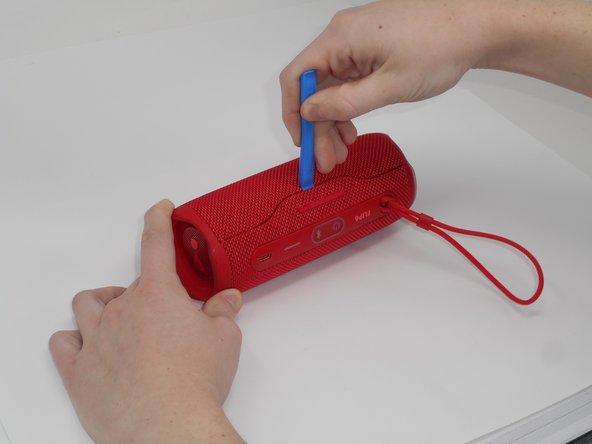
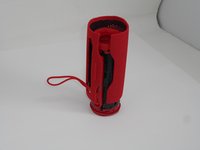
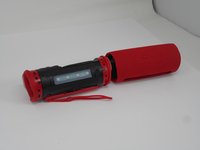
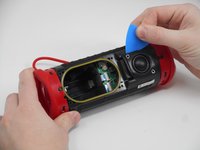
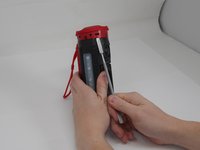
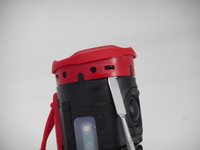
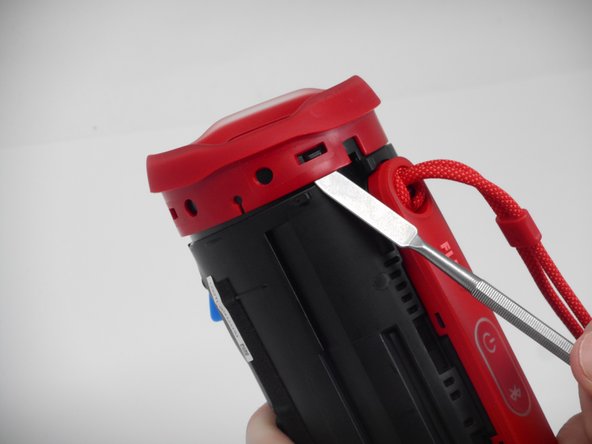
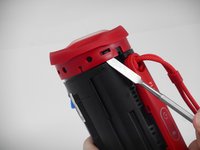
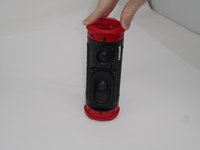
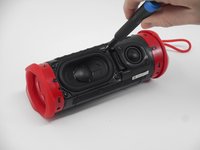
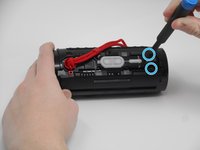
Using the iFixit opening tool, pry up on the button side of the slot on the case until the clips release.
 Ask FixBot
-
-
-
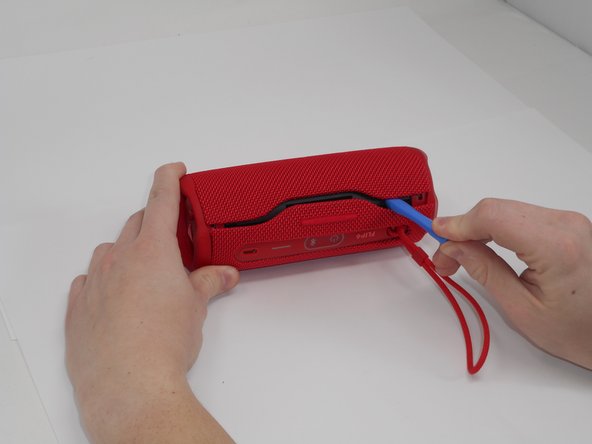
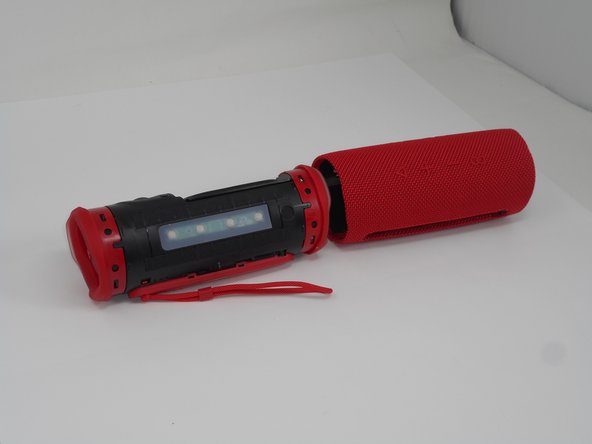
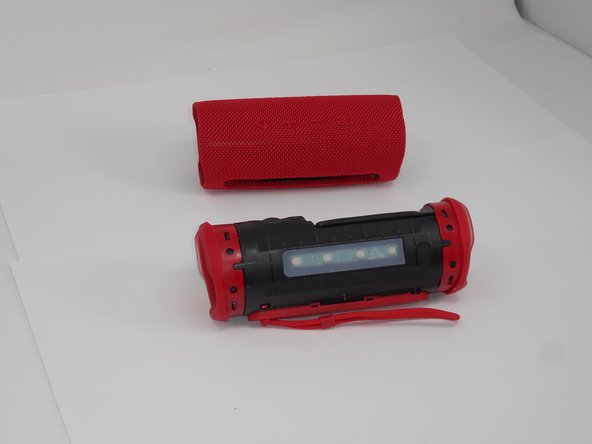
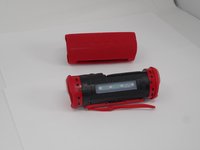
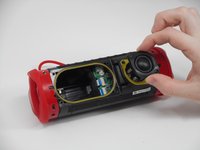
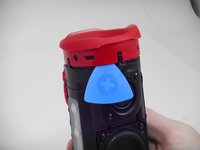
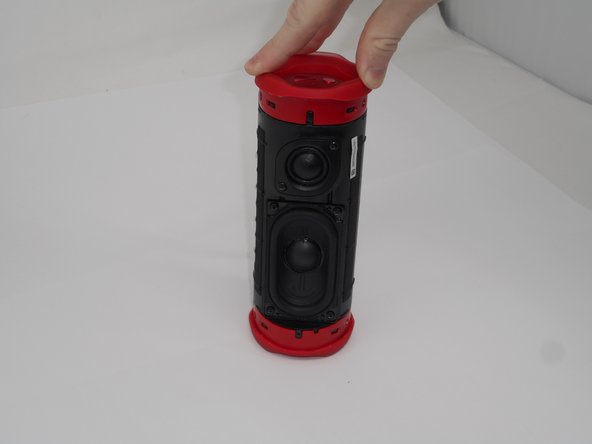
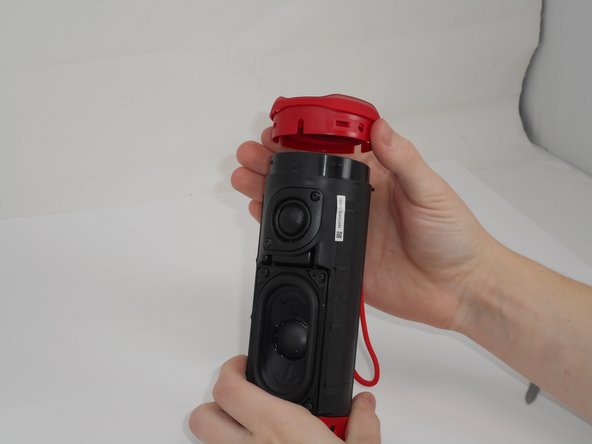
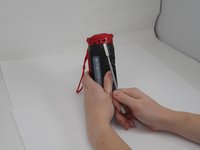
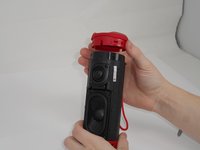
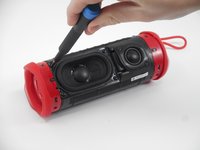
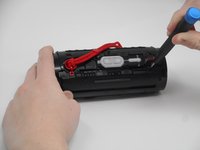
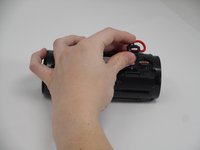
Now that the gap is larger, using the same tool, pry up on the other side until the clips release.
-
-
-
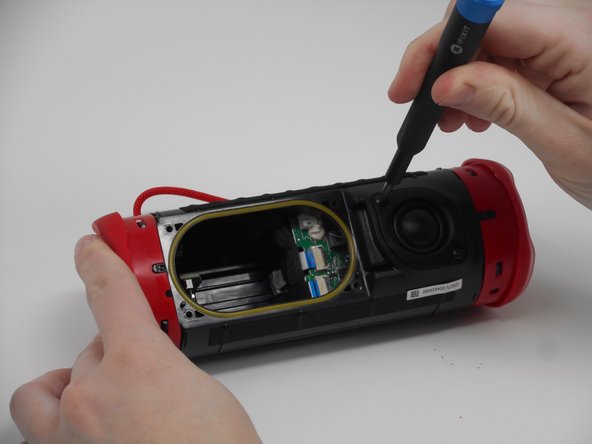
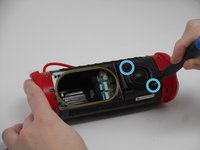
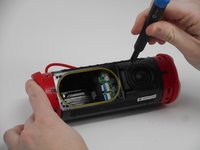
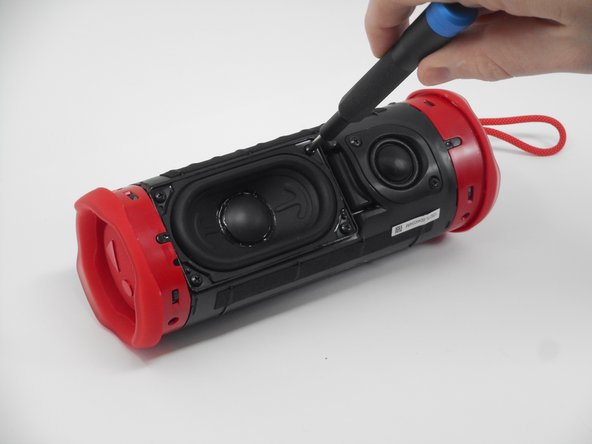
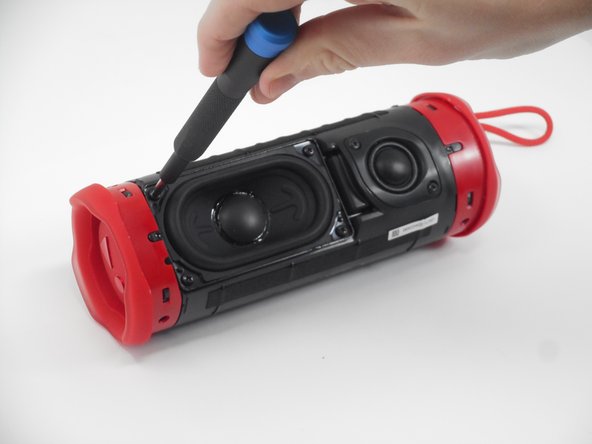
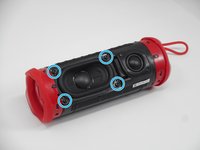
Remove the two 9.5-mm Philips #1 screws securing the tweeter to the device.
-
-
-
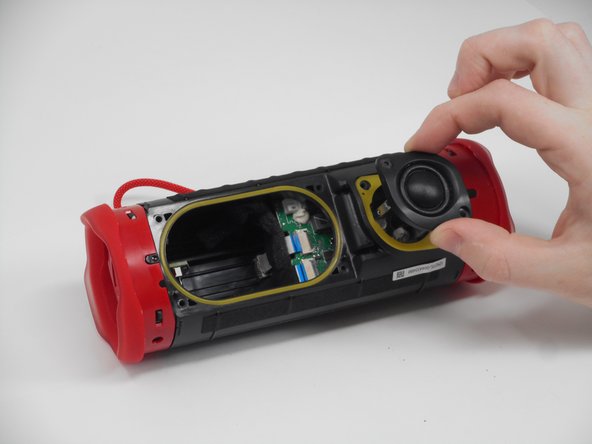
Insert an opening pick into the gap along the edge of the tweeter.
-
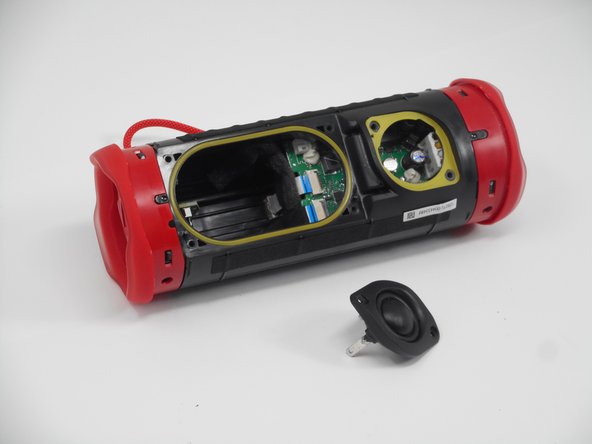
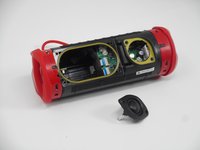
Push the tip inwards and pry upwards to release the tweeter from the motherboard.
-
-
-
Use a prying tool to lift up on one of the clips that holds the radiator in place.
-
-
-
After the clip has been released, insert a shim to keep the parts separated and from the clipping back together.
-
Pry on the clip on the other side to fully release the passive radiator.
-
-
-
-
After both clips have been detached, the passive radiator is easier to remove by hand.
-
Repeat the same steps for the passive radiator on the other side.
-
-
-
Remove the four 9.5 mm Philips #1 screws securing the woofer to the device.
-
-
-
Carefully disconnect the white connector linking the woofer and the motherboard.
-
-
-
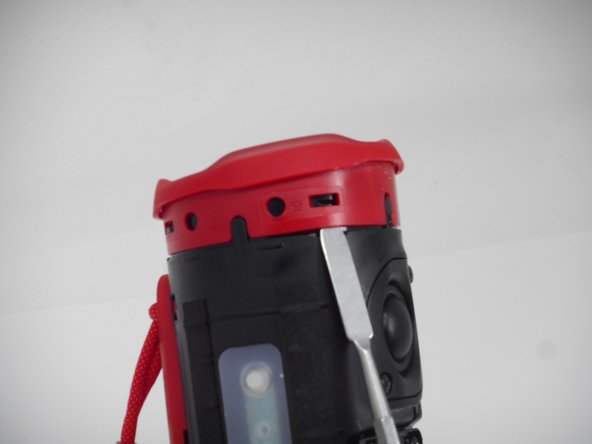
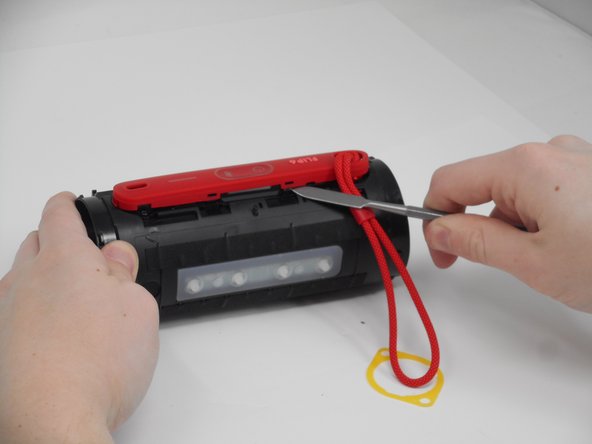
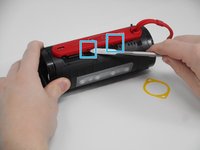
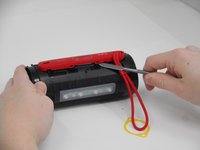
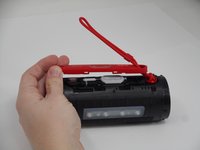
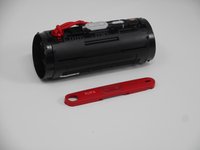
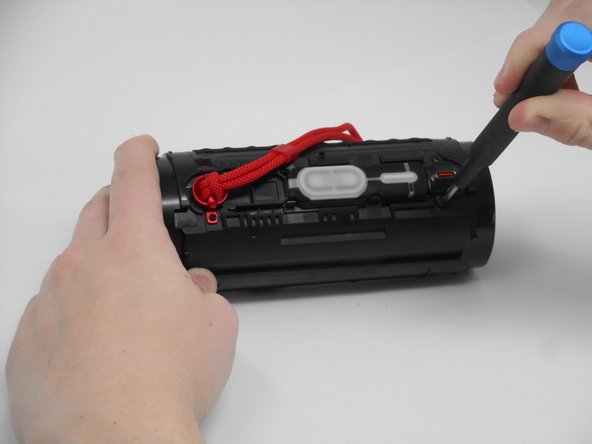
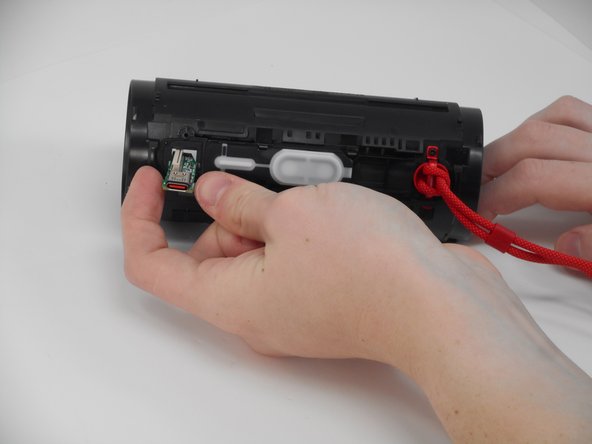
Use a spudger to release the clips attaching the cover for the buttons and charging port.
-
-
-
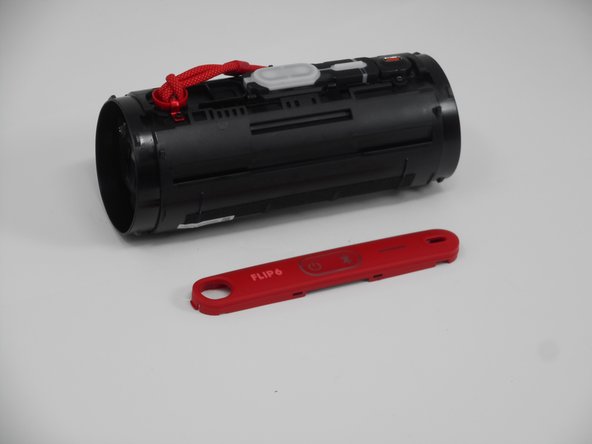
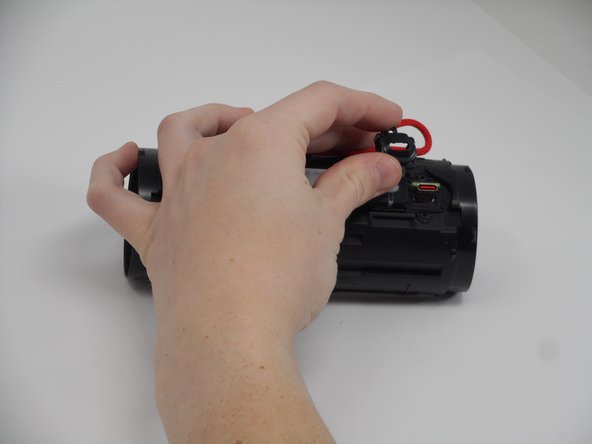
After the clips have been released, take the cover off, feeding the strap out of the hole.
-
-
-
Remove the two 5.7 mm Philips #00 screws holding the charging port cover in place.
-
-
-
Using tweezers, pull the blue ribbon from the connector from the charging port board.
-
After the ribbon is removed, pull the USB-C port out from the outside.
-
-
-
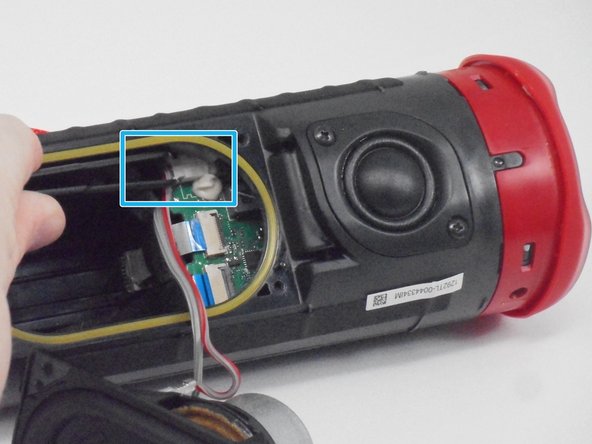
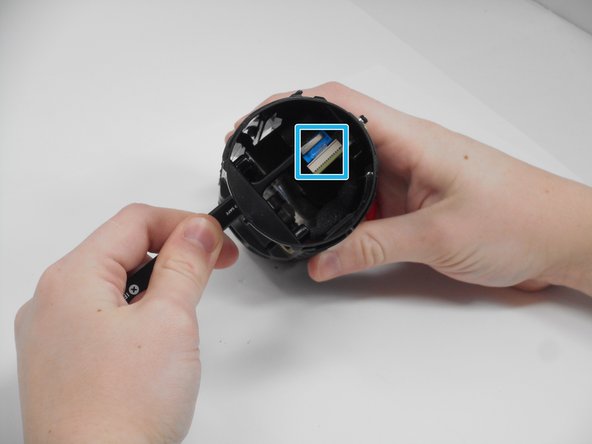
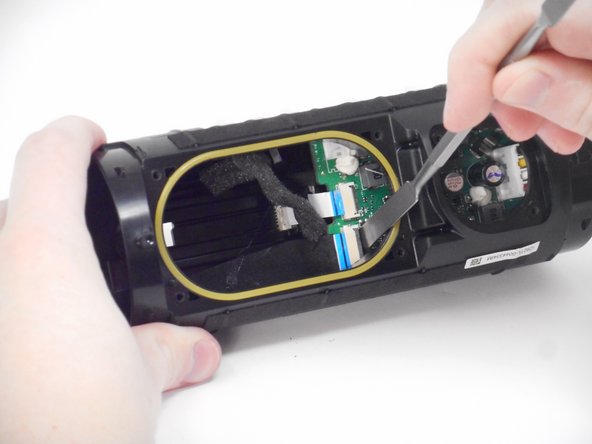
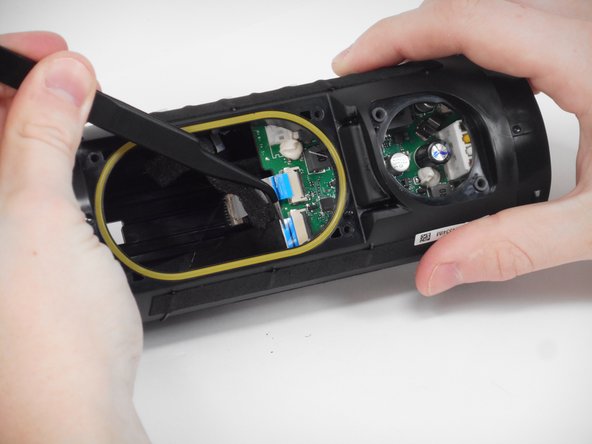
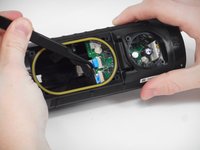
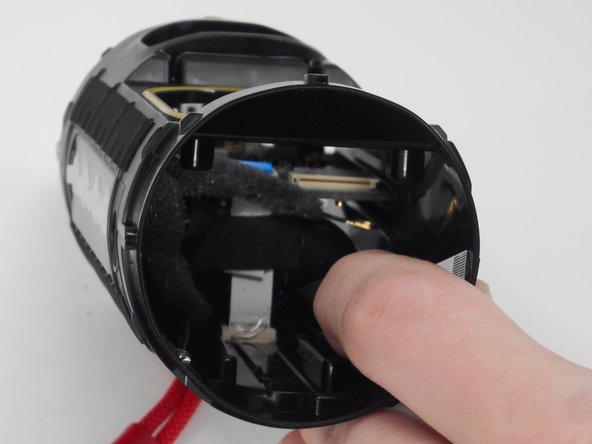
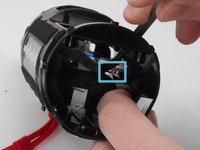
Carefully pull the small ribbon cable from its slot.
-
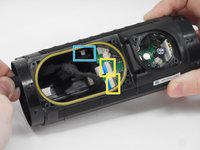
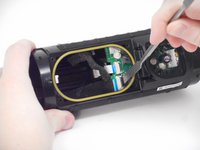
Lift up on the black locking flaps opposite the ribbon cables, then carefully pull the ribbon cables out of their slots.
-
-
-
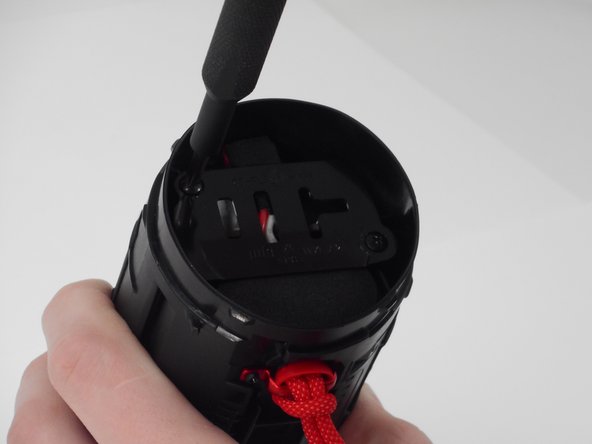
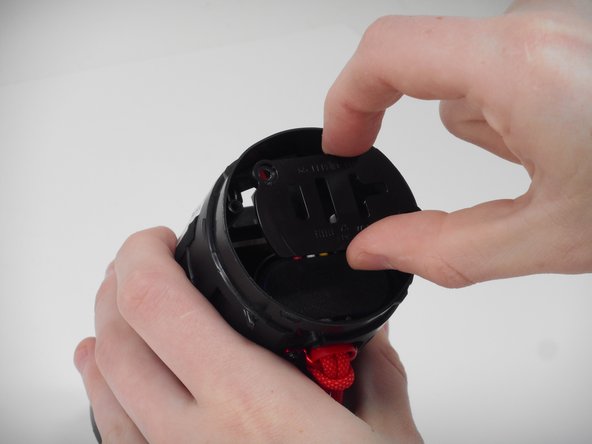
Remove the two 9.5 mm Philips #1 screws securing the plastic retainer for the battery and motherboard.
-
-
-
Pry up on the black tab, then carefully pull the connector from its port on the motherboard.
-
-
-
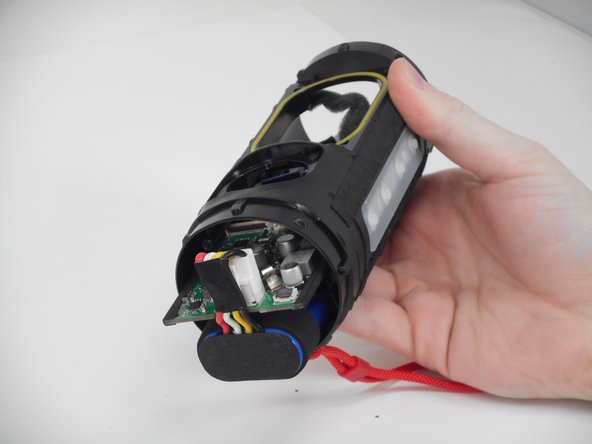
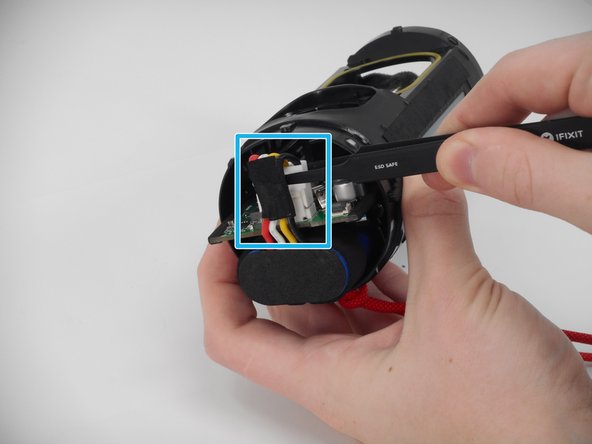
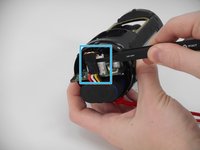
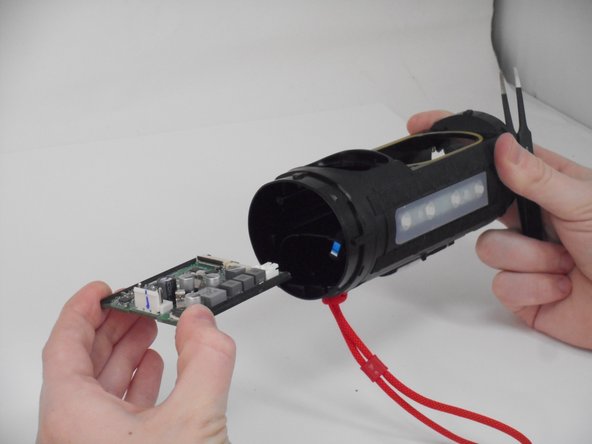
Push on the inside edge of the motherboard until the battery connector is outside of the device case.
-
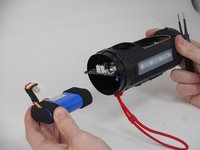
Pinch and pull up on the battery connector to release it, freeing both the motherboard and the battery for removal.
-












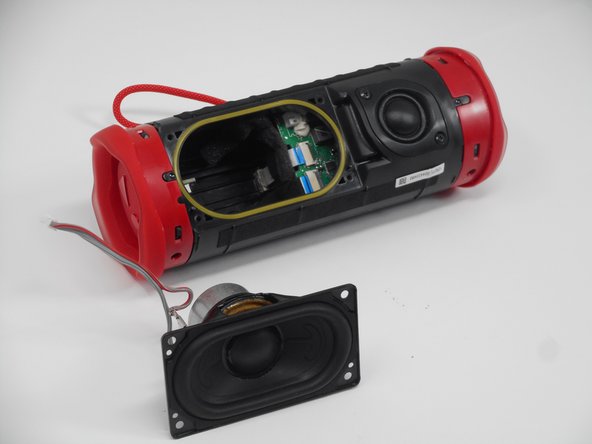







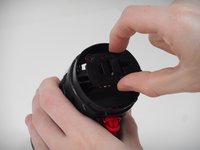

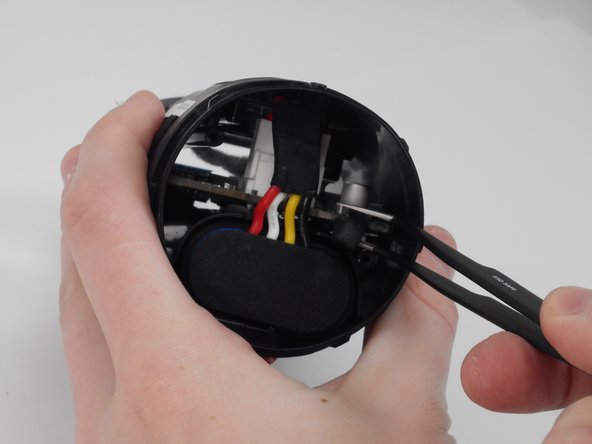
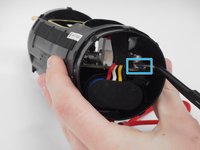
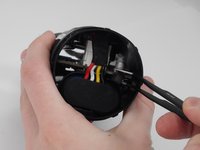


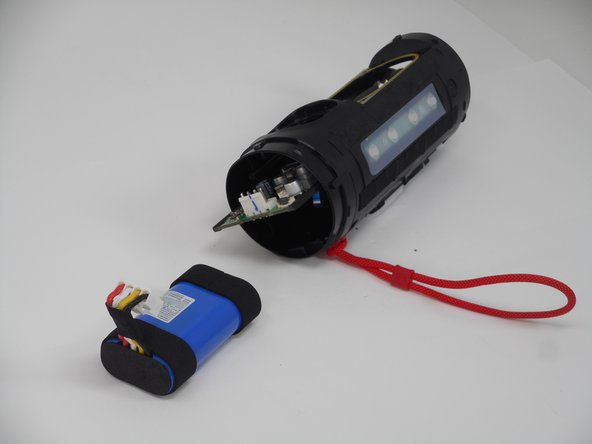
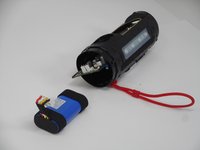
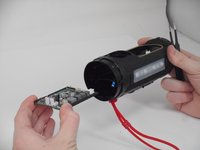
To reassemble your device, follow these instructions in reverse order.
Cancel: I did not complete this guide.
One other person completed this guide.

Team

University of Memphis, Team 1-1, Sneed Fall 2024 Member of University of Memphis, Team 1-1, Sneed Fall 2024
UM-SNEED-F24S1G1
4 Members
18 Guides authored
1 Guide Comment
Where do I find parts specifically the white ribbon that leads to control buttons and the control board.
