Introduction
If your JBL Flip 6 speaker is not charging properly or is only charging intermittently, the issue may lie with the USB-C charging port. A damaged or worn-out charging port can result in slow charging, no charging at all, or the charger not making a reliable connection.
Before beginning this replacement guide, inspect the USB-C port for any visible damage, such as bent pins or debris that could be obstructing the connection. Use a small brush or compressed air to clear out any dirt or dust from the port. If cleaning doesn’t resolve the issue, it's likely that the charging port itself needs to be replaced.
Before beginning, power off your speaker completely and disconnect it from any charging cables or external power sources.
What you need
-
-
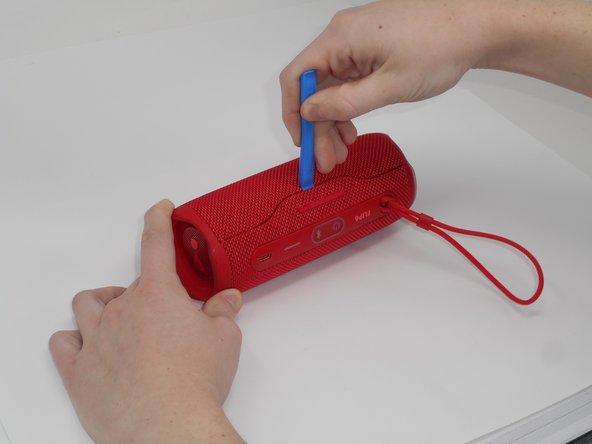
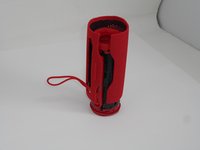
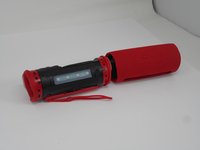
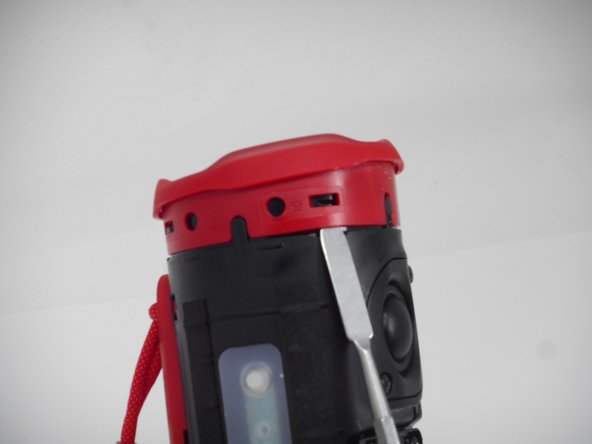
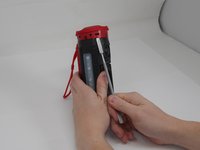
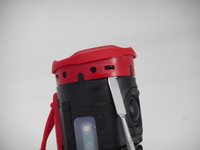
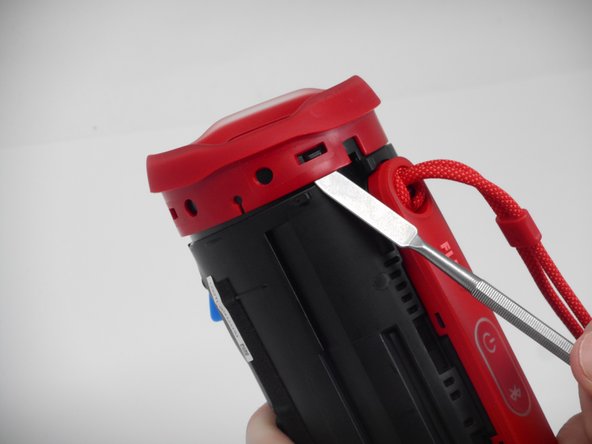
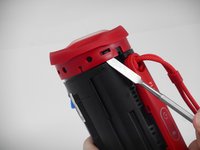
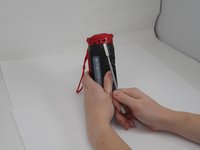
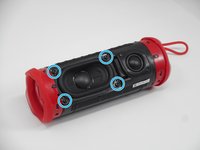
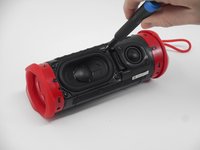
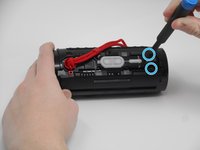
Using the iFixit opening tool, pry up on the button side of the slot on the case until the clips release.
 Ask FixBot
-
-
-
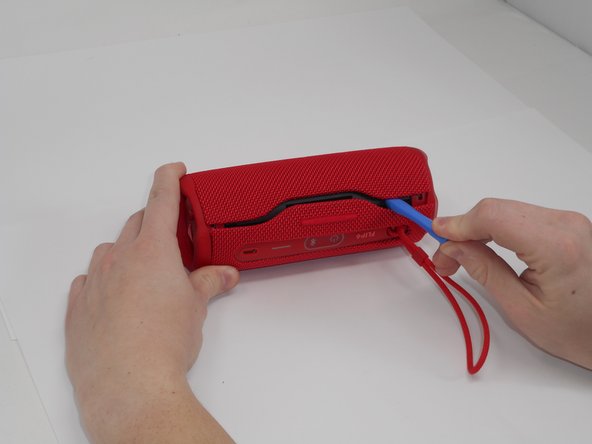
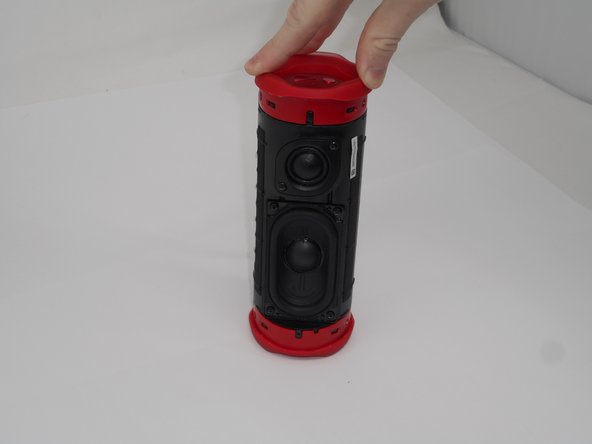
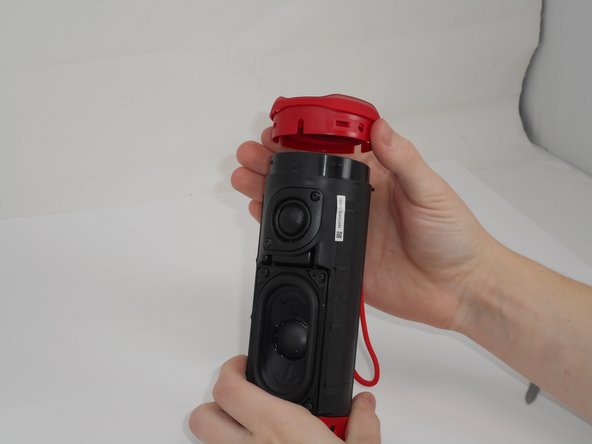
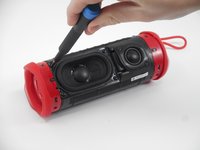
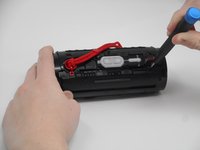
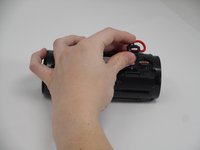
Now that the gap is larger, using the same tool, pry up on the other side until the clips release.
-
-
-
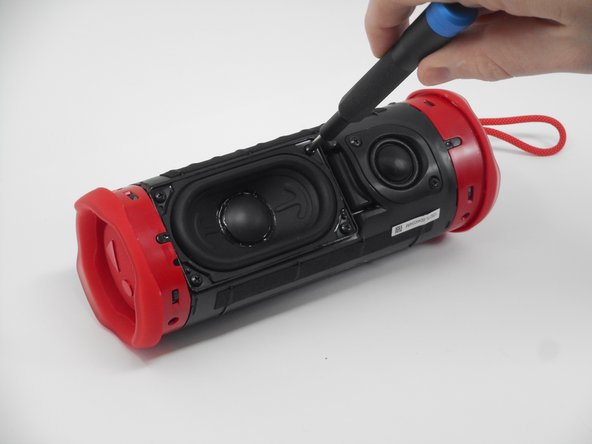
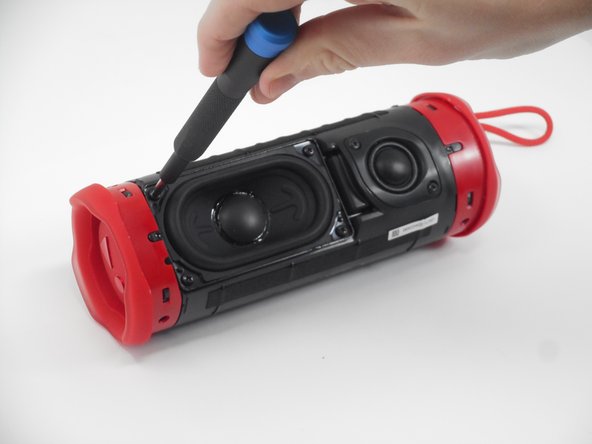
Use a prying tool to lift up on one of the clips that holds the radiator in place.
-
-
-
After the clip has been released, insert a shim to keep the parts separated and from the clipping back together.
-
Pry on the clip on the other side to fully release the passive radiator.
-
-
-
-
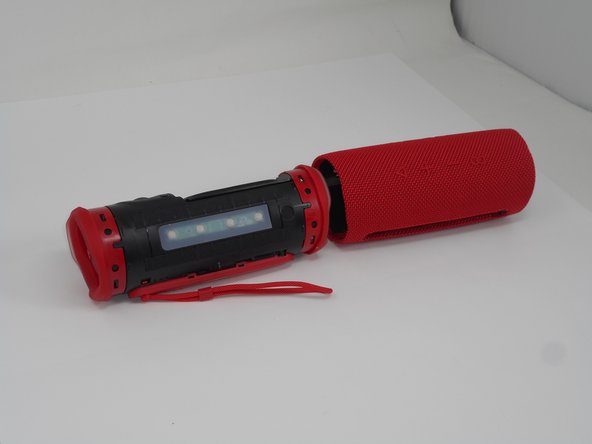
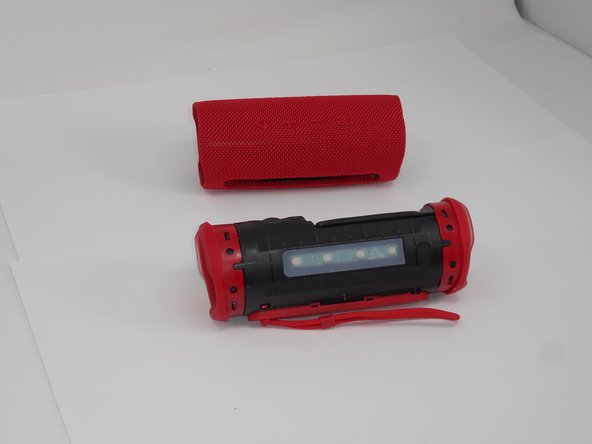
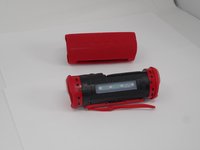
After both clips have been detached, the passive radiator is easier to remove by hand.
-
Repeat the same steps for the passive radiator on the other side.
-
-
-
Remove the four 9.5 mm Philips #1 screws securing the woofer to the device.
-
-
-
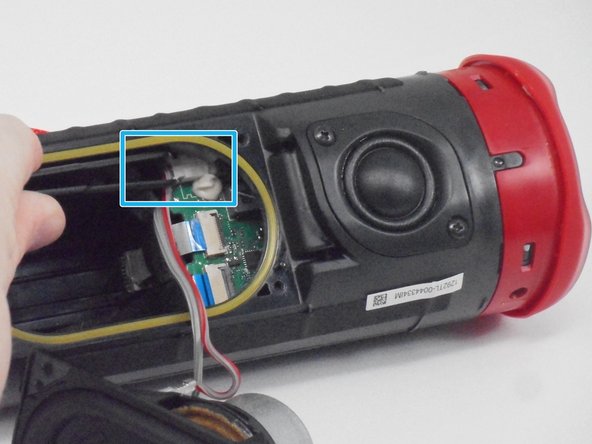
Carefully disconnect the white connector linking the woofer and the motherboard.
-
-
-
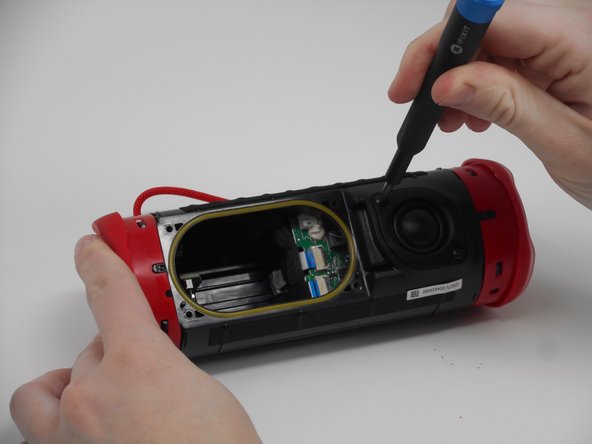
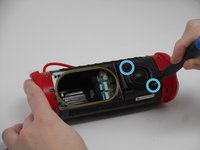
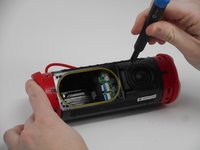
Remove the two 9.5-mm Philips #1 screws securing the tweeter to the device.
-
-
-
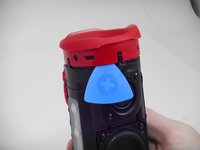
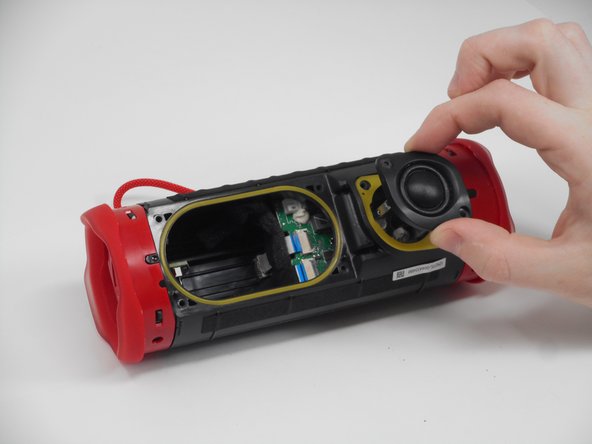
Insert an opening pick into the gap along the edge of the tweeter.
-
Push the tip inwards and pry upwards to release the tweeter from the motherboard.
-
-
-
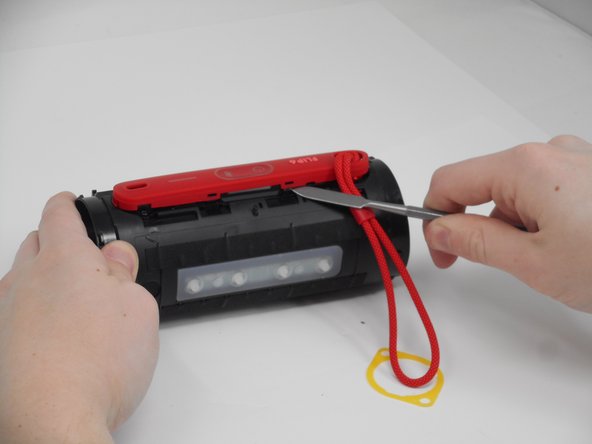
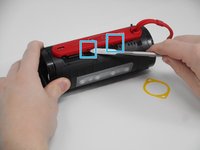
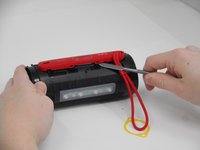
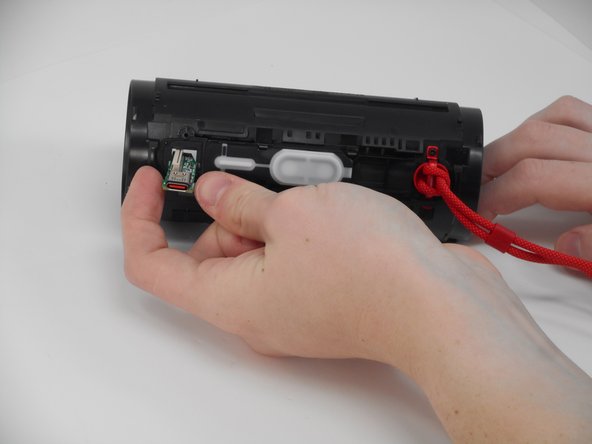
Use a spudger to release the clips attaching the cover for the buttons and charging port.
-
-
-
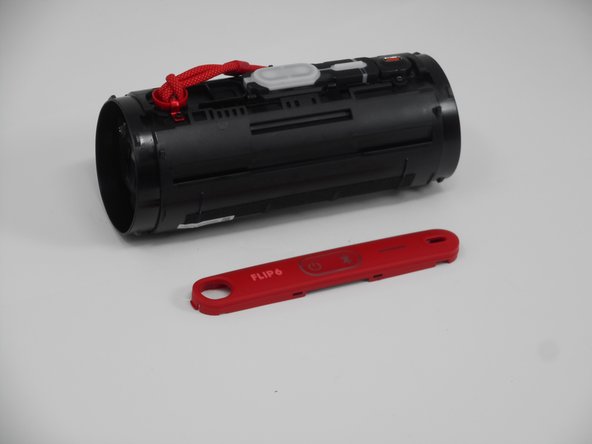
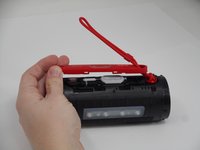
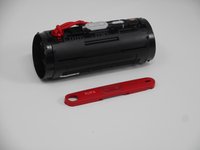
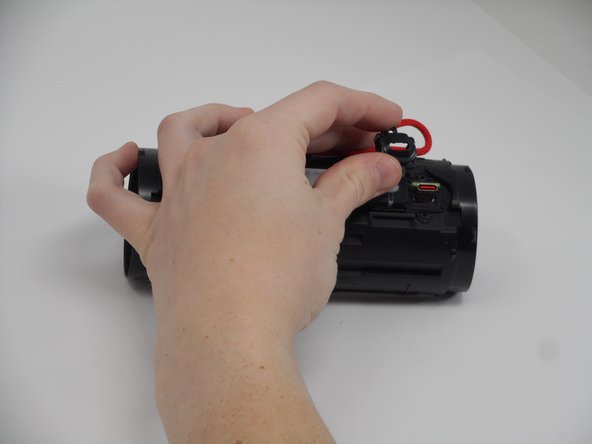
After the clips have been released, take the cover off, feeding the strap out of the hole.
-
-
-
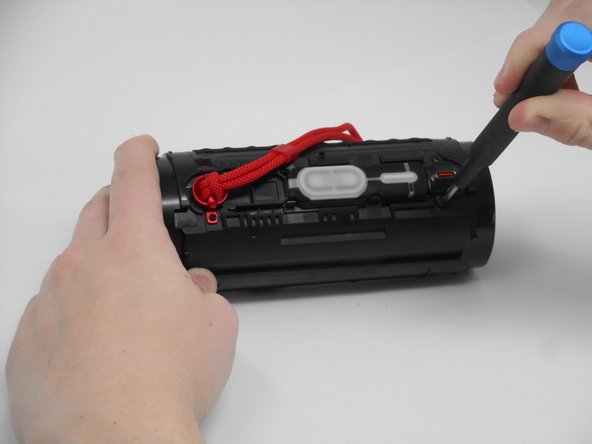
Remove the two 5.7 mm Philips #00 screws holding the charging port cover in place.
-
-
-
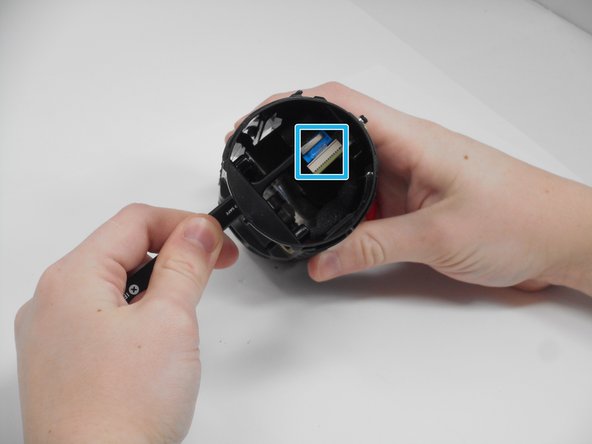
Using tweezers, pull the blue ribbon from the connector from the charging port board.
-
After the ribbon is removed, pull the USB-C port out from the outside.
-








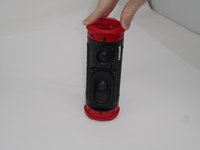
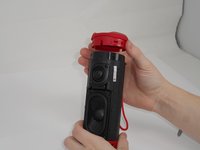


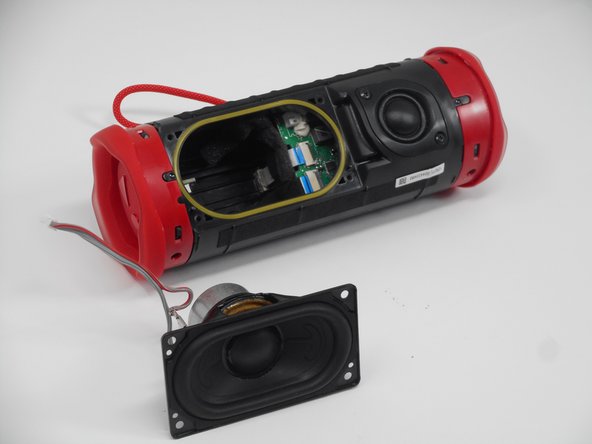
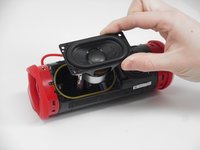
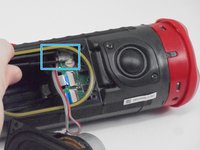
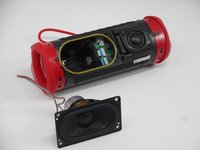


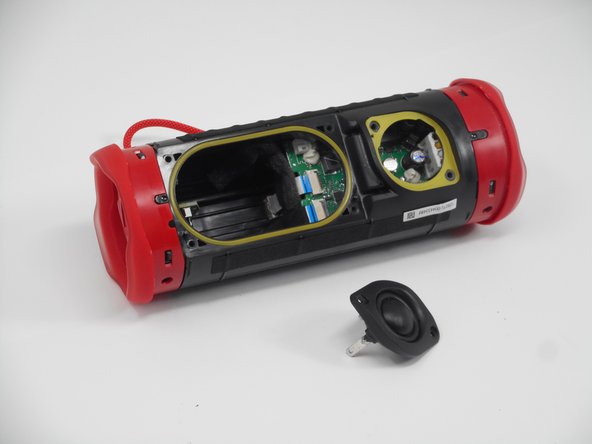
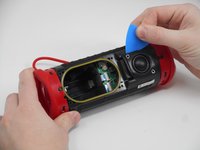
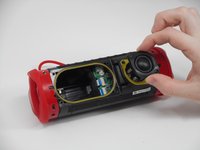
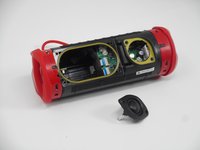




To reassemble your device, follow the above steps in reverse order.
Take your e-waste to an R2 or e-Stewards certified recycler.
Repair didn’t go as planned? Try some basic troubleshooting or ask our Answers community for help.
Cancel: I did not complete this guide.
One other person completed this guide.

Team

University of Memphis, Team 1-1, Sneed Fall 2024 Member of University of Memphis, Team 1-1, Sneed Fall 2024
UM-SNEED-F24S1G1
4 Members
18 Guides authored
