Introduction
If the buttons are not working, and you have tried other troubleshooting technique, you can use this guide to remove and replace just the buttons, rather than having to buy a whole new speaker.
What you need
-
-
-
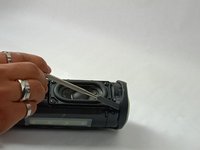
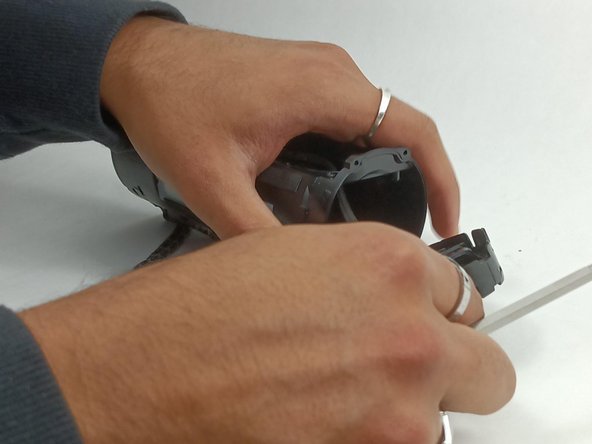
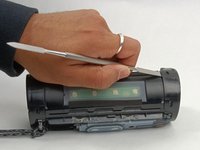
Insert the flat edge of the metal spudger underneath the corner of the outer case.
-
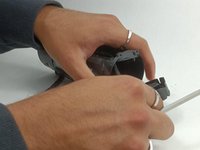
Use the spudger to pry open the plastic clips that secure the outer case.
 Ask FixBot
-
-
-
Once all the clips are released, you will be able to pull up that edge of the case.
-
-
-
Once one side is released, complete the previous two steps with the other side.
-
-
-
Once all the clips are removed, you can gently remove the outer case.
-
The case is now fully removed. Now a new case will be attached by putting the case into position and pushing on the clips to reattach them.
-
-
-
-
-
Begin by unscrewing the four 9.6 mm-long screws with the Philips #00 screwdriver.
-
-
-
-
Once screws are fully out make sure to carefully pull out so the wires connected don't get damaged.
-
-
-
Once you carefully lift up the speaker, gently disconnect the wire that connects the speaker to the motherboard.
-
-
-
Once connection has been disconnected you can lift the speaker completely out.
-
-
-
-
-
The next part needed to remove covers each side and the power and bluetooth buttons in a middle strip along the speaker.
-
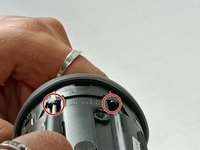
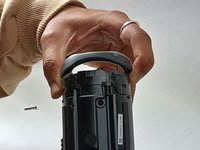
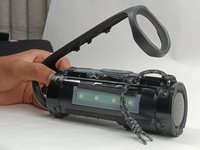
Begin (as shown in the second picture) by unscrewing the two screws (17mm each) with the Philips #00 screwdriver.
-
Then flip the device around and unscrew the other two screws (17 mm each) on the other side just the same.
-
-
-
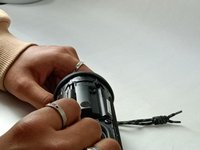
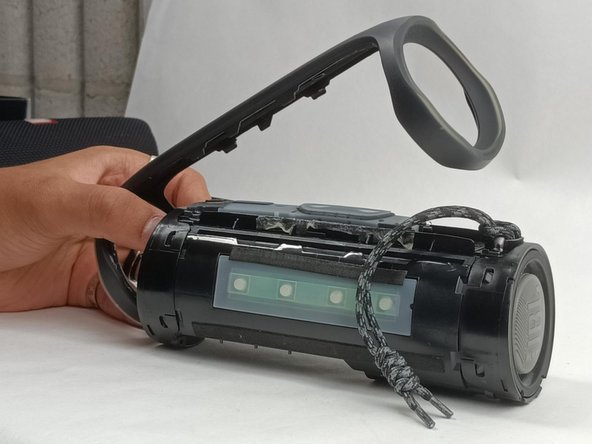
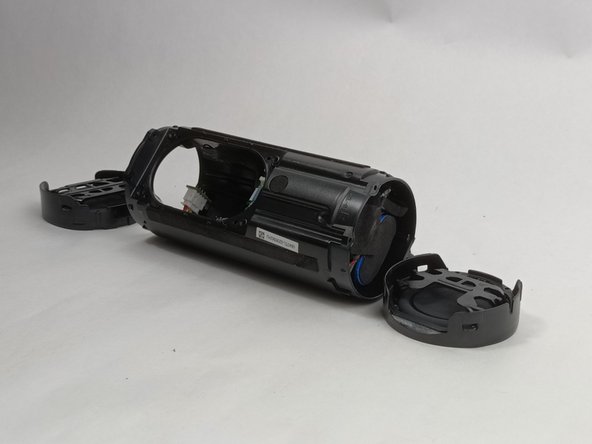
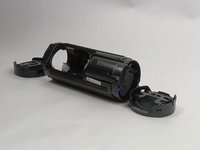
Once all the screws are removed, pull the passive radiator bracket on either end off.
-
Set the passive radiator bracket to the side. It is not needed for the buttons replacement.
-
-
-
Next you must remove the passive radiator.
-
To do so use the metal spudger to undo the clips holding it down.
-
Once the clips on both sides are removed, you can pull the left and right passive radiators off the device.
-
-
Tool used on this step:Tweezers$4.99
-
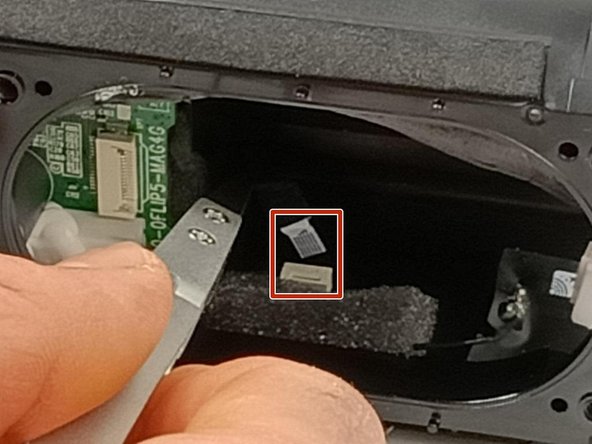
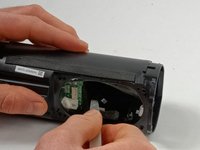
Once the speaker is removed, you must go in through the hole where the speaker was for this step.
-
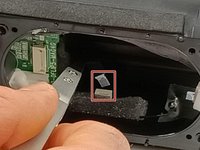
There you can use tweezers or your fingers to unhook the connection of the buttons board to the rest of the device.
-
-
-
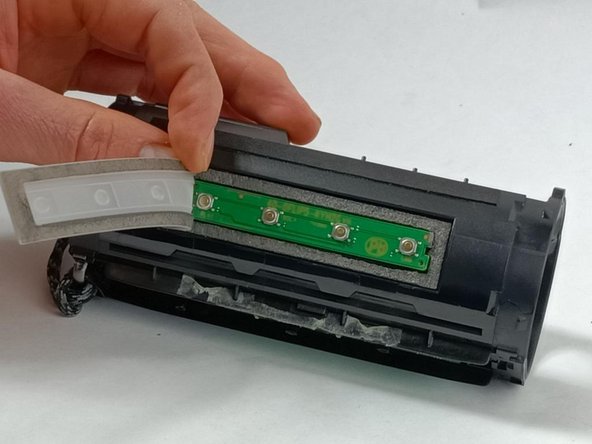
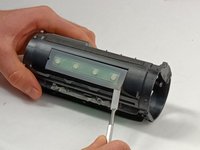
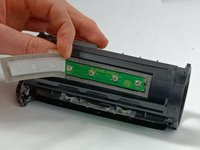
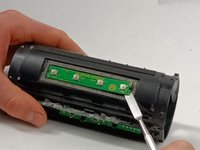
Peel the rubber cover off using a metal spudger. It may be very sticky, so you may need to pull hard.
-
Then peel the cover off using your fingers.
-
-
-
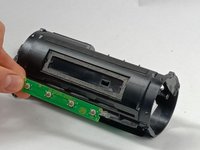
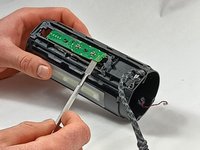
Use the metal spudger to again pull the board containing the power and bluetooth buttons off from the device. It is located next to the strap.
-
-


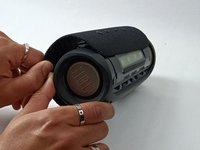
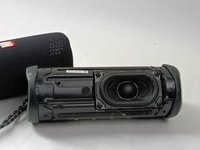


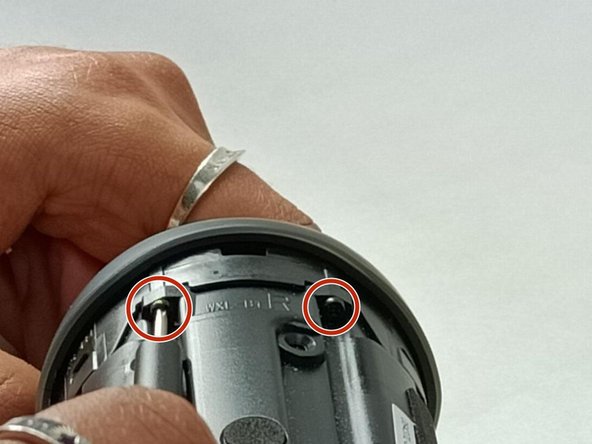
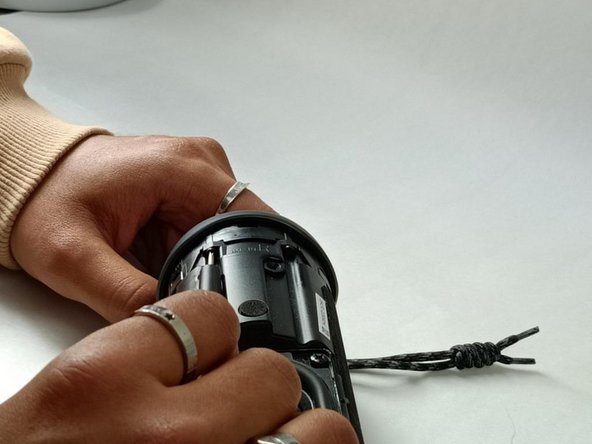









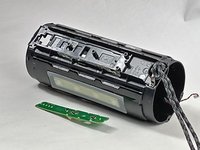
To reassemble your device, follow these instructions in reverse order.

Team

UMass Dartmouth, Team 3-5, Konn Fall 2023 Member of UMass Dartmouth, Team 3-5, Konn Fall 2023
UMASSD-KONN-F23S3G5
4 Members
60 Guides authored
1 Guide Comment
I think the newer JBL Flip 5 speakers have updated internals. I received a Flip 5 as a gift years ago and recently had to replace the battery using the tutorials on this website, and it went off without a hitch. I decided to buy another Flip 5 to use the party feature; I accidentally dropped it, and the buttons on the side stopped working. This is when I found out that the internals of my two JBL Flip 5 speakers looked different. This is only my second time trying to repair something on my own, any suggestions would be greatly appreciated.
