Introduction
Welcome to our guide for replacing the charging port assembly on your JBL Charge 5 speaker. If you're experiencing charging issues, like loose connections or damaged ports, this guide will help you restore your speaker's charging functionality. This guide is for the TT version.
For additional troubleshooting information, check out the JBL Charge 5 Troubleshooting page.
Note: This repair requires intermediate technical skills.
If uncertain, seek professional help or contact JBL's customer support.
Guide Highlights:
- Detailed step-by-step instructions with illustrations.
- Read the guide entirely before starting.
- Power off your JBL Charge 5 before attempting repairs.
Check Warranty:
- If under warranty, consider professional repair to avoid voiding it.
Pre-Repair Tips:
- Handle electronic components with care.
- Note connectors, ribbons, or screws for removal/reattachment.
- Work in a clean, well-illuminated space to prevent damage or misplacement.
Post-Repair:
- Conduct a functionality test.
- Connect the speaker to power and ensure proper charging without issues.
- Test different charging cables for compatibility.
Before you begin the repair, power off your device and unplug the charger.
What you need
-
-
-
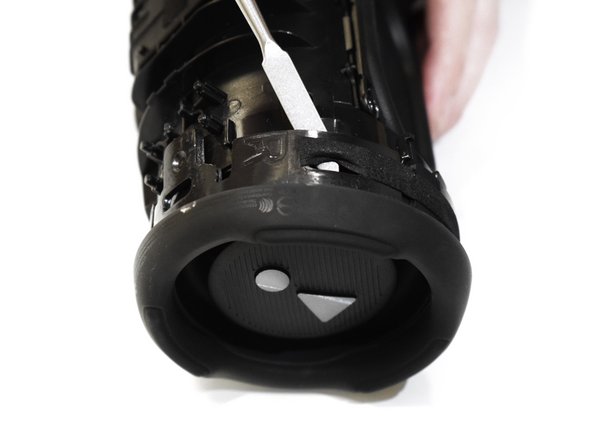
Insert the flat end of the Jimmy into the seam located between the fabric cover on the right side of the seam.
-
Pry upward on the fabric cover to release plastic clips on the right side of the seam.
 Ask FixBot
-
-
-
Insert the flat end of the Jimmy into the seam between the fabric cover at the center of the seam and the left side of the seam.
-
Use the Jimmy to pry open the edge with the rubber texture, releasing the remaining plastic clips.
-
-
-
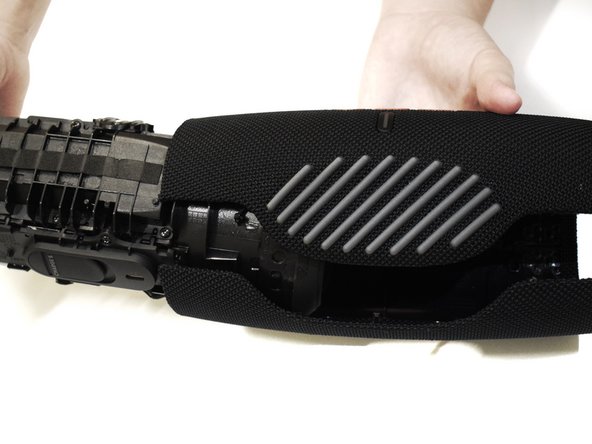
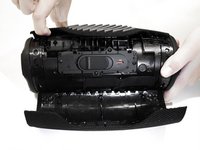
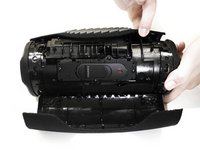
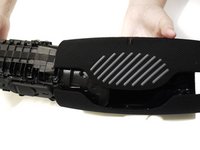
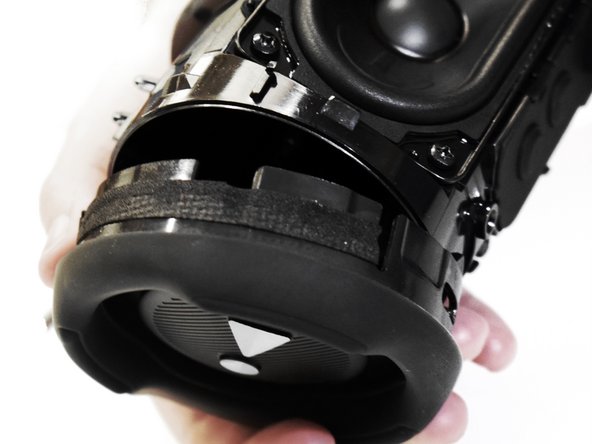
Use your hands to gently open the two halves of the casing and slide the fabric cover off of the interior housing.
-
-
-
-
-
-
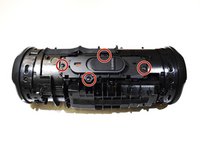
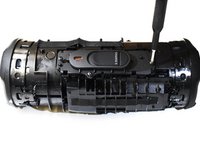
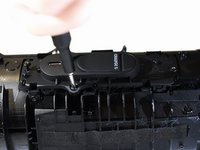
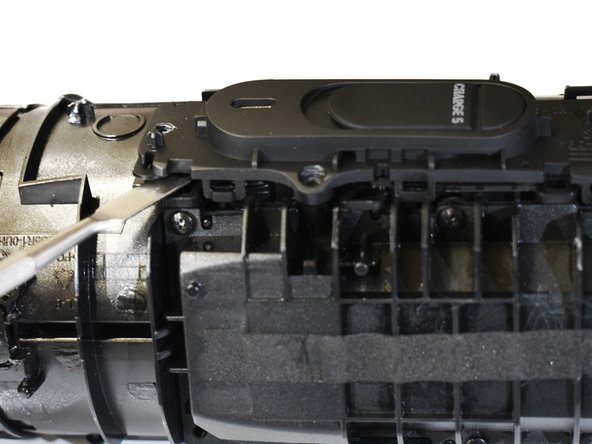
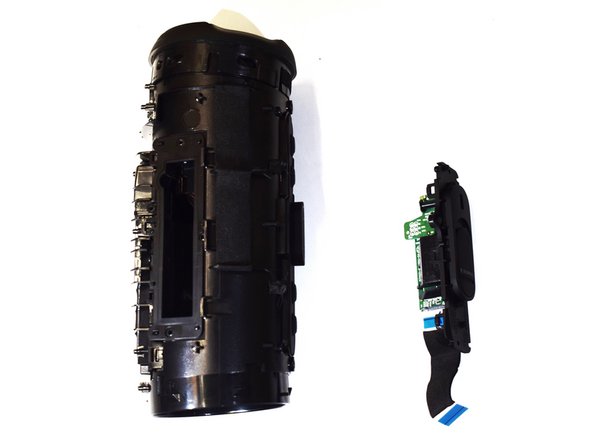
Use a Phillips #0 screwdriver to remove the four 10.6 mm screws on the charging port cover.
-
-
-
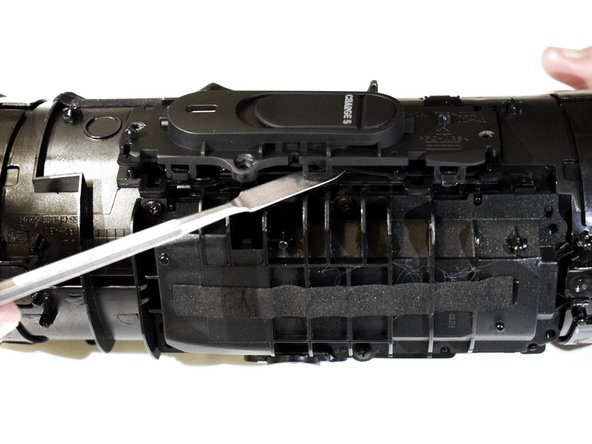
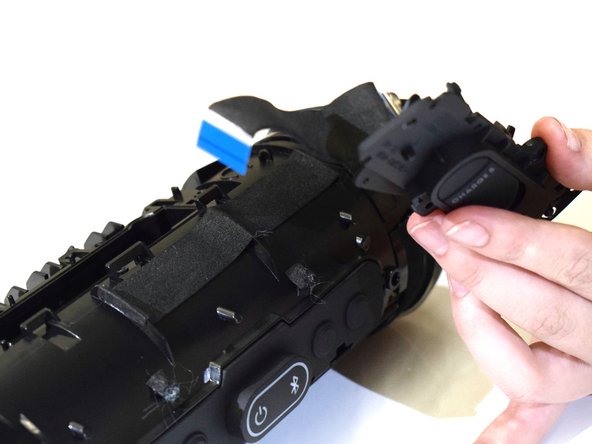
Rotate the device to the left, and push the left passive bass radiator off of the frame of the device using the metal spudger.
-
-
-
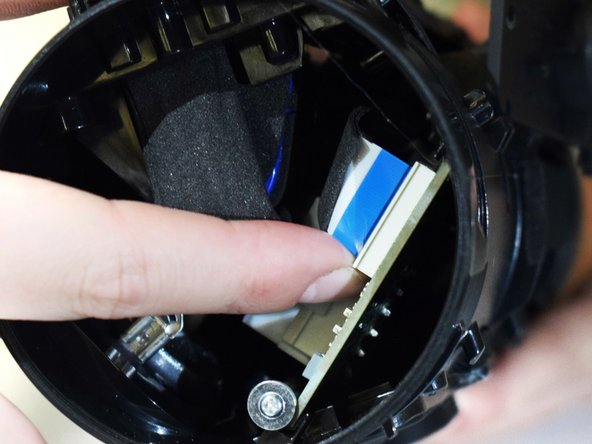
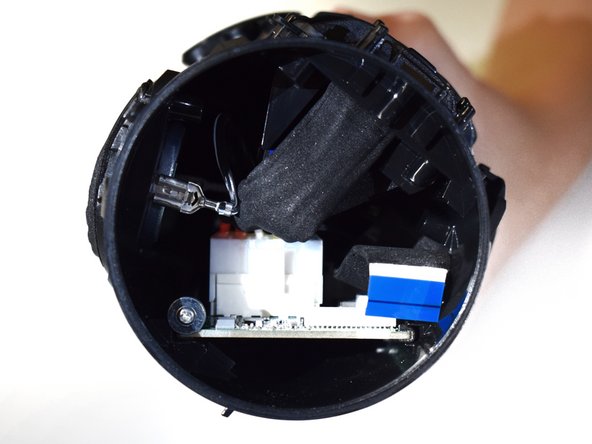
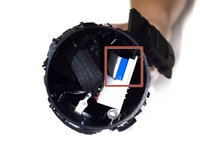
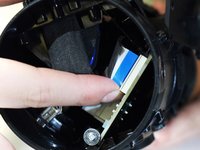
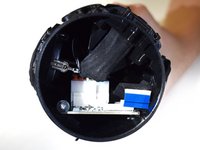
Pinch the charging port connector and gently remove the blue and black no-fuss ribbon cable from the board.
-
-






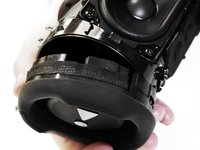


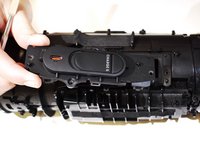
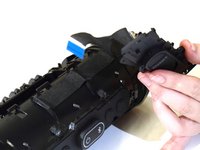
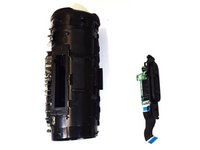
To reassemble your device, follow these instructions in reverse order.
Cancel: I did not complete this guide.
5 other people completed this guide.

Team

Western Carolina University, Team 1-2, Virtue Fall 2023 Member of Western Carolina University, Team 1-2, Virtue Fall 2023
WCU-VIRTUE-F23S1G2
5 Members
72 Guides authored
