Free Shipping on Domestic Orders $75+

JBL Charge 4 Motherboard Replacement

What you need

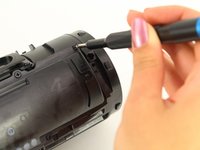
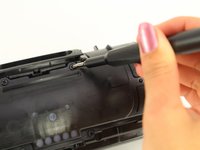
  1. JBL Charge 4 Motherboard Replacement, Speaker Grill: step 1, image 1 of 1
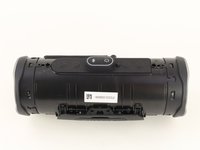
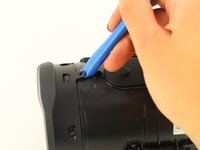
    • Flip your speaker over and insert the plastic opening tool into the slit on the grille.

    • Pry away from yourself towards the back of the speaker to release the clip.

    • Repeat this process for the clip on the other side.

    Ask FixBot

    Add Comment

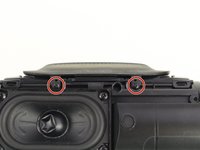
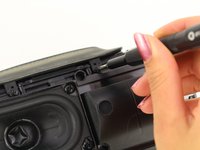
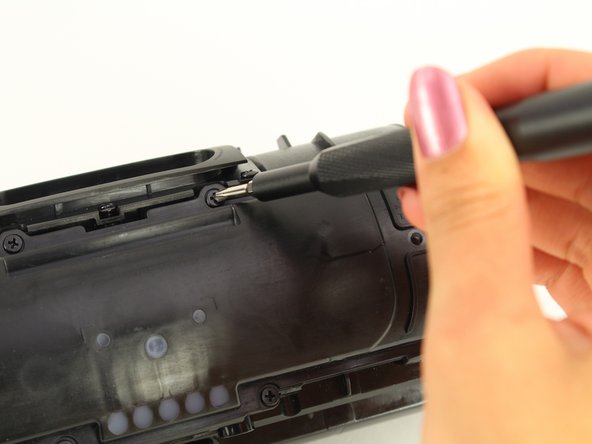
  2. JBL Charge 4 Motherboard Replacement: step 2, image 1 of 2 JBL Charge 4 Motherboard Replacement: step 2, image 2 of 2
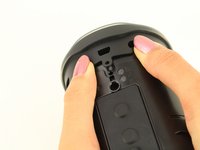
    • Remove the two 8mm Phillips #0 screws from the other edge of the grille.

    Ask FixBot

    Add Comment

  3. JBL Charge 4 Motherboard Replacement: step 3, image 1 of 1
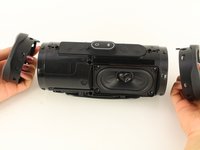
    • Pull apart both sides of the grille.

    • Lift the cover off of the speaker.

    Ask FixBot

    Add Comment

  4. JBL Charge 4 Motherboard Replacement, Passive Bass Radiators: step 4, image 1 of 2 JBL Charge 4 Motherboard Replacement, Passive Bass Radiators: step 4, image 2 of 2
    • Using the plastic opening tool, lift the tab on top of the speaker to release the radiator from the clips.

    • Repeat this process on the other clips around the radiator to release it from the frame.

    Ask FixBot

    Add Comment

  5. JBL Charge 4 Motherboard Replacement: step 5, image 1 of 2 JBL Charge 4 Motherboard Replacement: step 5, image 2 of 2
    • Push the radiator off of the frame of the device.

    • Repeat on the other side.

    • The passive bass radiators seal out water from inside the device. Removing them multiple times may compromise the waterproof nature of the speaker.

    Ask FixBot

    Add Comment

  6. JBL Charge 4 Motherboard Replacement, Battery: step 6, image 1 of 2 JBL Charge 4 Motherboard Replacement, Battery: step 6, image 2 of 2
    • Remove the two 6mm Phillips #0 screws on the front side of the port bay cover.

    Ask FixBot

    Add Comment

  7. JBL Charge 4 Motherboard Replacement: step 7, image 1 of 1
    • Gently slide the cover back and off the hooks.

    • Remove the port bay cover.

    Ask FixBot

    Add Comment

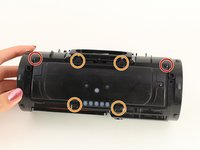
  8. JBL Charge 4 Motherboard Replacement: step 8, image 1 of 3 JBL Charge 4 Motherboard Replacement: step 8, image 2 of 3 JBL Charge 4 Motherboard Replacement: step 8, image 3 of 3
    • Remove the two 6mm Phillips #0 screws.

    • Remove the four 8mm Phillips #0 screws.

    Ask FixBot

    Add Comment

  9. JBL Charge 4 Motherboard Replacement: step 9, image 1 of 1
    • Lift up the battery cover.

    Ask FixBot

    Add Comment

  10. JBL Charge 4 Motherboard Replacement: step 10, image 1 of 3 JBL Charge 4 Motherboard Replacement: step 10, image 2 of 3 JBL Charge 4 Motherboard Replacement: step 10, image 3 of 3
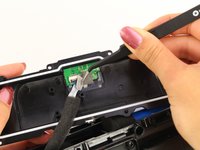
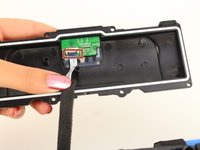
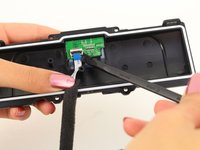
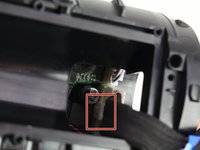
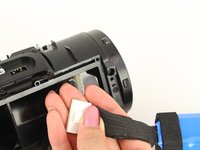
    • Remove the sticky tape to expose the white ribbon cable ZIF connector.

    • Flip up the black locking flap on the ZIF connector with the tip of a spudger or your fingernail to release the cable.

    • Remove the white ribbon cable from the battery cover and place the cover to the side.

    Ask FixBot

    Add Comment

  11. JBL Charge 4 Motherboard Replacement: step 11, image 1 of 2 JBL Charge 4 Motherboard Replacement: step 11, image 2 of 2
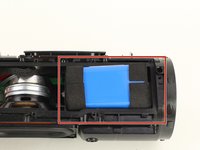
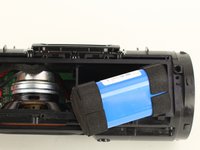
    • Remove the battery from the battery socket by gently pulling on it.

    Ask FixBot

    Add Comment

  12. JBL Charge 4 Motherboard Replacement: step 12, image 1 of 3 JBL Charge 4 Motherboard Replacement: step 12, image 2 of 3 JBL Charge 4 Motherboard Replacement: step 12, image 3 of 3
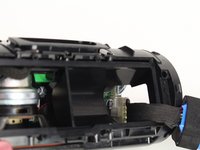
    • Pull out the battery enough to expose the battery's wire connector.

    • Push down on the white tab and gently pull out the battery-device connector.

    Ask FixBot

    Add Comment

  13. JBL Charge 4 Motherboard Replacement, Speaker: step 13, image 1 of 2 JBL Charge 4 Motherboard Replacement, Speaker: step 13, image 2 of 2
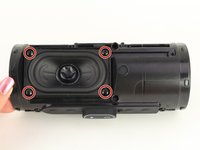
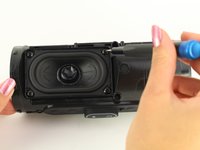
    • Flip the device so that the speaker faces you.

    • Remove the four 8mm Phillips #1 screws.

    Ask FixBot

    Add Comment

  14. JBL Charge 4 Motherboard Replacement: step 14, image 1 of 1
    • Gently pull out the speaker.

    Ask FixBot

    Add Comment

  15. JBL Charge 4 Motherboard Replacement: step 15, image 1 of 2 JBL Charge 4 Motherboard Replacement: step 15, image 2 of 2
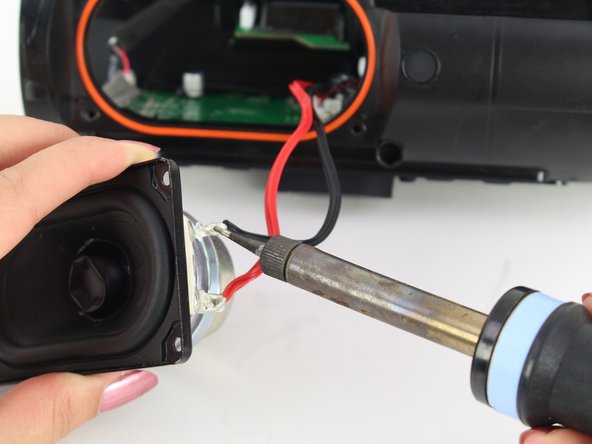
    • Desolder the red and black wires.

    • A guide for soldering and desoldering can be found here.

    Ask FixBot

    Add Comment

  16. JBL Charge 4 Motherboard Replacement, Motherboard: step 16, image 1 of 3 JBL Charge 4 Motherboard Replacement, Motherboard: step 16, image 2 of 3 JBL Charge 4 Motherboard Replacement, Motherboard: step 16, image 3 of 3
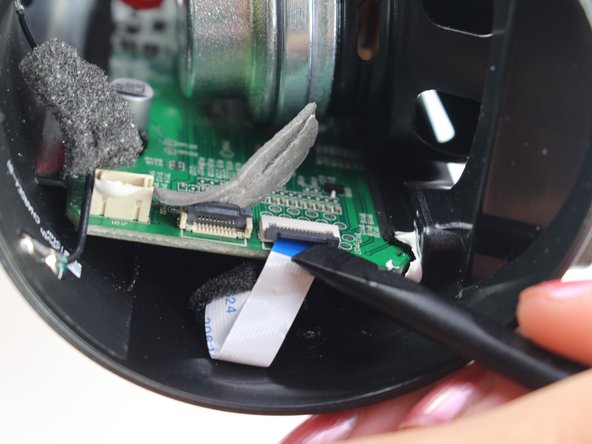
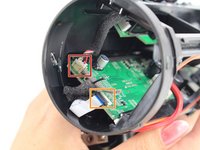
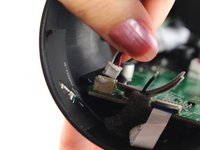
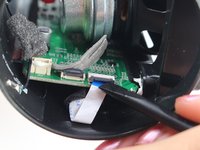
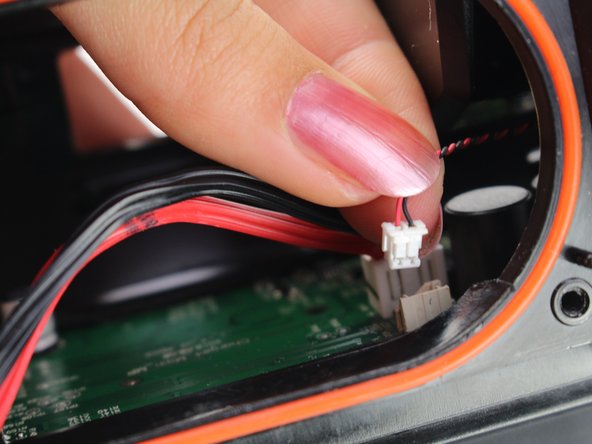
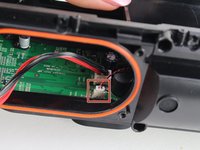
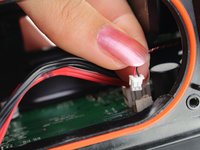
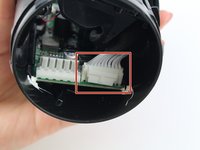
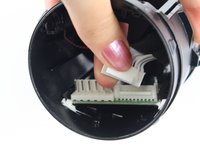
    • Remove the wire harness coming from the port bay on the left side of the motherboard by gently lifting the connector from its housing.

    • Remove the white ribbon cable from the ZIF connector by lifting the black locking flap on the connector with a spudger or your fingernail.

    Ask FixBot

    Add Comment

  17. JBL Charge 4 Motherboard Replacement: step 17, image 1 of 2 JBL Charge 4 Motherboard Replacement: step 17, image 2 of 2
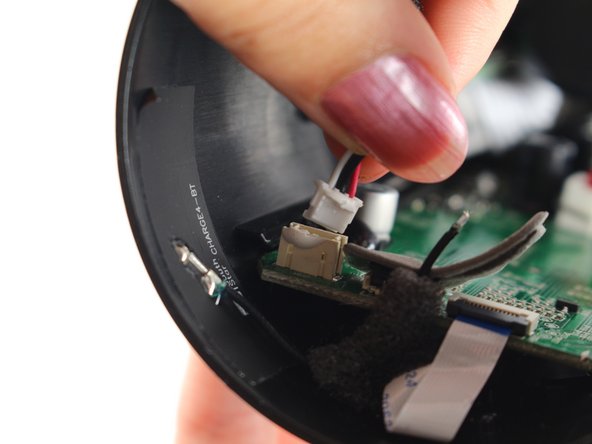
    • Remove the ground cable harness next to the speaker wire by gentling pulling it from the connector.

    Ask FixBot

    Add Comment

  18. JBL Charge 4 Motherboard Replacement: step 18, image 1 of 2 JBL Charge 4 Motherboard Replacement: step 18, image 2 of 2
    • Flip the speaker around to the other side.

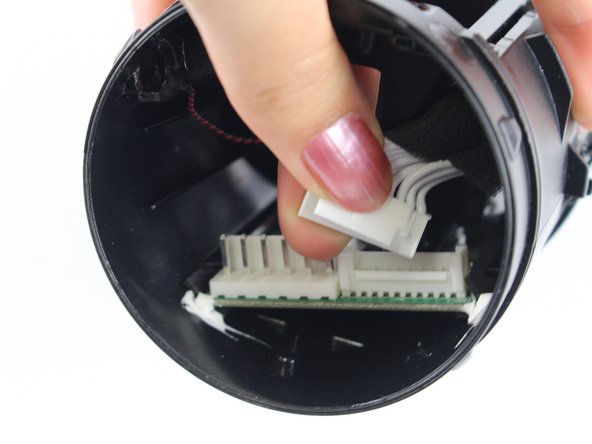
    • Remove the wiring harness leading to the port bay by pressing down on the tab and gently pulling the harness from the connector.

    Ask FixBot

    Add Comment

  19. JBL Charge 4 Motherboard Replacement: step 19, image 1 of 3 JBL Charge 4 Motherboard Replacement: step 19, image 2 of 3 JBL Charge 4 Motherboard Replacement: step 19, image 3 of 3
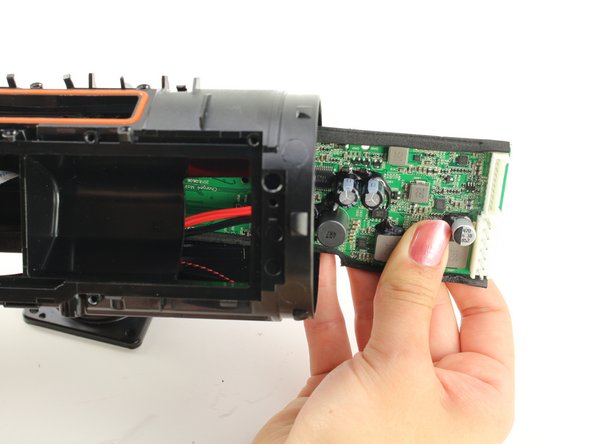
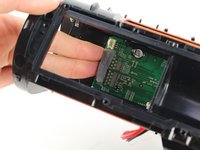
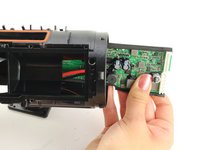
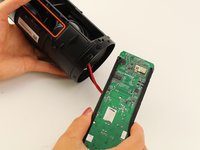
    • Push the motherboard from either side of the housing along its tracks.

    • Pull out the motherboard from the speaker housing.

    • When putting the motherboard back in the housing, ensure that it is between the two tracks on the top side of the speaker.

    Ask FixBot

    Add Comment

Conclusion

To reassemble your device, follow these instructions in reverse order.

Cancel: I did not complete this guide.

13 other people completed this guide.

Zachary Colwell

Member since: 01/24/19

2,189 Reputation

5 Guides authored

Team

Cal Poly, Team S1-G1, White Winter 2019 Member of Cal Poly, Team S1-G1, White Winter 2019

CPSU-WHITE-W19S1G1

4 Members

29 Guides authored

5 Guide Comments

Where i could buy a replacement motherboard for jbl charge 4?thank you.

bbt8mikael_06 - Reply Share

This guide has a vital flaw. Just look at the loose wire cause by a broken solder in image 16!

PAJ 101 - Reply Share

that's the antenna cable which was pulled out of the connector. The step of popping the antenna connector out is missing.

Dan Glogoveanu - Reply Share

from where i buy or replace the motherboard of jbl charge 4?

Aman Bisht - Reply Share

JBL Charge4 TL mother board repair please

Abhi Kundu - Reply Share

Add Comment

View Statistics:

Past 24 Hours: 3

Past 7 Days: 60

Past 30 Days: 253

All Time: 18,002