
Instax Mini 90 Photo Flash Capacitor Replacement

Elliott Tegan-Tawney and 4 other contributors
Last updated on Sep 4, 2019
Views: 4K
View statistics:
- Past 24 Hours:
- 3
- Past 7 Days:
- 18
- Past 30 Days:
- 121
- All Time:
- 3,975
Comments: 0
No one has left comments on this guide. Will you be first?
Go to guide commentsCompleted: 2 3
2 people have marked this guide "completed." Will you be next?
3 people have marked this guide "completed." Including you — great job!
Favorites: 0 1
No one has favorited (and subscribed to) this guide. Will you be the first?
1 person has favorited (and subscribed to) this guide — and that's you!
Introduction
Go to step 1 ↓If your pictures are turning out too dark because your flash is not working, you will need to replace the photo flash capacitor. For this guide, some soldering is required. You will need a soldering workstation and Phillips screwdrivers #00 and #000. While following this guide, you must ensure that you ground yourself with the wrist strap so that the motherboard is protected from static discharges. Take note that there is a risk of shocking yourself while performing this replacement.
What you need
Parts
Tools


-
-
-
The battery compartment can be found on the backside of the camera. Pinpoint this compartment and focus on the right edge of the compartment gate to find the opening latch.
 Ask FixBot
-
-
-
Pinch the latch in towards the battery compartment gate. This will release the gate and allow it to open.
-
Completely open the gate and remove from camera. Take out the battery and replace the gate.
-
-
-
-
-
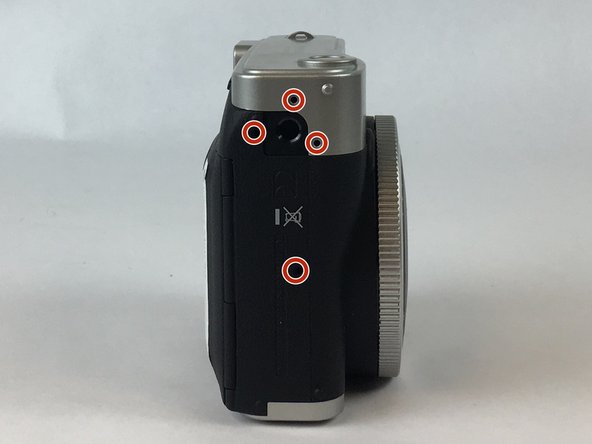
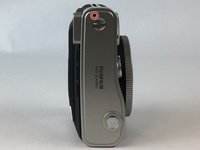
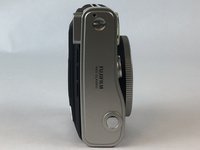
Face the front side of the camera towards you. To locate the left side turn the left side of the camera towards you.
-
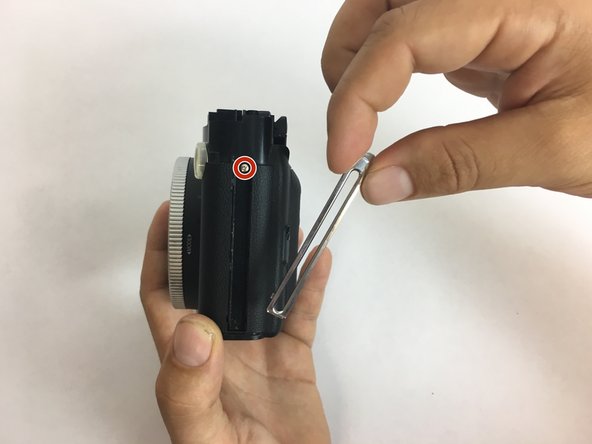
Take out the four screws, sized 4.75 mm, with the Phillips #000 screwdriver.
-
-
-
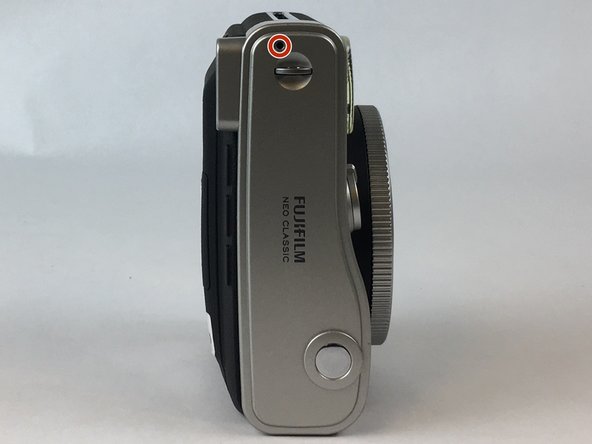
Looking at the left side, flip the top of the camera towards you to locate the top side of the camera.
-
Take out the screw, sized 9.75 mm, located on the top side, with a Phillips #000 screwdriver.
-
-
-
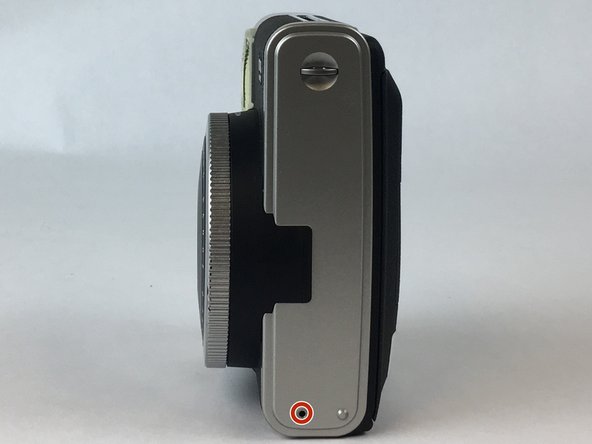
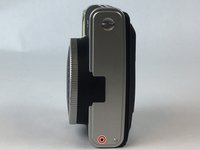
Looking at the top of the camera, flip the camera 180 degrees to locate the bottom side of the camera.
-
Take out the screw, sized 3.75 mm, located on the bottom side, this time with a Phillips #00 screwdriver.
-
-
-
-
Remove the anchors that hold the strap to the body of the camera. There is one on top, and one on the bottom.
-
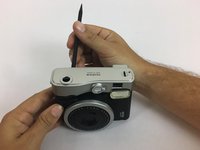
Use the black spudger to pry off the silver casing on the top and the bottom of the camera.
-
Remove the metal piece from which the film is ejected located on the right side of the camera. There is a 4.75 mm screw under the metal piece. Use a Phillips #000 screw driver to remove it.
-
-
-
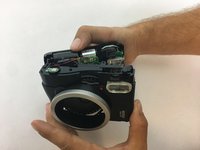
Open up the camera by releasing the latches on the top of the camera. Pry open the top half of the camera to reveal the capacitor. Locate the capacitor on the top left of the camera.
-
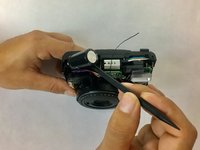
Use the black spudger to pry out the capacitor.
-
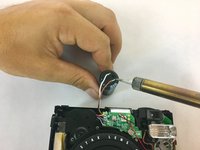
Desolder the brown and white wires, taking note of which goes where.
-
Solder the brown and white wires onto the new capacitor.
-
-









To reassemble your device, follow these instructions in reverse order.
Cancel: I did not complete this guide.
2 other people completed this guide.

Team

USF Tampa, Team S2-G1, Nance Spring 2017 Member of USF Tampa, Team S2-G1, Nance Spring 2017
USFT-NANCE-S17S2G1
4 Members
72 Guides authored
