Free Shipping on Domestic Orders $75+

Instant Pot 60 EPC Pressure Sensor Replacement

What you need

    1. Instant Pot 60 EPC Pressure Sensor Replacement, Pressure Sensor: step 1, image 1 of 3 Instant Pot 60 EPC Pressure Sensor Replacement, Pressure Sensor: step 1, image 2 of 3 Instant Pot 60 EPC Pressure Sensor Replacement, Pressure Sensor: step 1, image 3 of 3
      • Ensure the device is unplugged and cool before beginning.

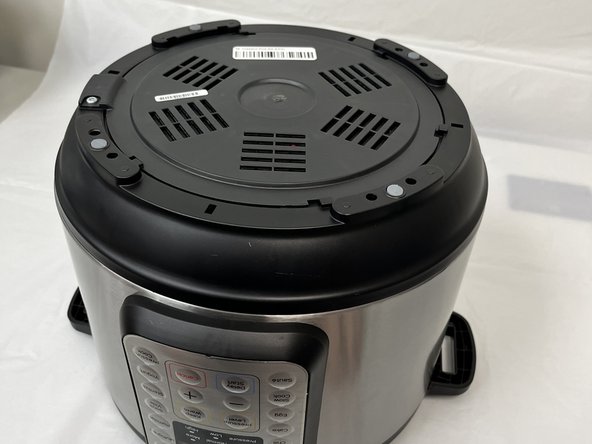
      • Remove the lid and inner pot from the Instant Pot and turn the body upside down.

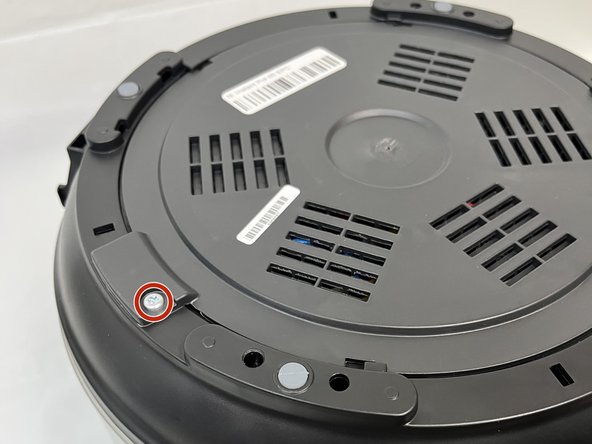
      • Remove the single Torx screw.

      Ask FixBot

      Add Comment

    2. Instant Pot 60 EPC Pressure Sensor Replacement: step 2, image 1 of 2 Instant Pot 60 EPC Pressure Sensor Replacement: step 2, image 2 of 2
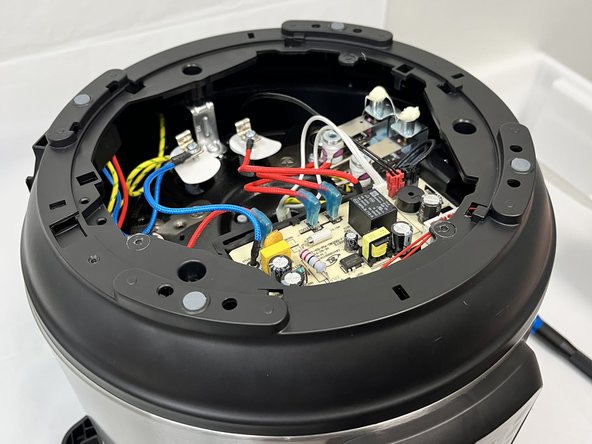
      • Turn the bottom face counterclockwise and remove it.

      Ask FixBot

      Add Comment

    3. Instant Pot 60 EPC Pressure Sensor Replacement: step 3, image 1 of 3 Instant Pot 60 EPC Pressure Sensor Replacement: step 3, image 2 of 3 Instant Pot 60 EPC Pressure Sensor Replacement: step 3, image 3 of 3
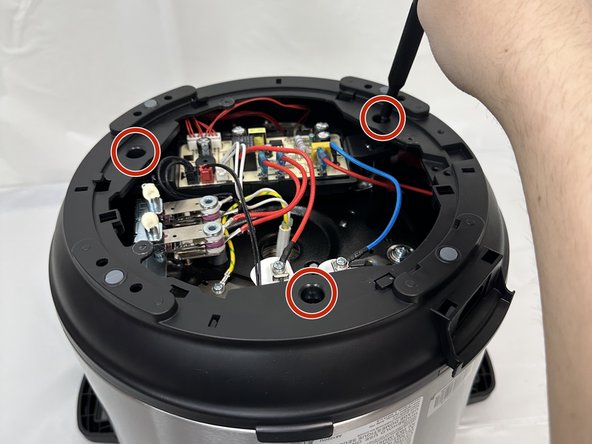
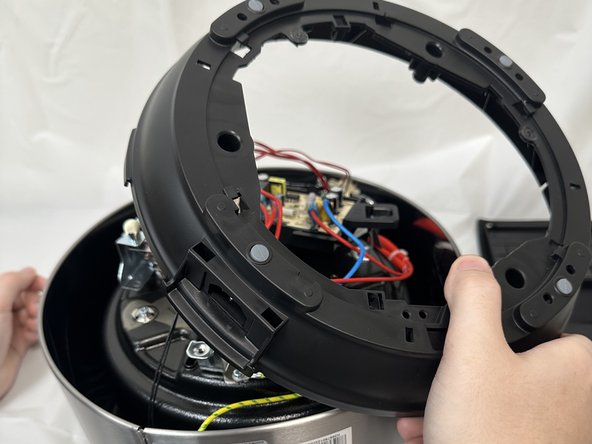
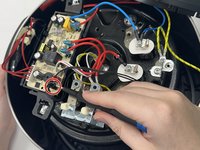
      • In order to reach the pressure sensor you'll need to remove the secondary frame.

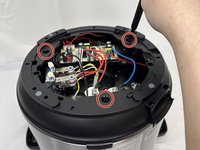
      • Remove the three Phillips screws securing the frame.

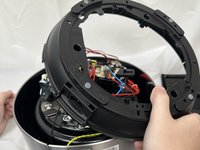
      • Lift the frame, twist and set next to the body. Take care not to damage any of the attached wiring.

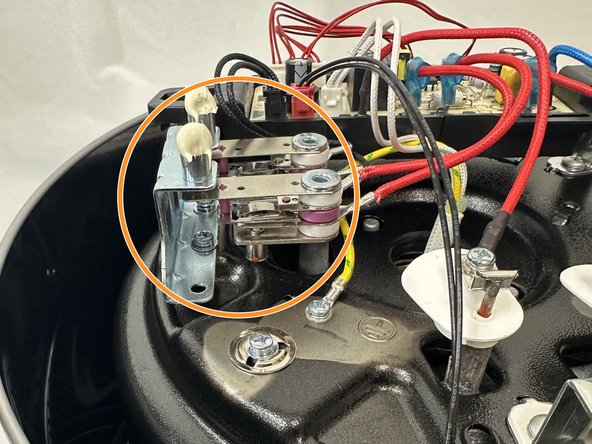
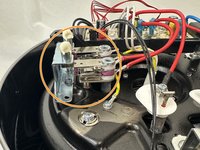
      • Locate the sensor. It has been highlighted in the final image.

      Ask FixBot

      Add Comment

    4. Instant Pot 60 EPC Pressure Sensor Replacement: step 4, image 1 of 2 Instant Pot 60 EPC Pressure Sensor Replacement: step 4, image 2 of 2
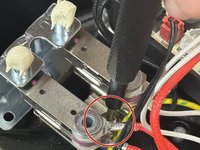
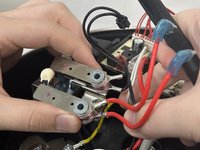
      • To remove the sensor, unscrew the main screw between the sensor and slide out.

      Ask FixBot

      Add Comment

    5. Instant Pot 60 EPC Pressure Sensor Replacement: step 5, image 1 of 3 Instant Pot 60 EPC Pressure Sensor Replacement: step 5, image 2 of 3 Instant Pot 60 EPC Pressure Sensor Replacement: step 5, image 3 of 3
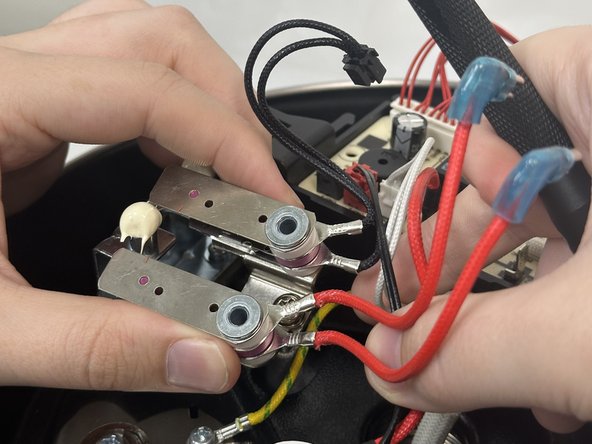
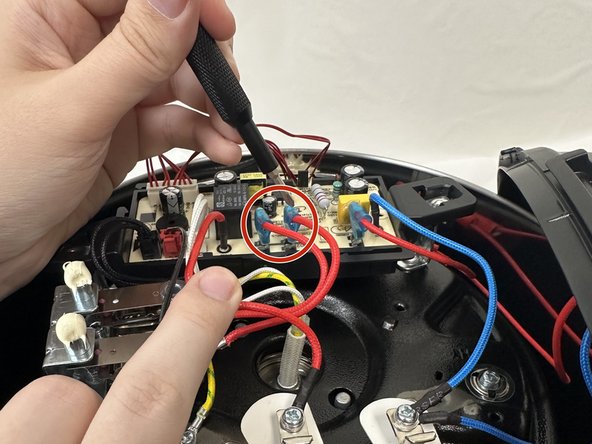
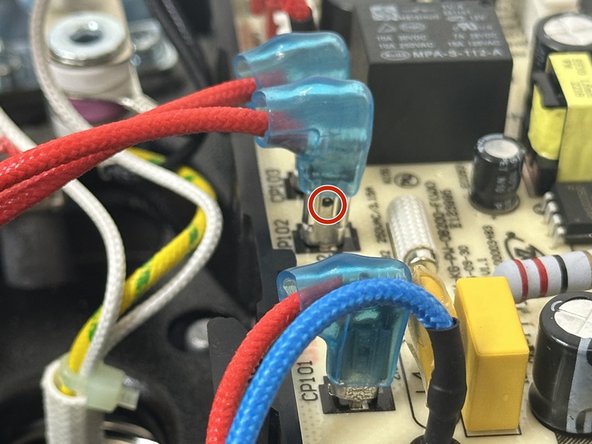
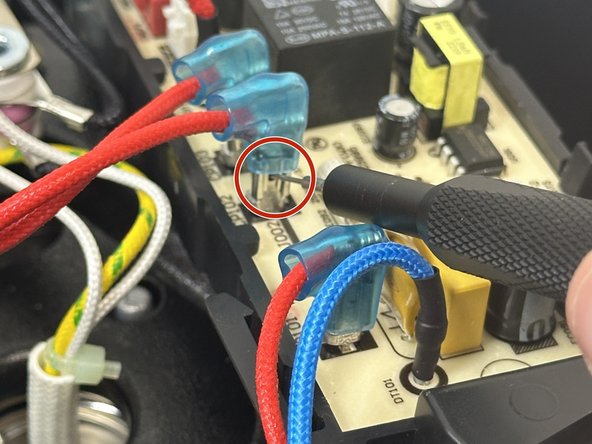
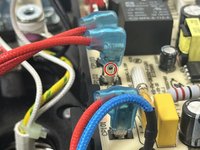
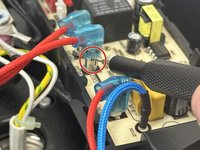
      • To remove the leads connecting the sensor to the motherboard you will need to unclip them.

      • In order to do so, slide the blue covering up to expose the small hole in the lead.

      • Place a SIM card punch into the hole to unsecure the leads and pull them up. If a SIM card punch is not avaliable then a paperclip or earring should suffice.

      Ask FixBot

      Add Comment

    6. Instant Pot 60 EPC Pressure Sensor Replacement: step 6, image 1 of 2 Instant Pot 60 EPC Pressure Sensor Replacement: step 6, image 2 of 2
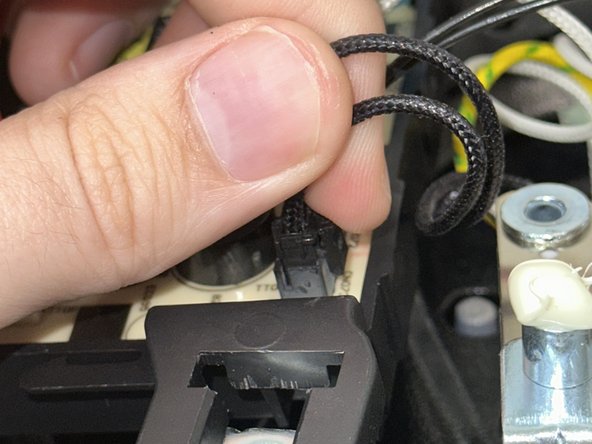
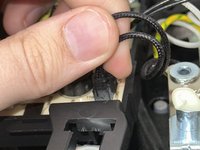
      • There will be a secondary lead that is black connecting the sensor the the motherboard.

      • In order to remove that lead just squeeze and pull up.

      Ask FixBot

      Add Comment

    7. Instant Pot 60 EPC Pressure Sensor Replacement: step 7, image 1 of 1
      • Instant Pot does not provide a new sensor with the device, so it will have to be purchased from a secondary source.

      Ask FixBot

      Add Comment

Conclusion

To reassemble your device, follow these instructions in reverse order.

Cancel: I did not complete this guide.

4 other people completed this guide.

2 Guide Comments

My pro plus comes with only one sensor. Where can I find it's replacement?

Dr. Khalid S - Reply Share

How does the pressure sensor work?

tjmurf - Reply Share

Add Comment

View Statistics:

Past 24 Hours: 8

Past 7 Days: 19

Past 30 Days: 82

All Time: 1,220