Free Shipping on Domestic Orders $75+

Insignia NS-DS9PDVD15 Bottom Cover Replacement

What you need

  1. Insignia NS-DS9PDVD15 Bottom Cover Replacement, Bottom Cover: step 1, image 1 of 2 Insignia NS-DS9PDVD15 Bottom Cover Replacement, Bottom Cover: step 1, image 2 of 2
    • Turn the power off. Slide the power button to OFF.

    Ask FixBot

    Add Comment

  2. Insignia NS-DS9PDVD15 Bottom Cover Replacement: step 2, image 1 of 2 Insignia NS-DS9PDVD15 Bottom Cover Replacement: step 2, image 2 of 2
    • Unplug AC adapter from car cigarette lighter.

    Ask FixBot

    Add Comment

  3. Insignia NS-DS9PDVD15 Bottom Cover Replacement: step 3, image 1 of 1
    • Make sure there is no DVD or CD in the disc tray

    Ask FixBot

    Add Comment

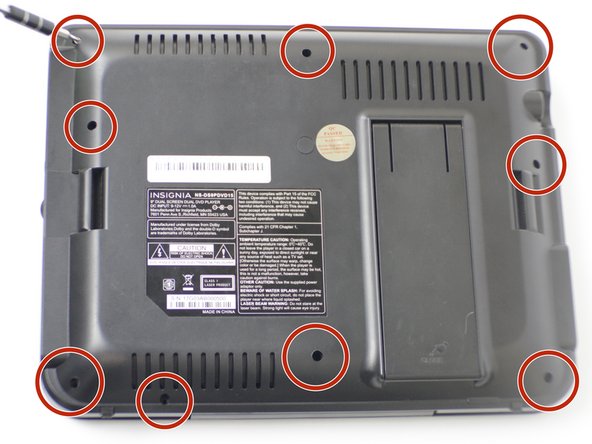
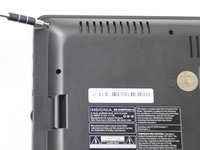
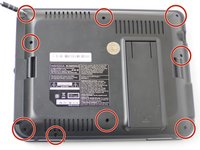
  4. Insignia NS-DS9PDVD15 Bottom Cover Replacement: step 4, image 1 of 2 Insignia NS-DS9PDVD15 Bottom Cover Replacement: step 4, image 2 of 2
    • Unscrew the nine 9mm screws with a JIS #000 screwdriver.

    Ask FixBot

    Add Comment

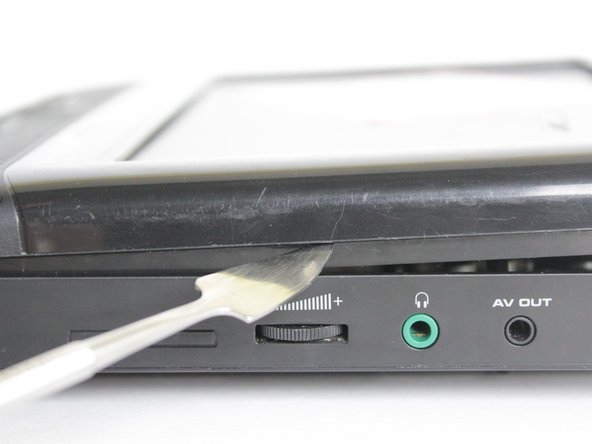
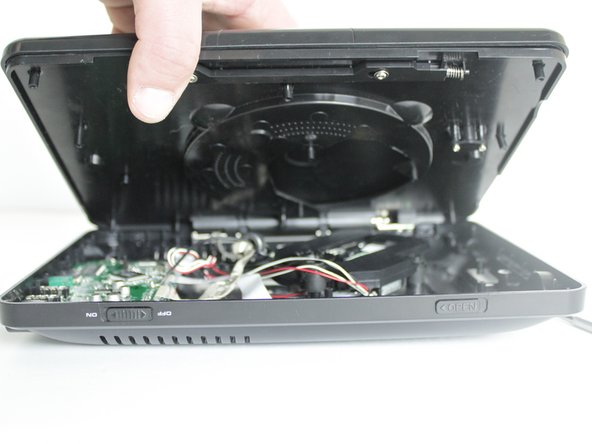
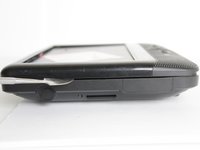
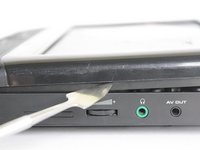
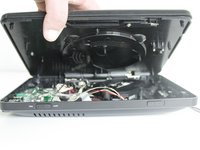
  5. Insignia NS-DS9PDVD15 Bottom Cover Replacement: step 5, image 1 of 3 Insignia NS-DS9PDVD15 Bottom Cover Replacement: step 5, image 2 of 3 Insignia NS-DS9PDVD15 Bottom Cover Replacement: step 5, image 3 of 3
    • Pry off back panel with prying tool, then remove by hand.

    Ask FixBot

    Add Comment

Conclusion

To reassemble your device, follow these instructions in reverse order.

Cancel: I did not complete this guide.

0 Guide Comments

Add Comment

View Statistics:

Past 24 Hours: 0

Past 7 Days: 4

Past 30 Days: 22

All Time: 485